
Build mode is the headline feature
Grid-free curved walls, free placement, full colour wheel on every object. Build mode is where Paralives' freedom shows from day one.
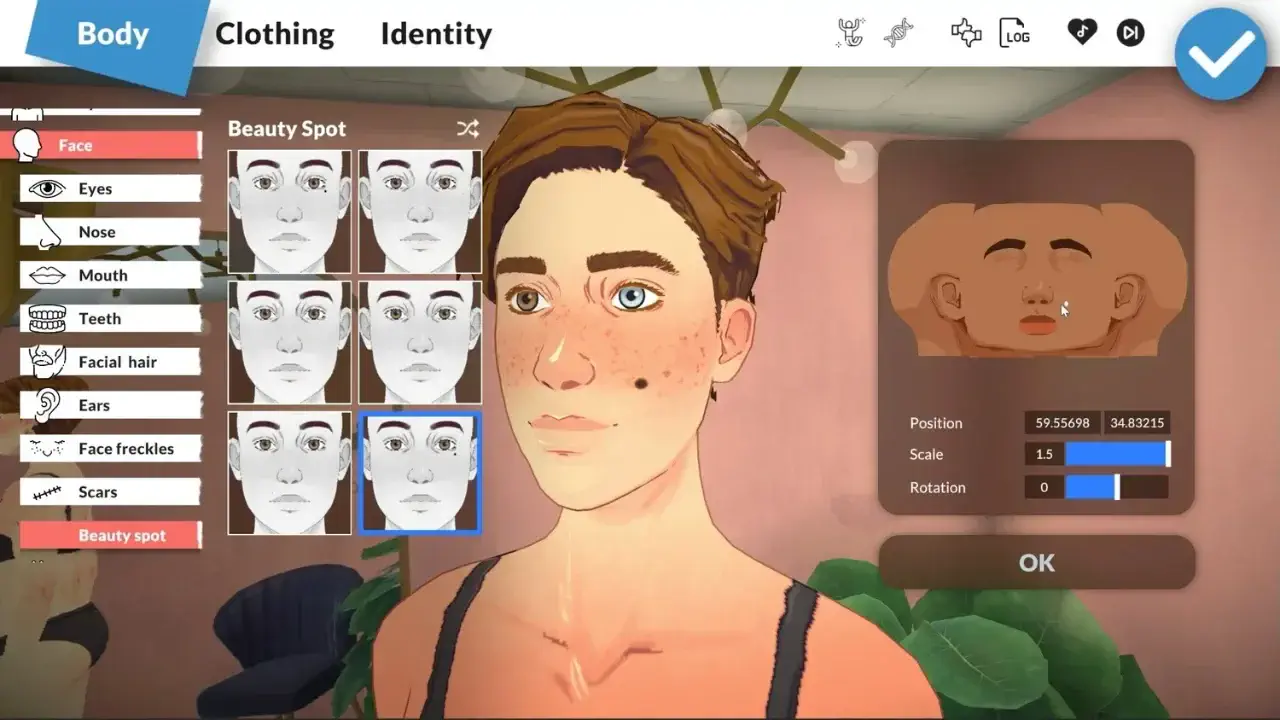
- 01
Curved walls
Walls bend along any arc, with no grid snapping. Round towers and curved facades work the same way as rectangles.
- 02
Free placement
Furniture rotates and resizes at any angle and any dimension. No snap-to-grid forcing a layout it does not want.
- 03
Continuous color
Every wall, floor and prop accepts a full color picker. The default swatches are a starting point, not a cage.
How to enter and exit build mode
Google's top Paralives build questions all start here. In live mode, press B or click the house icon (bottom-left) to toggle build mode. Press B again — or click the live-mode icon — to return to playing.
- 1From live mode, press B or tap the house icon in the bottom toolbar.
- 2The build toolbar appears across the top. Pick Walls, Floors, Stairs or any tool from there.
- 3When you are done, press B again or click the live-mode icon to exit back to playing.
- 4Build mode works on any owned lot. There is no separate free-build sandbox in Early Access — you edit the active household lot.
How to build a porch in Paralives
Porches feel impossible at first in Paralives — there's no grid, no porch-piece menu, no preset wrap-around tool. The trick is two systems working together: the foundation-height slider and the half-level floors. Pick one path or mix both. Either way, you get a porch the Sims 4 grid would never let you make.
Essential build mode hotkeys
The eight that carry most of a build session, straight from the same keybinding data as our full controls reference — so they cannot drift out of sync with the game.
What sets it apart
Half-levels
Split a single story into mezzanines or sunken living rooms. Stairs route automatically; railings adopt the slope.
Continuous color
Hue, saturation, lightness and a small set of material presets per object. The default swatches are a starting point, not a cage.
Always-daylight mode
Optional toggle that locks lighting at midday so you can judge colors and contrast while building. Workshop ships expanded versions of this.
Workshop integration
Builds upload to Workshop with one click. Downloaders can browse rooms before committing to a whole house, and your color picks ship with the build.
Build budget calculator & house-needs checklist
Before you place a single wall, size the spend. Pick your layout and finish level for a Paradimes estimate, copy the SETMONEY cheat to fund it, and check the needs list so no Para ends up without a fridge or a toilet.
Build mode tutorials
Deep-dive guides for specific build techniques. Each tutorial walks every step with tips and common mistakes.
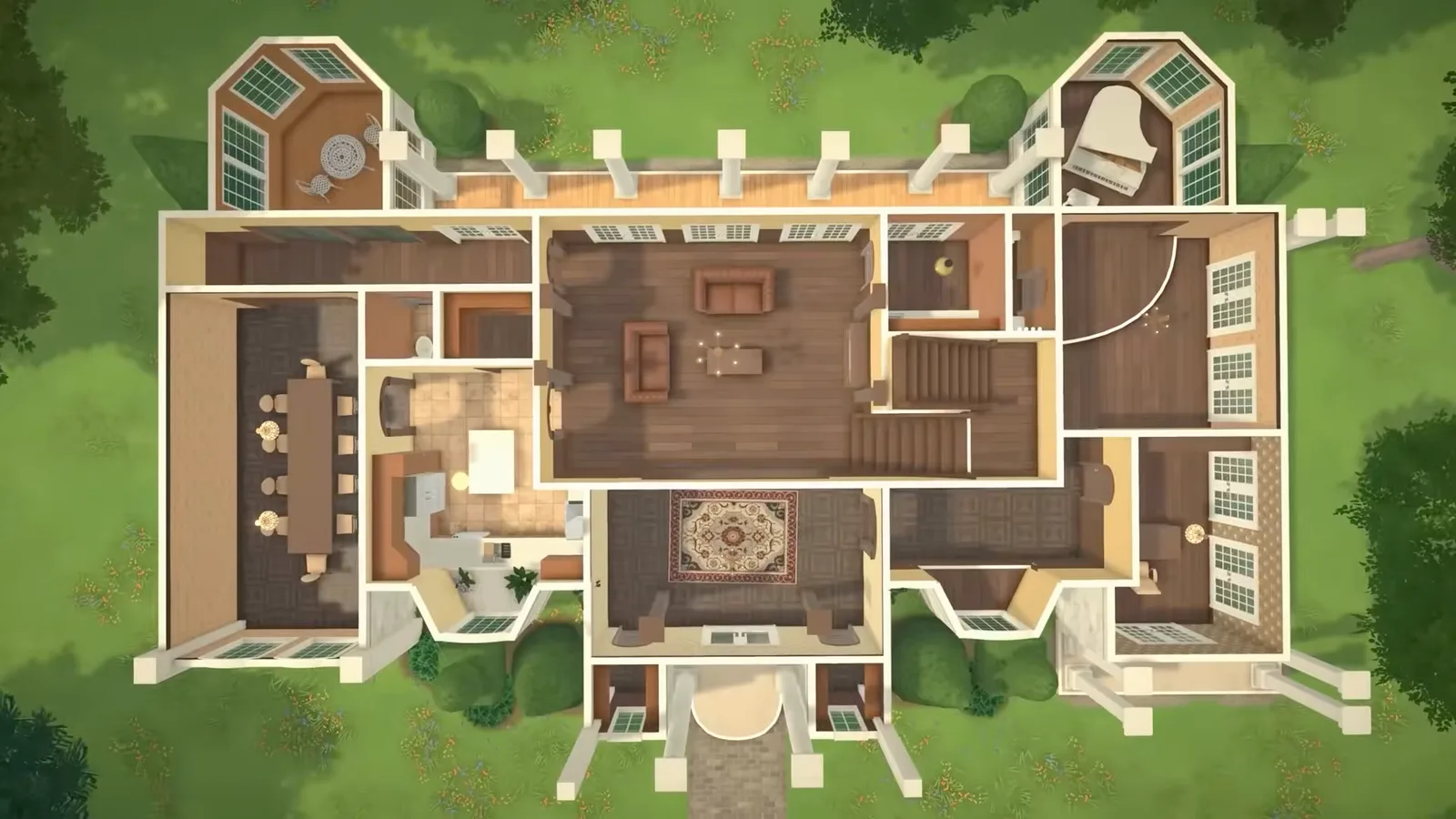
Seventeen illustrated steps from an empty lot to a saved house — settings, walls, foundations, roof and terrain.
Build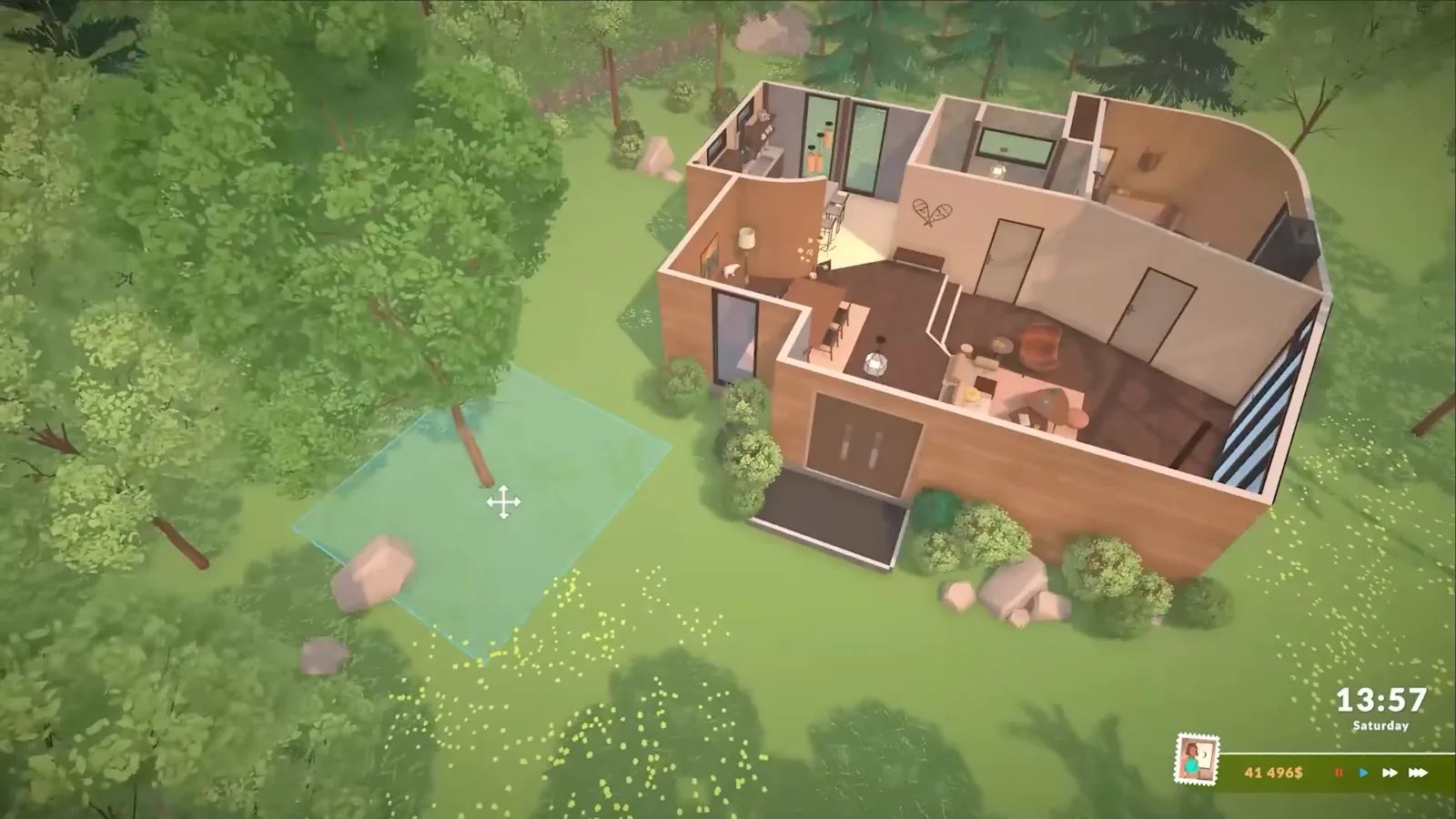
Eleven illustrated steps from an empty lot to a move-in-ready house — footprint, roof, openings and the fridge-bed-toilet essentials.
Build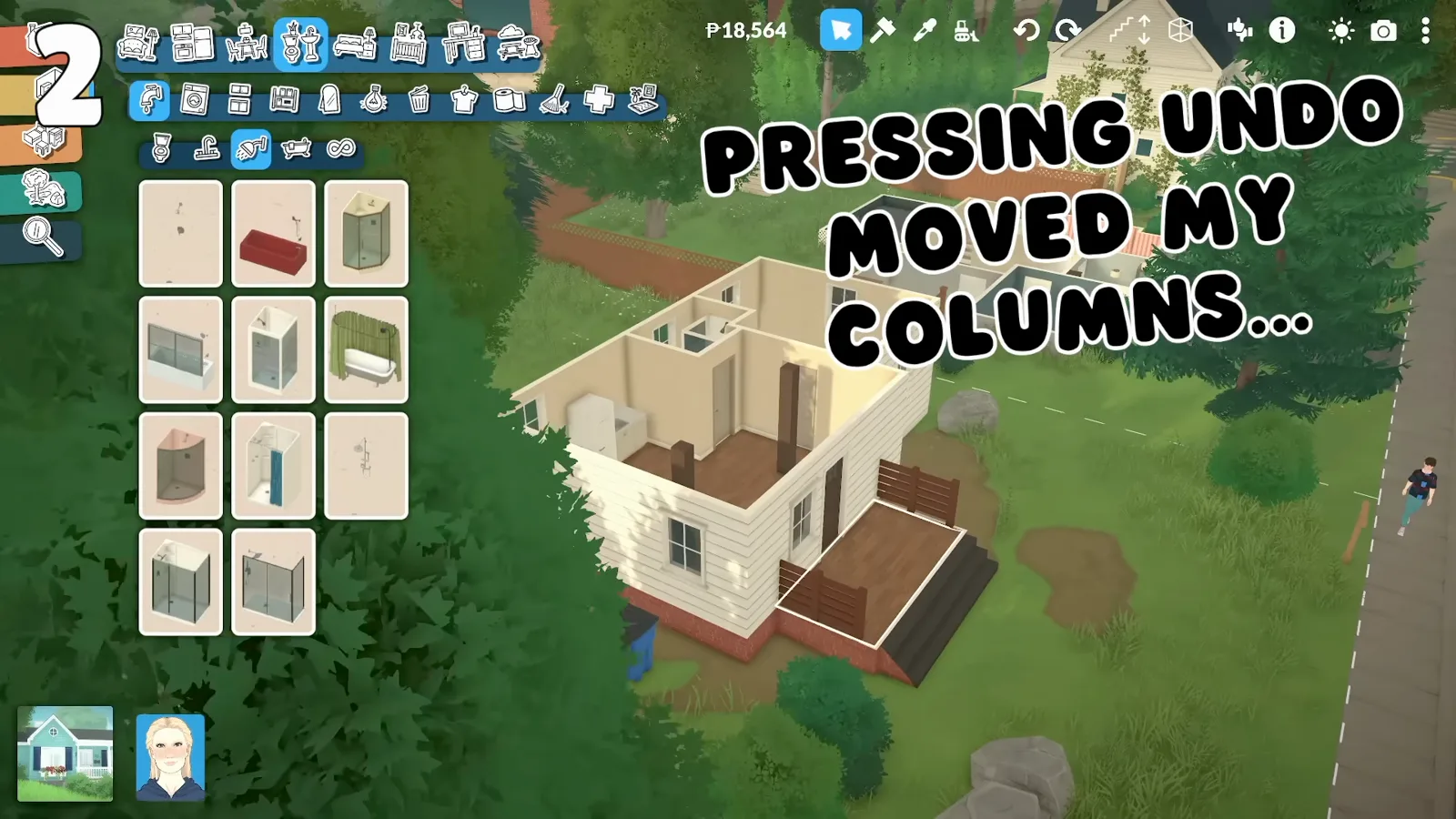
The tricks that save a rebuild: same-height cloning, resize limits and copying colour codes.
Build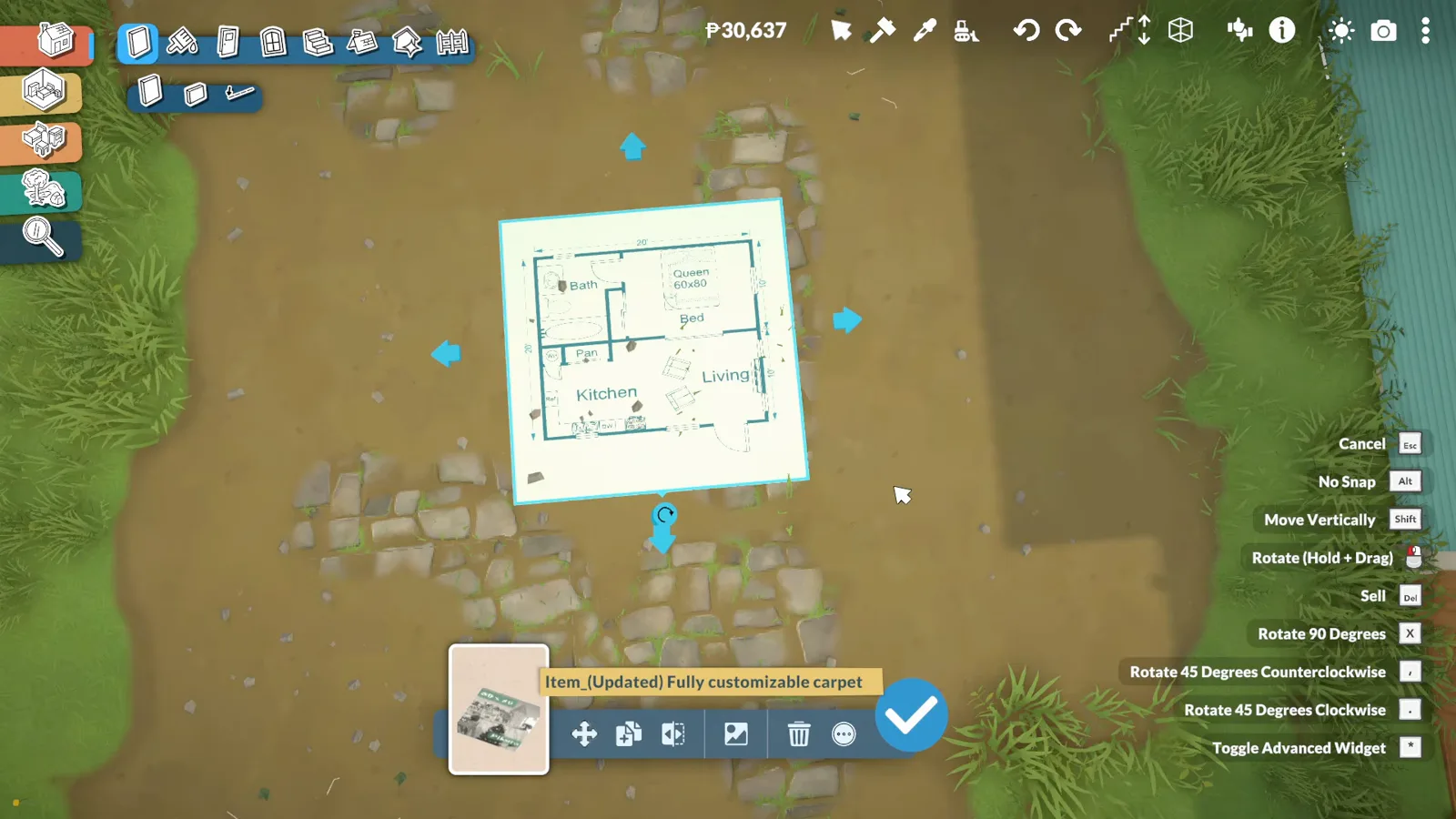
Show a real blueprint on your lot with a Workshop rug and trace the walls straight over it.
Build
Sixteen illustrated steps to a kitchen that cooks: cupboard formats, counter sinks, tucked appliances, the induction fix and a tile line that stops at the counters.
Build
Room-by-room interiors: built-ins from reshaped shelves, focal walls, a half-wall headboard and a glass roof that drains.
Build
A preset house turned cottagecore: greenhouse from windows, arched reading nook, uploaded tile posters and combined furniture.
Build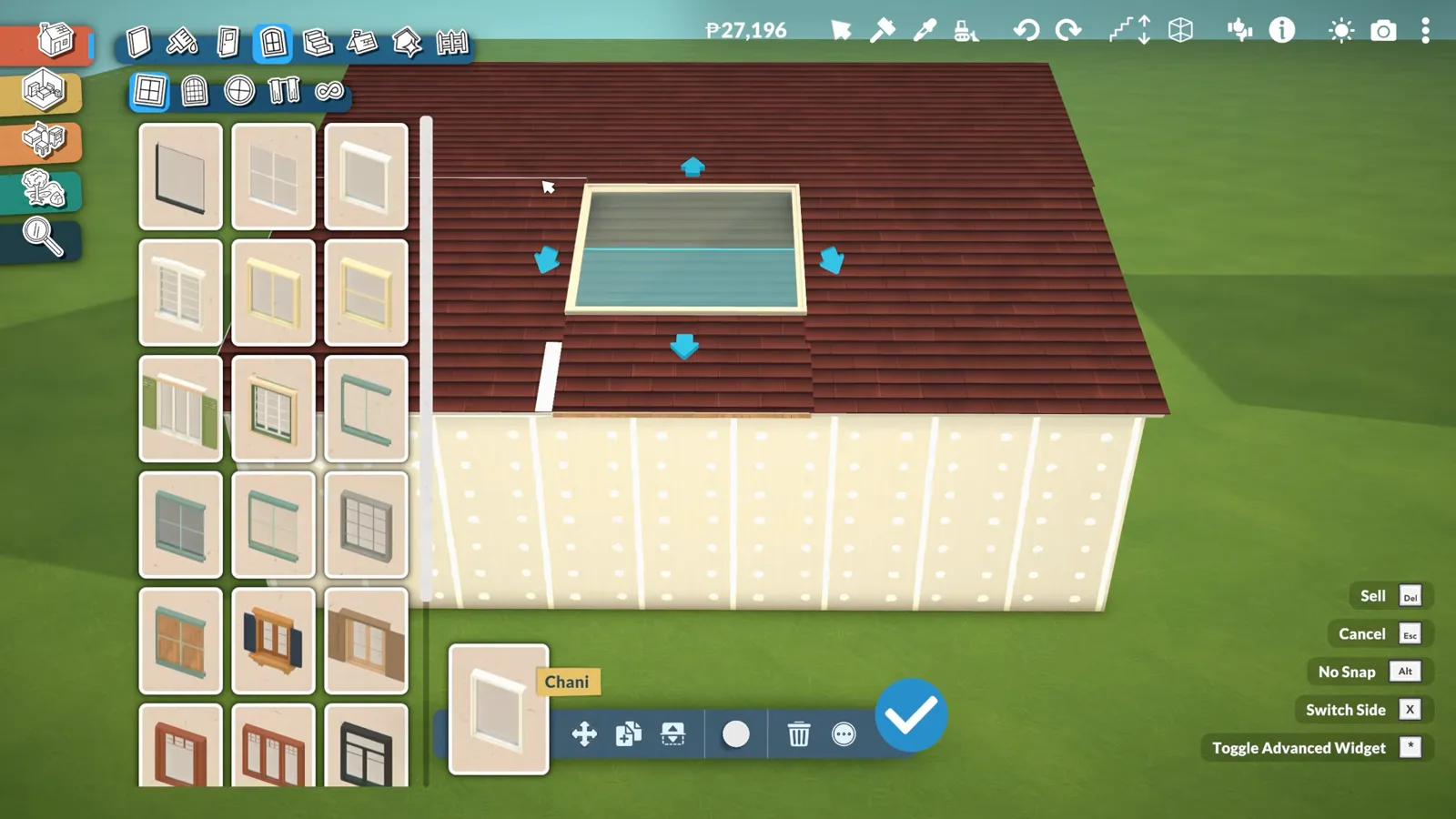
Why Paralives ceilings vanish, how the separator tool restores them, and two skylight builds with every frame verified.
Build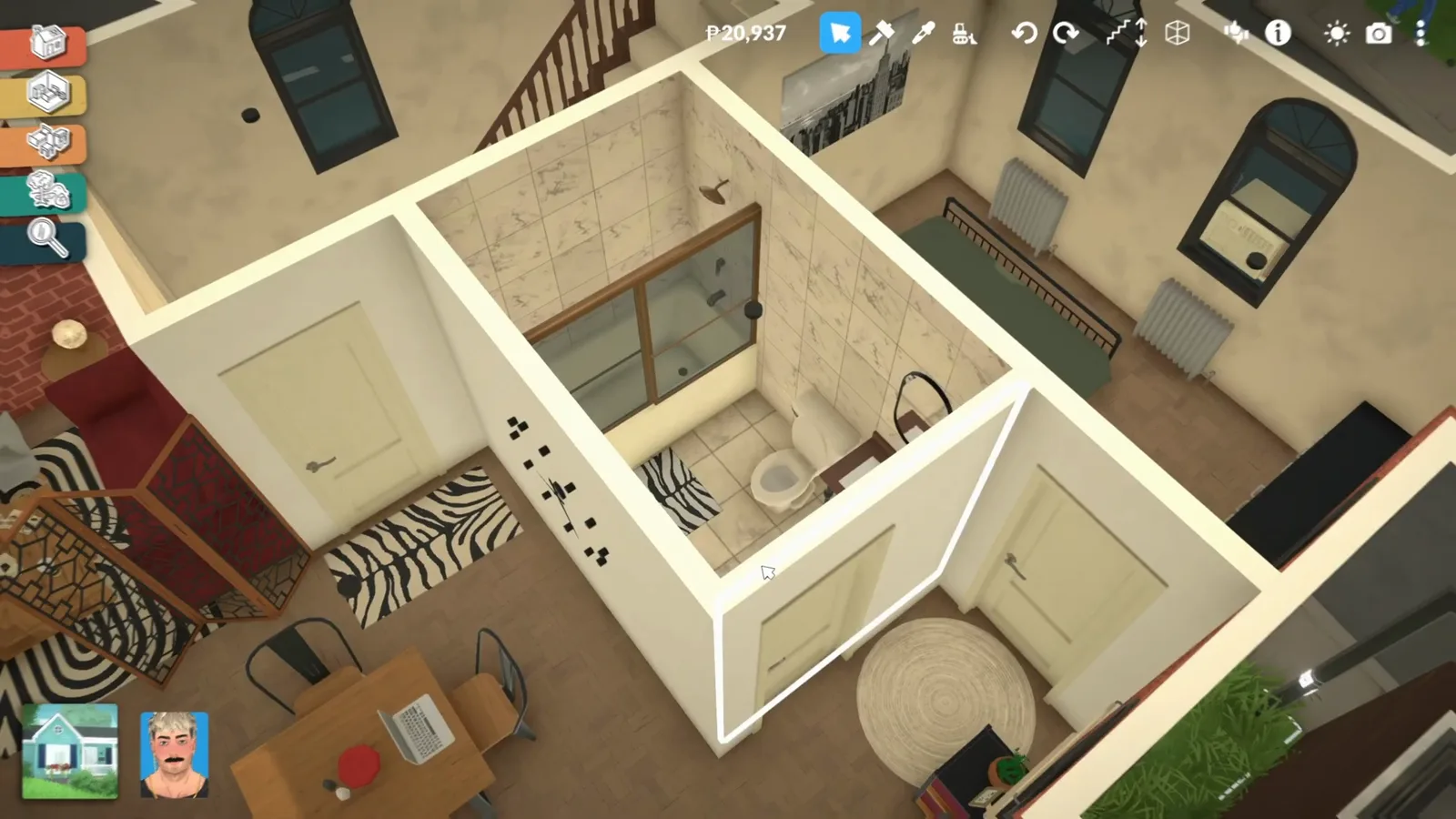
Shower placement that clears the toilet, towel-rack tricks and the Toiletries clutter that sells the room.
Build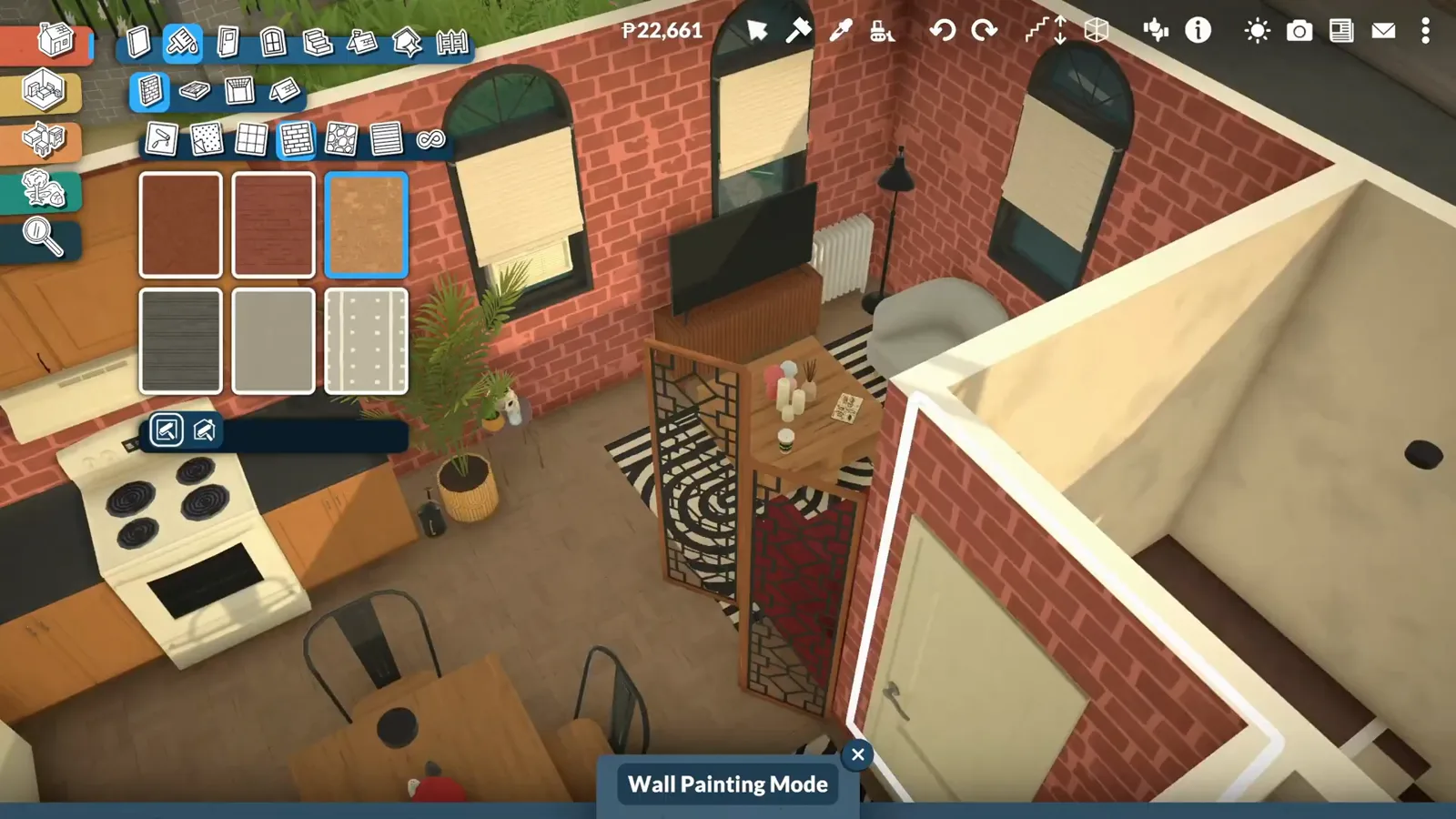
Sofa modules, wood-grain mixing, curtain light control and the interior brick wall that makes a loft.
Build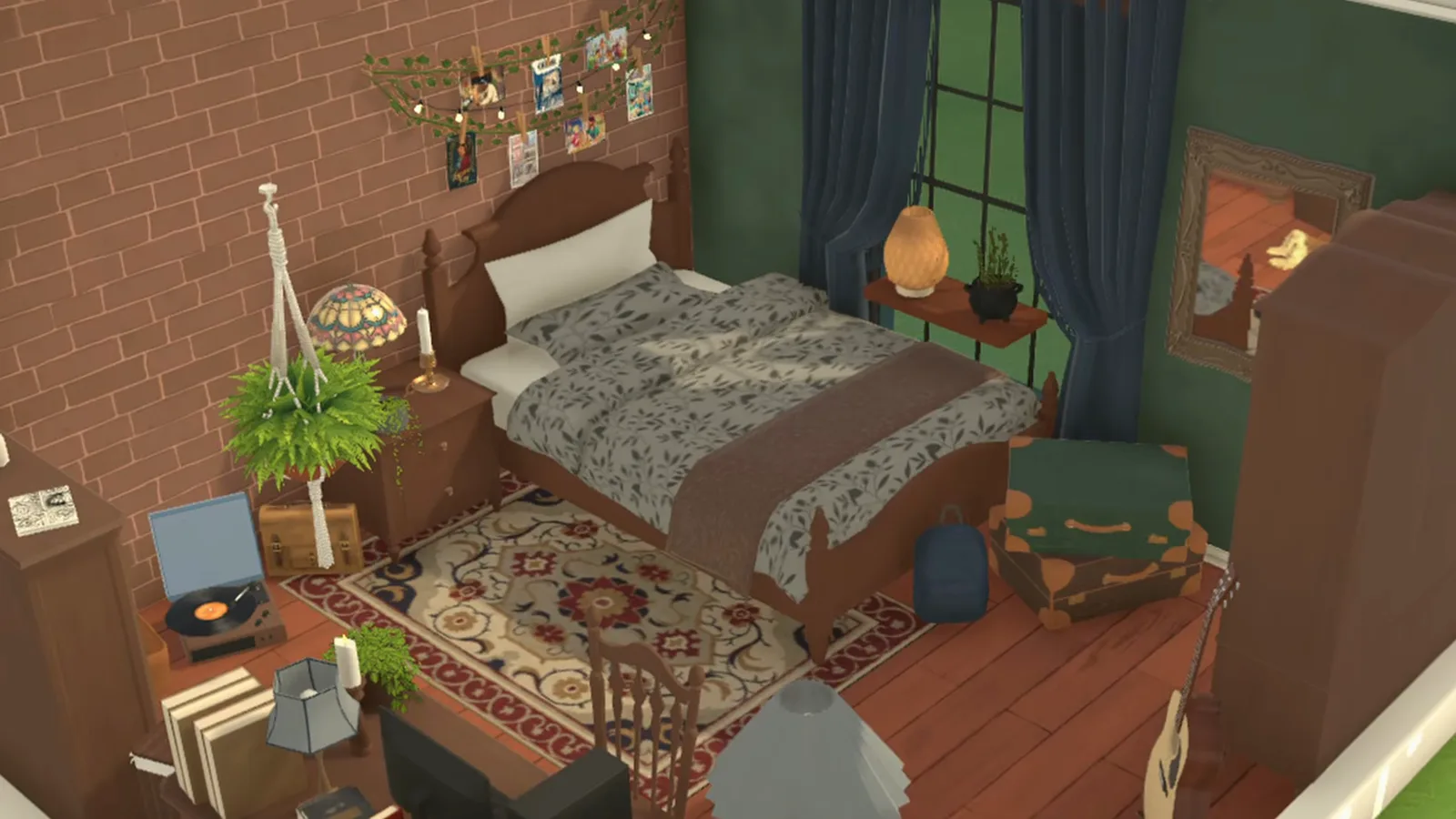
Green walls, a four-poster bed recolored part by part, a photo-garland headboard and a study corner — a full bedroom makeover in 14 steps.
Build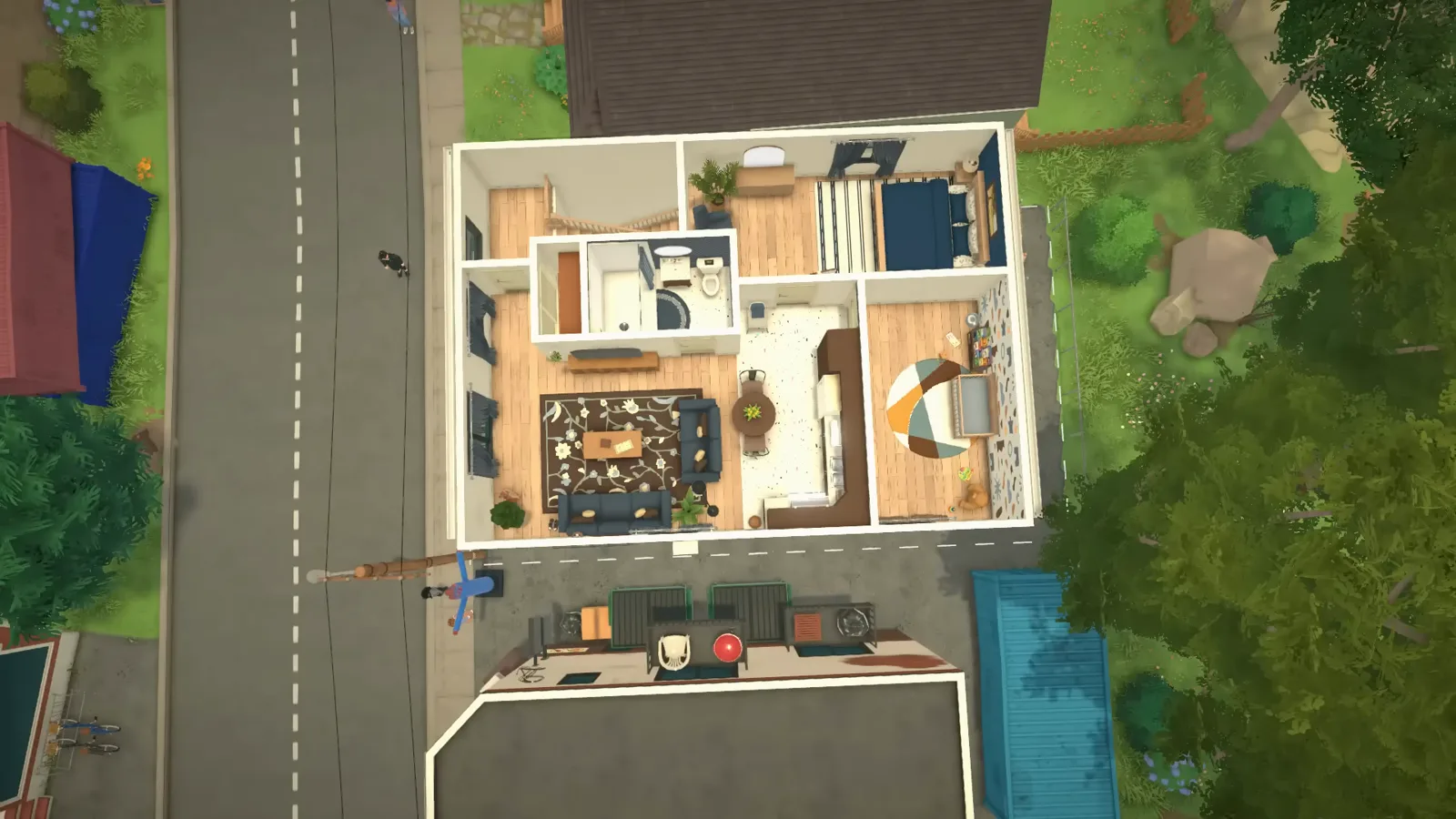
Turn a preset single-home lot into a family apartment — open kitchen-living zone, resized cabinets, a compact shower and a nursery with a shapes mural.
Build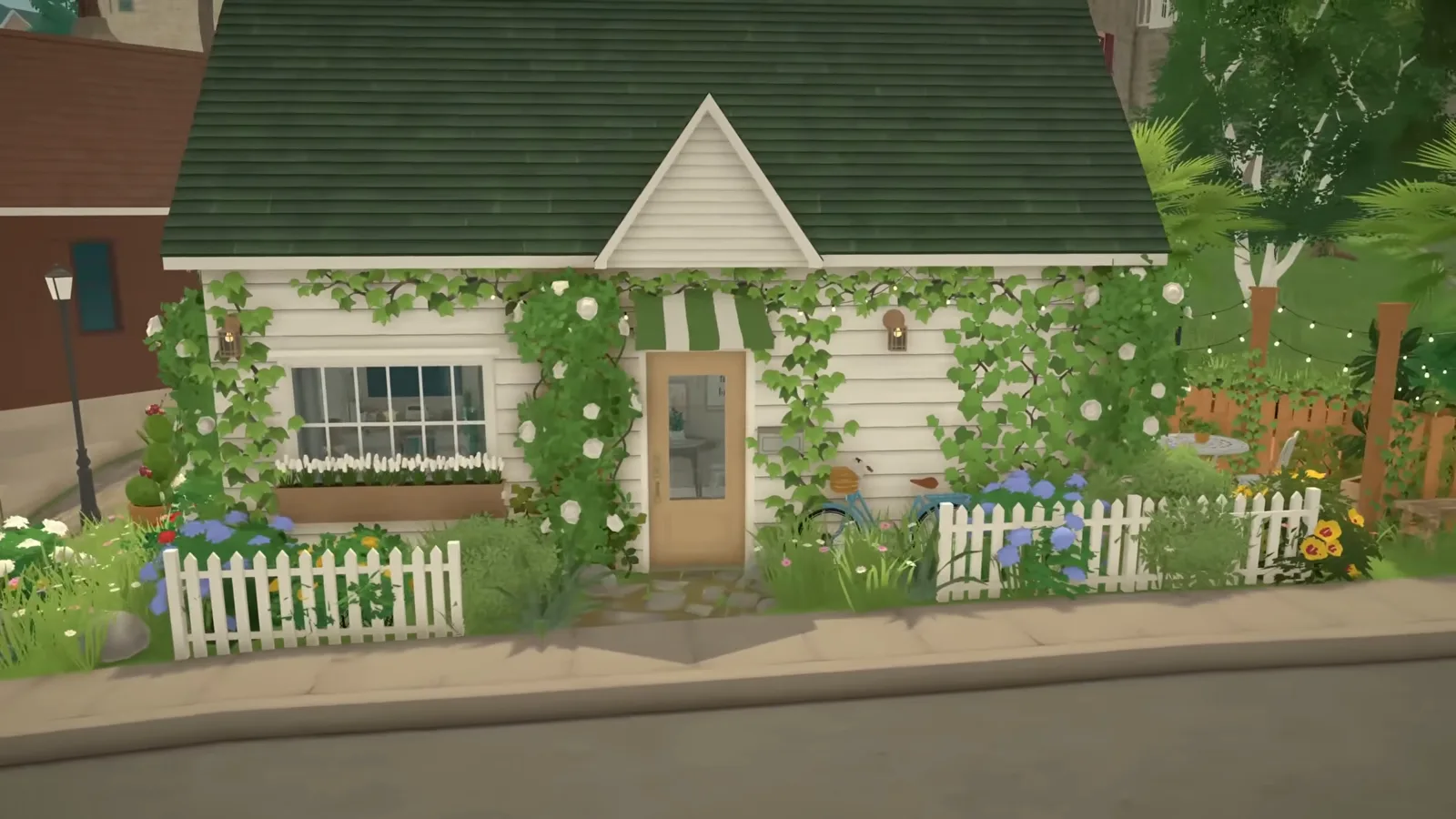
A micro home on a wedge lot — ghost walls on a curve, a bed in a shelf niche, a one-wall kitchen and a picket-fence garden in the space left over.
Build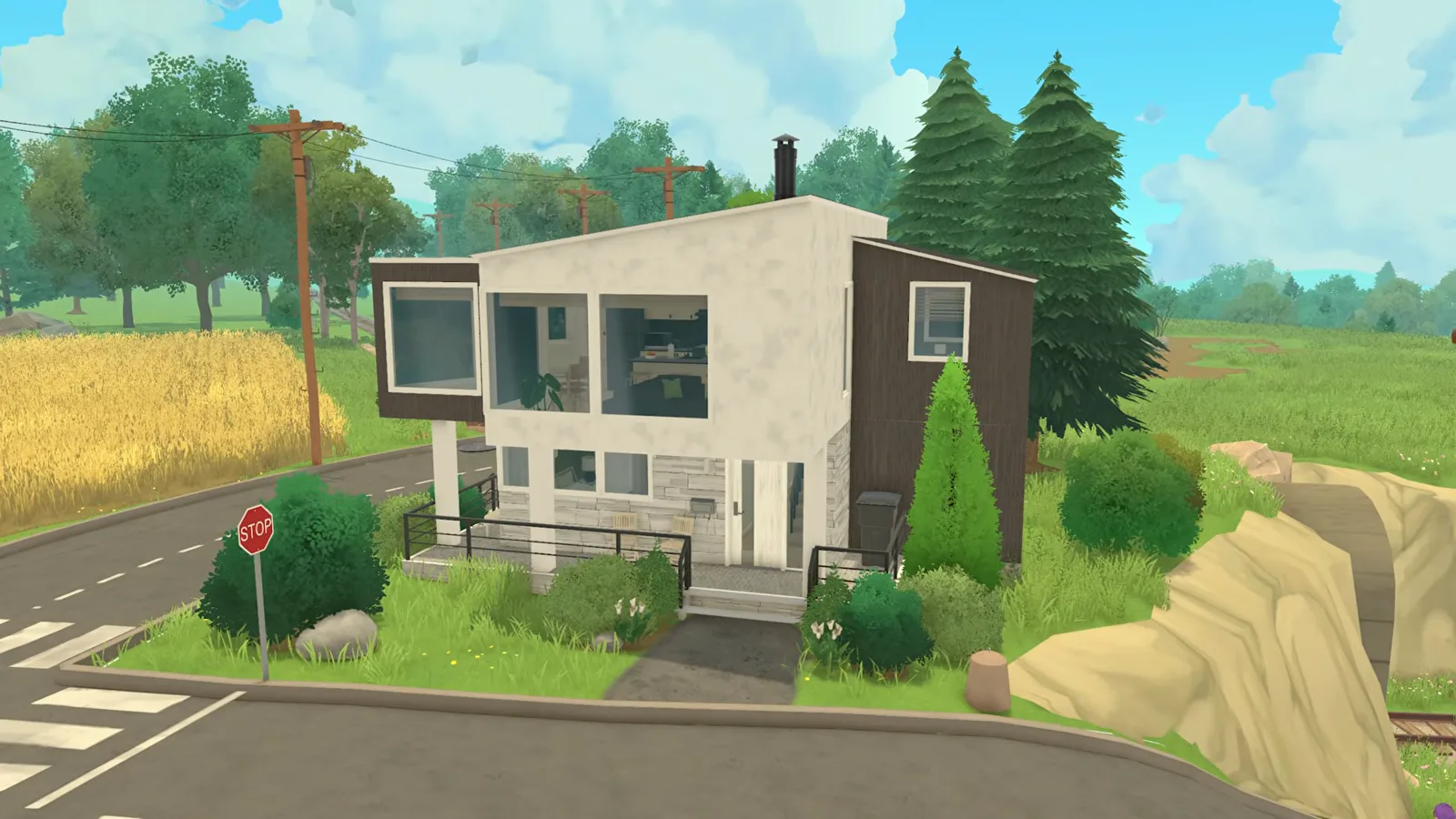
A compact modern build from a terrain mound up — freeform walls, adjustable roof angles, resized windows and cabinets, an island kitchen and a painted yard.
Build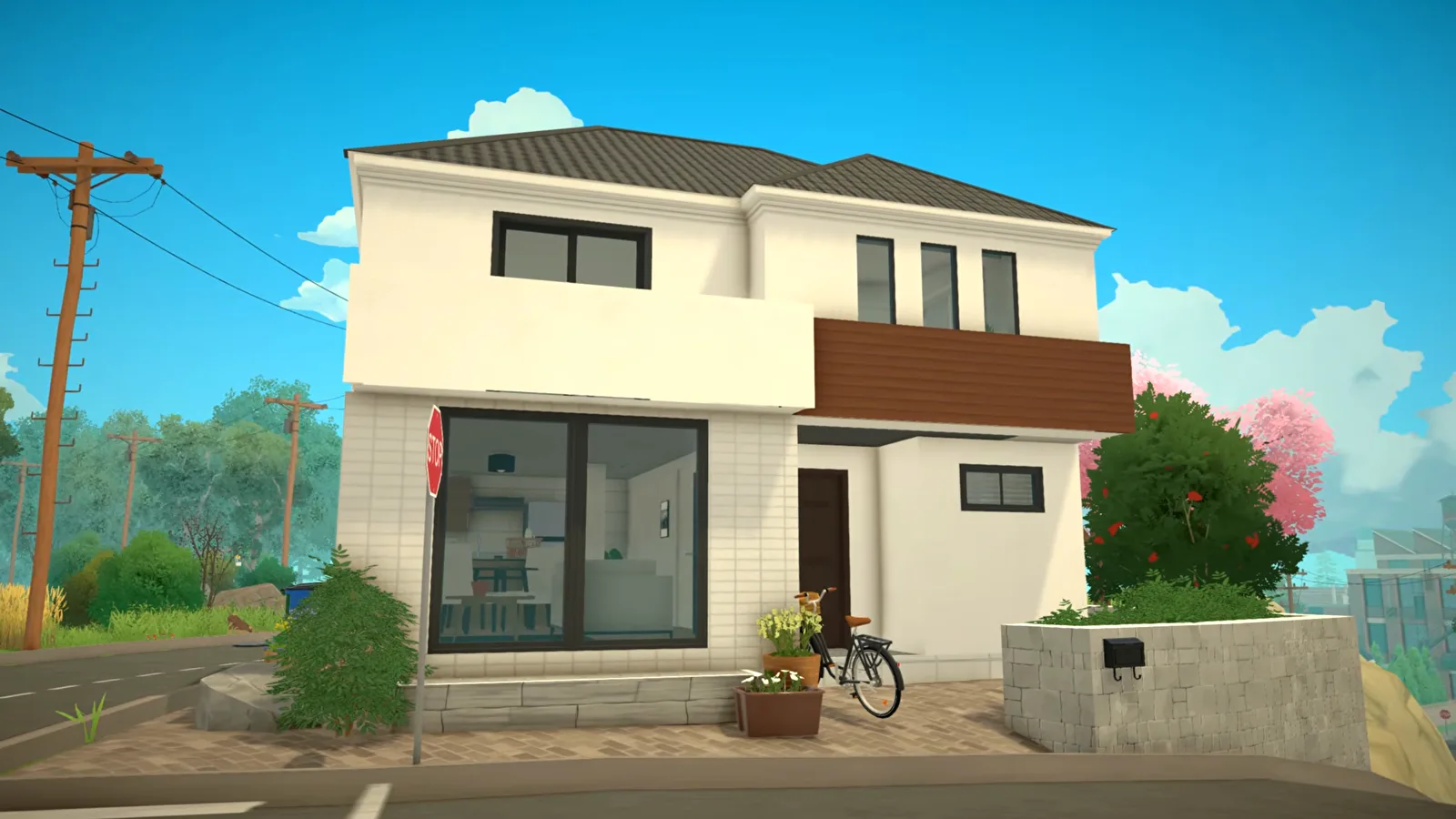
A Japanese family home step by step — hip roof with painted edges, multi-panel windows as sliding doors, a three-room bathroom, LDK zoning and a genkan entry.
Build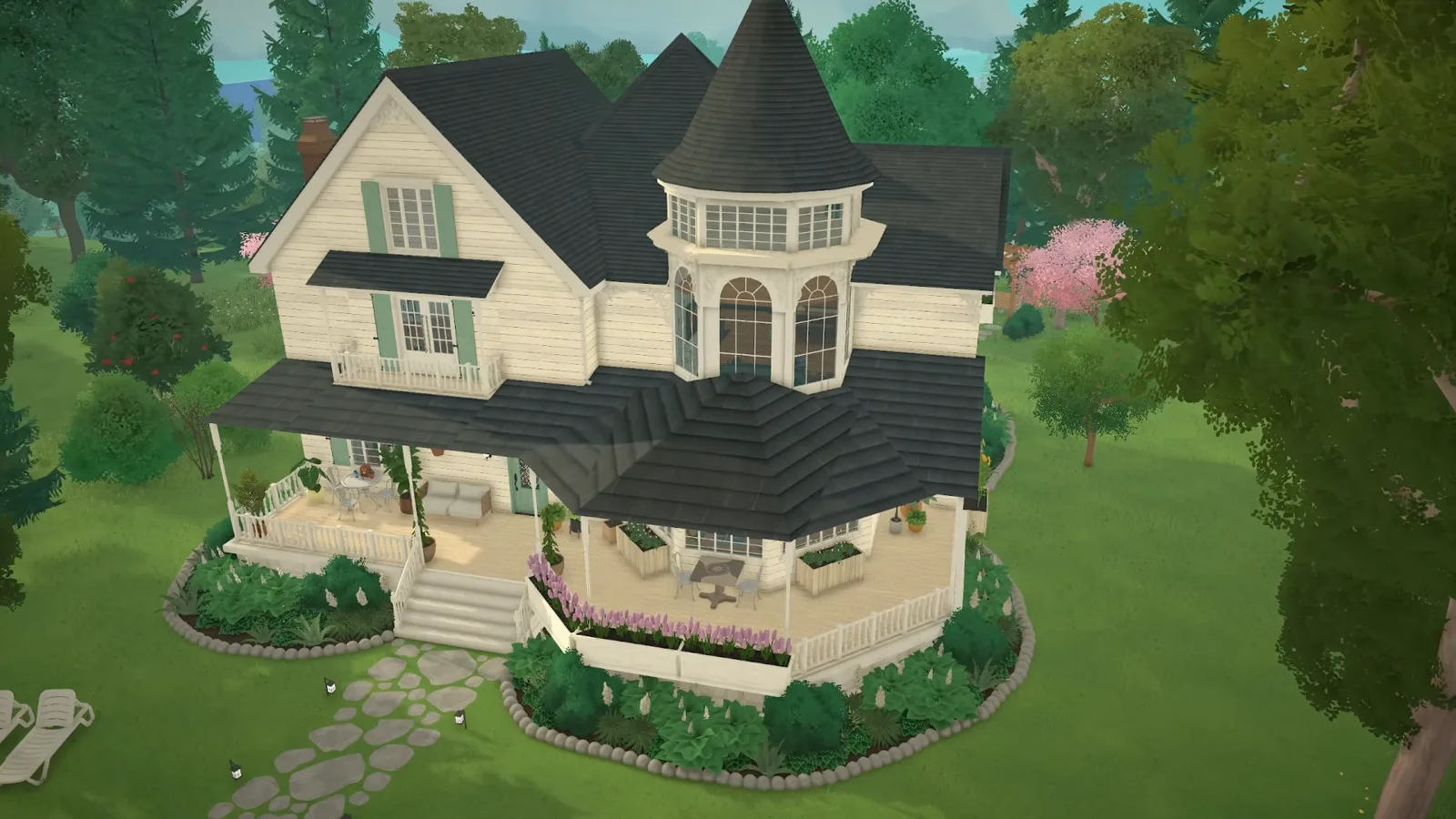
A Victorian family home speed build — ornate roofline, bay-window protrusions, period colour palette and a veranda wraparound, every step illustrated.
Build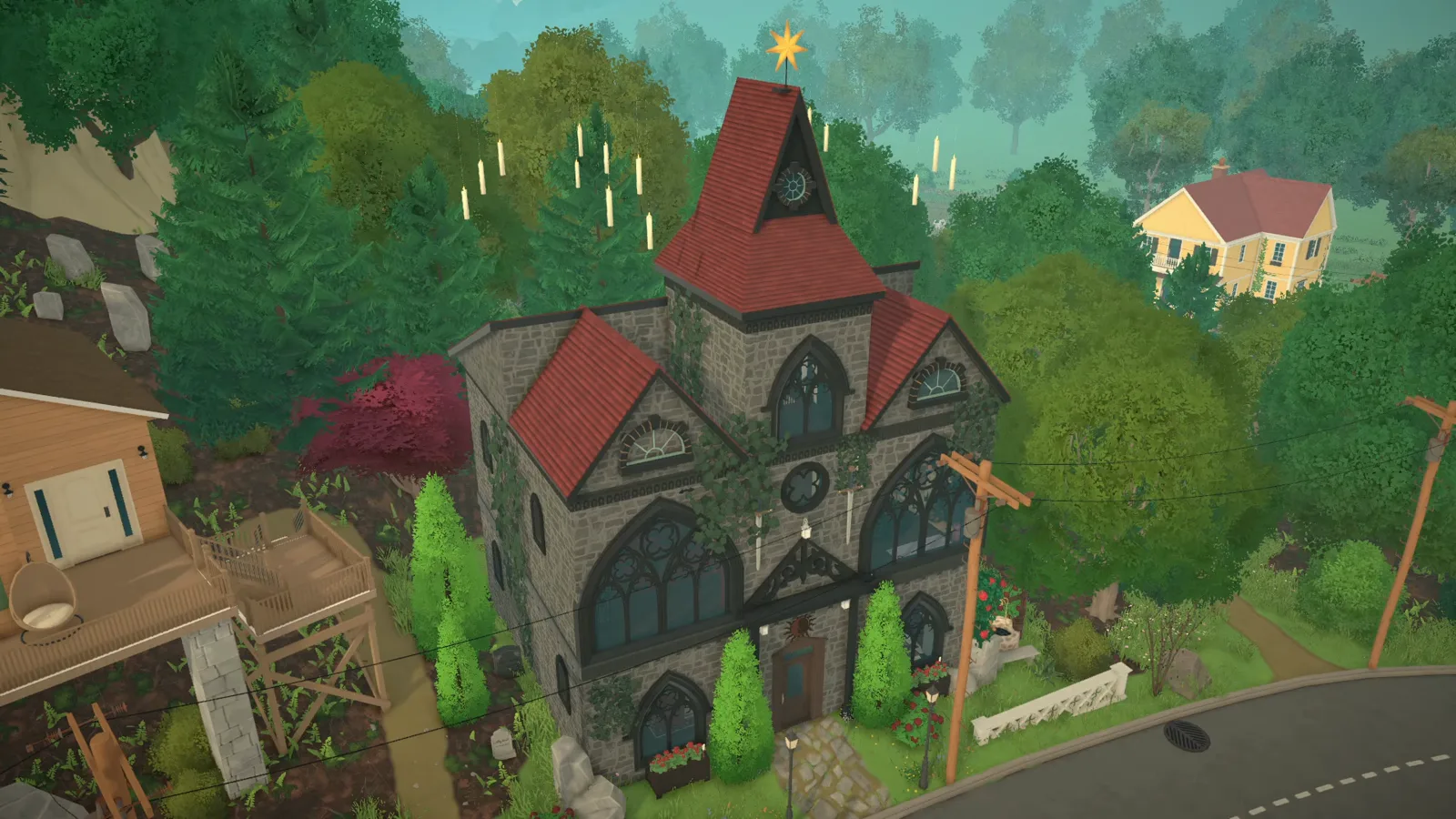
A gothic renovated church build — raised terrain, grey stone walls, pointed-arch windows, a spire and a candle-lit night interior, every step illustrated.
Build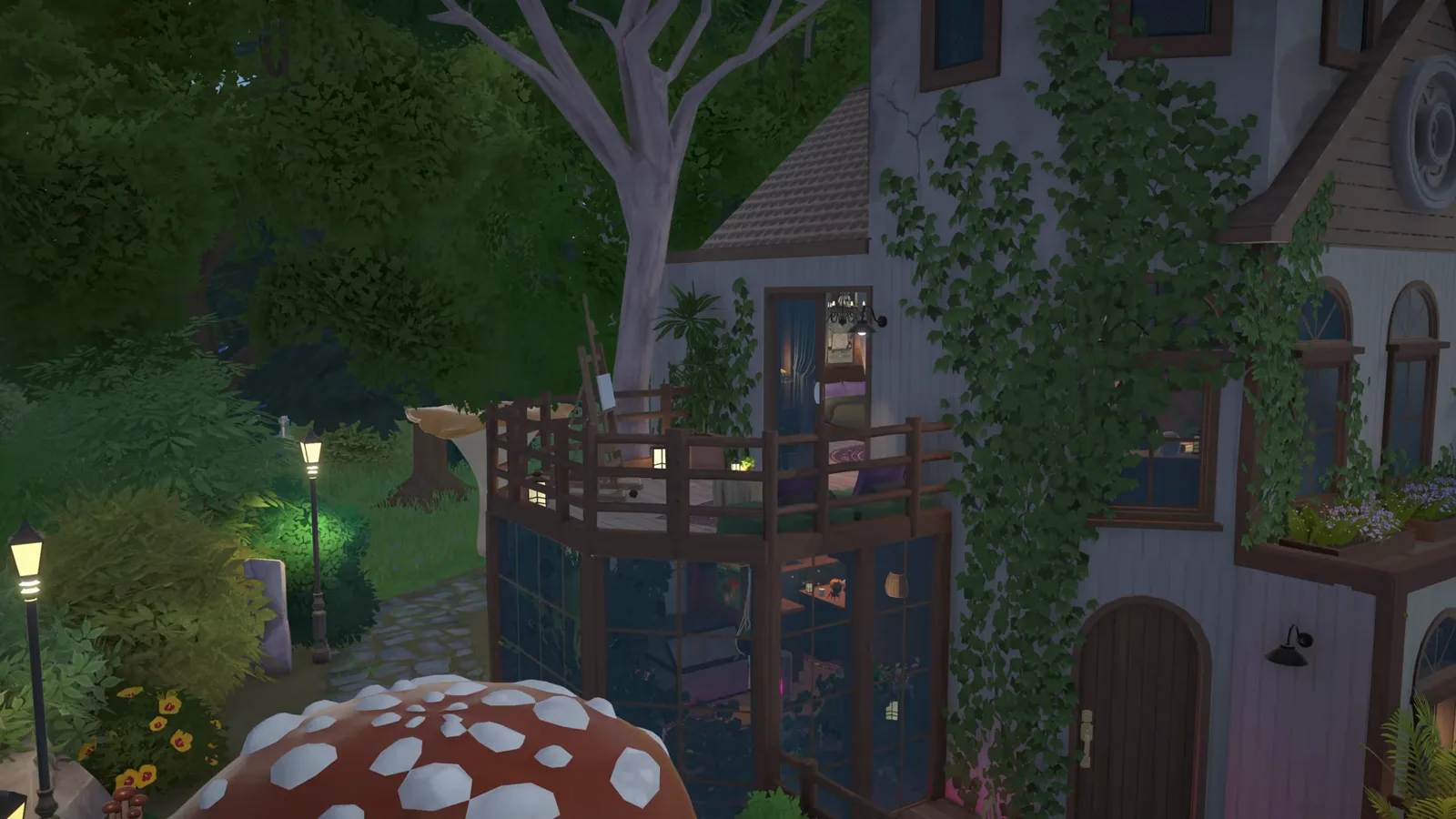
A witch cottage and potion shop — freeform timber shell, conical tower roof, climbing ivy, a potion corner and a secret cauldron room.
Build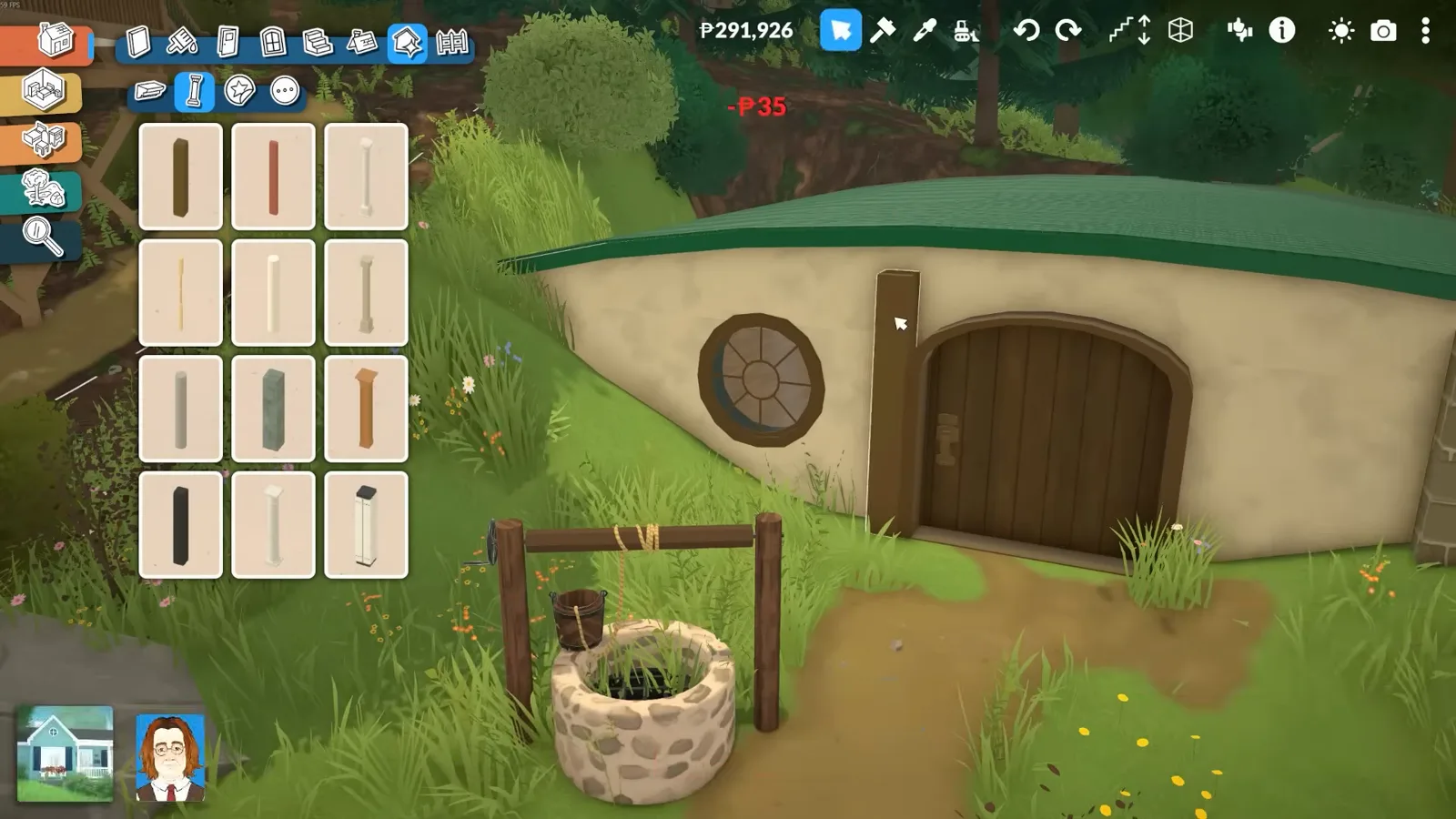
A cozy hole in a hill — raised terrain, a round-window door trick, a painted rock roof, curved interior walls and a flower-farm garden.
Build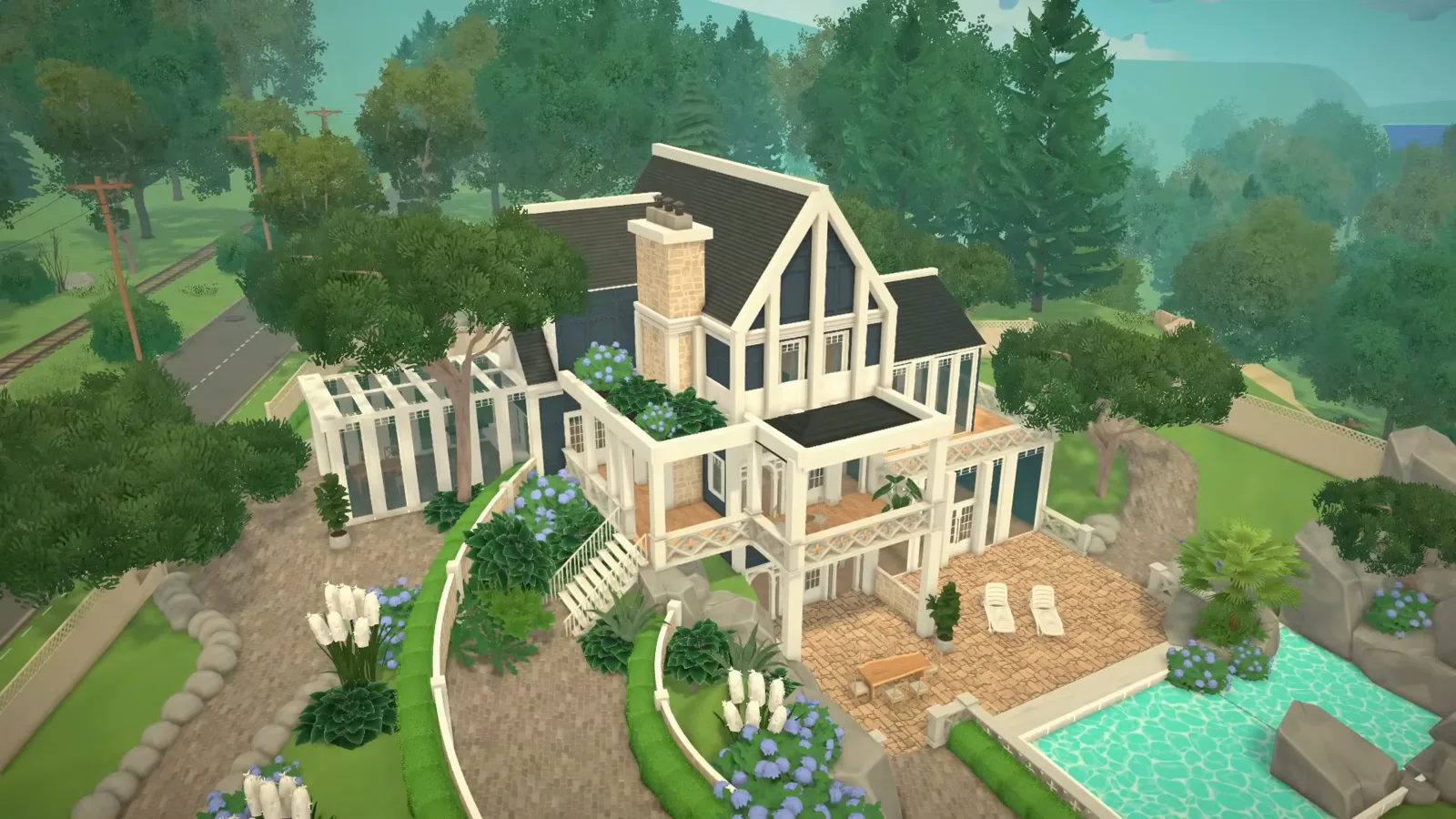
A walkout-basement mansion build — terrain tools, free-height walls, curved garden walls and a fake pool, in 16 steps.
Build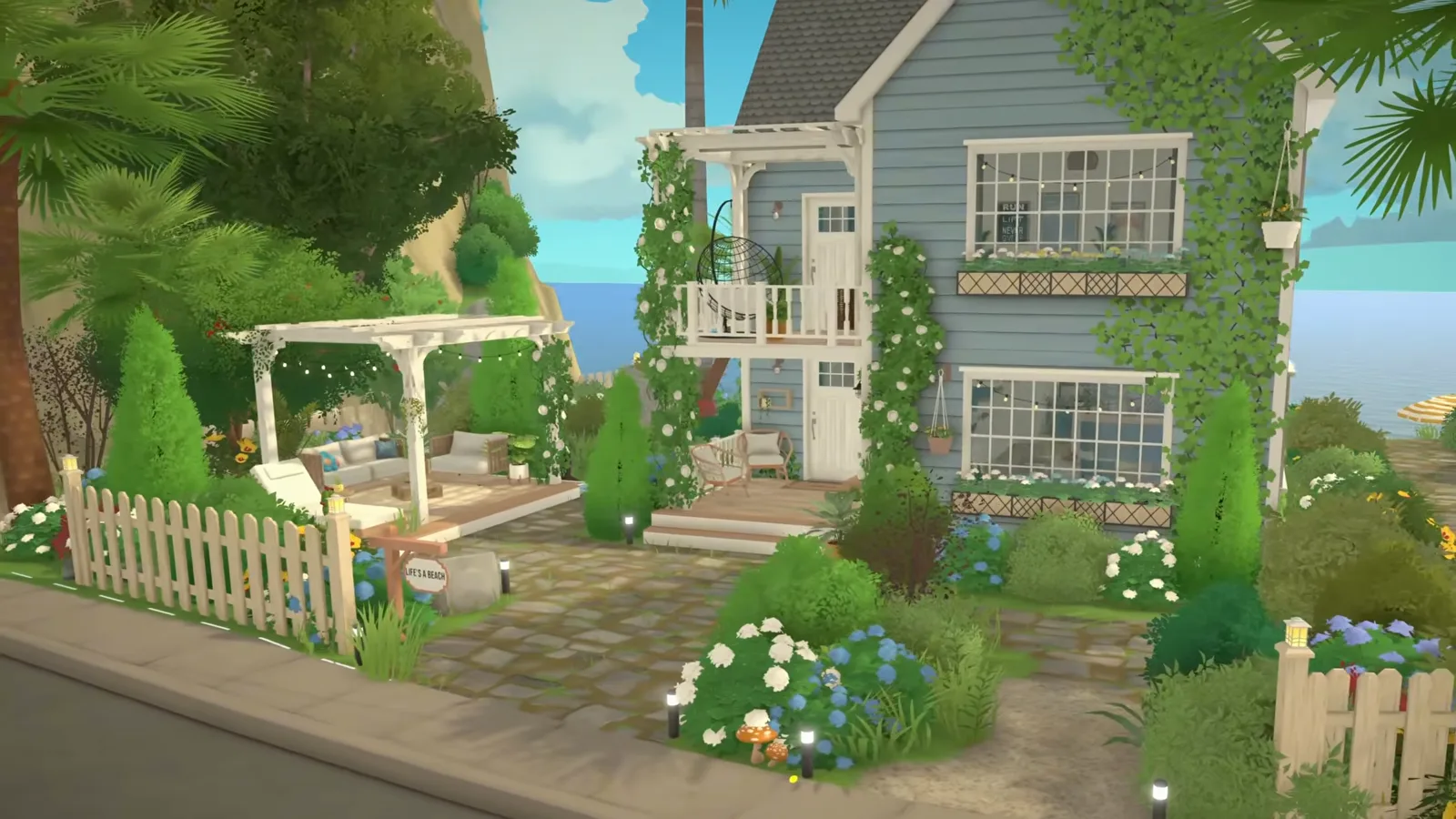
A two-source coastal build — cliff-lot siting, flat roofs, timber screens and a Mediterranean-style kitchen, in 16 steps.
Build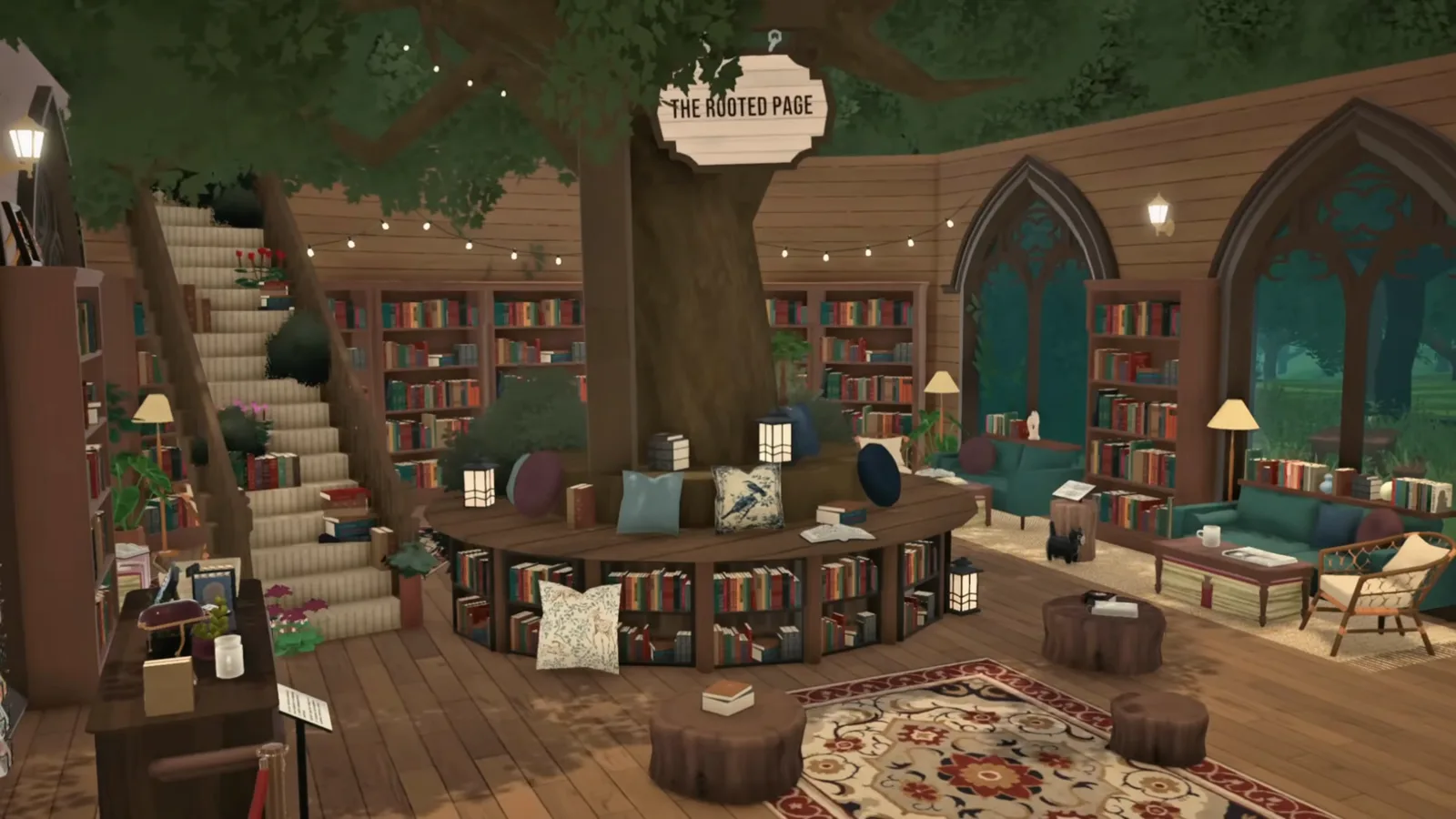
Build around a living tree — curved walls hugging the trunk, a squashed-staircase ladder and a bush canopy roof.
Build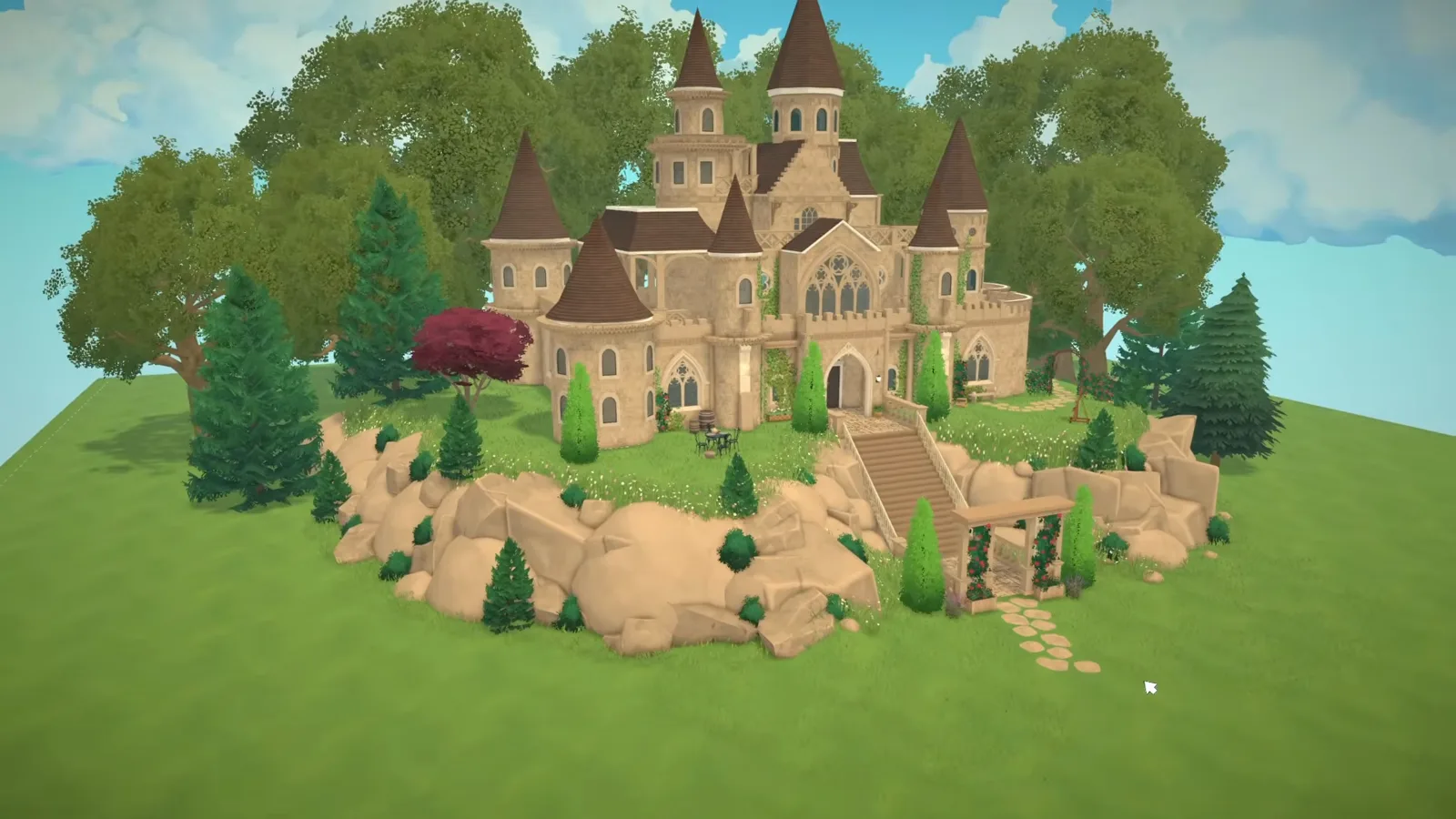
A fortress in sixteen steps — round tower drums and a curtain wall, crenellated battlements, conical tower roofs and a moat cut with the terrain height tools.
Build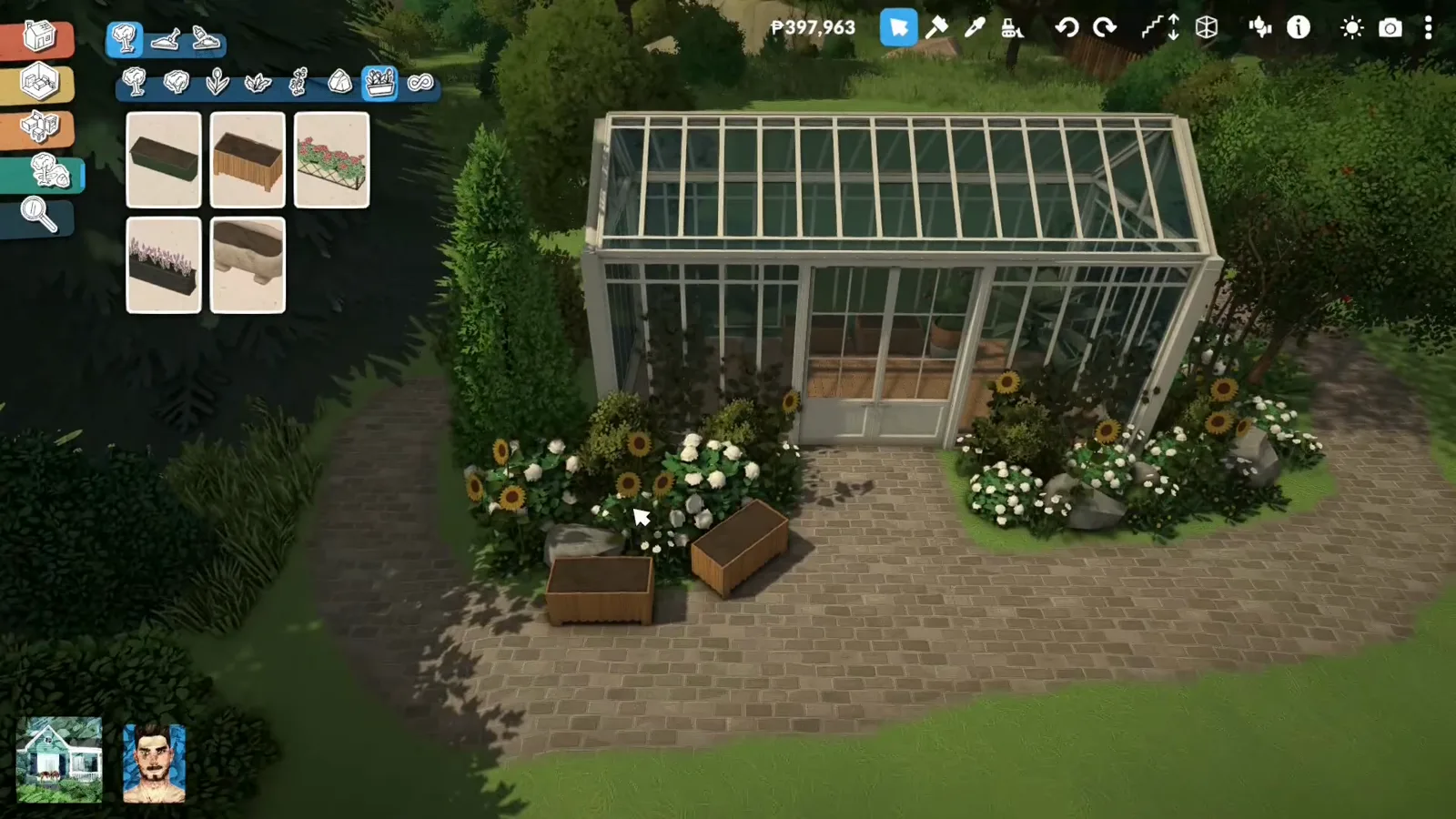
All glass without a mod — window pieces for the walls, window rows down both roof pitches, shaped panes for the gable and a glazed sunroom wing.
Build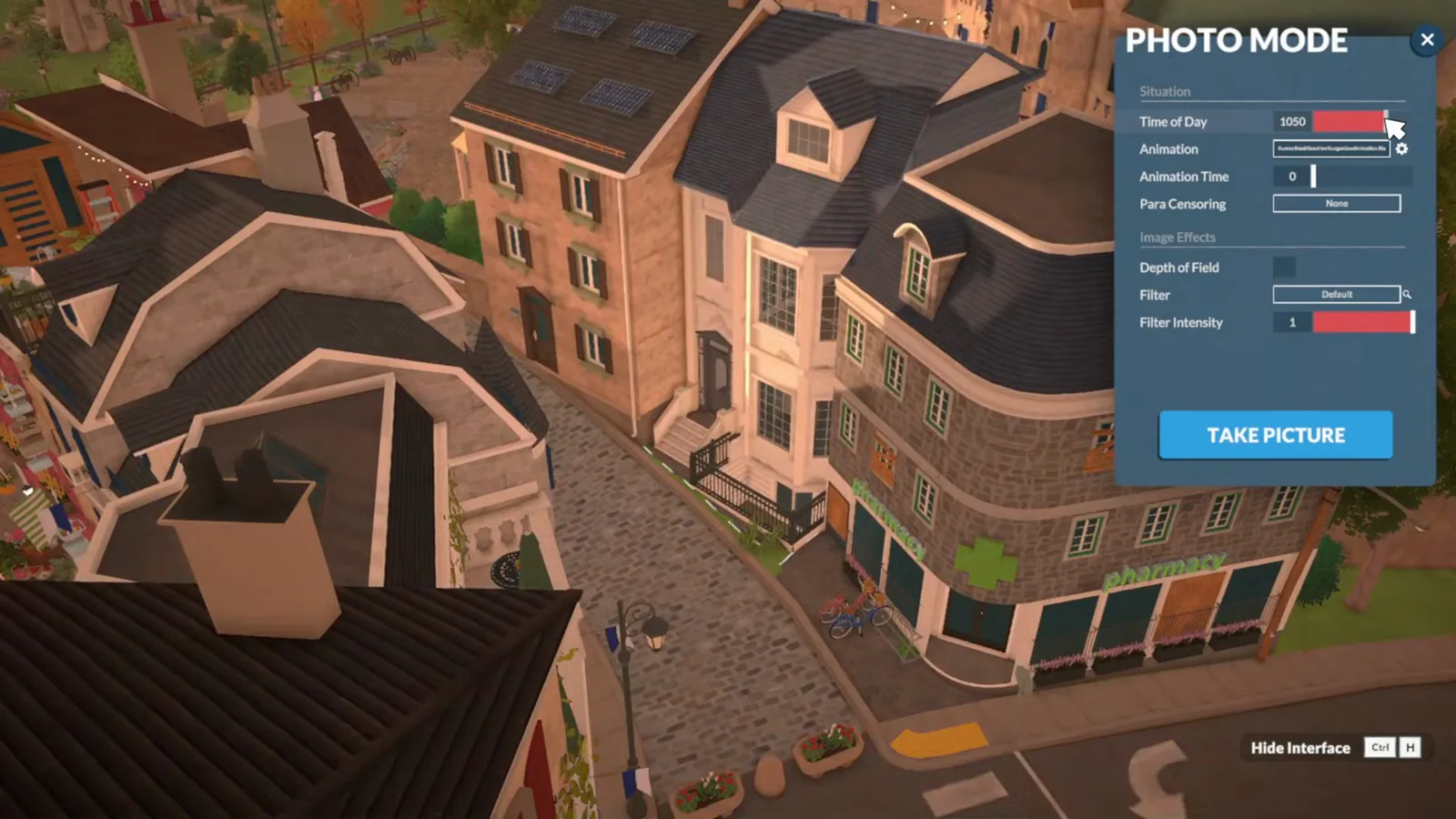
A terraced home on a narrow lot — shell laid out footprint-first, floors stacked and joined by space-saving stairs, a moulded bay window and a mansard roof.
Build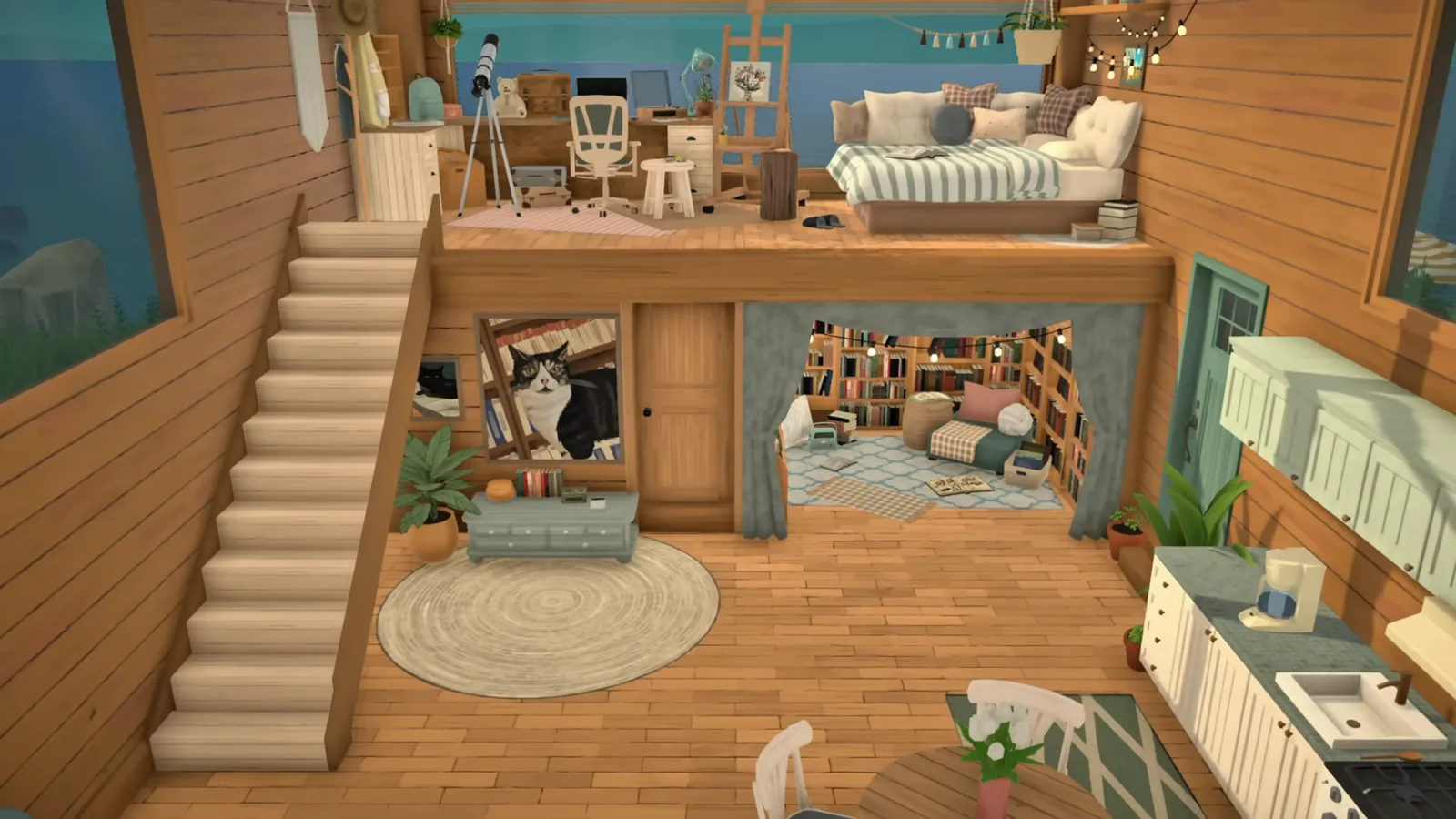
A raised half-floor that doubles the floor plan — platform sections, stairs into the mezzanine, a daybed bedroom and studio on top, storage and a reading nook underneath.
Build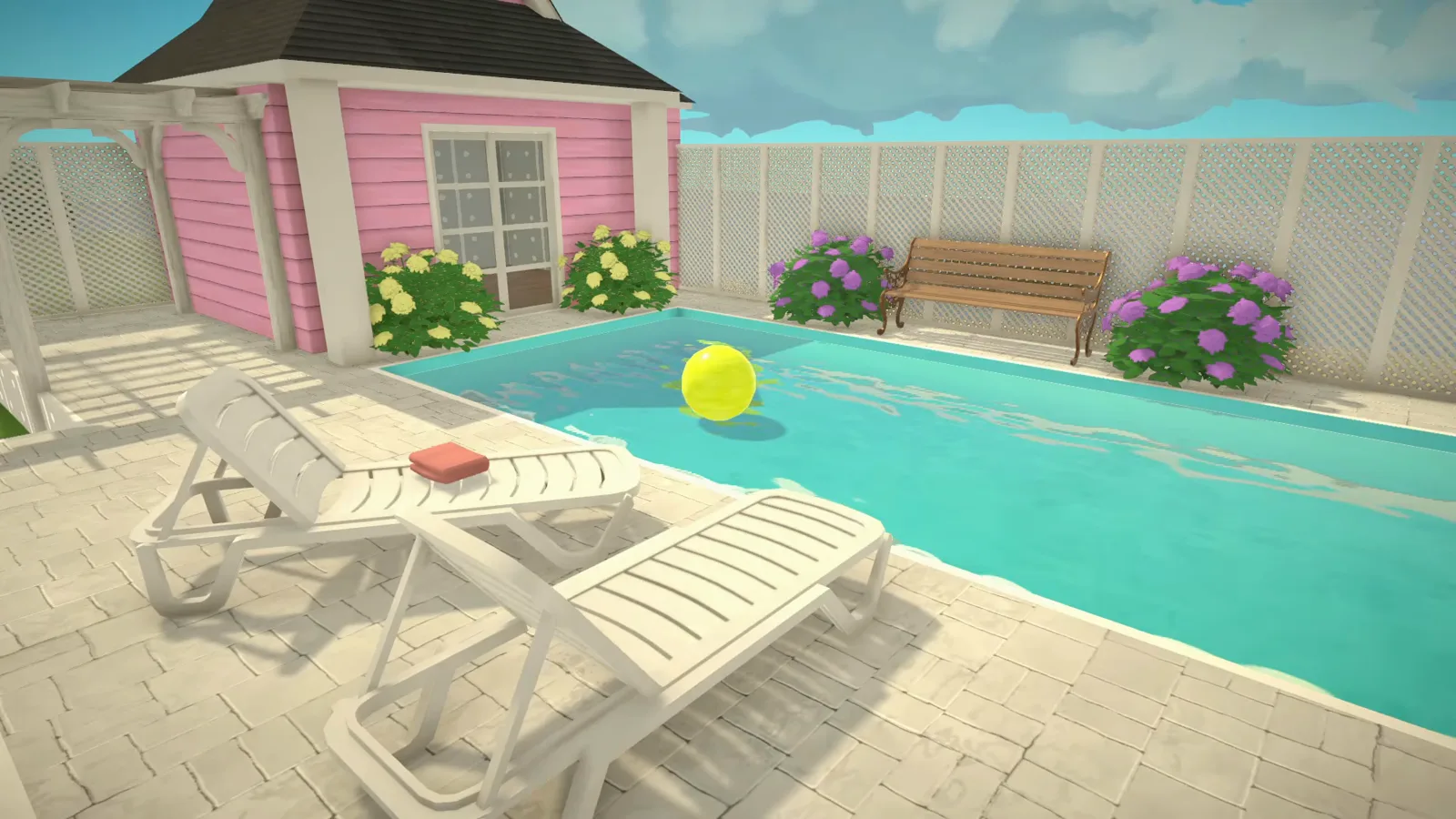
Pools and ponds in a game with no water tool — wall-built shells with painted bottoms, the Workshop water-surface object, a terrain-dug pond and no-mod fake water.
Build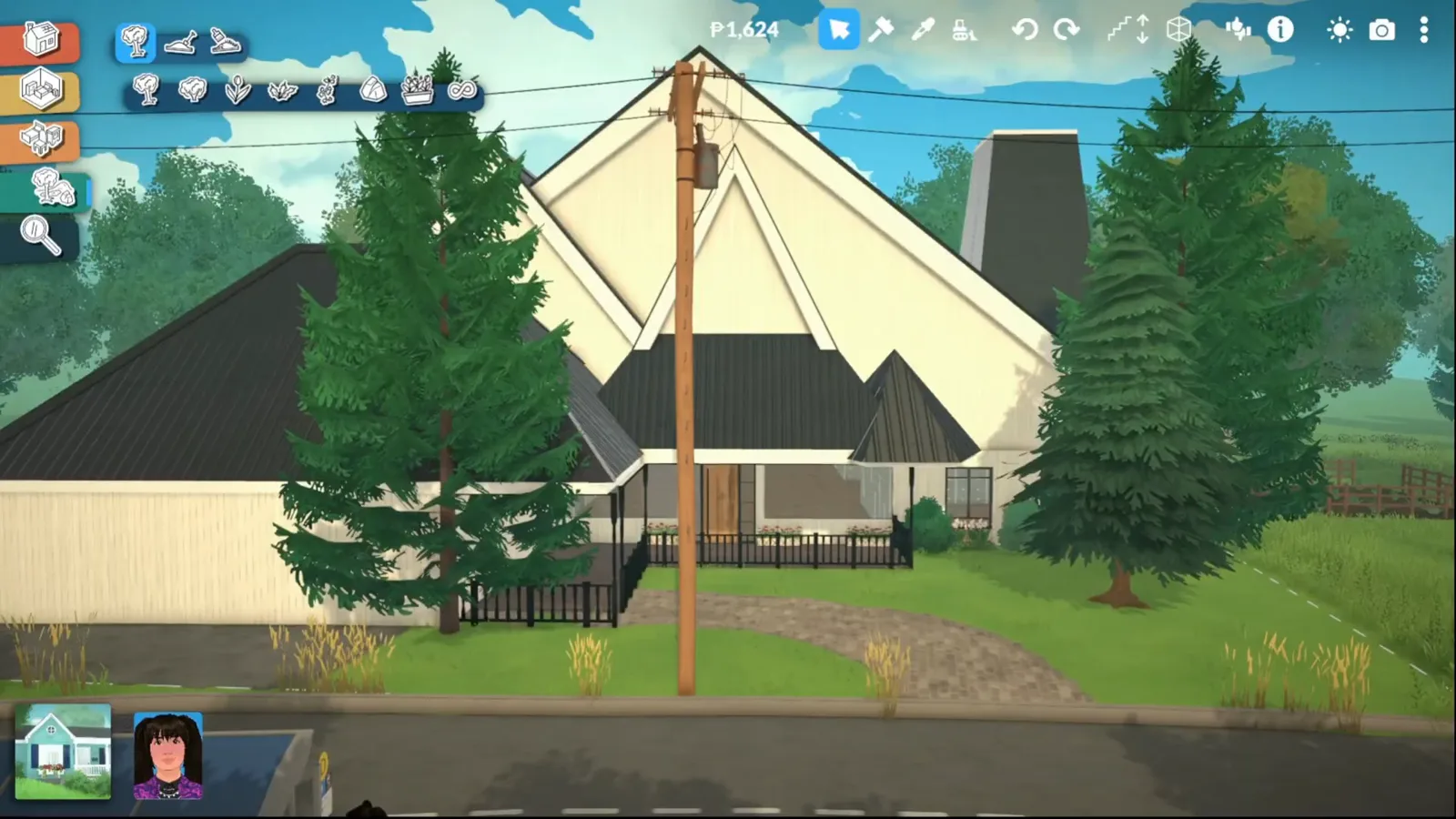
A cream country house with a gable roof and dormers, a wraparound porch, picket fences and painted field rows, and a full family interior down to the nursery.
Build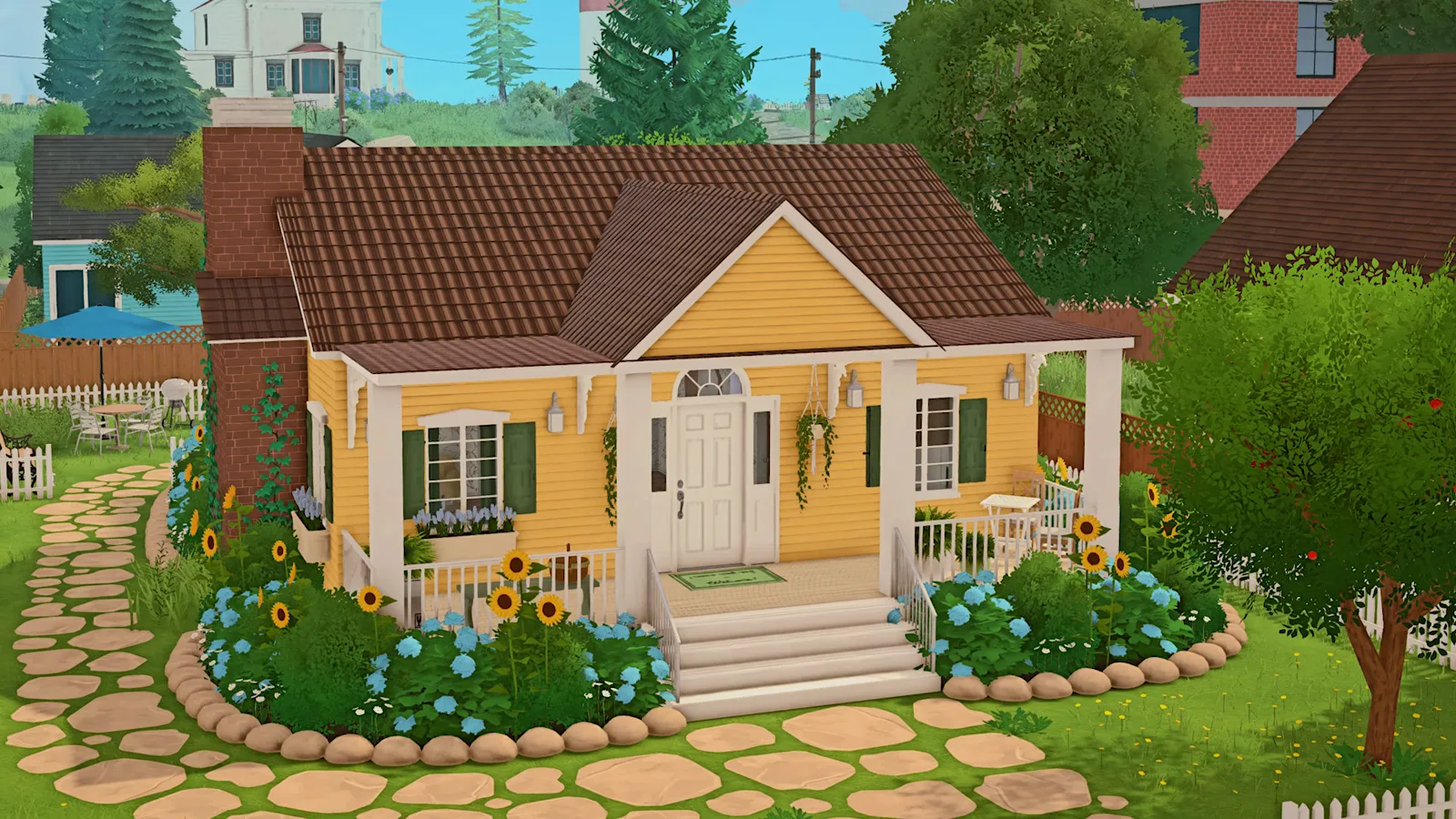
A whole house on one floor: the continuous floor plate, separator walls, and the wide hip roof that has to be broken before it reads as a bungalow.
Build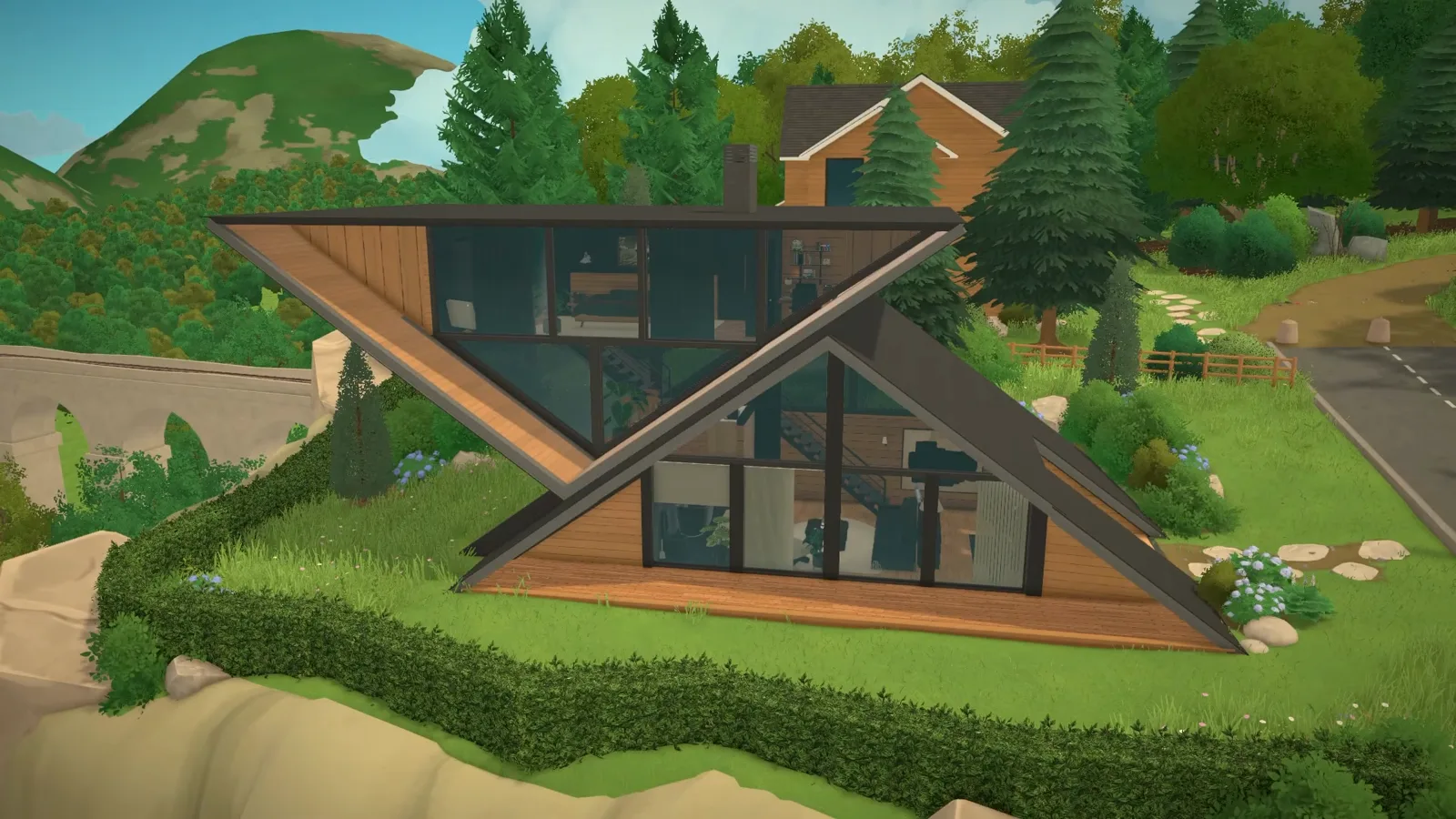
Let the roof be the walls: wallless gable pieces raised into an A, a floating platform floor, triangular and full-height glazing, a hole-in-the-wall fireplace and a hillside garden, from bare lot to move-in tour.
Build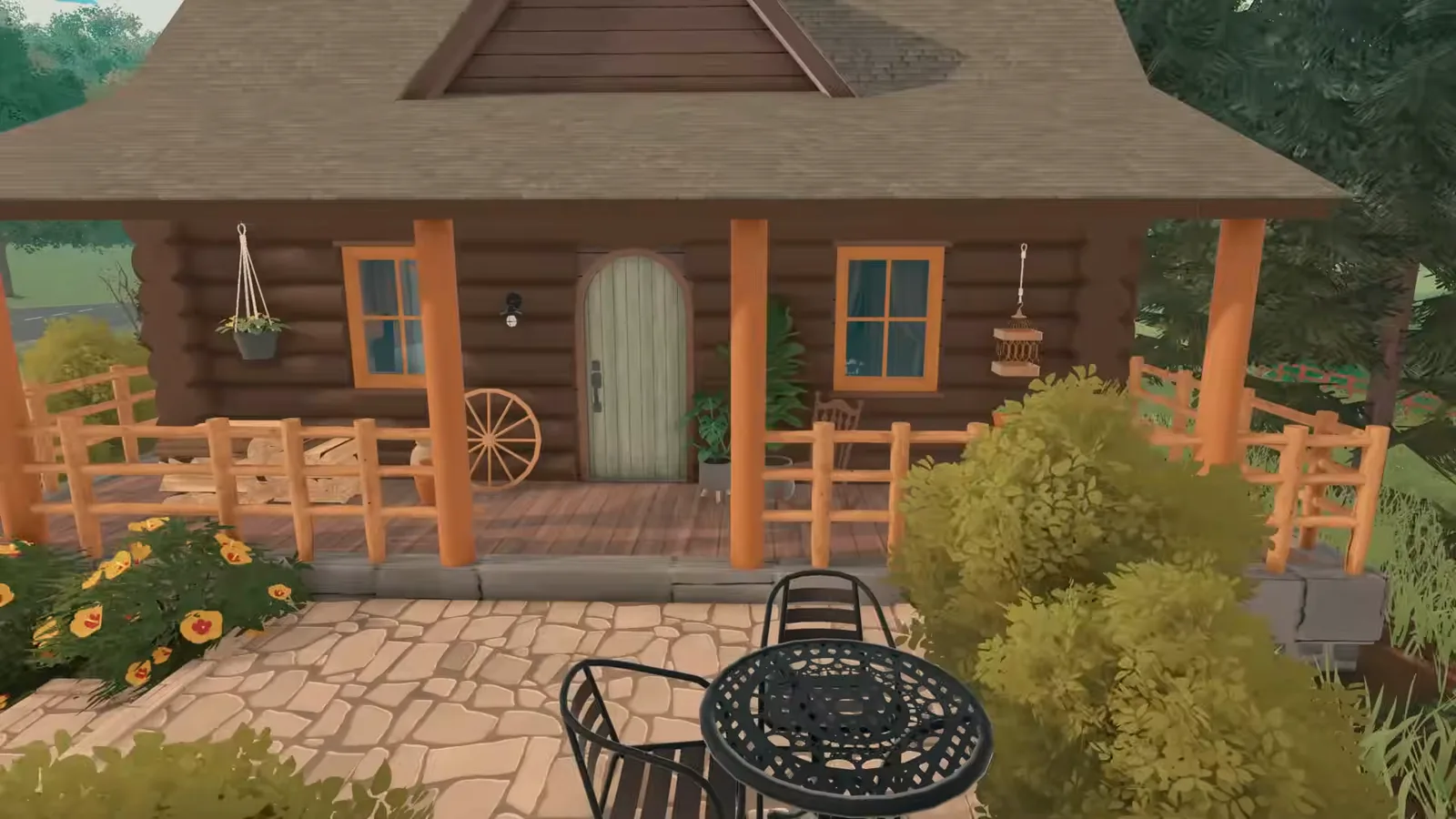
A wilderness cabin from the ground up: a carved riverbed with rock banks, log walls stacked from pillars, an arched door, a gable roof with stone chimney, a plank bridge crossing and a glass sunroom annex on an existing cottage.
Build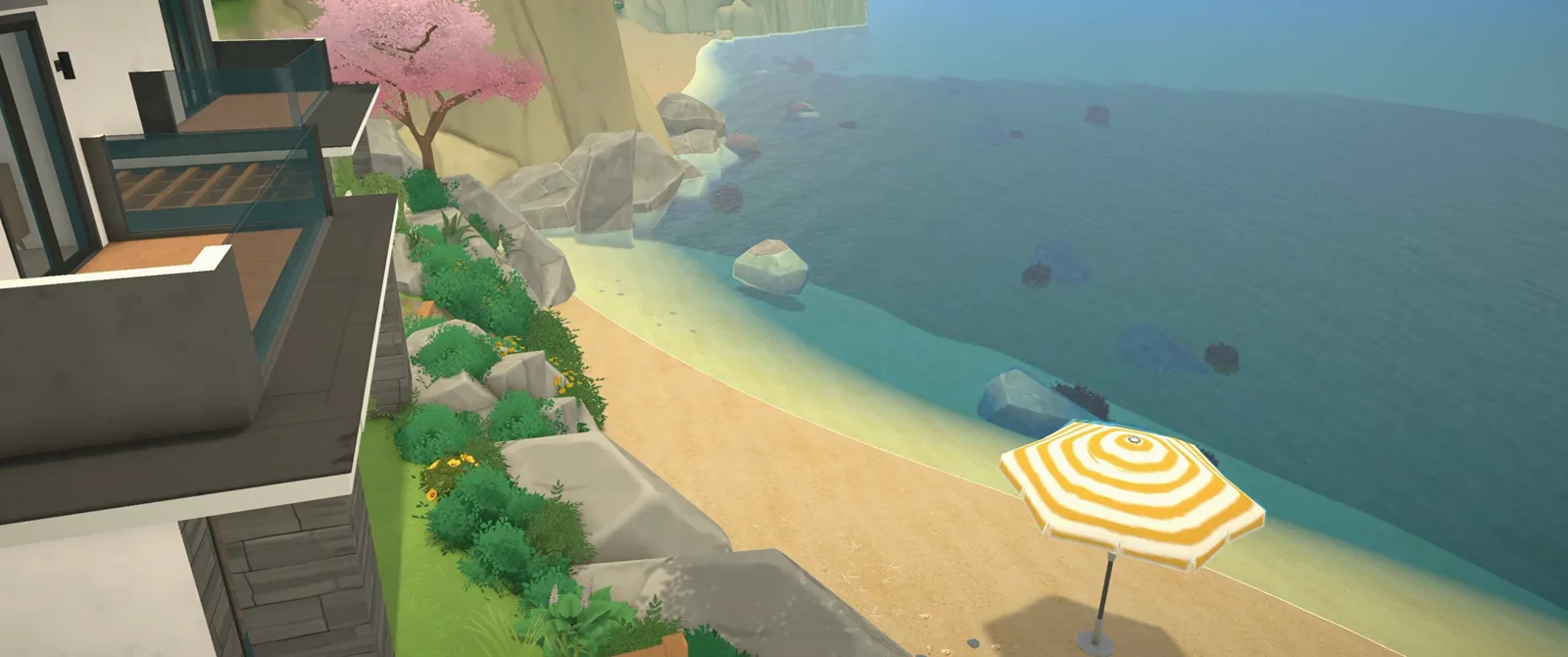
A clifftop villa over a private beach in two styles: a modern flat-roof shell with glass balustrades and stone finishes, plus the Mediterranean dialect — angled walls, arched windows, Style Creation recolours, terrace fences and beach landscaping.
Build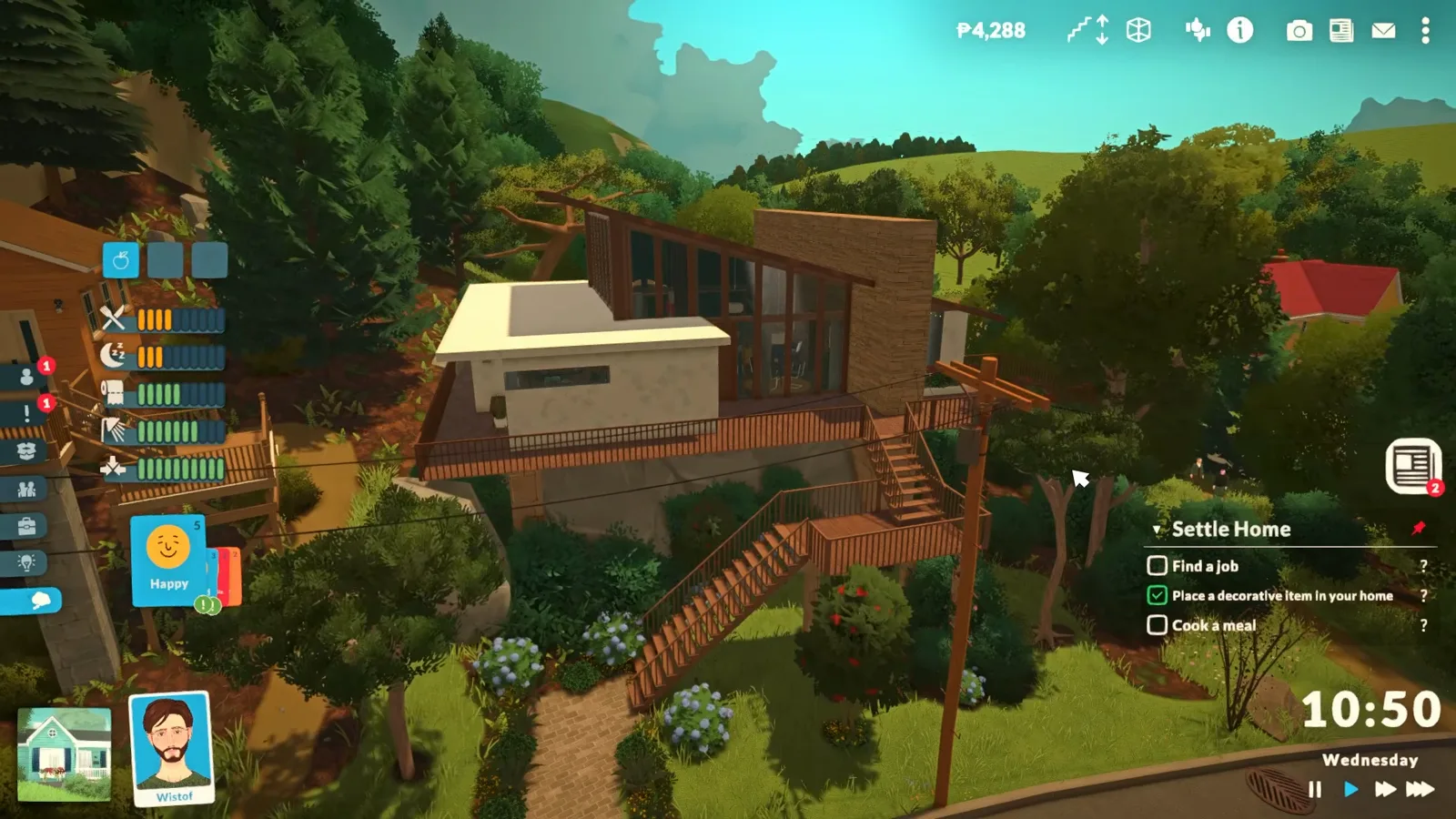
Raise floor slabs into platforms, snap stairs to the edge, sink terrain for lower rooms and float furniture on top. 16 steps with the known save bug.
Build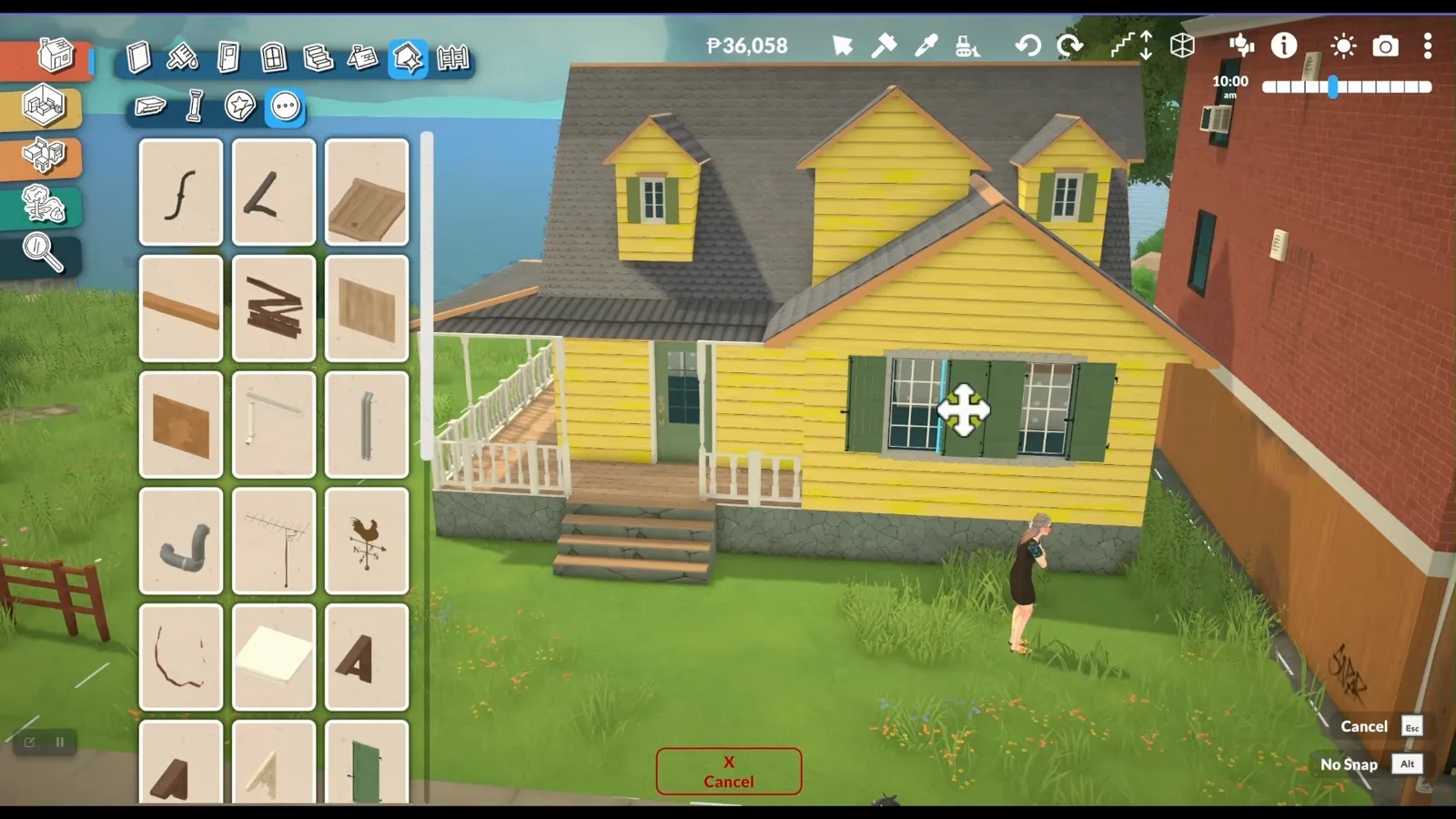
Build the room under the roof without the clipping: walls as the roof's guide, stairs first, the roof parked a floor up and dragged down, dormer centered. 16 steps.
Build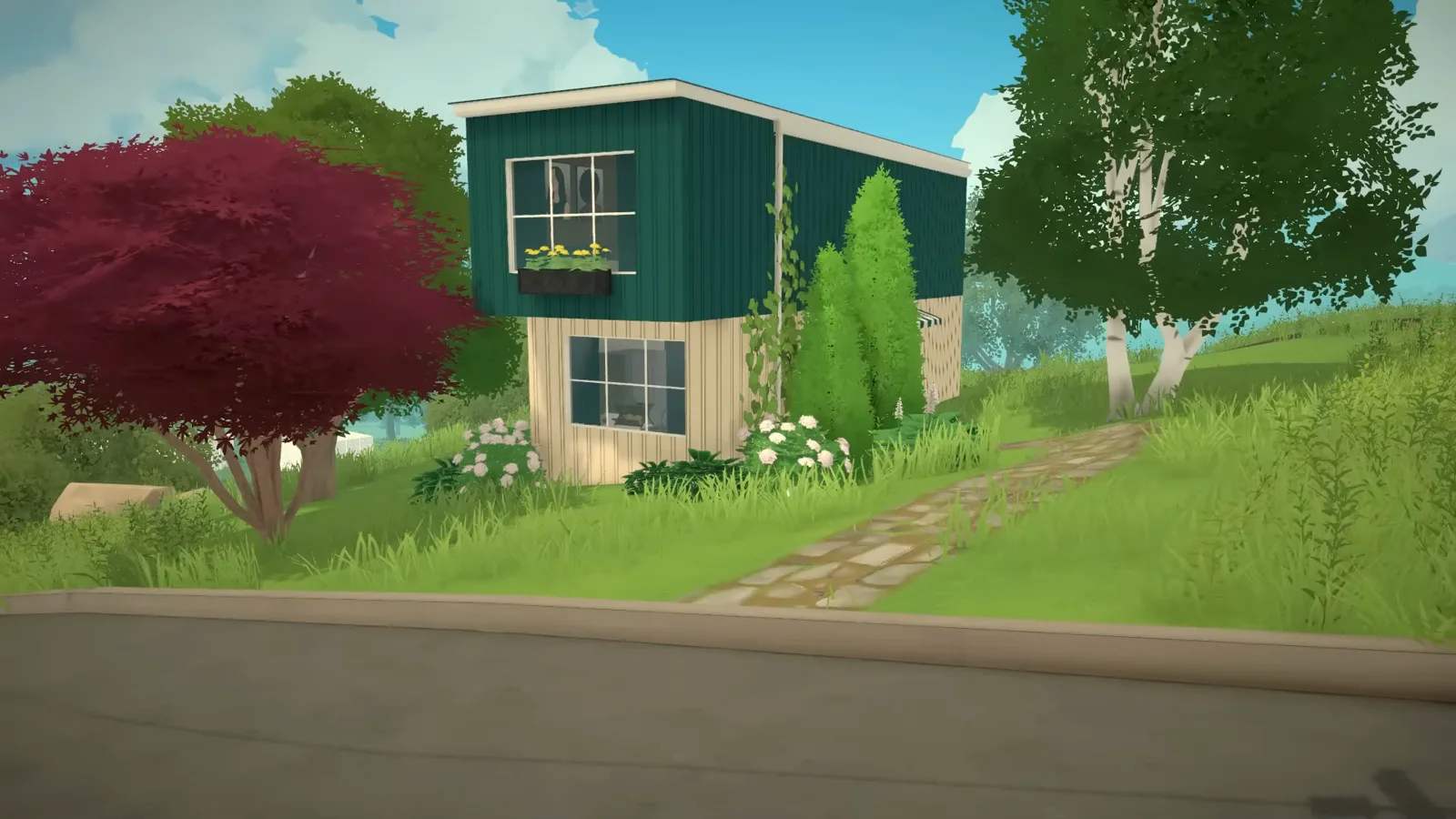
Stack two corrugated boxes, paint the ripple in wall painting mode, resize a striped awning by drag and zone the rooms around one staircase. 16 steps.
Build
Free-drawn fence placement, the wall tool's fence mode, why Early Access has no fence gates, and the creator-tested fence foundation trick — every fact sourced.
Build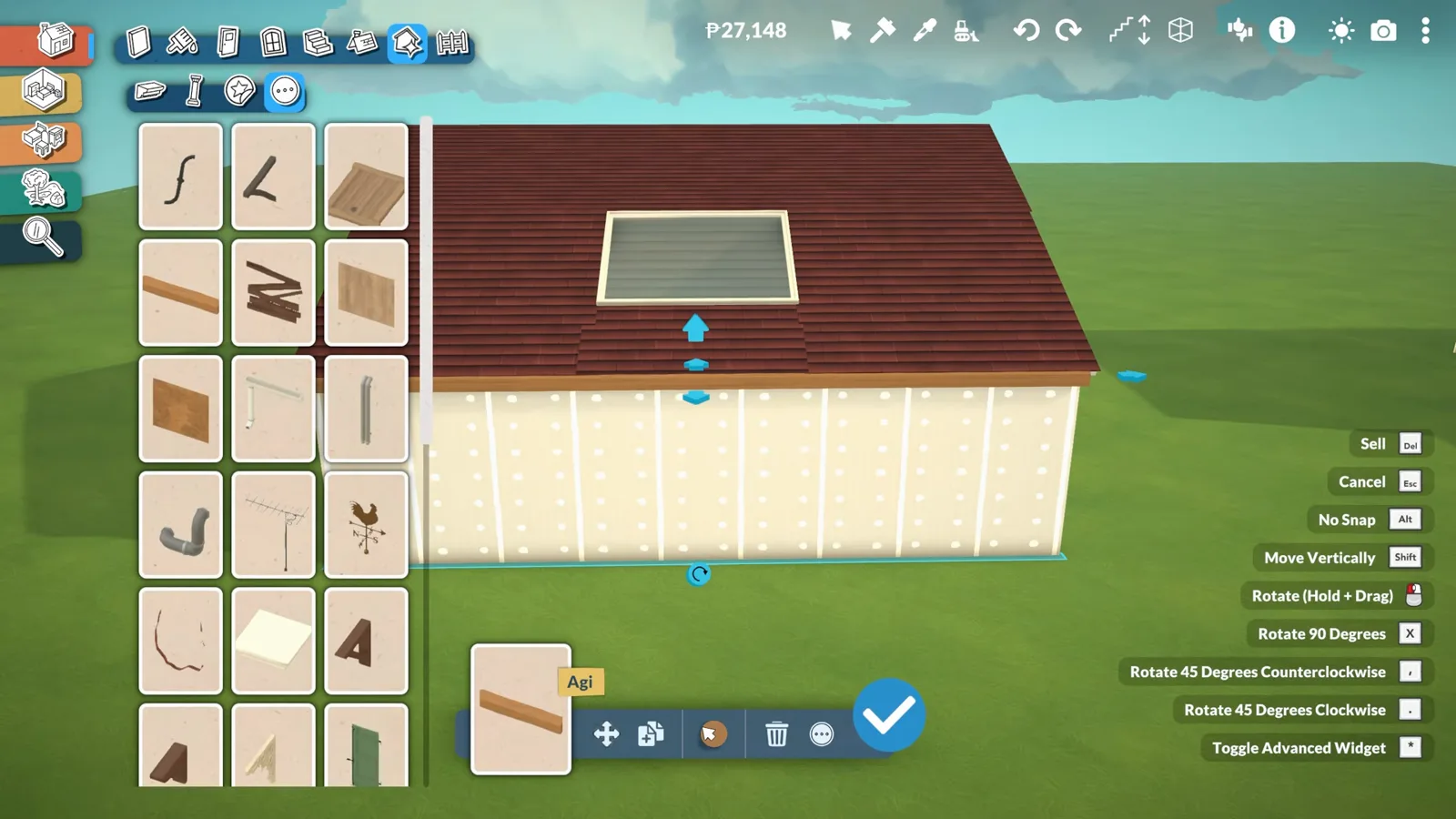
Cut a separator hole, frame the roof around it and tilt an ordinary window into the slope — the method three builders use, with every gap fix. 14 steps.
Build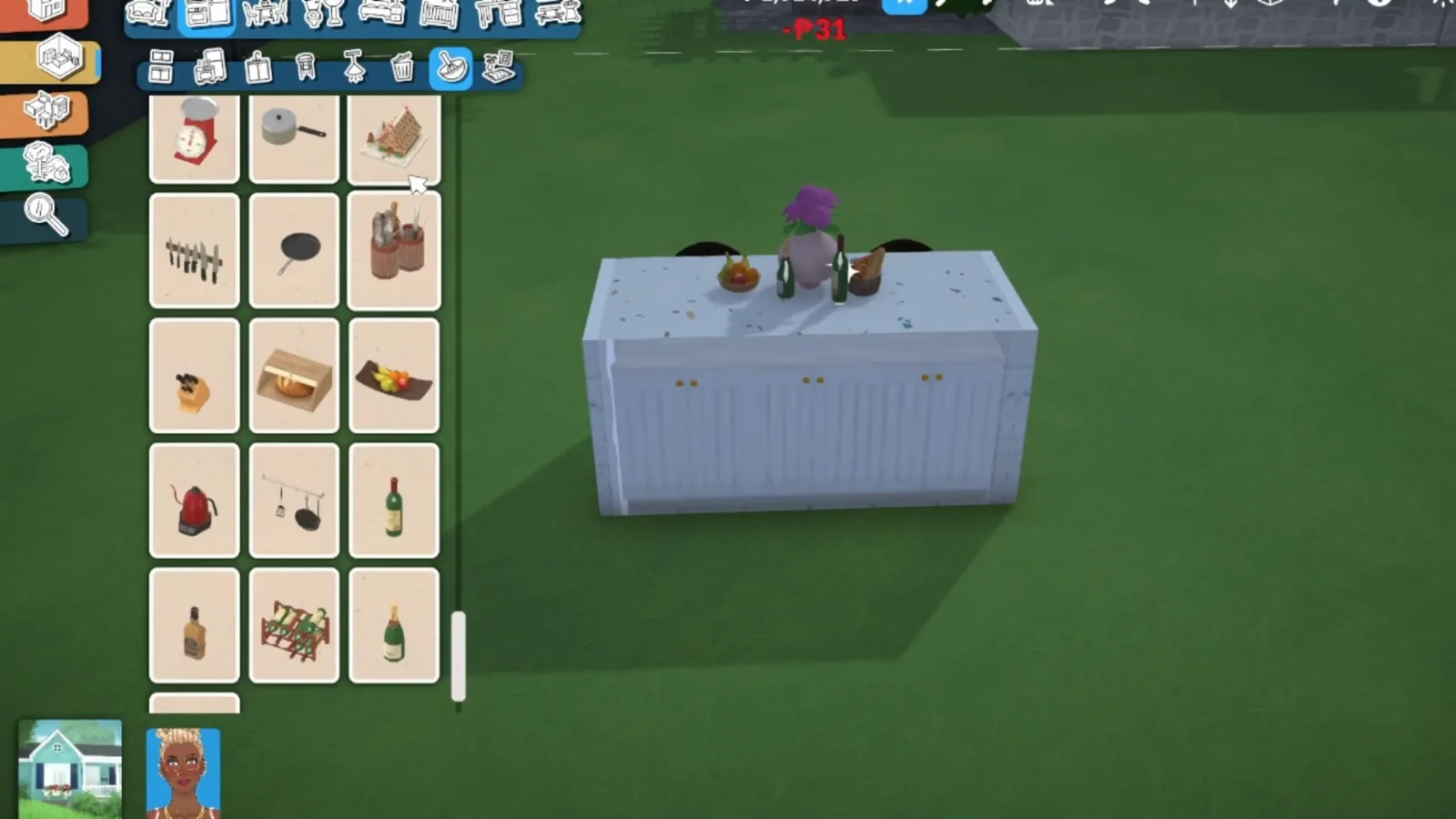
No island prefab exists — build the base from a separator shell, finish the counters in wall painting mode and tuck stools under. 14 steps.
Build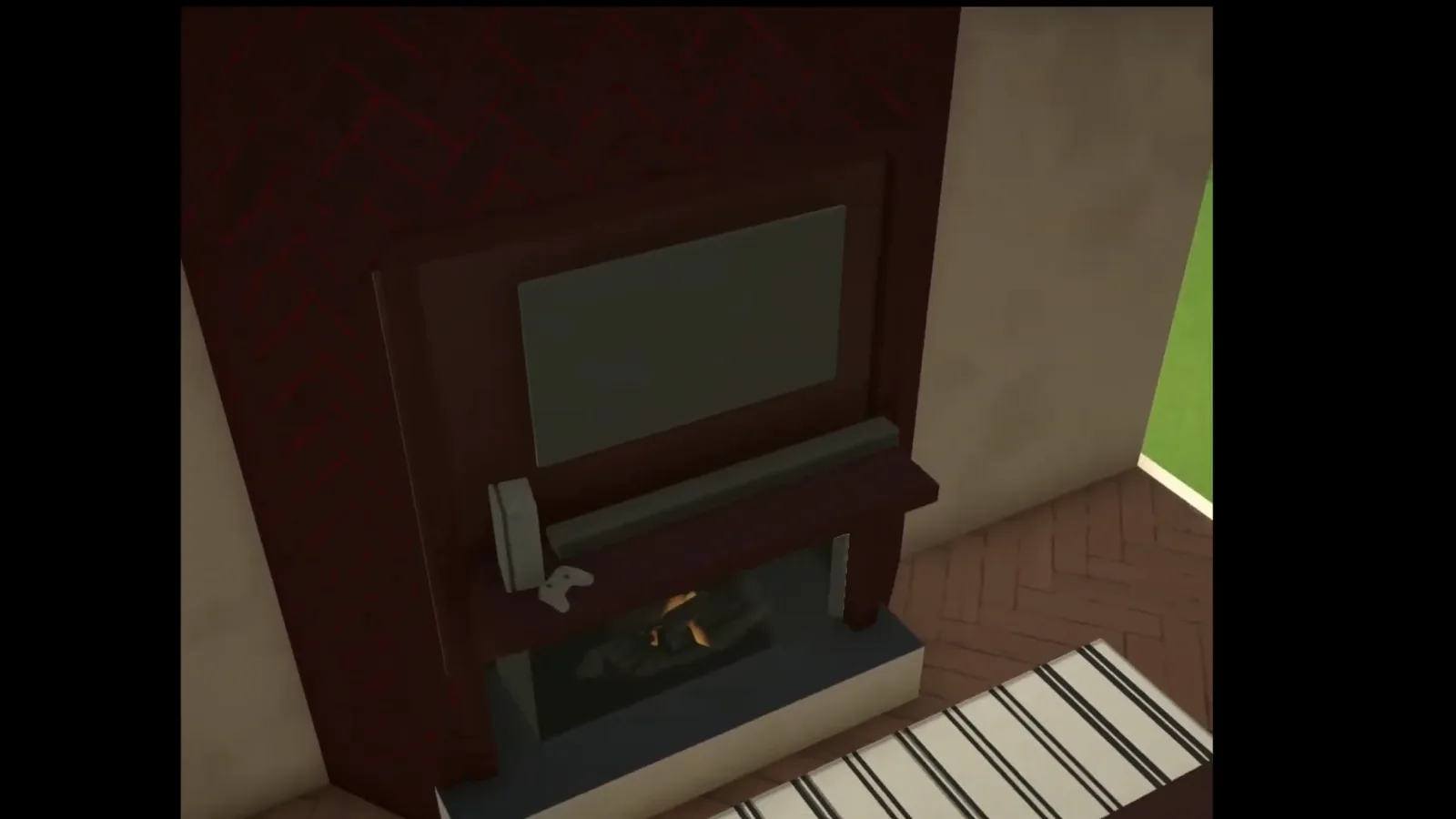
Place the breast, thicken the wall around it, stretch a shelf into a mantel and recolour with Style Creation — 14 steps from three creator demos.
Build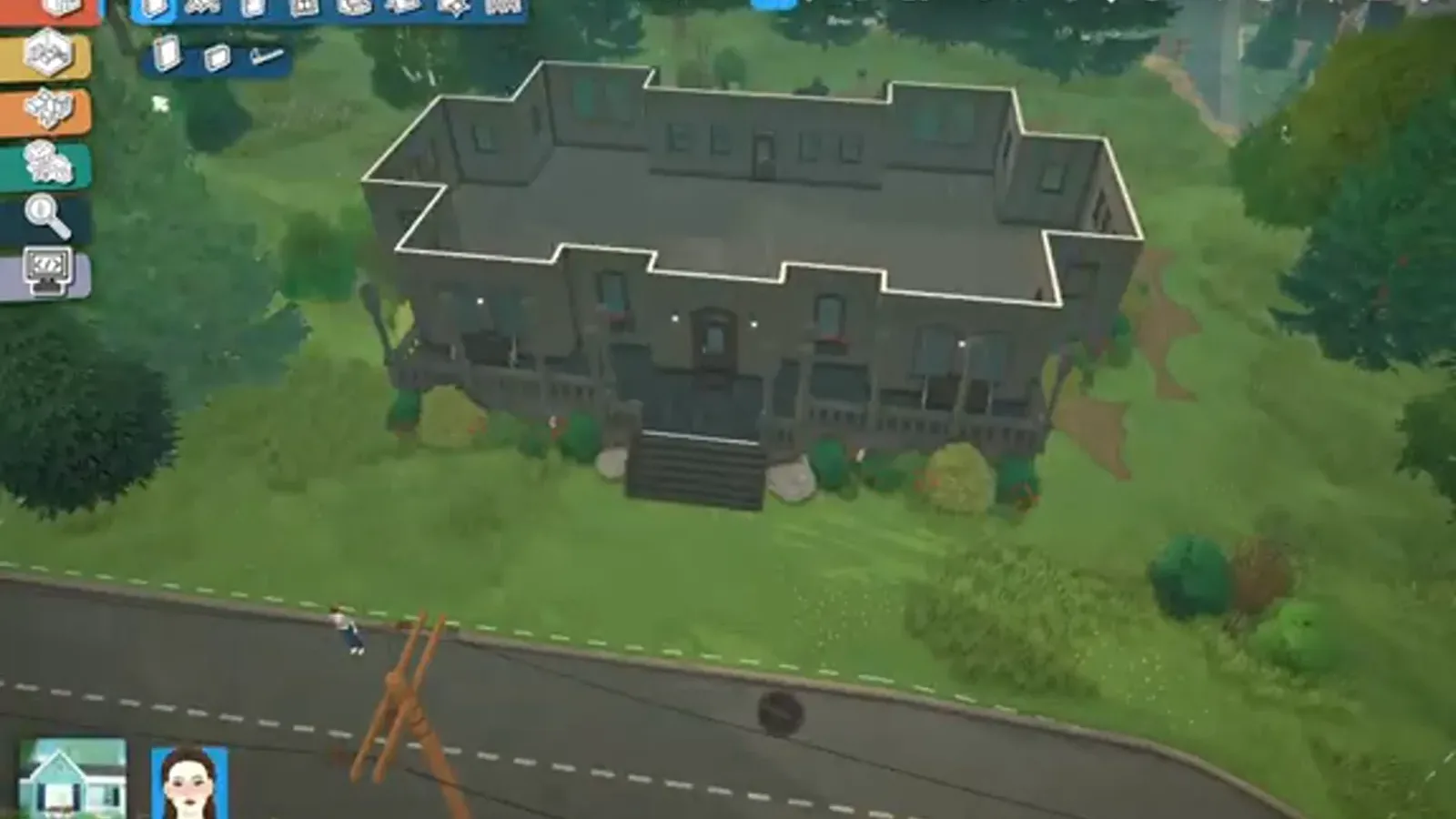
Draw a tall, crooked Victorian, roof it in near-black, fake the corners with chimney rooms and let the paint do the haunting — 16 steps.
Build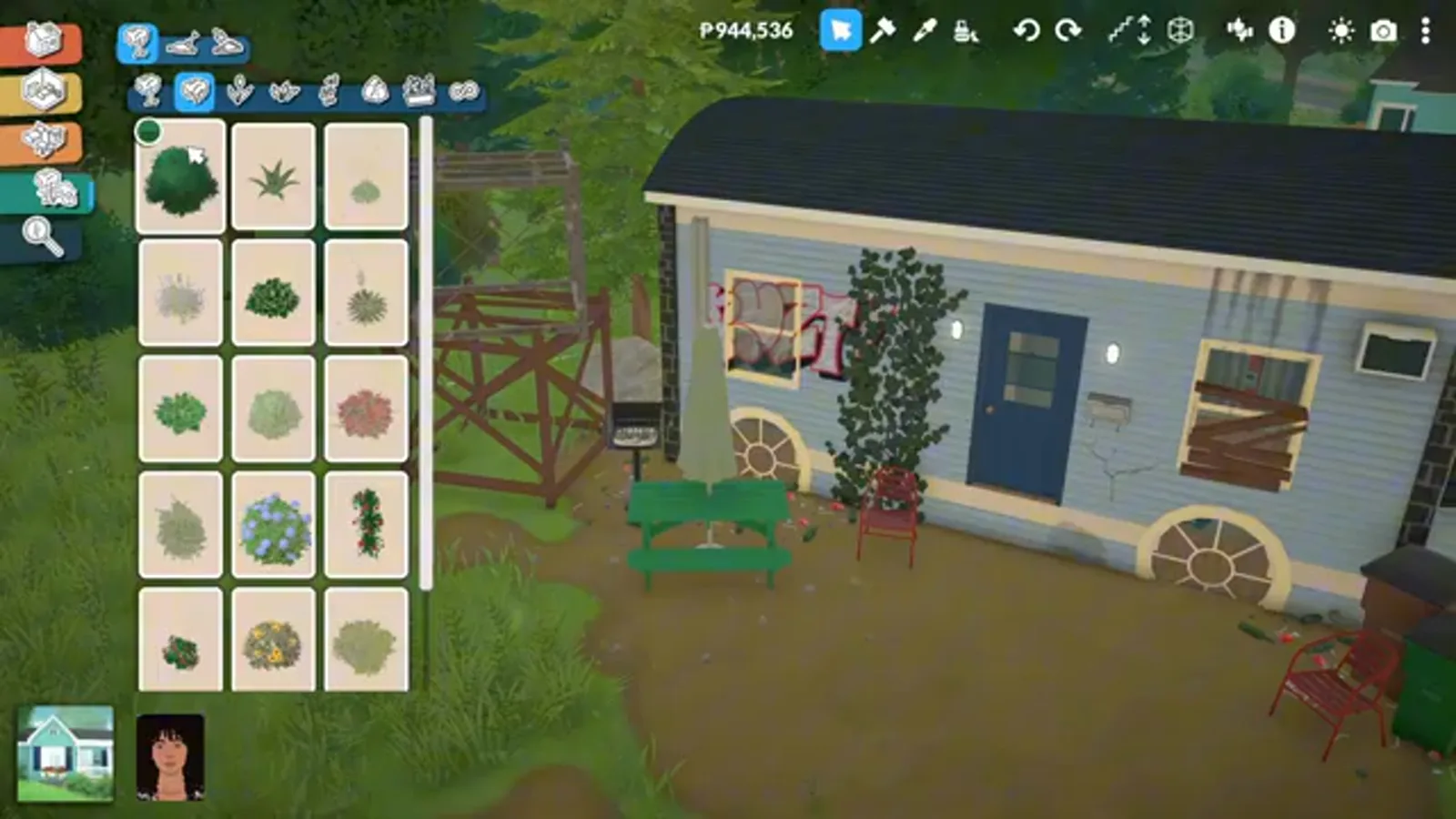
The platform lift, circular windows as wheels, curved roofs and the small-space rules — two full trailer builds, 15 steps.
Build
Duplicate items, copy colour codes, repeat whole floors and clone houses via the Lot Library — every route, honestly labelled.
Build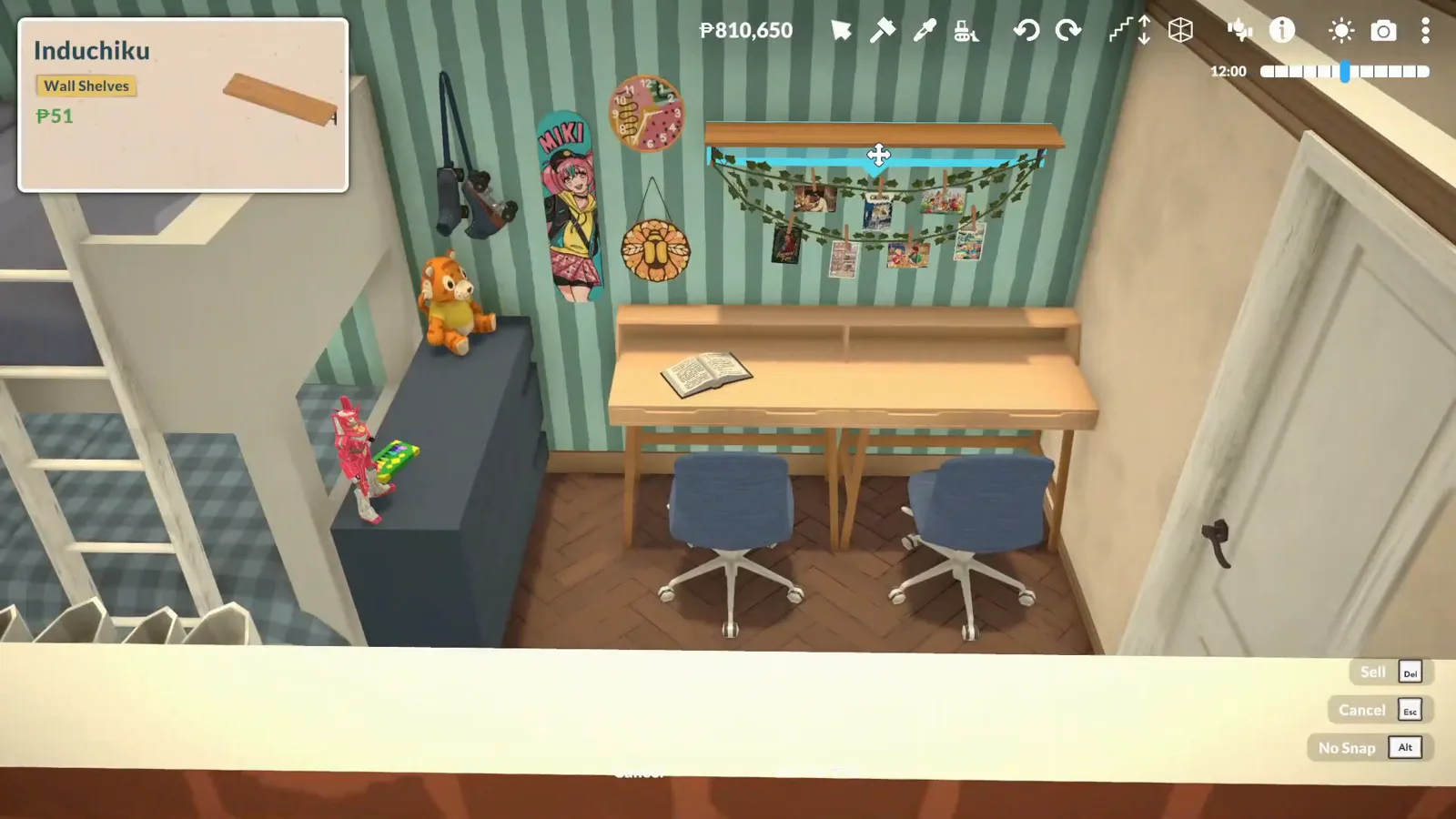
No bunk bed item yet — what devs confirmed, what beds already do, and the stacked-bed build that works today.
Build
A gothic cathedral in sixteen steps — curved apse walls, conical-spire towers, moulding tracery, a letter-tile cross and a pewed nave.
Build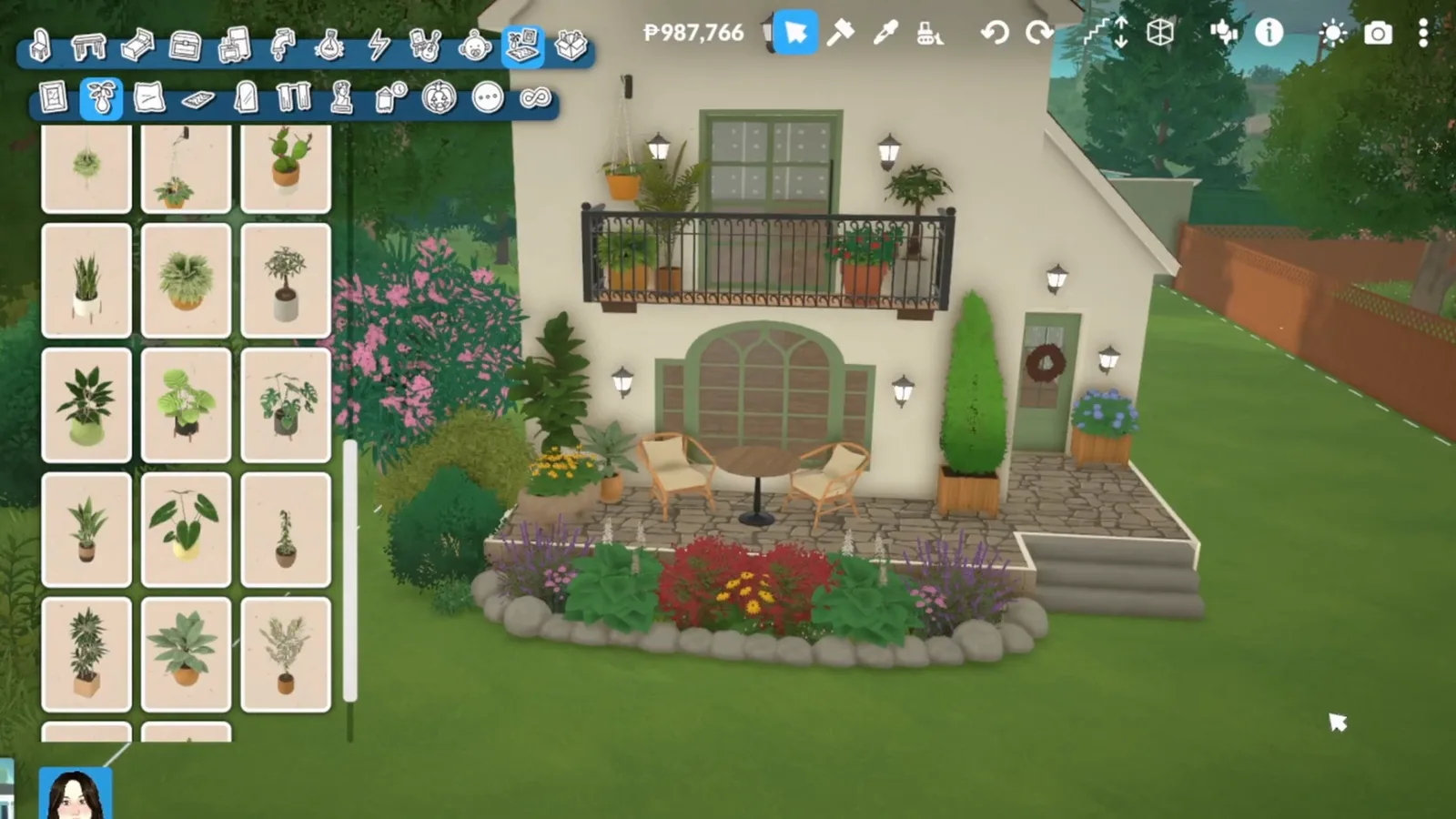
A stone cottage in sixteen steps — offset walls, a steep red roof, an oversized chimney, porch and garden, and small rooms put to work.
Build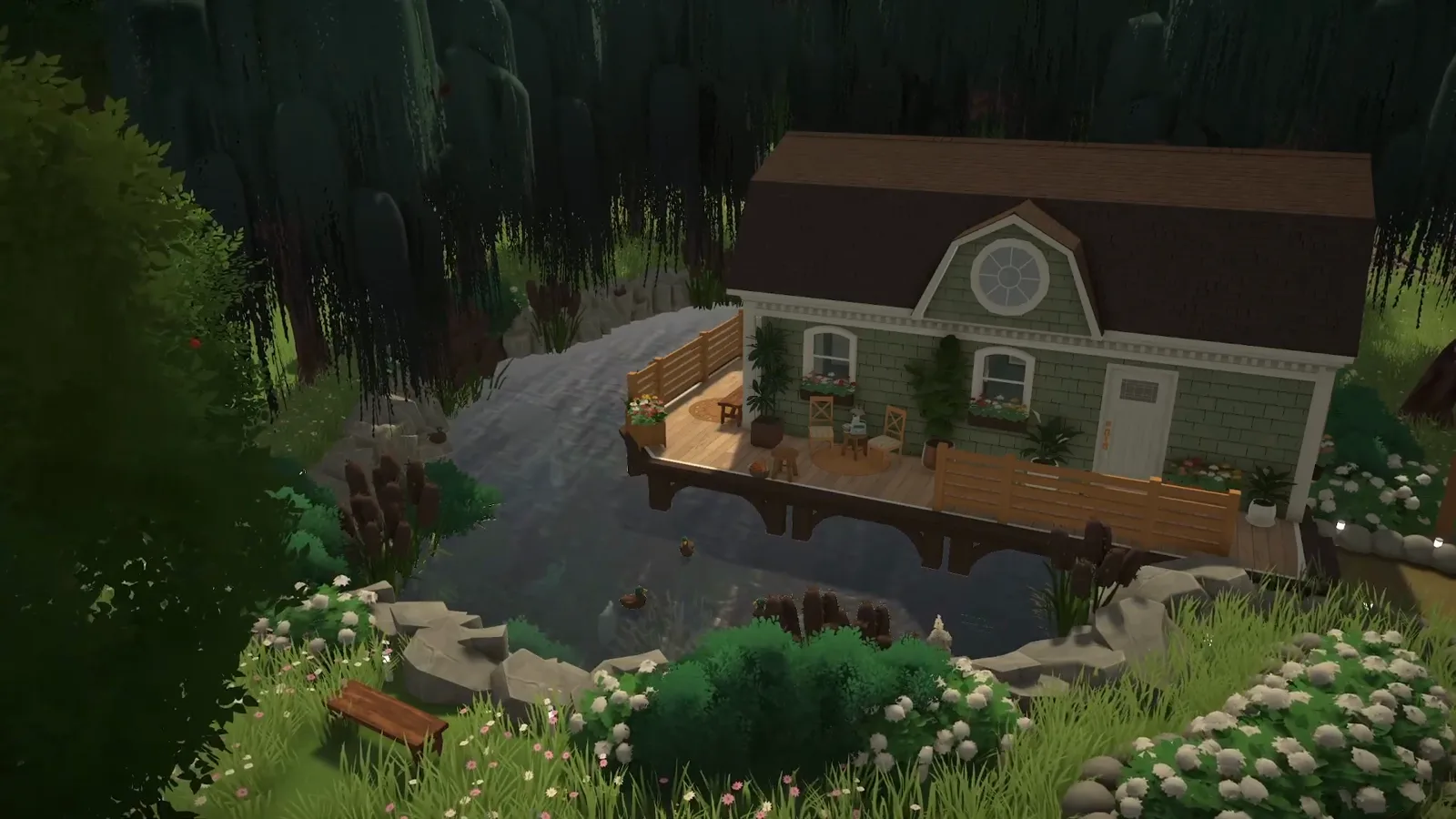
A garden pond in sixteen steps — terrain-dug basin, three ways to fake the water, rock banks, ducks and a deck over the pond.
Build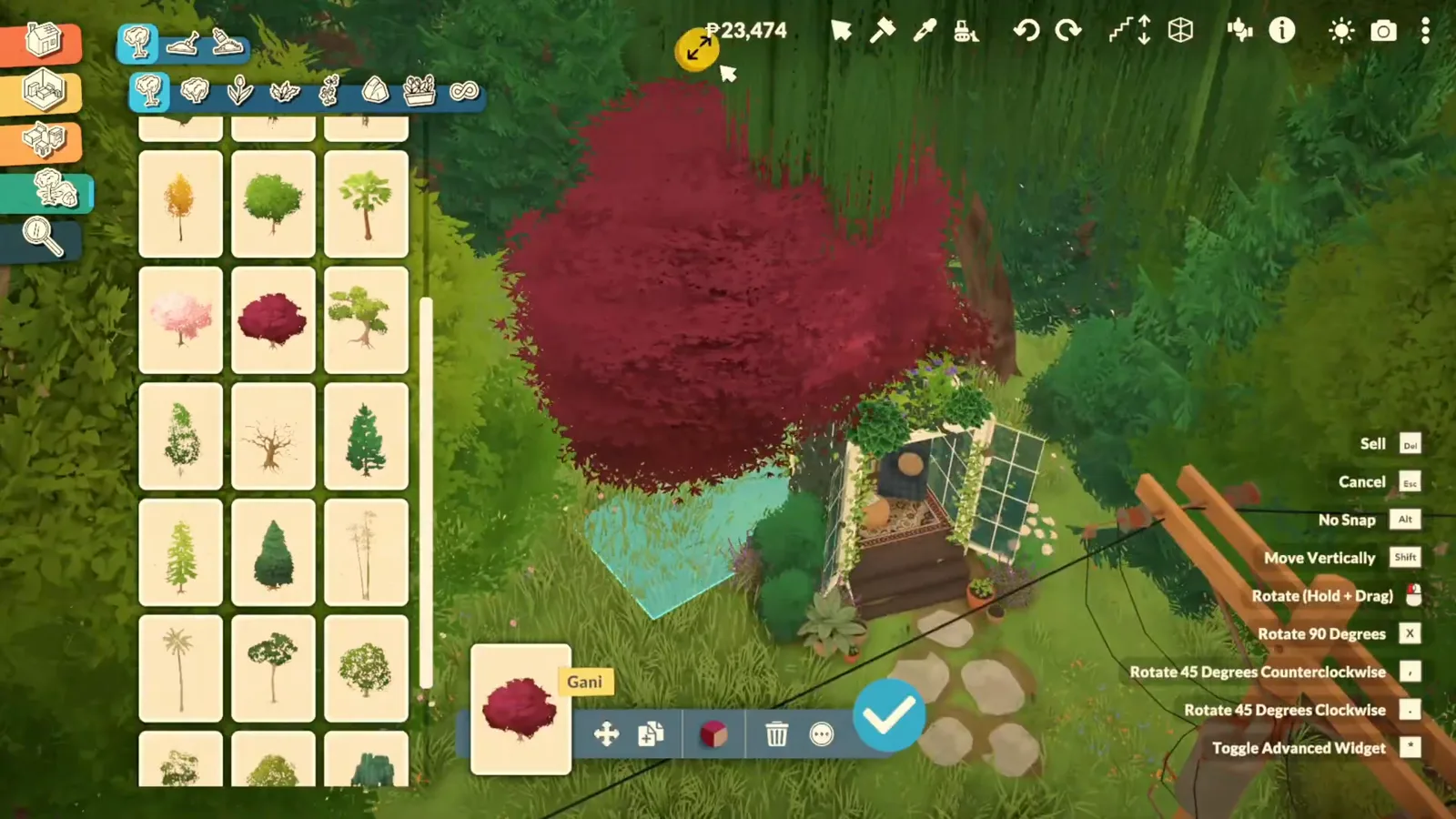
Two cozy nook builds — a glass garden pavilion and an under-stairs book nook with bookshelf walls, cushions and vines.
Build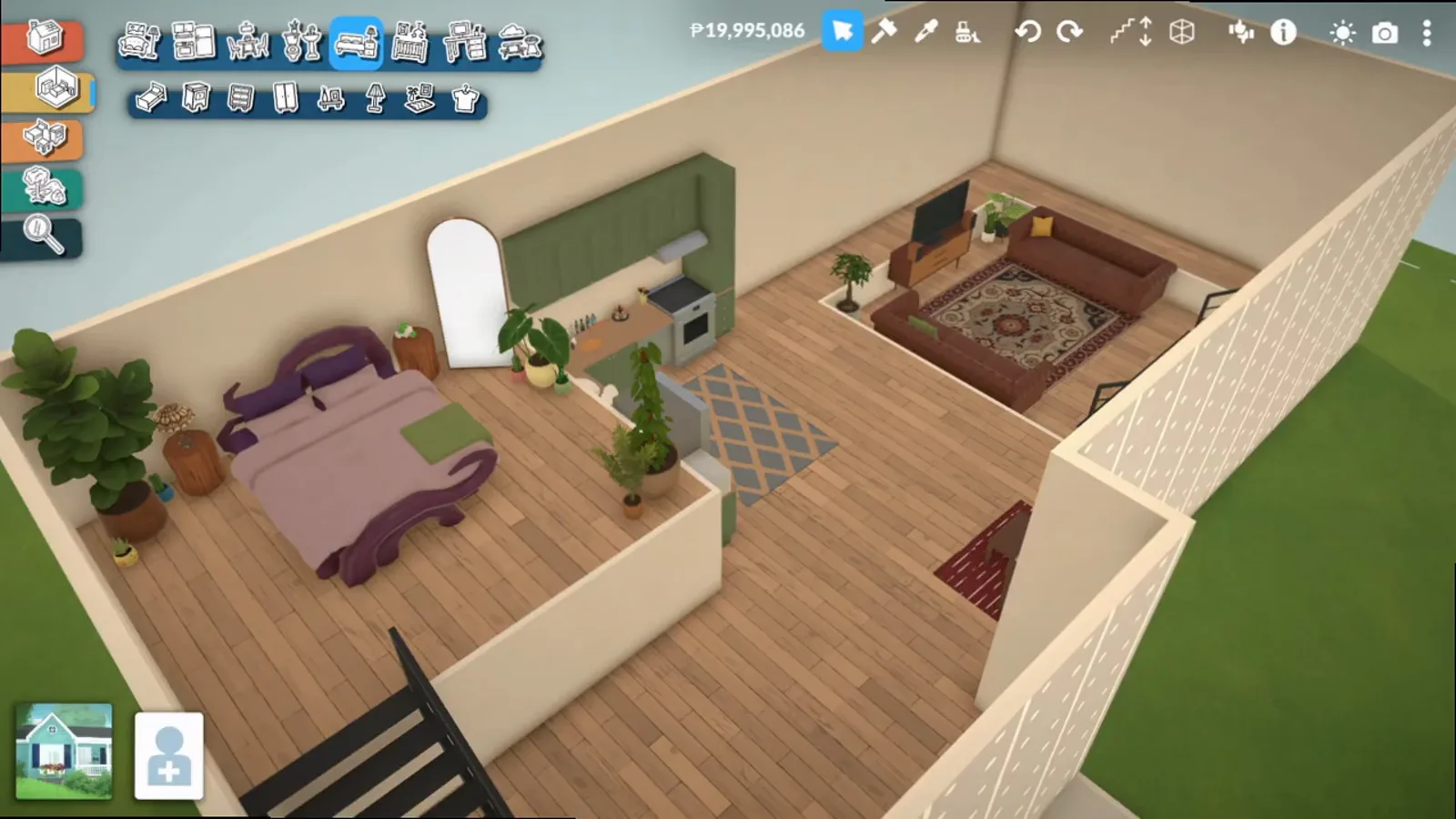
A conversation pit in fourteen steps — lower the shell, separator, two sledgehammer clicks, circle rules and furnished results.
Build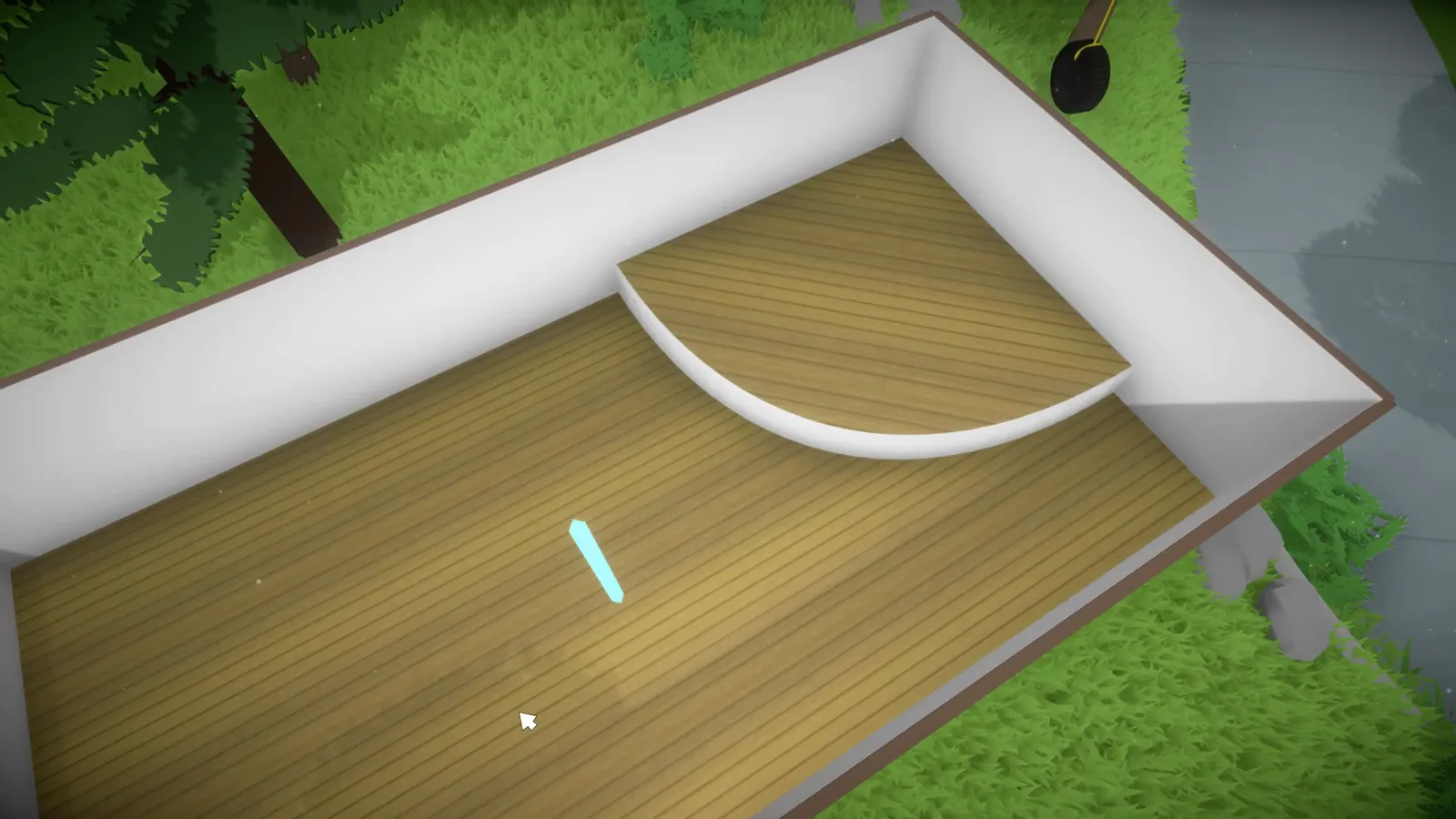
Draw walls at any angle without a grid — and what "slanted walls" really means (attic rooms), plus the 2022 dev-chat word on diagonal flooring and wraparound porches.
Build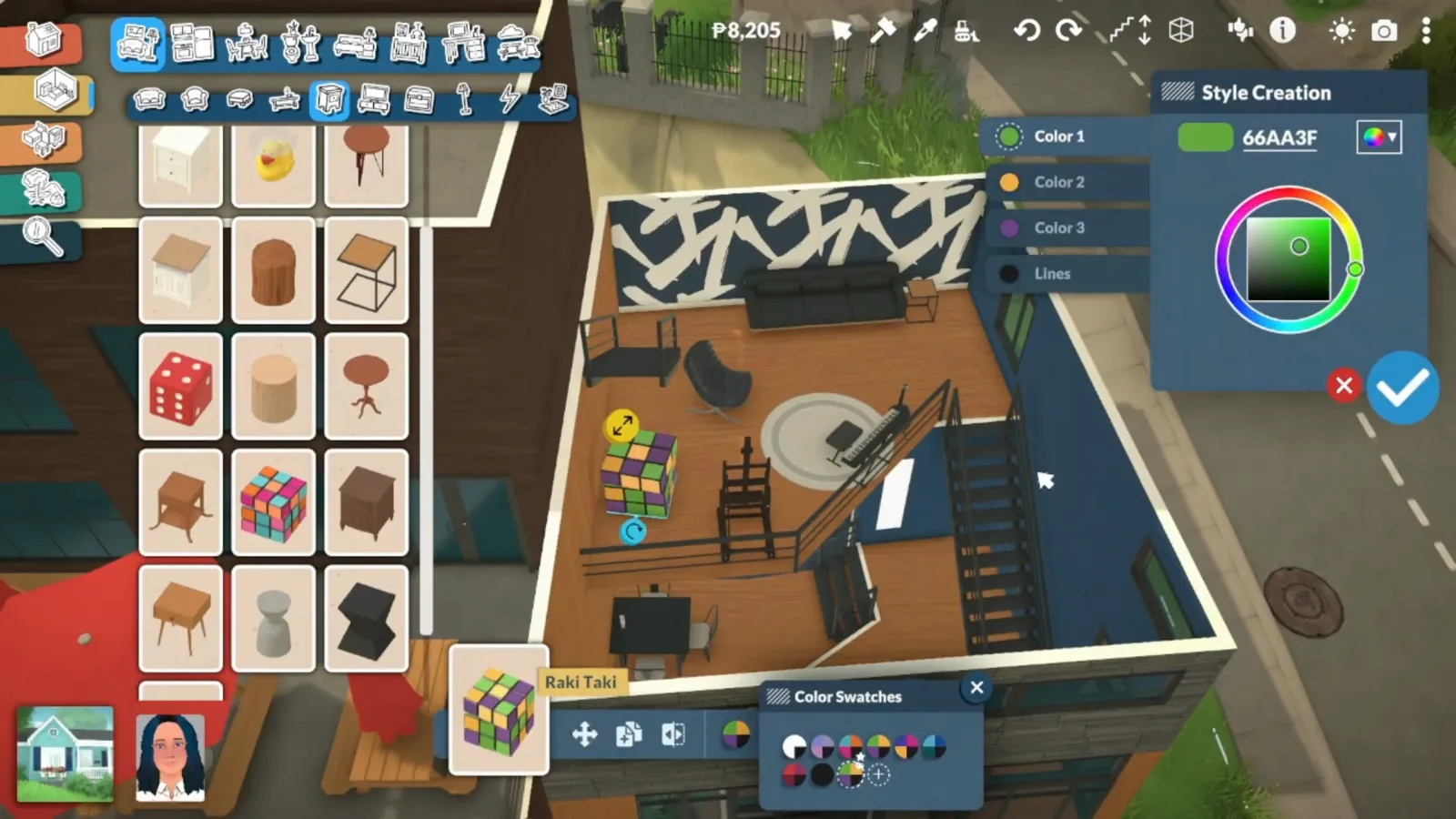
Build an artist loft step by step — separator-tool zones, gallery windows, a brush-stroke feature wall and an easel corner, from one narrated speed build.
Build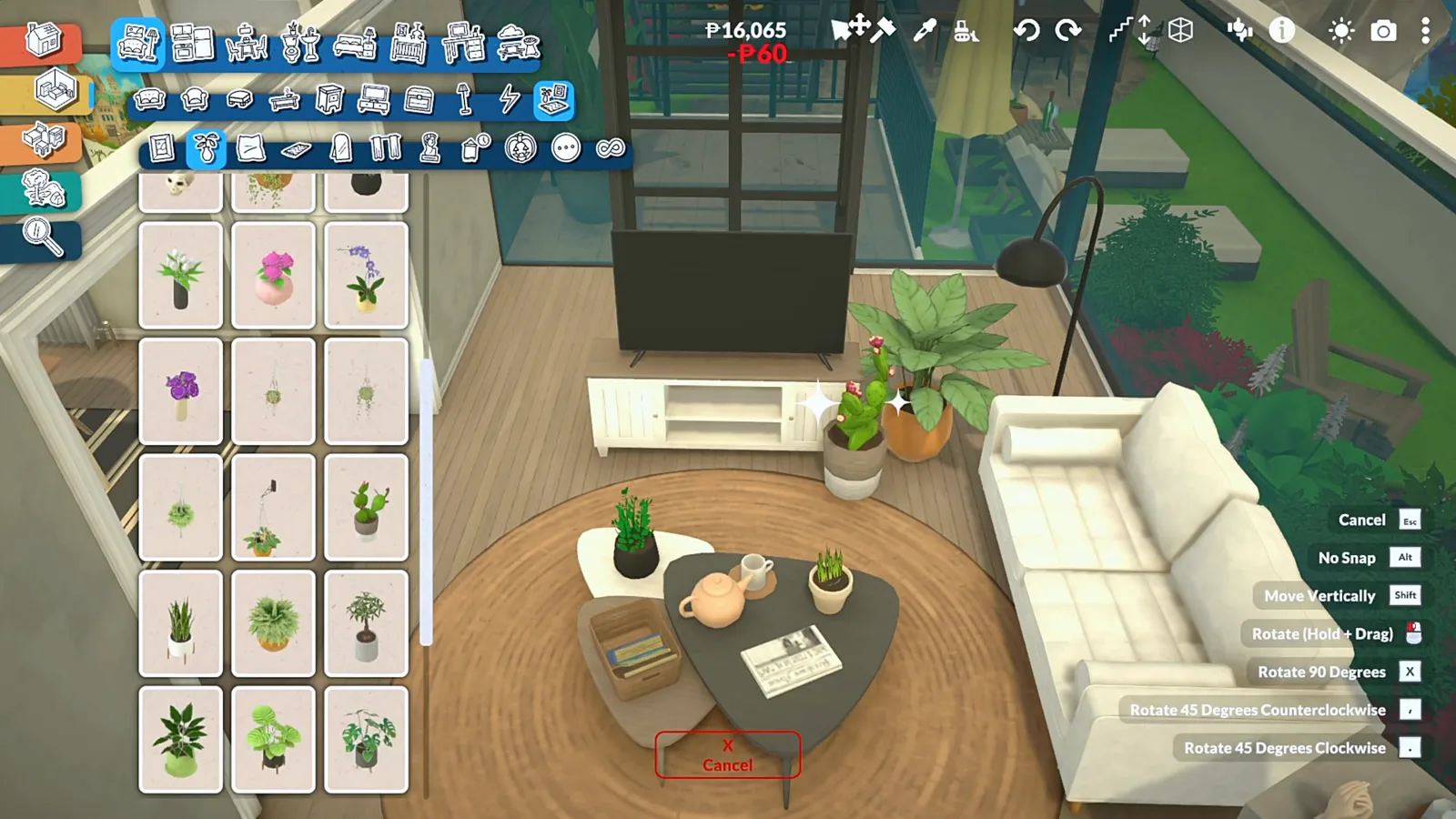
No sunroom prefab exists — one speed build, sixteen frame-checked steps: floor plan to glazed walls, deck edging, then sofa, rug and TV wall inside the glass.
Build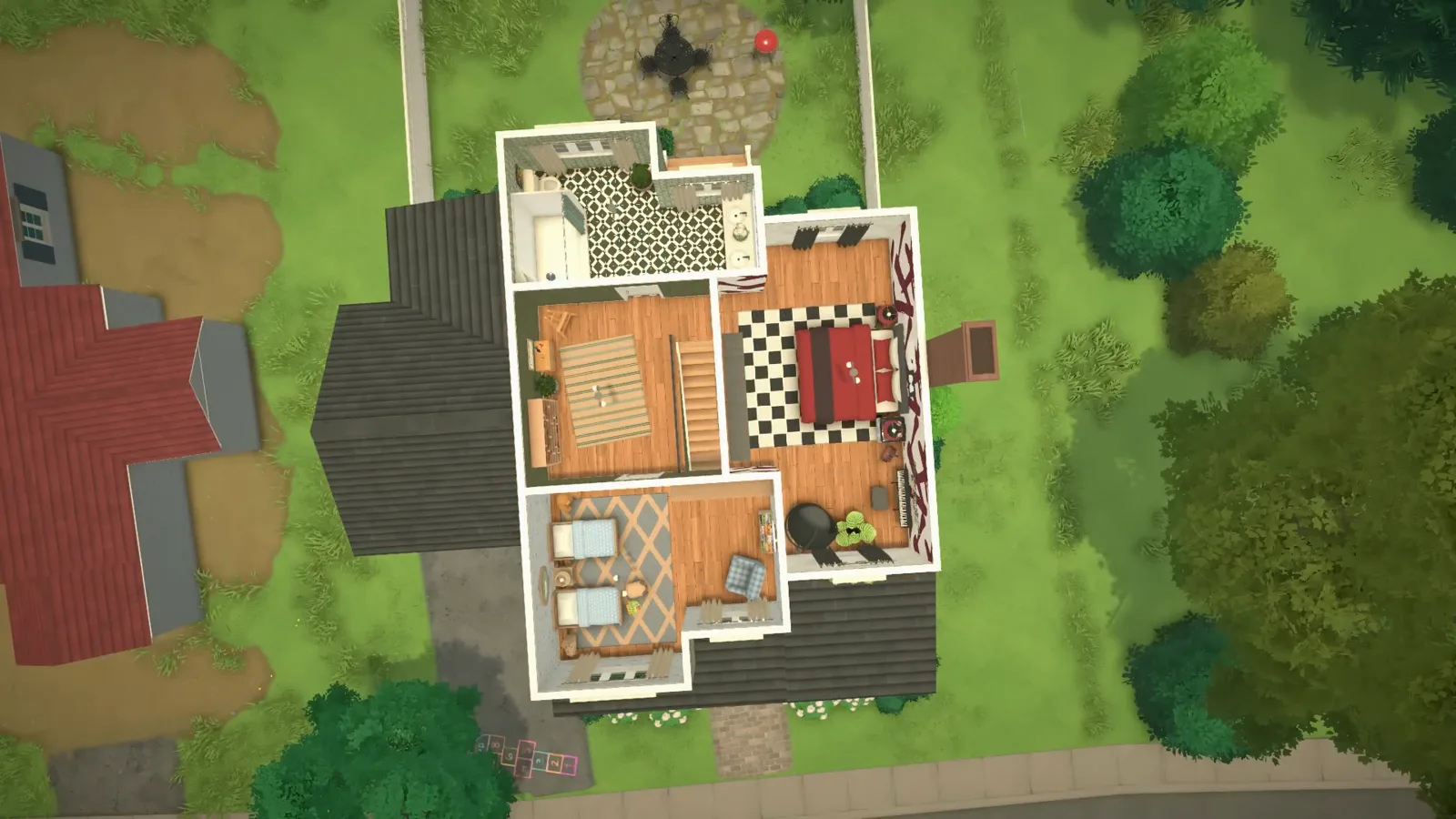
A two-story family home in eighteen steps — porch roof, raised foundation, brick-and-siding facade, three bedrooms, two bathrooms and a hopscotch backyard.
Build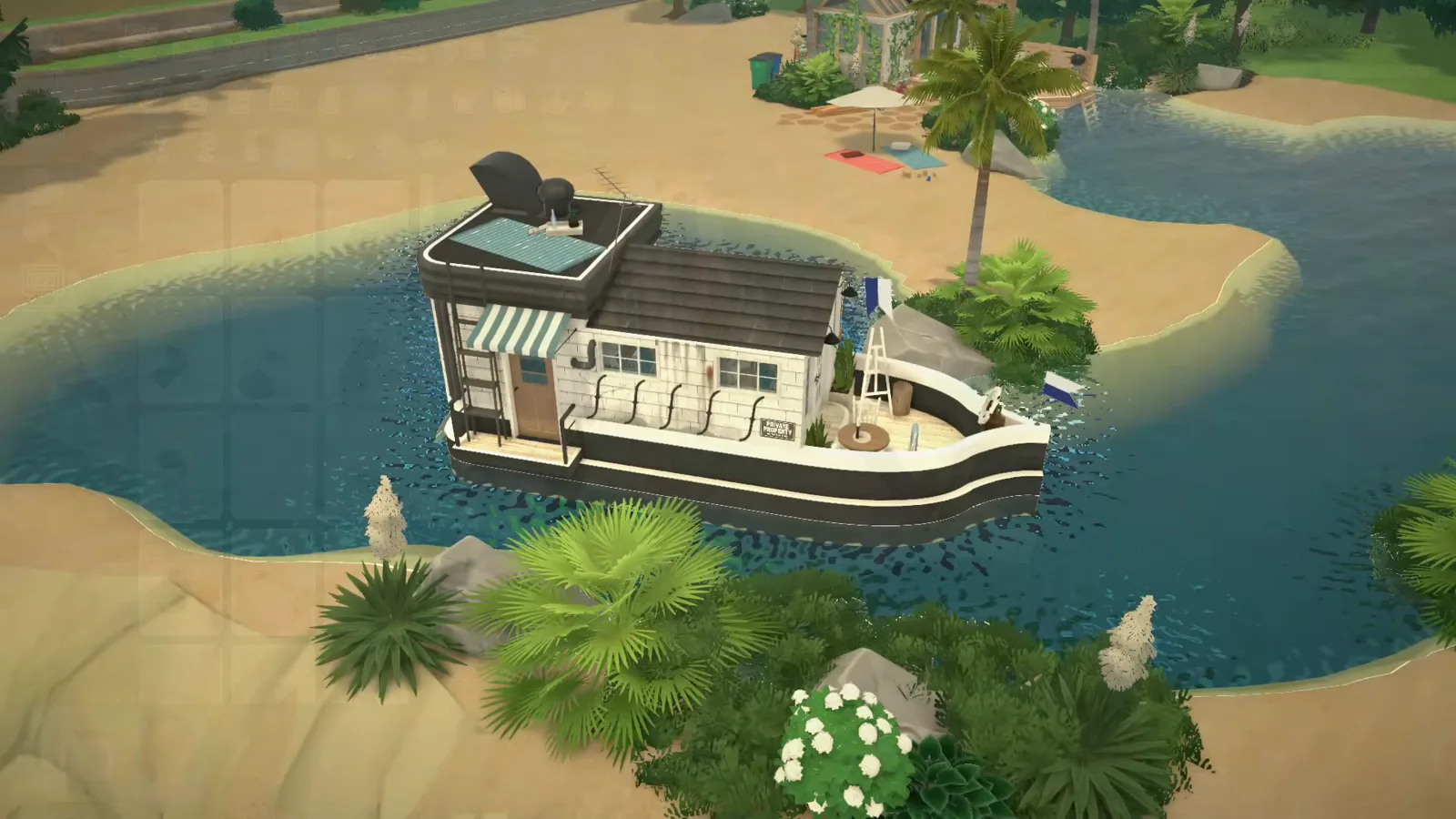
A curved-wall hull in black and white: bookshelf ladder, ceiling-fan propeller, dinner on the bow deck.
Build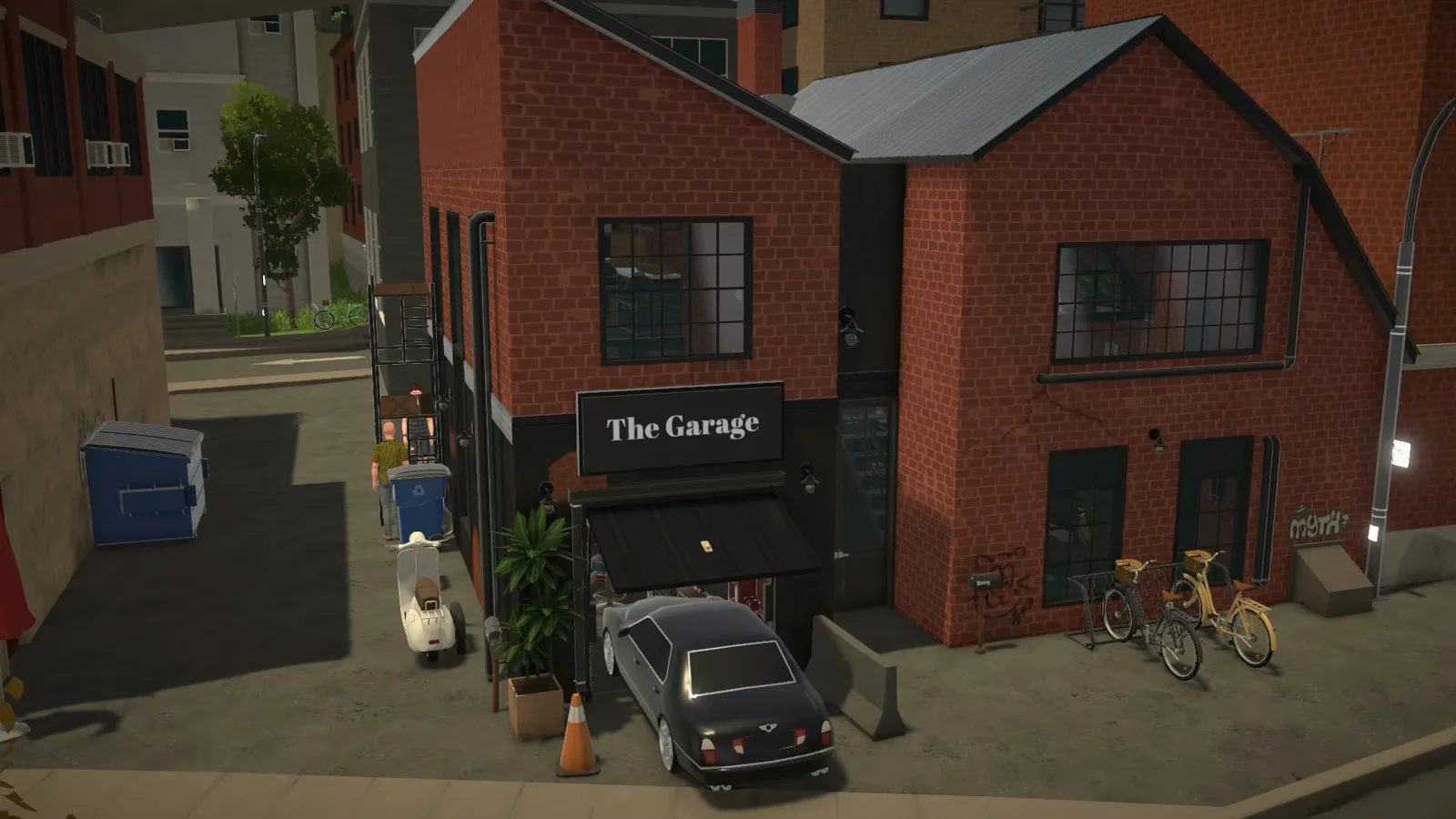
Wistof's two-volume brick loft with a window-built glass roof and garage workshop — 16 steps, plus Geekism's minimalist decor take.
Build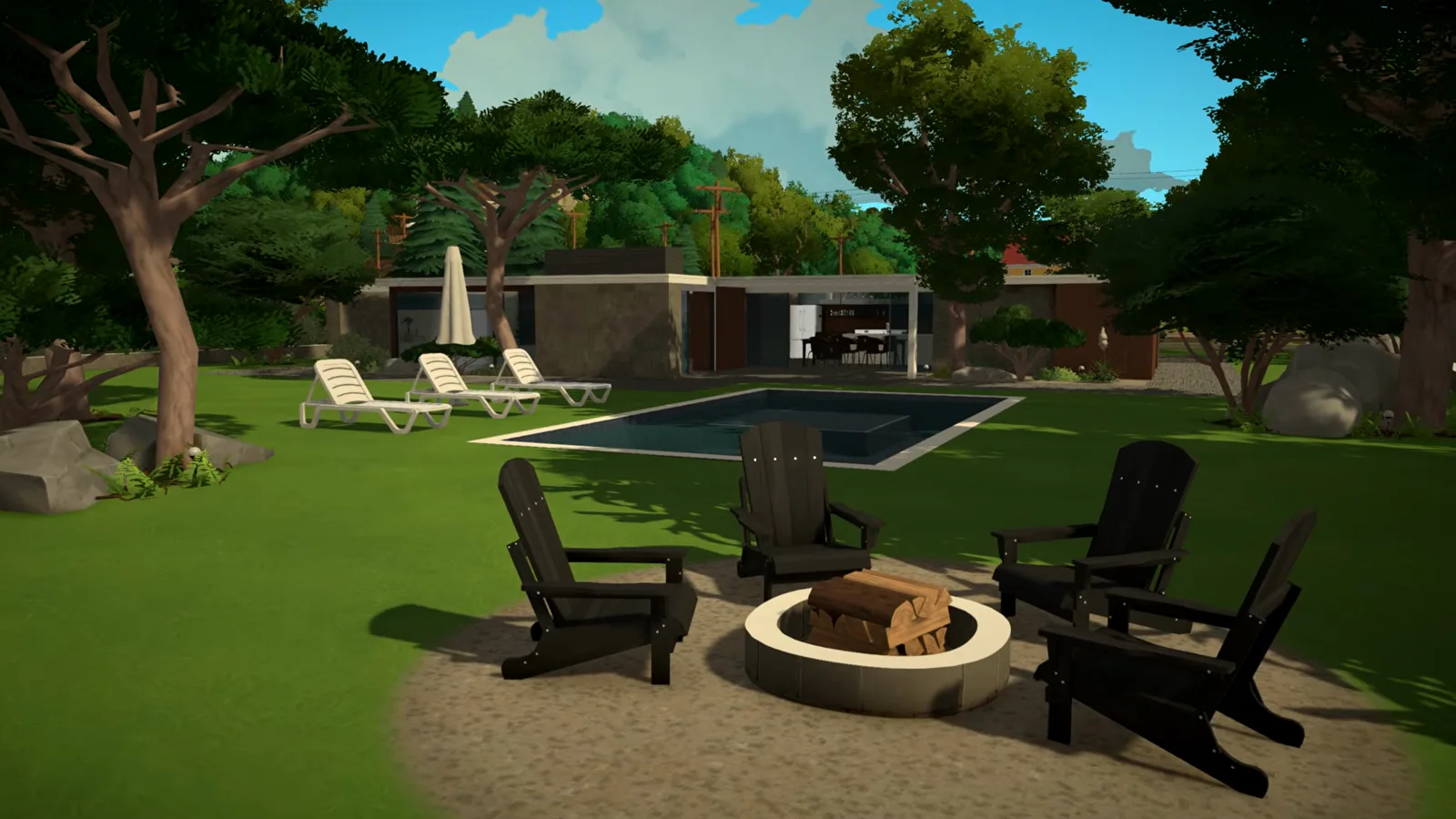
Two creator builds, frame by frame: sunken conversation pit, stone-and-walnut palette, flat roof, carport and the Palm Springs tricks that sell the era.
Build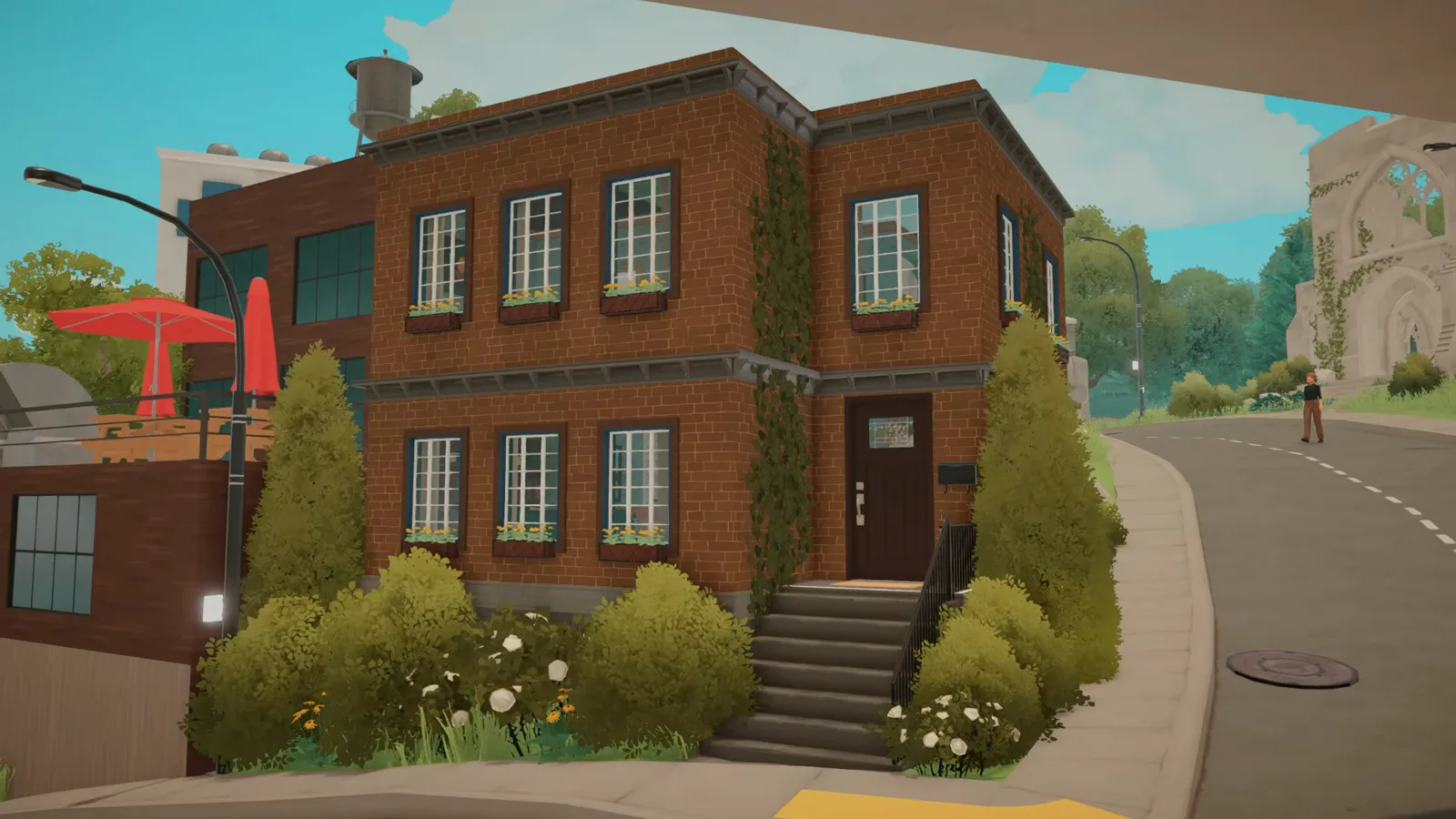
New York row house looks with base-game pieces: brown brick, tall windows, cornice and a stoop with railings.
Build
A rooftop apartment on your own build in 16 steps: external stairs, sledgehammered roof slab, deck, half-wall parapets and a pergola.
Build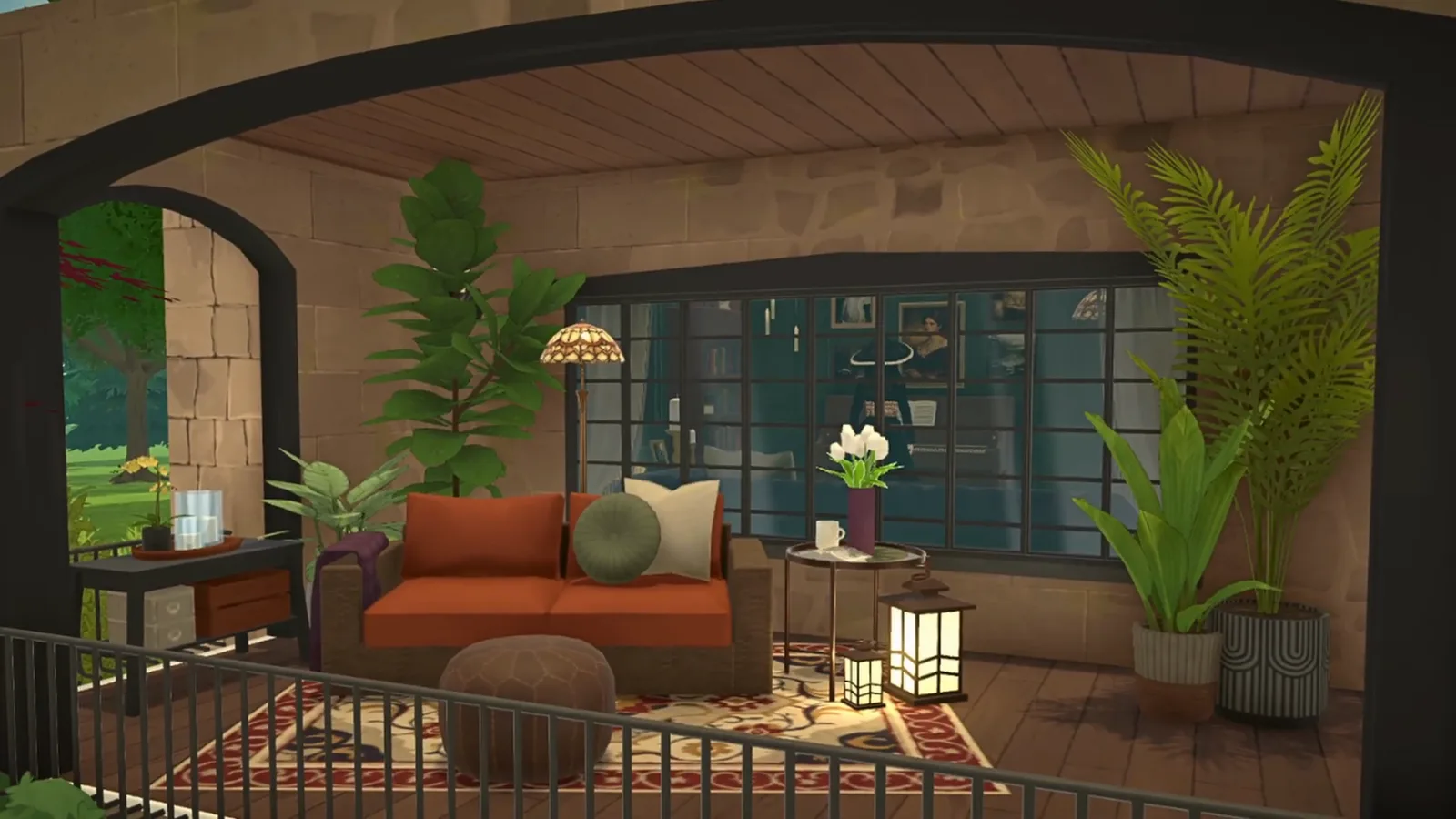
A sixteen-step moody library renovation: stone arch porch, named palette, green library walls and a hidden study.
Build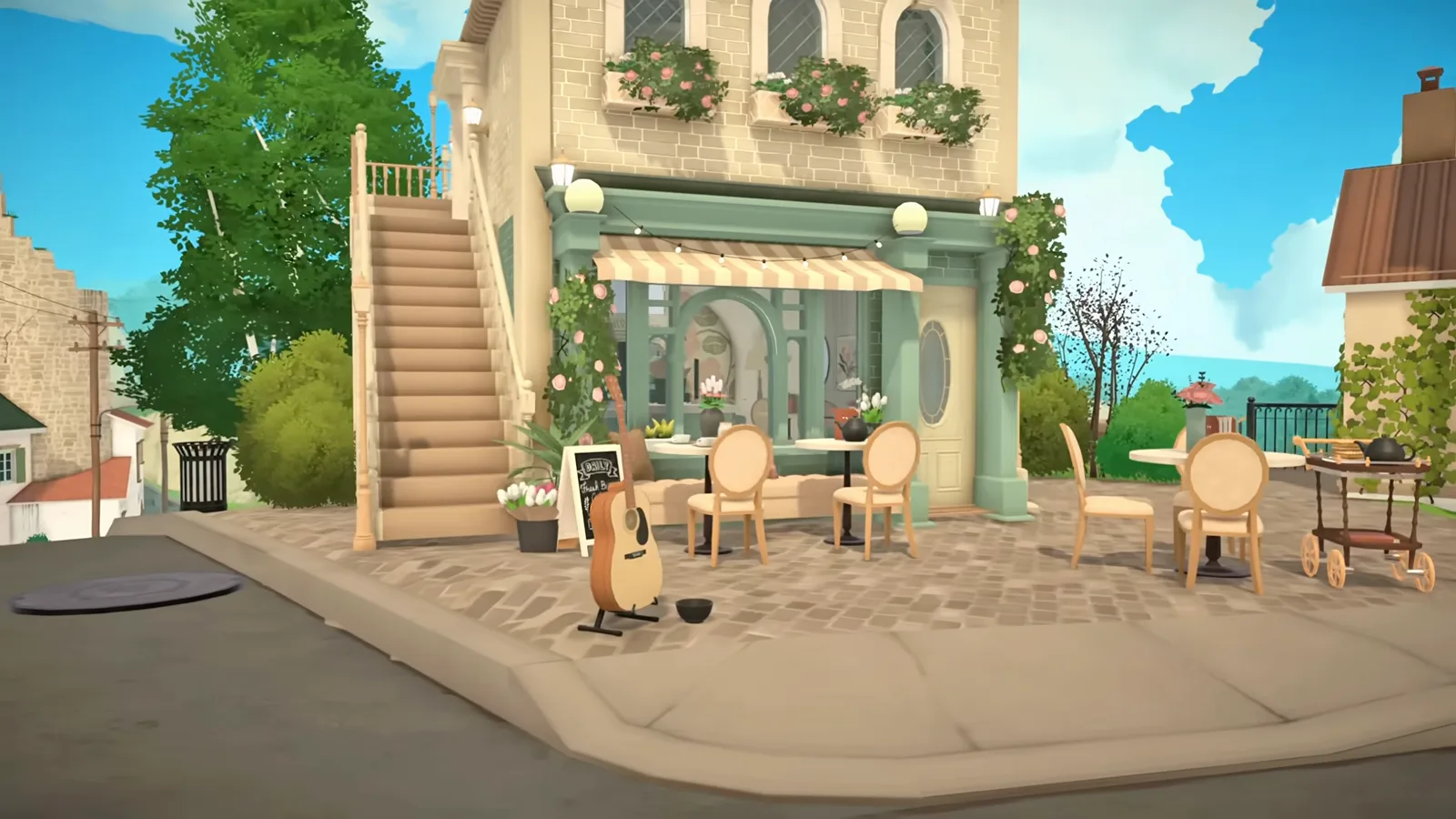
A corner café with a pastry counter, upstairs flat and rooftop terrace — plus the workshop mod that lets customers actually buy.
Build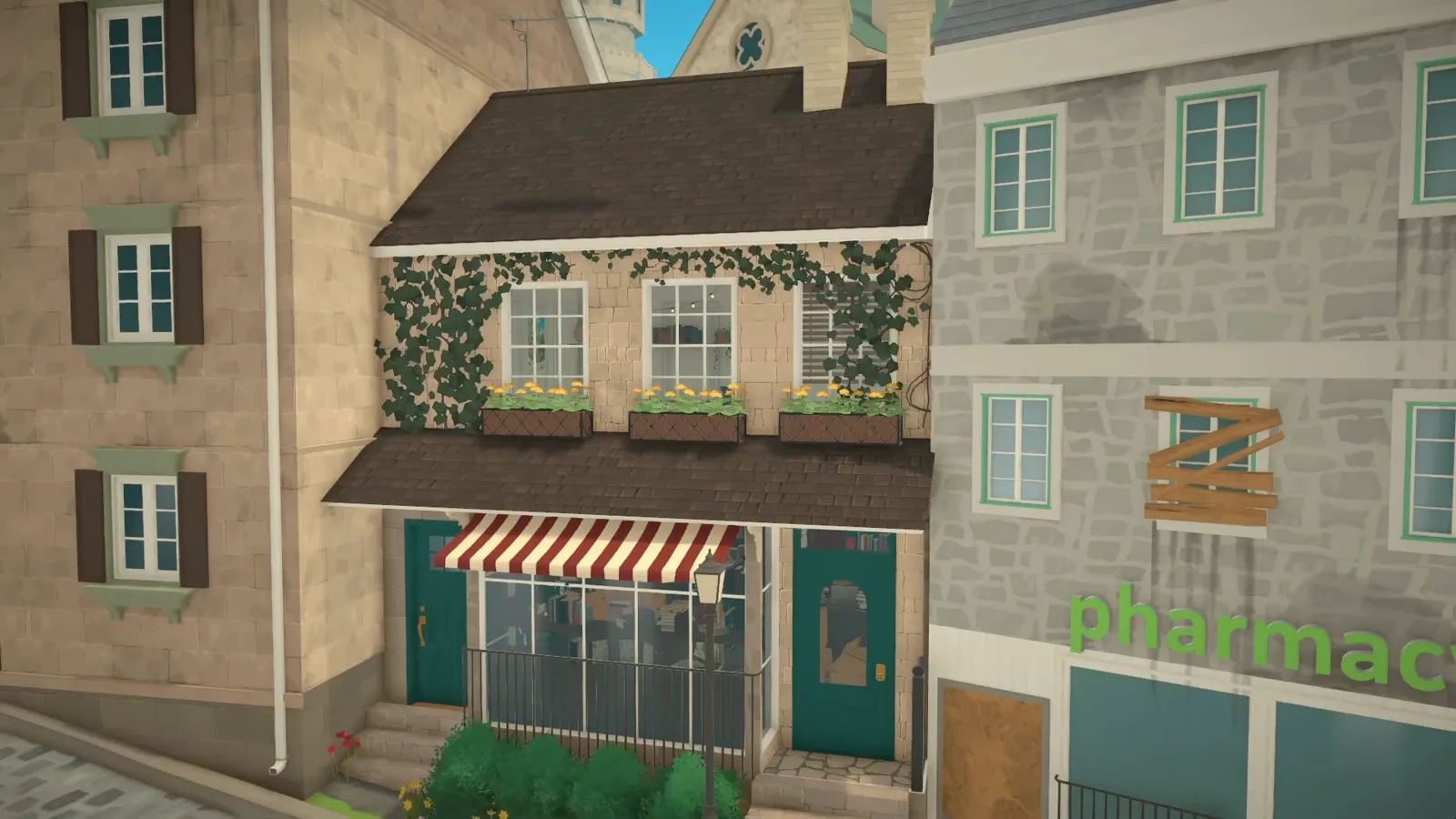
A cosy bookshop in a six-metre gap: shelf walls, book stacks, a striped awning and an apartment above the store.
Build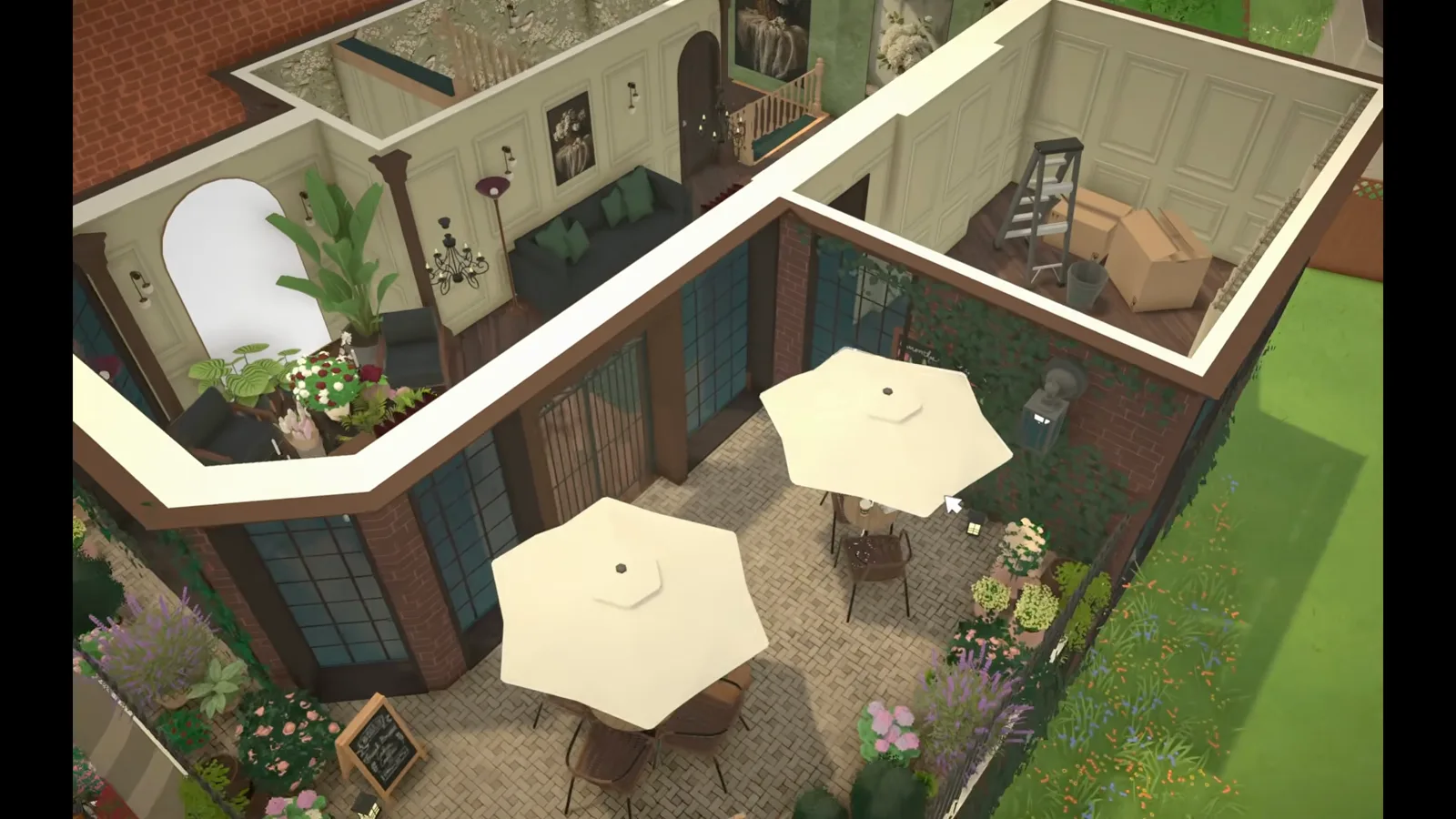
A vintage flower café: a wall of bouquets, a wrapping workbench, a glass conservatory and a parasol roof garden.
Build
A full ALLMART-style grocery: produce bins, freezers, themed aisles and staff rooms behind one big-box shell.
Build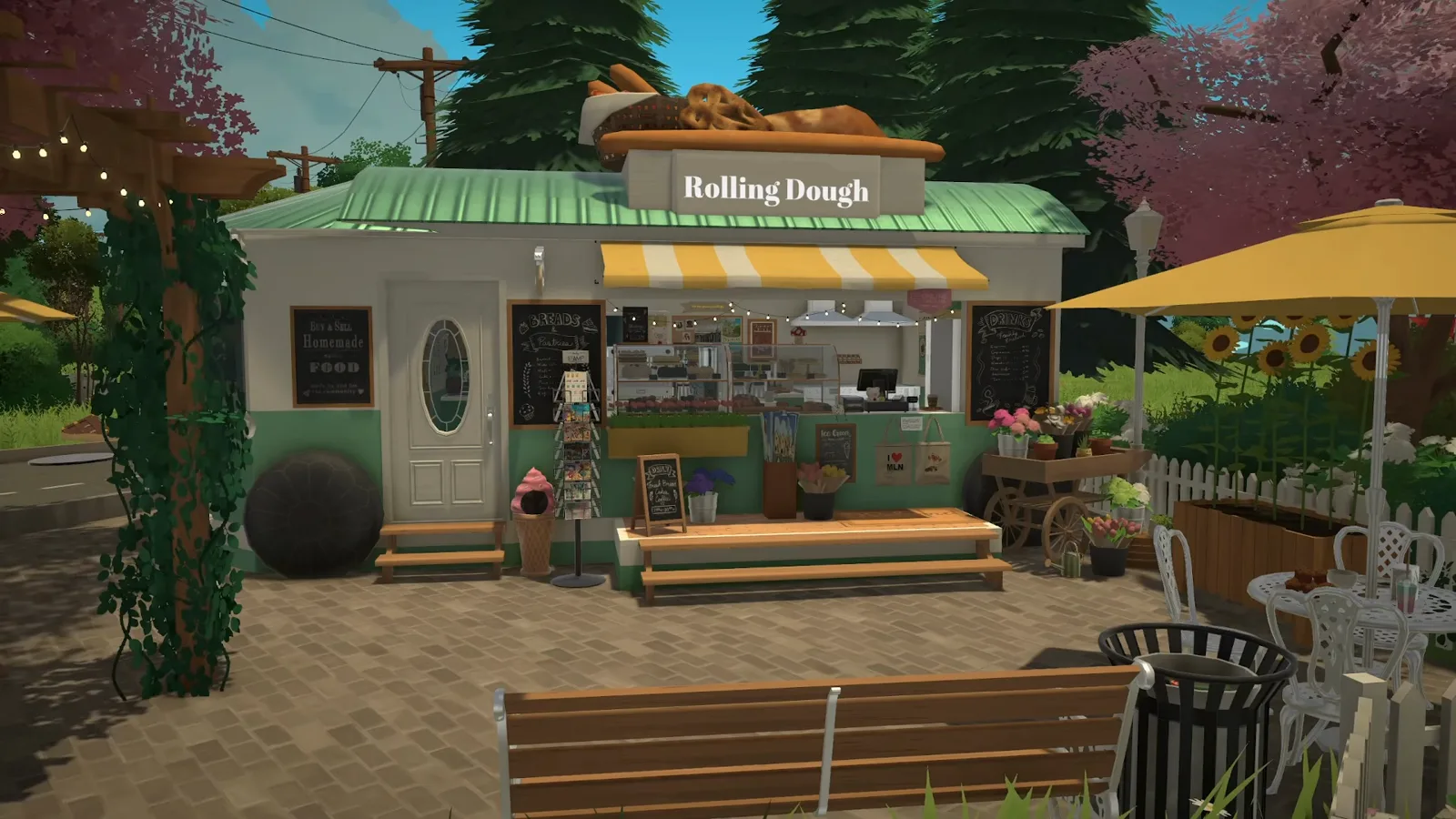
A vintage-trailer bakery with a curved shell, full pastry kitchen and espresso bar — built with full walls so downloads never vanish.
Build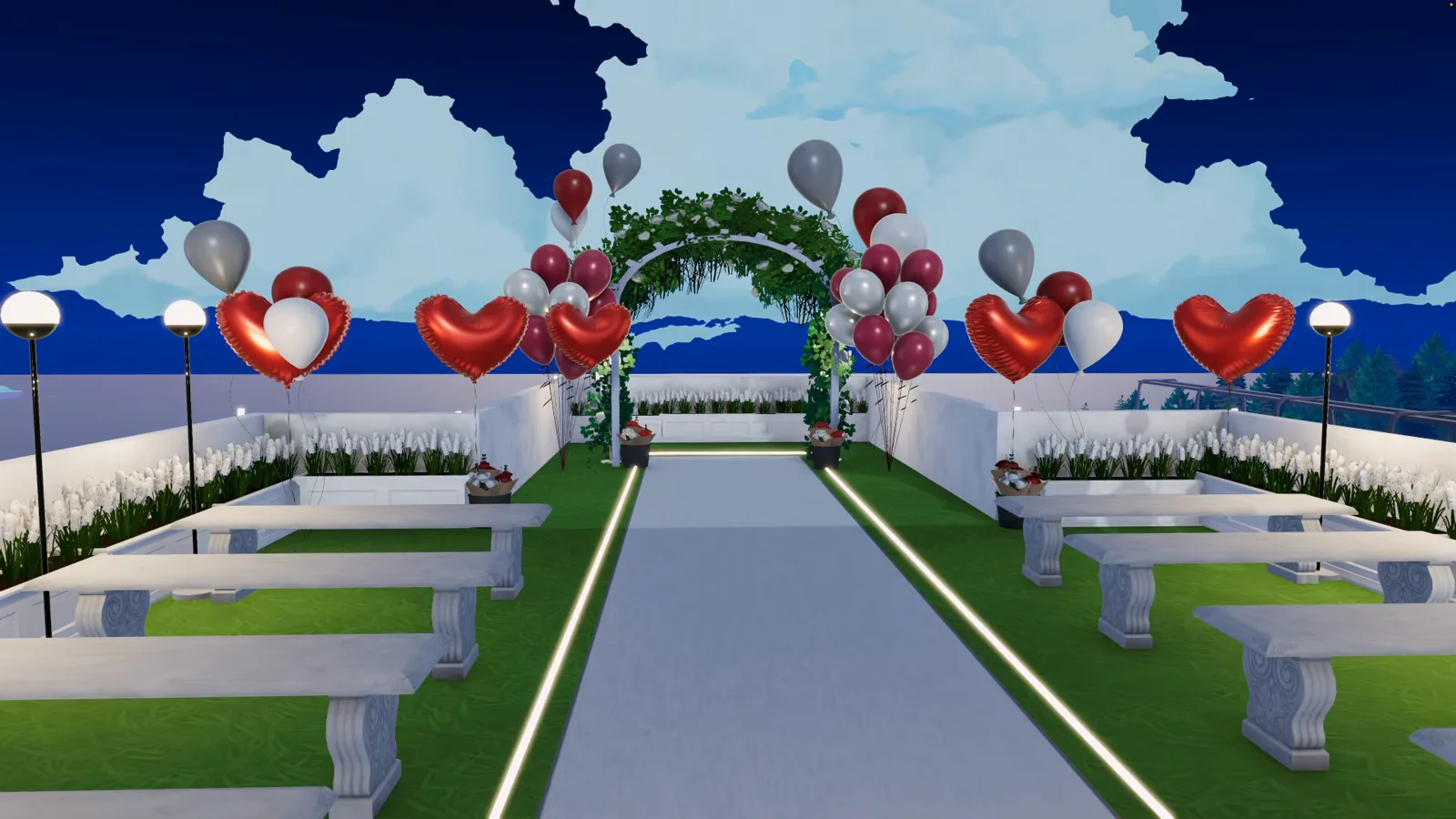
A five-storey seaside hotel with a glass facade, neon front desk, five themed guest rooms and a rooftop wedding terrace.
Build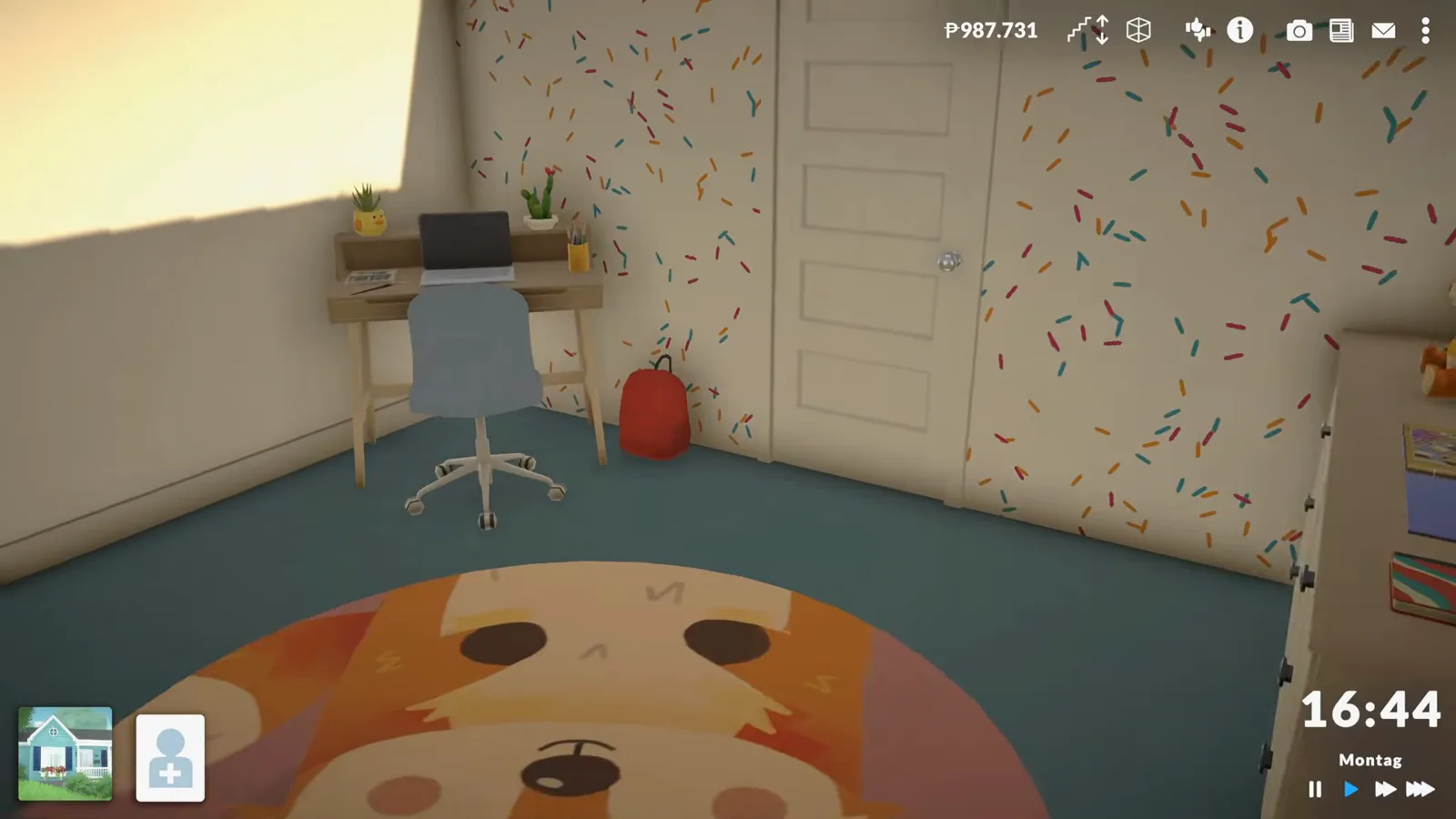
A grow-with-them kid's room: size-handle bed, Style Creation bedding, homework desk and a fox rug.
Build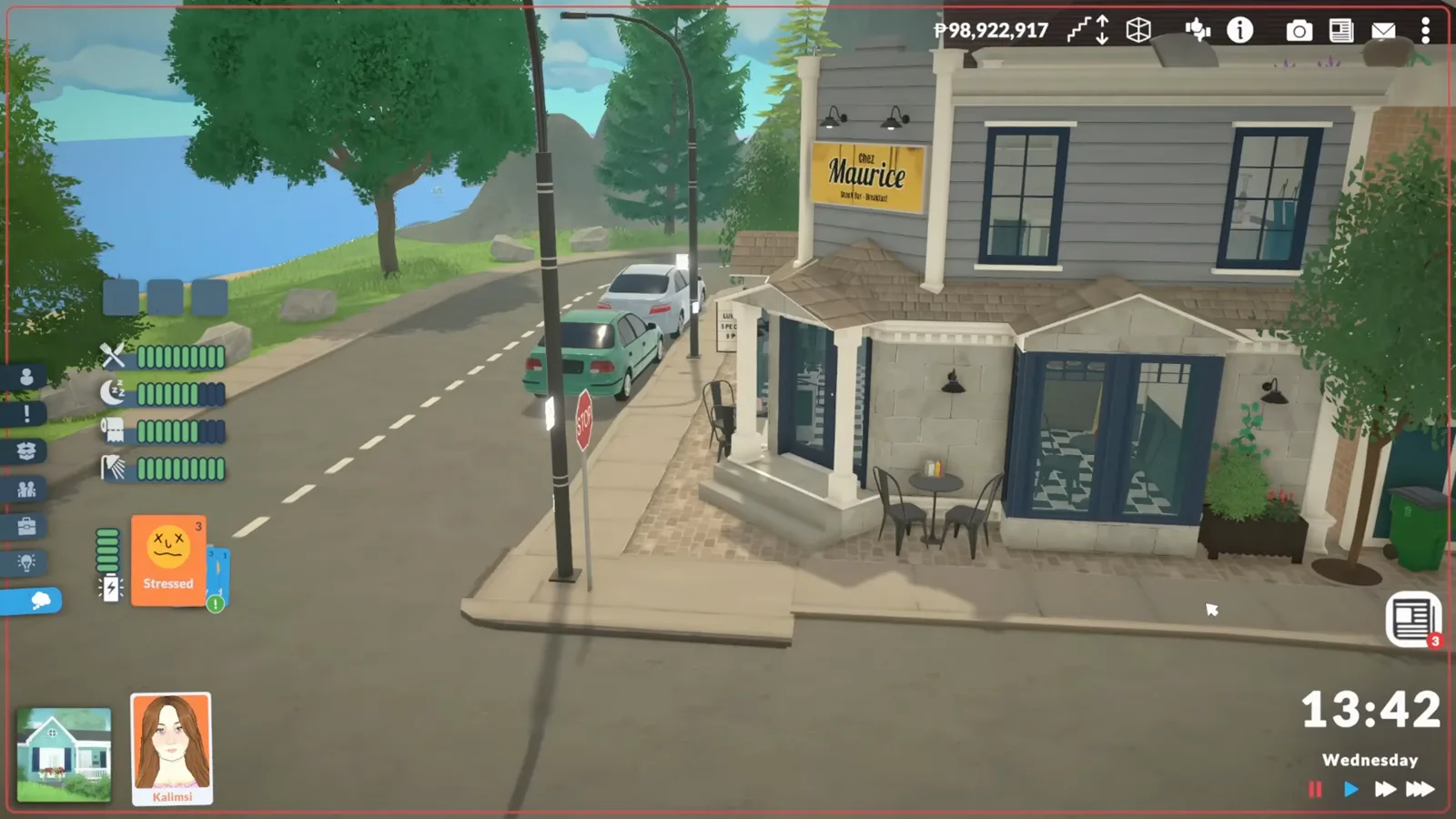
A street-corner restaurant with checkered floors, booth seating and a display case guests can order from.
Build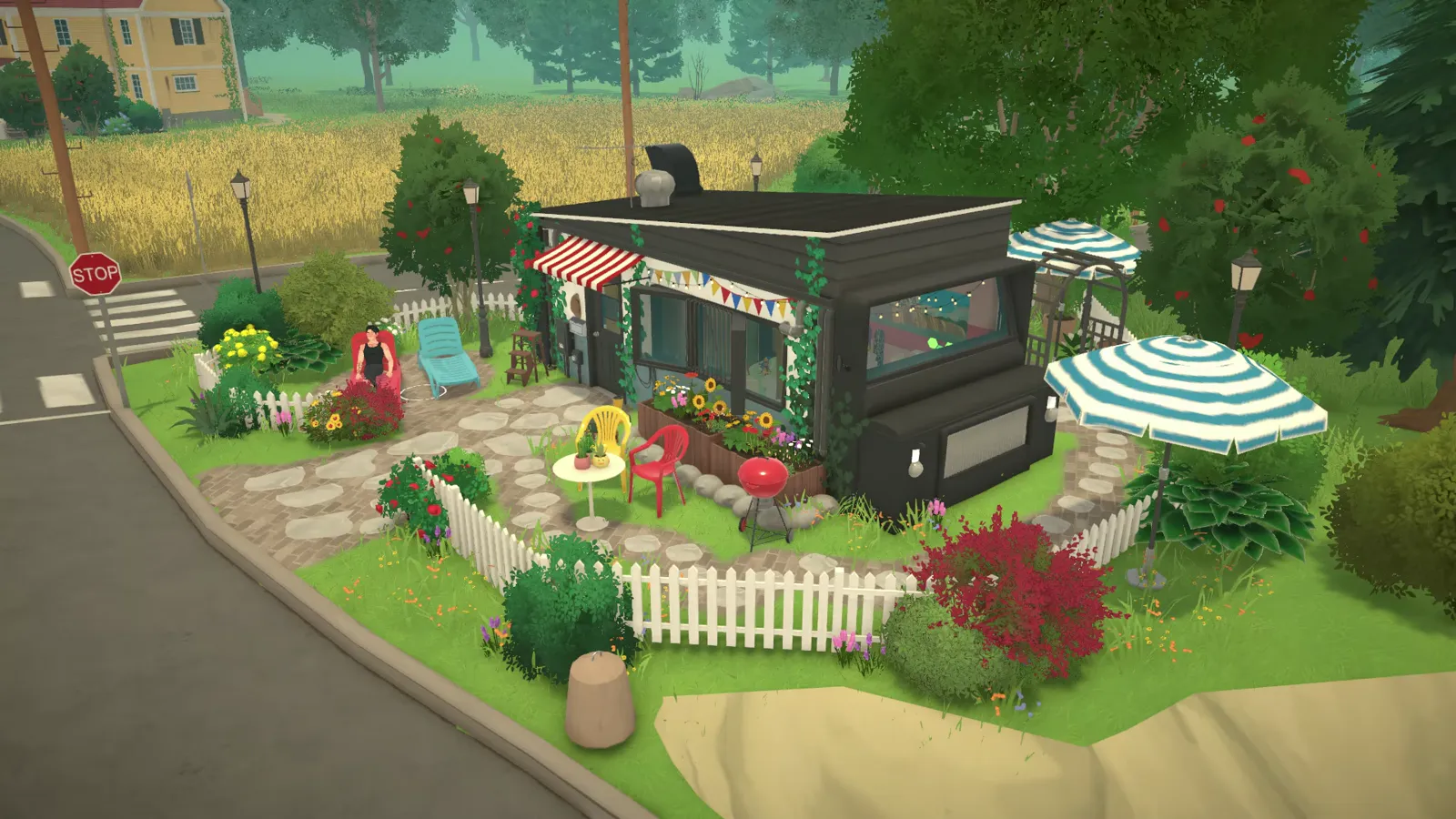
A tiny van turned dream home — a static sculpture, since nothing in Paralives drives.
Build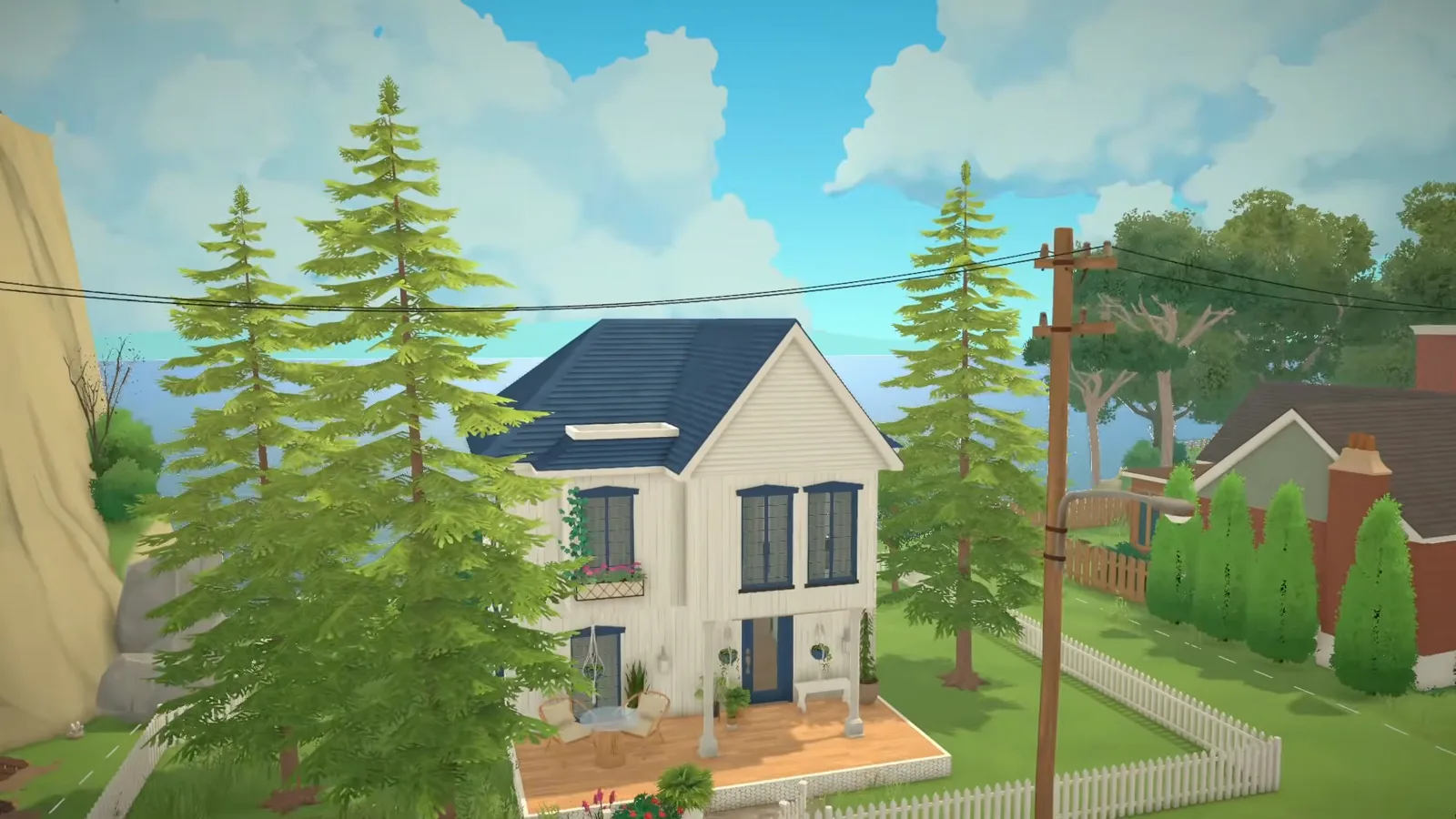
A Scandi coastal home in sixteen steps — white cladding, a navy roof, Style Creation palettes and a vine-covered terrace.
Build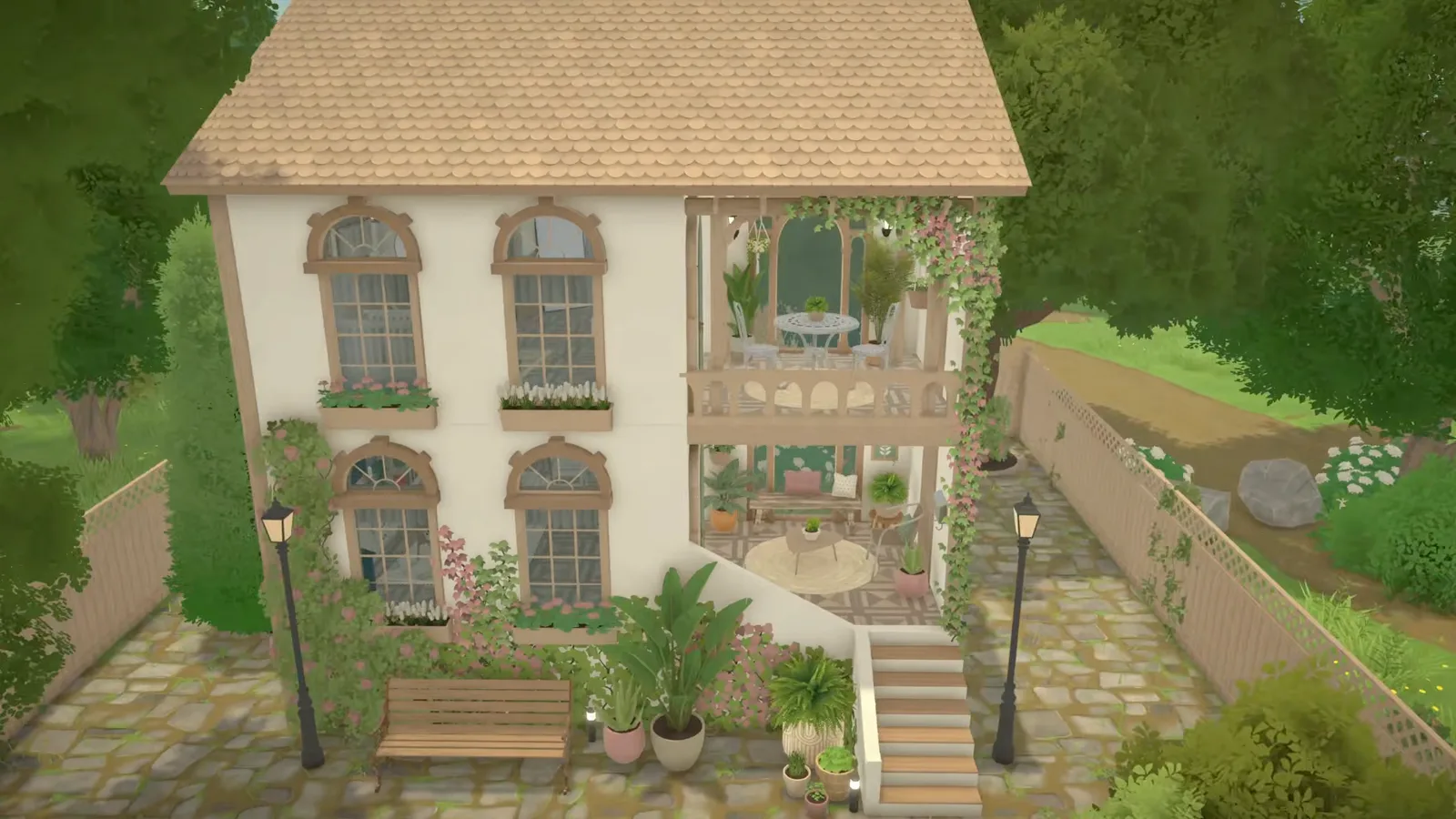
A narrow-lot Mediterranean build — arched windows, terracotta roof presets, patterned tile and one palette inside and out.
Build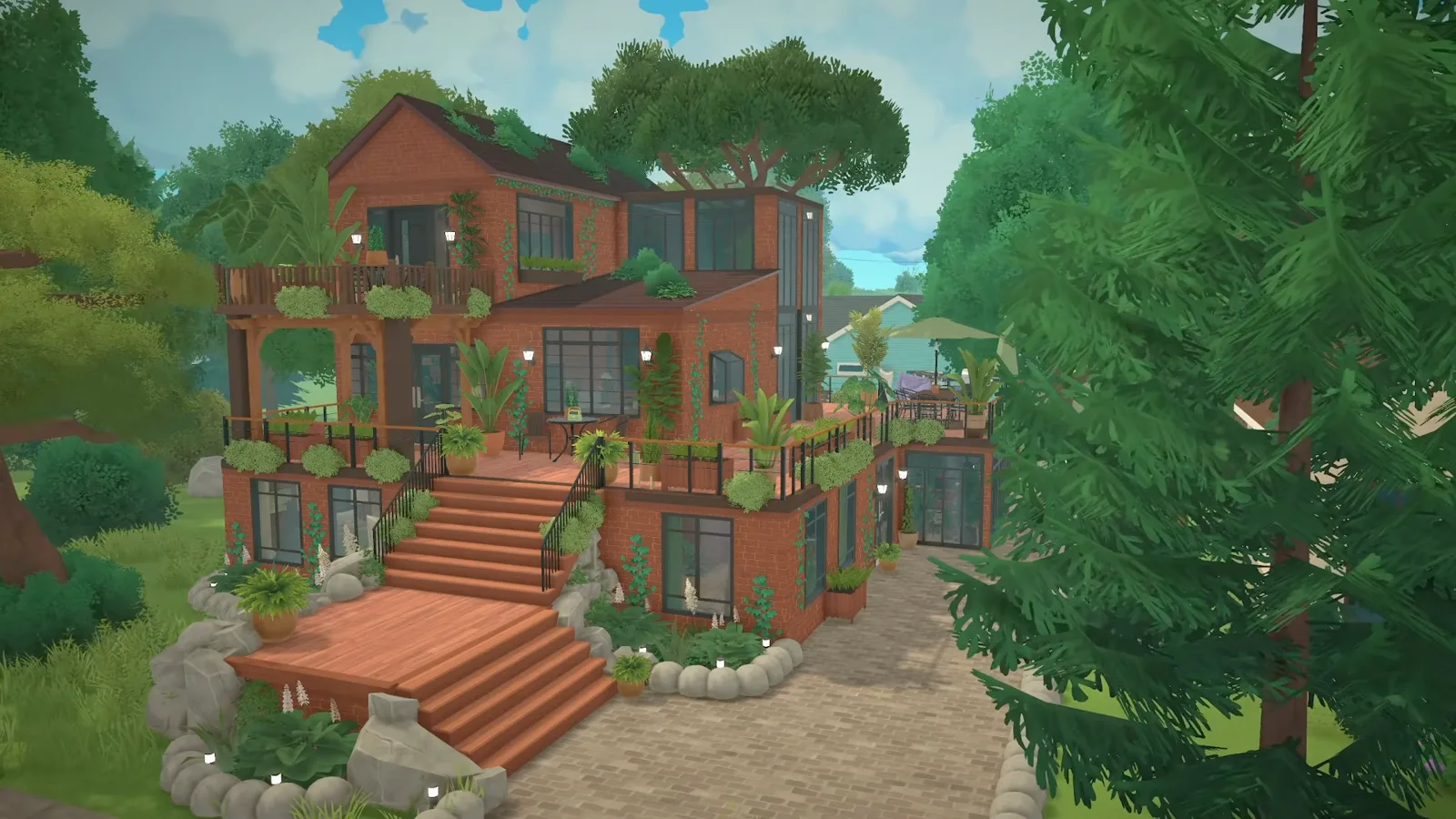
A plant lover's garden around a glass atrium — terraced levels, disguised soil, mass recolouring and an outdoor dining deck.
Build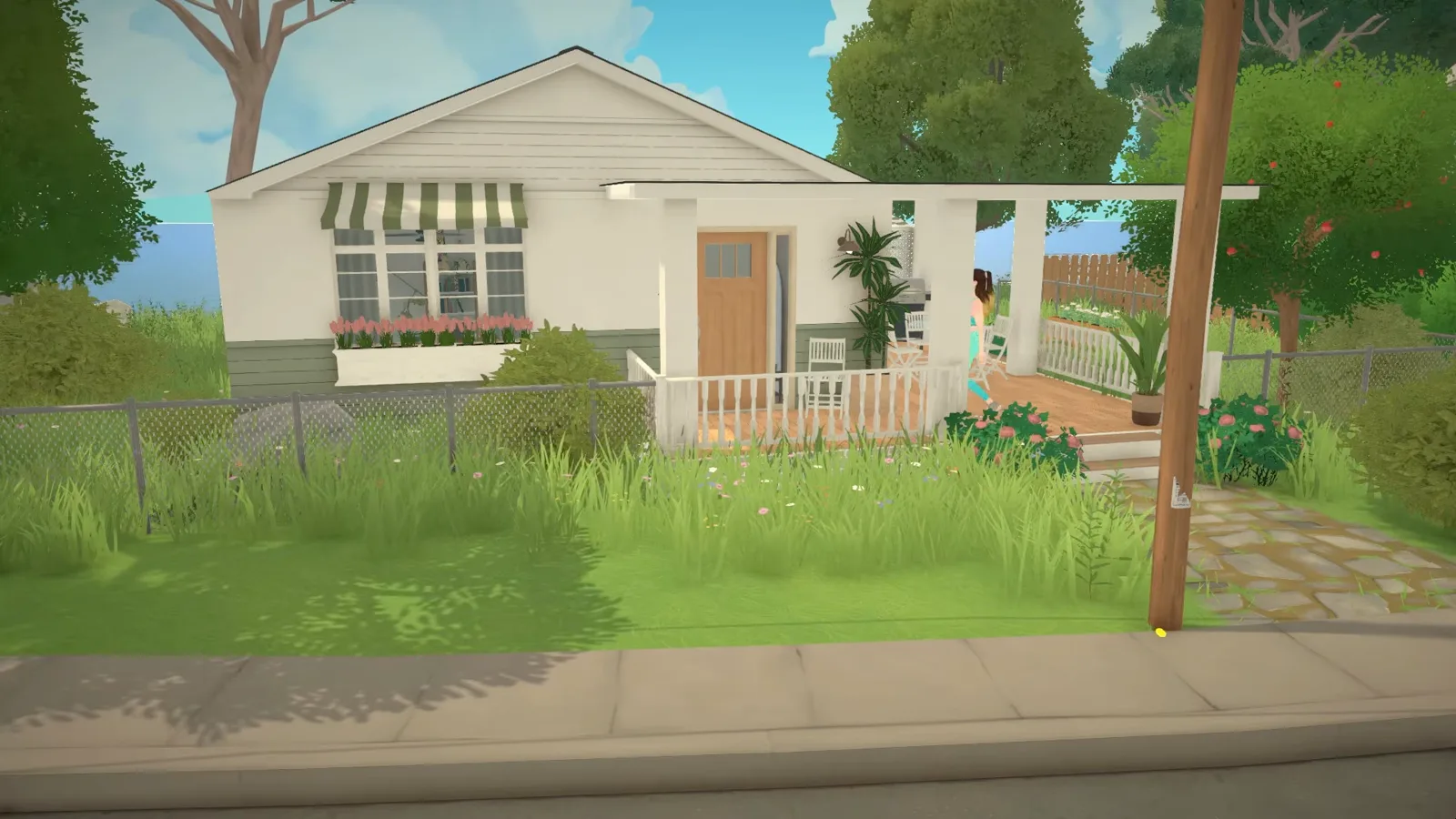
A sea-view starter bungalow in sixteen steps — platform deck on posts, shingled gable, sage-and-white rooms, pond and Adirondack chairs.
Build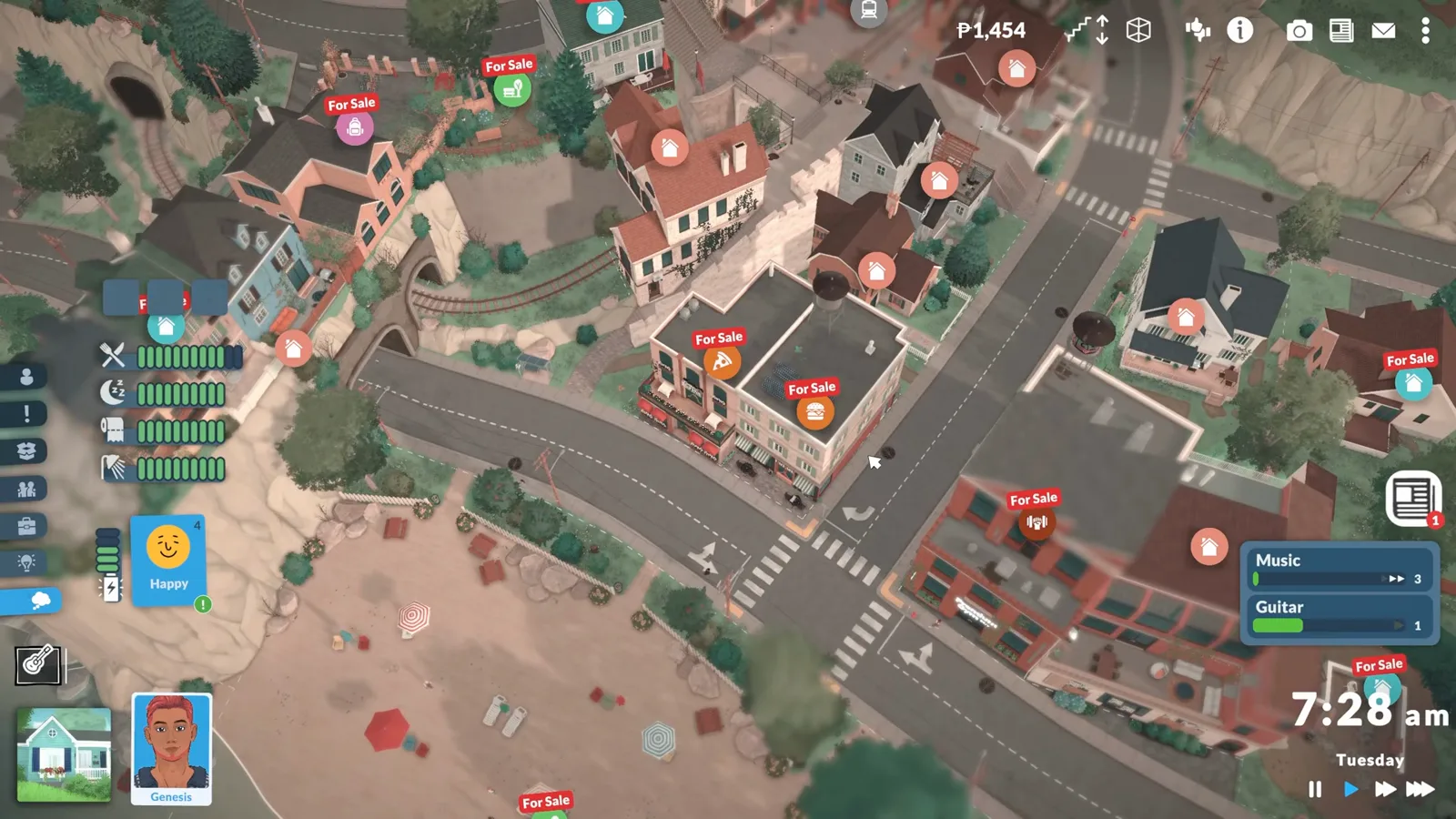
Buy and rebuild the venues Melino already has: the toggle edit town console command, buying For Sale lots, and replacing a default supermarket.
Build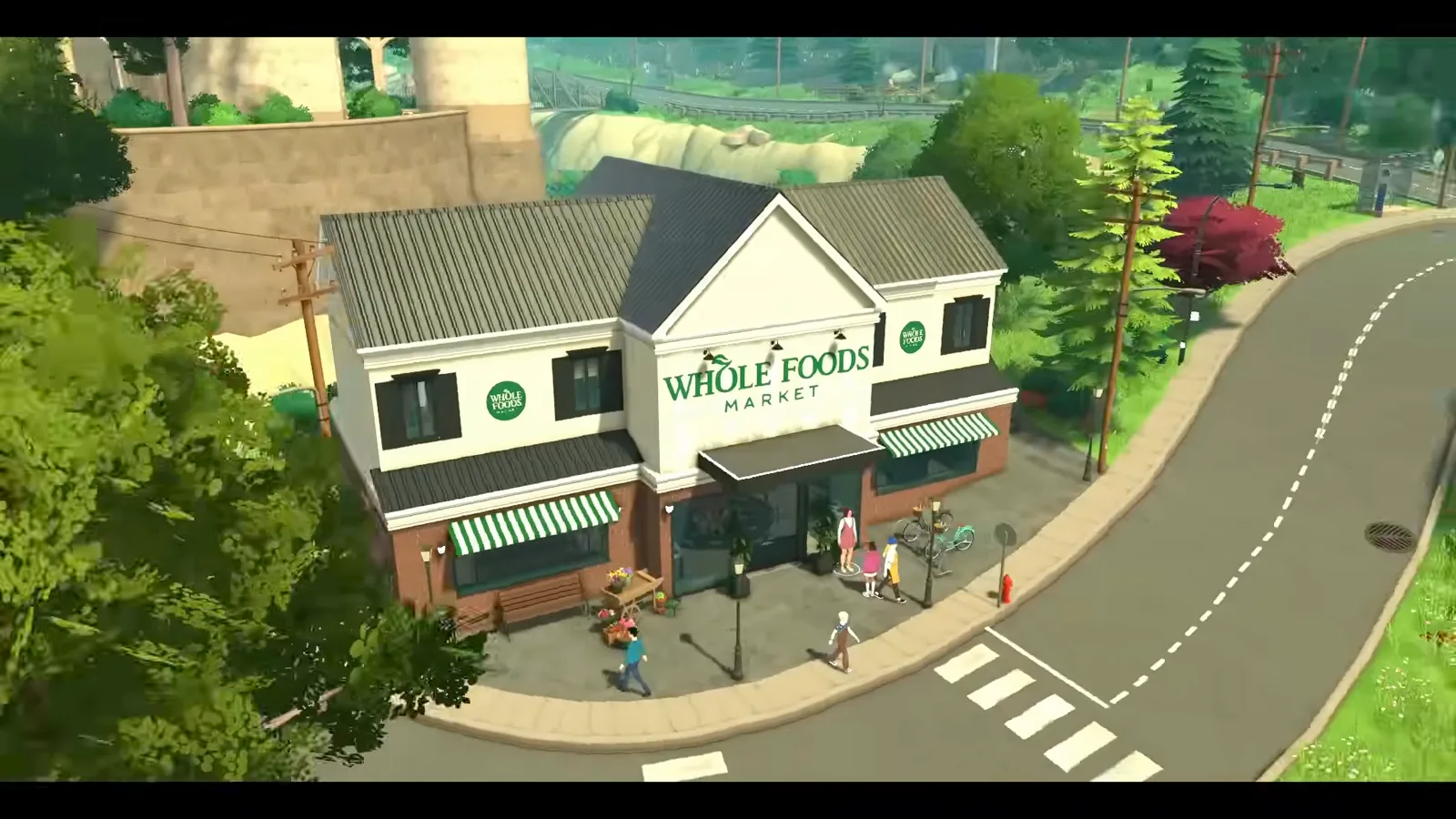
Turn a default venue into your own shop or diner — replace, furnish and set opening hours and staff, following ItsAnitaa's supermarket makeover.
Build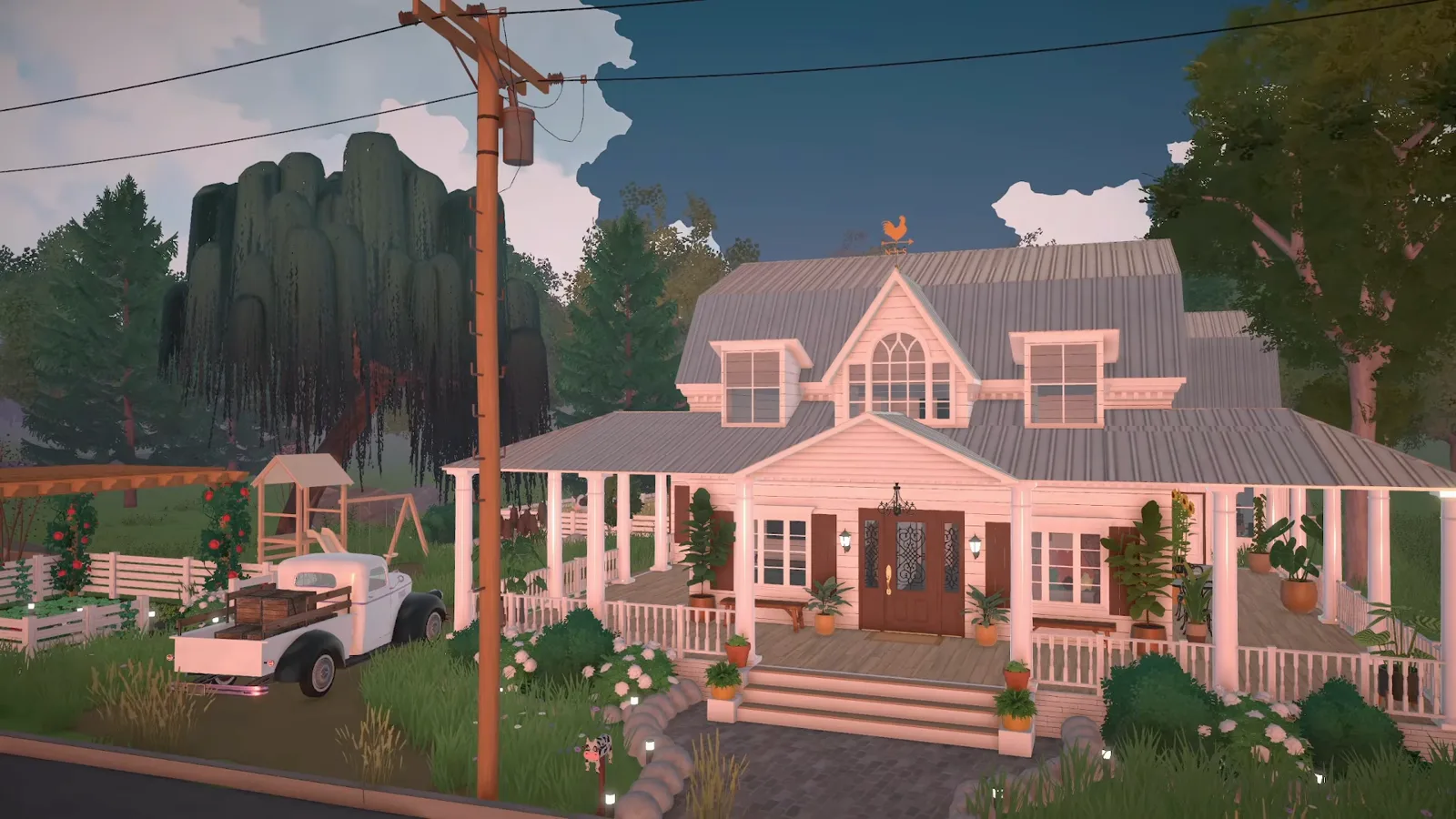
A farm without animals: the cow statue anchors the barn, partition walls make the stalls, and a gardening mod handles plantable crops.
Build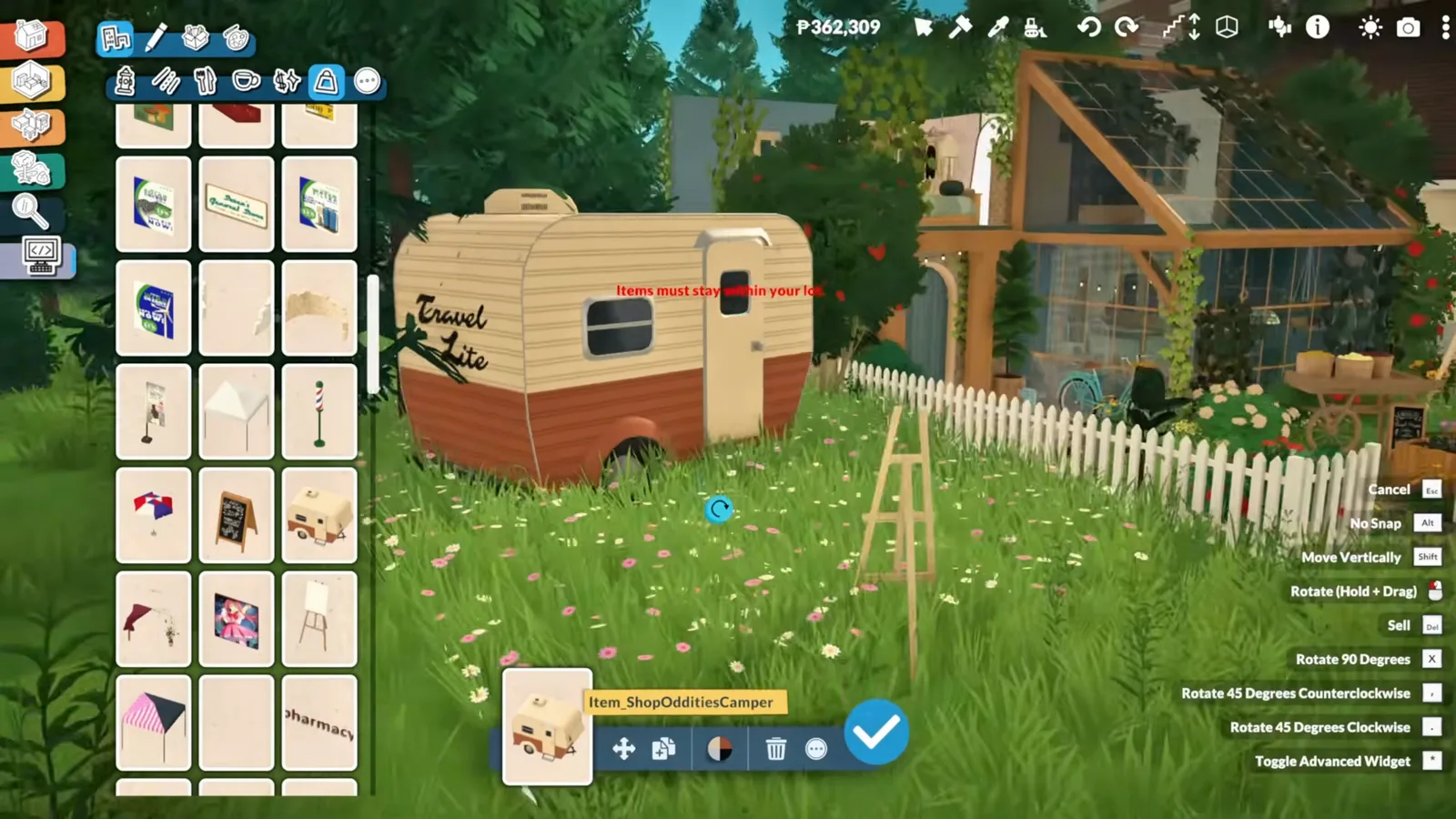
Zerbu's Debug Objects Category mod opens a catalogue of hidden items — venue props, market carts, signs — and this guide builds a book nook with them.
Build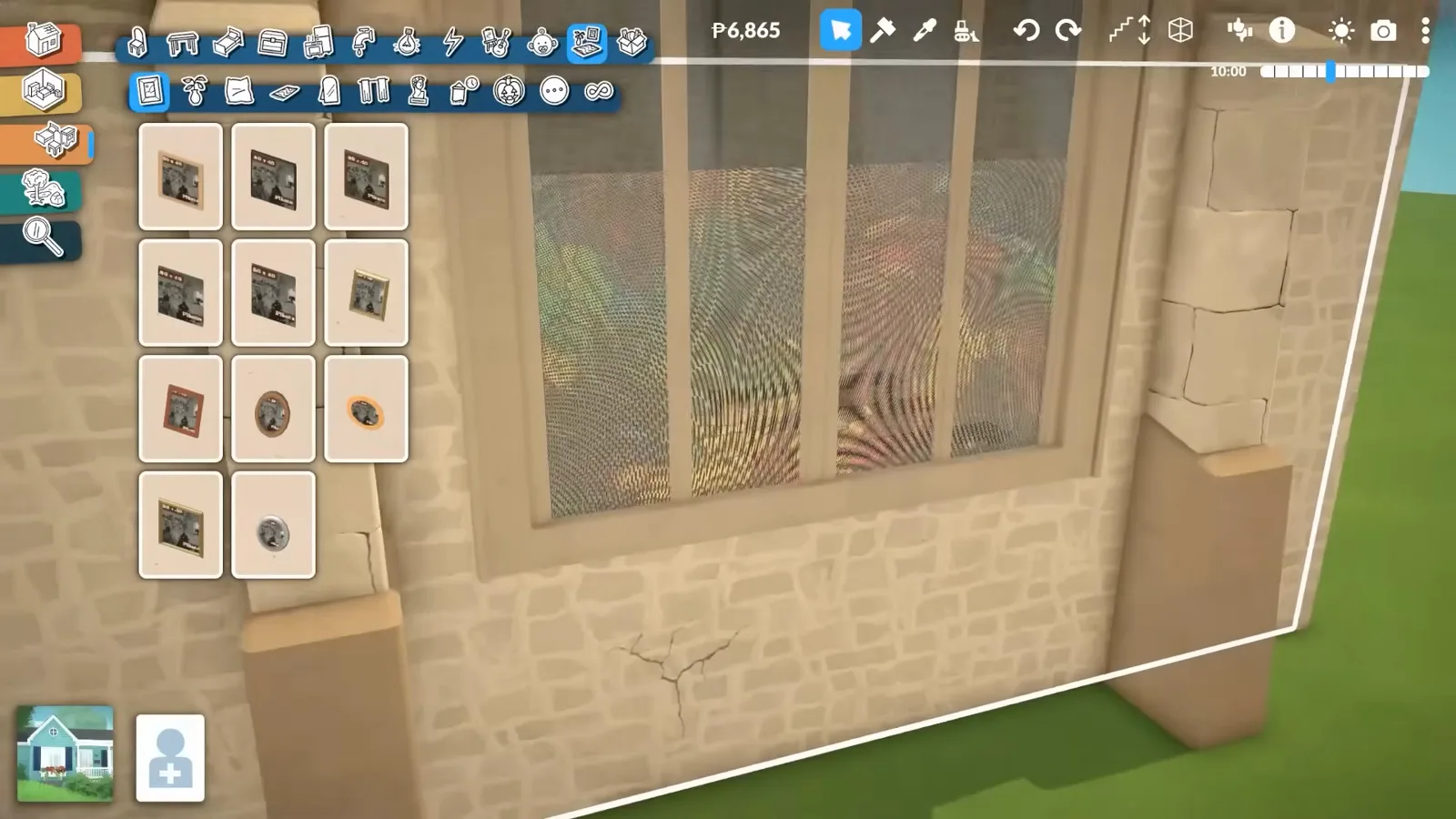
Fifteen advanced techniques: two finishes on one wall, stained glass, skylights from a roof gap, and a full attic conversion.
Build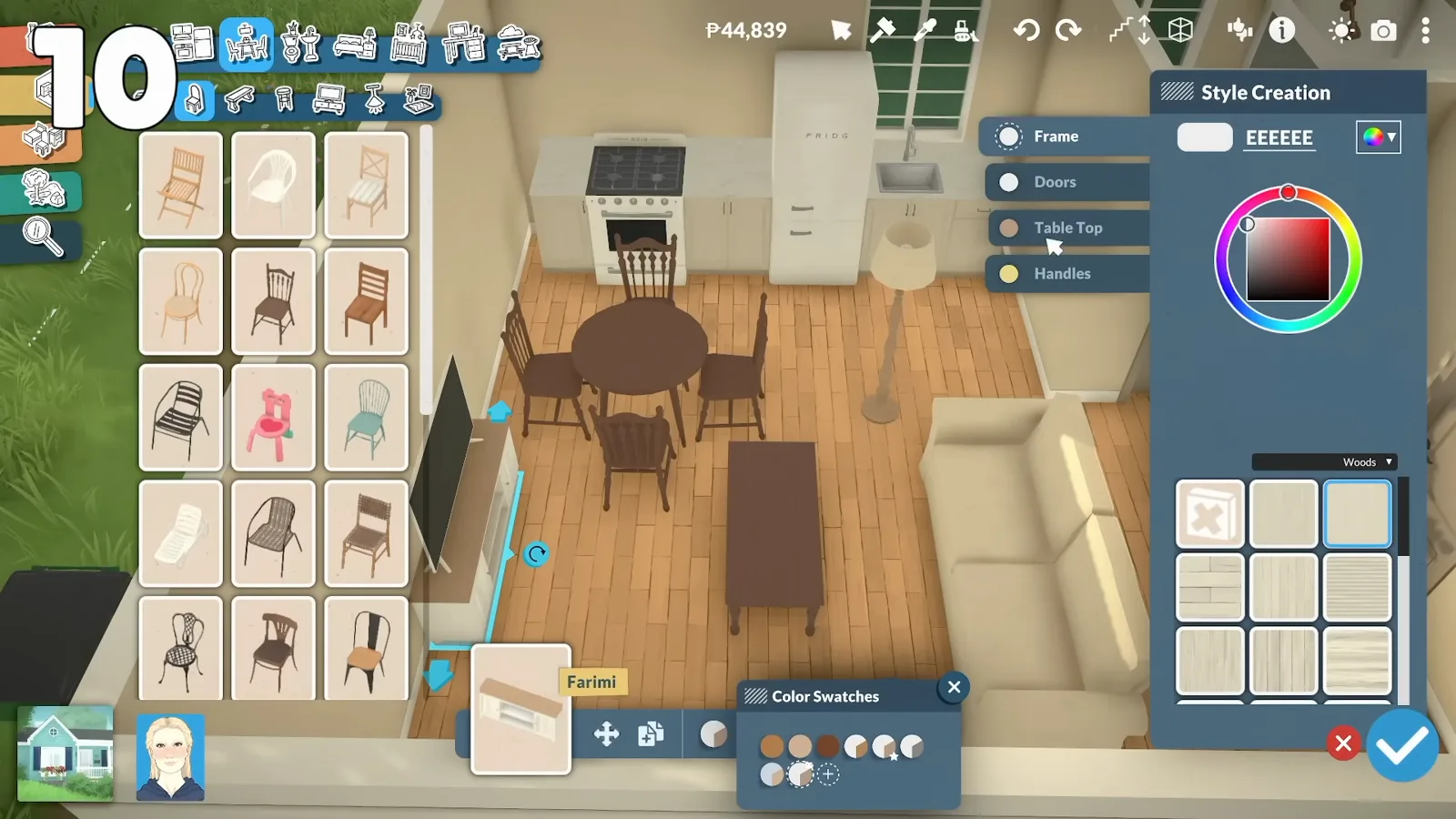
Recolor anything with the wheel — hex codes, custom swatches, color zones and filters, plus what to check when it will not open.
Build
zoibean rebuilds a community-made wreck room by room — new walls, working stairs, kitchen, reading nook, terrace and front yard.
Build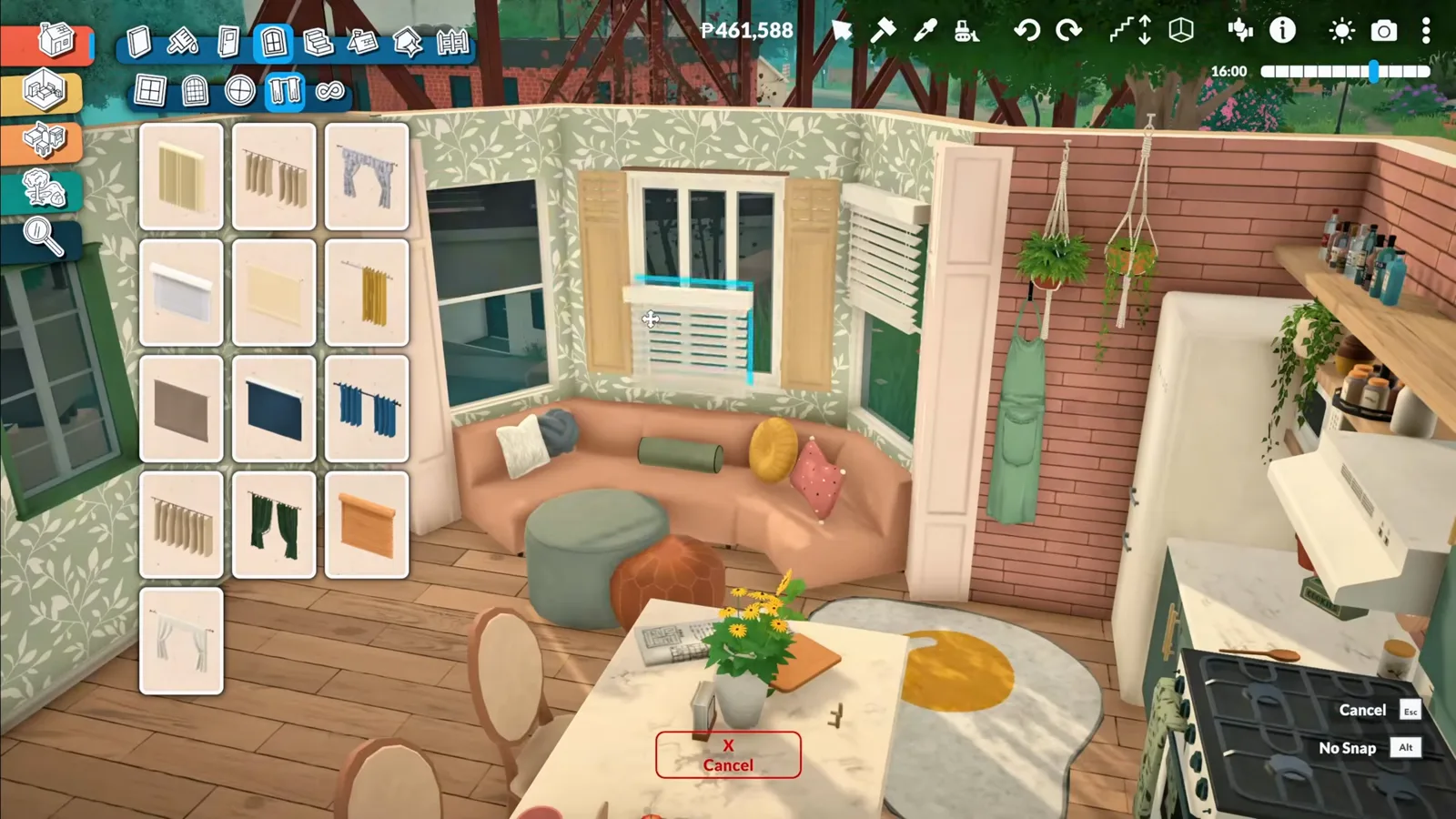
Curved sofas, kitchen islands and built-in cabinet walls from vanilla parts — advanced transform tool recipes that stay functional in live mode.
Build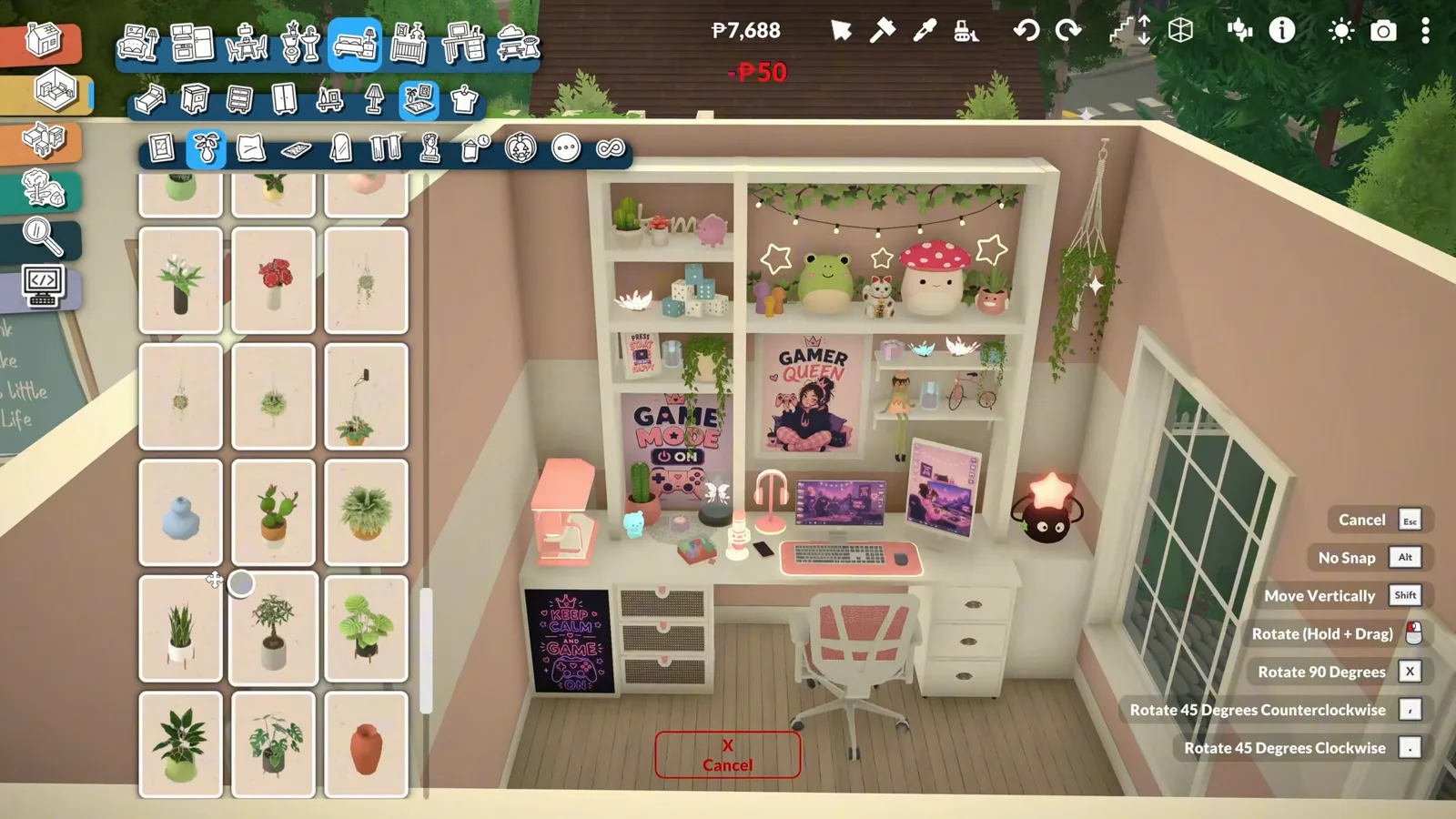
A cozy whole-house tour that ends in a neon-lit gaming room — cat-face tiles, a stair nook, a library wall and a dual-monitor night desk.
Build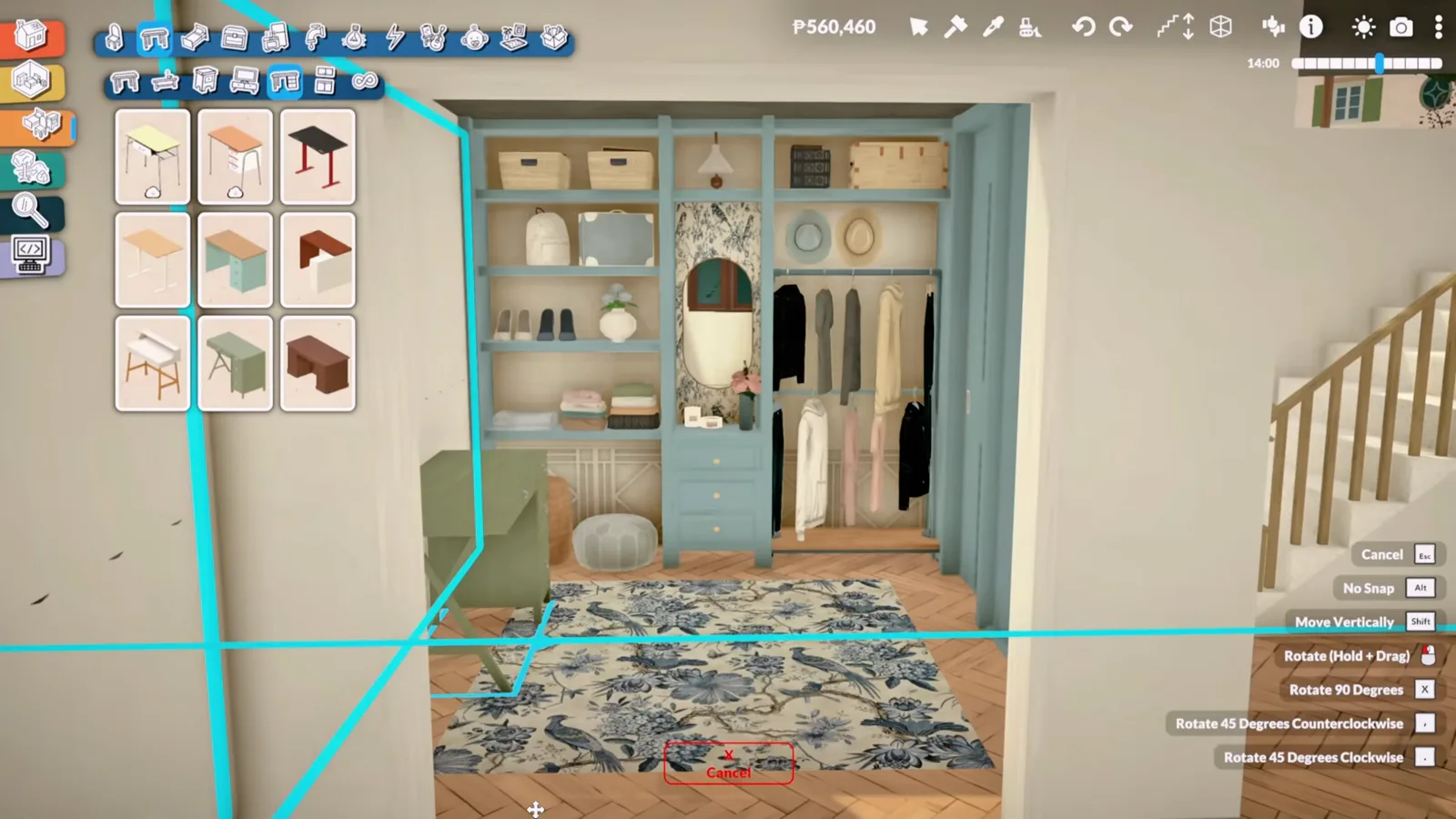
Turn a bedroom alcove into a working walk-in closet — wardrobe units, shelves and columns, a clothes rail stretched across the top and a vanity corner, proven with a real outfit change in live mode.
Build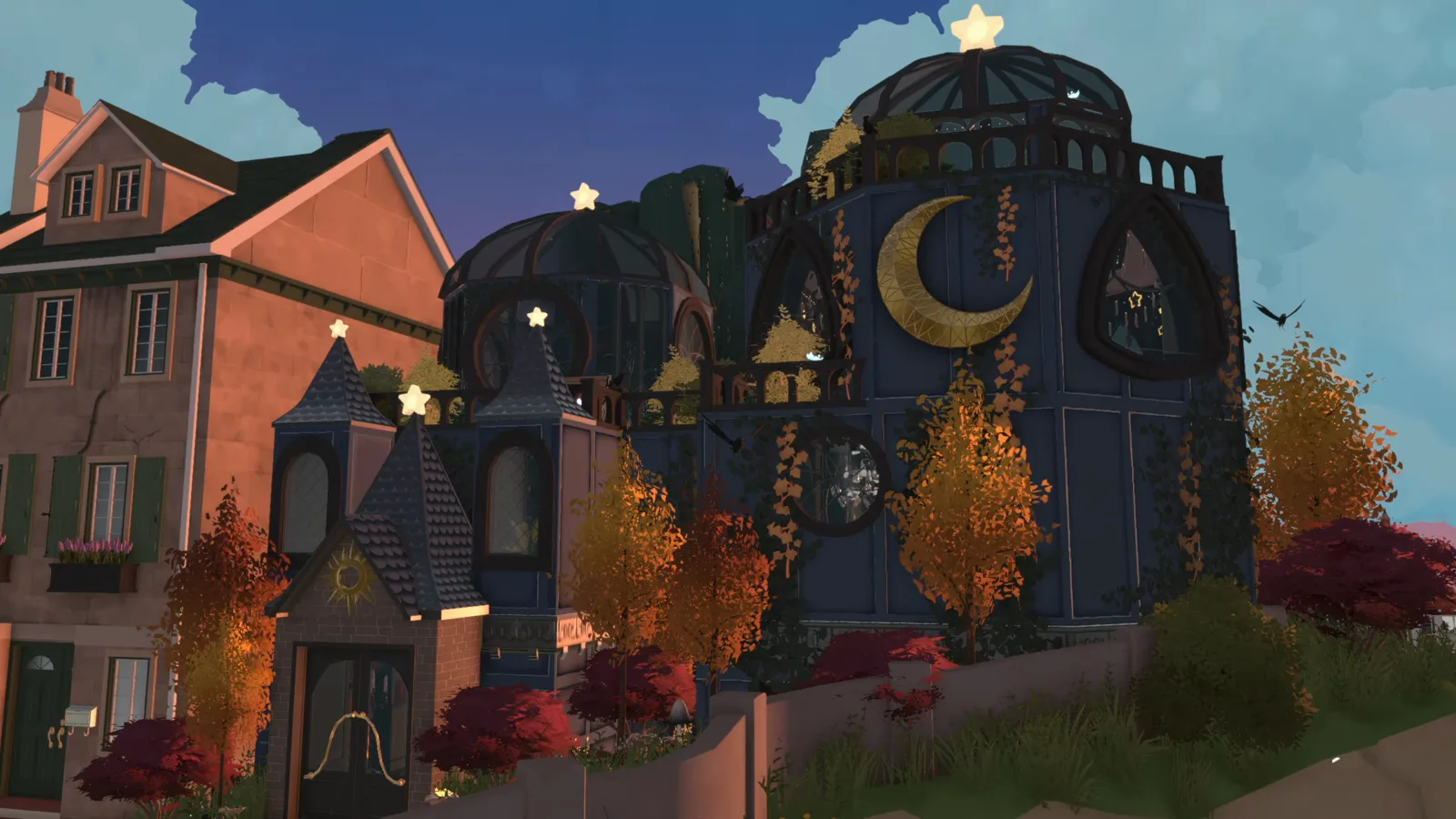
Make books, furniture, even a whole glass dome hover in mid-air with Paralives' own placement tools — the no-snap and vertical-move tricks behind a floating wizard library, no mods required for the levitation itself.
Build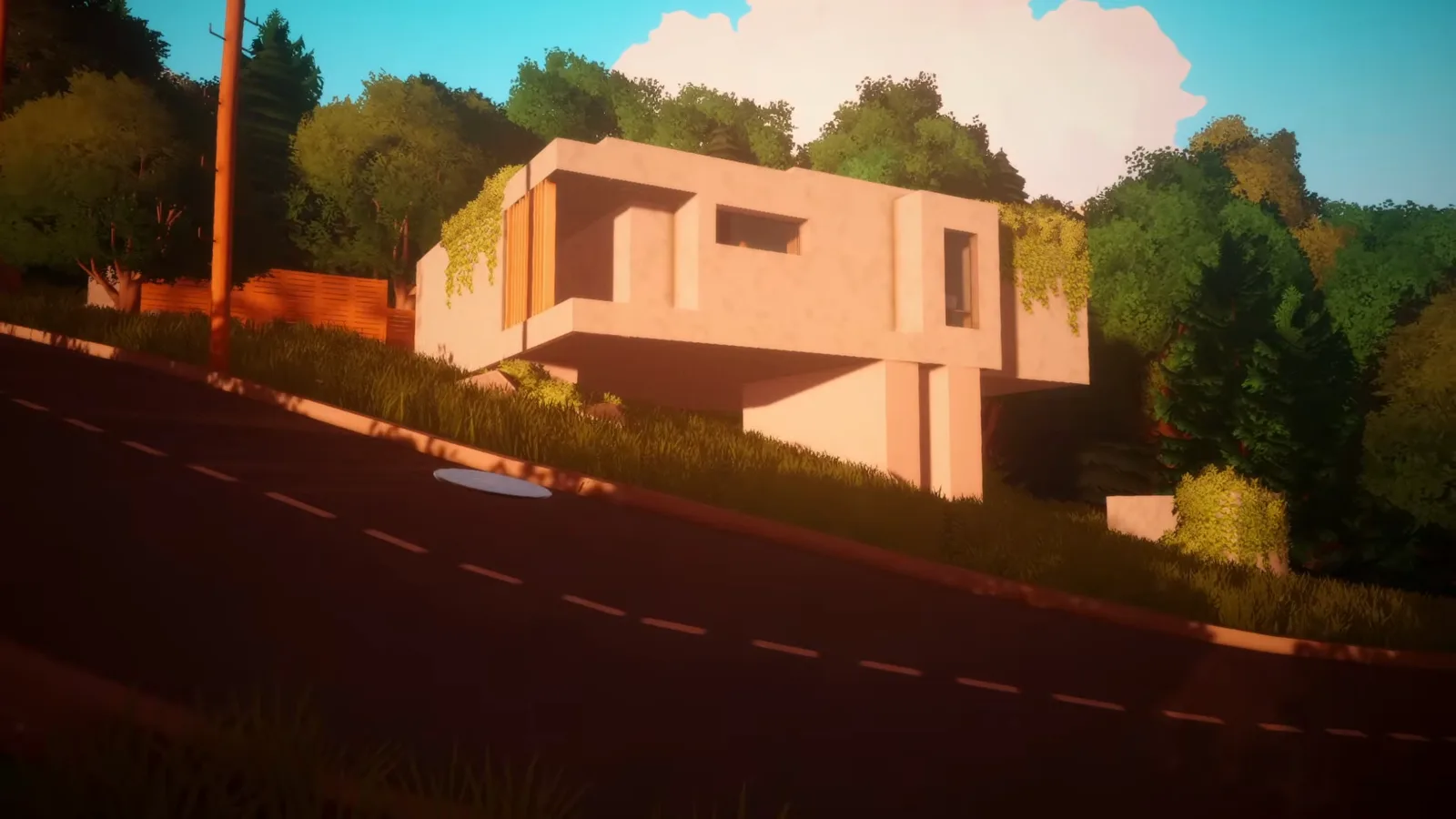
A concrete house strung over a slope: flat slabs spanning the grade, walls drawn on top, a slab edge pulled out into a cantilever on pillars, terrain stepped down at the entry and a sunken roof terrace facing the valley — fourteen frame-verified steps from a no-narration build.
Build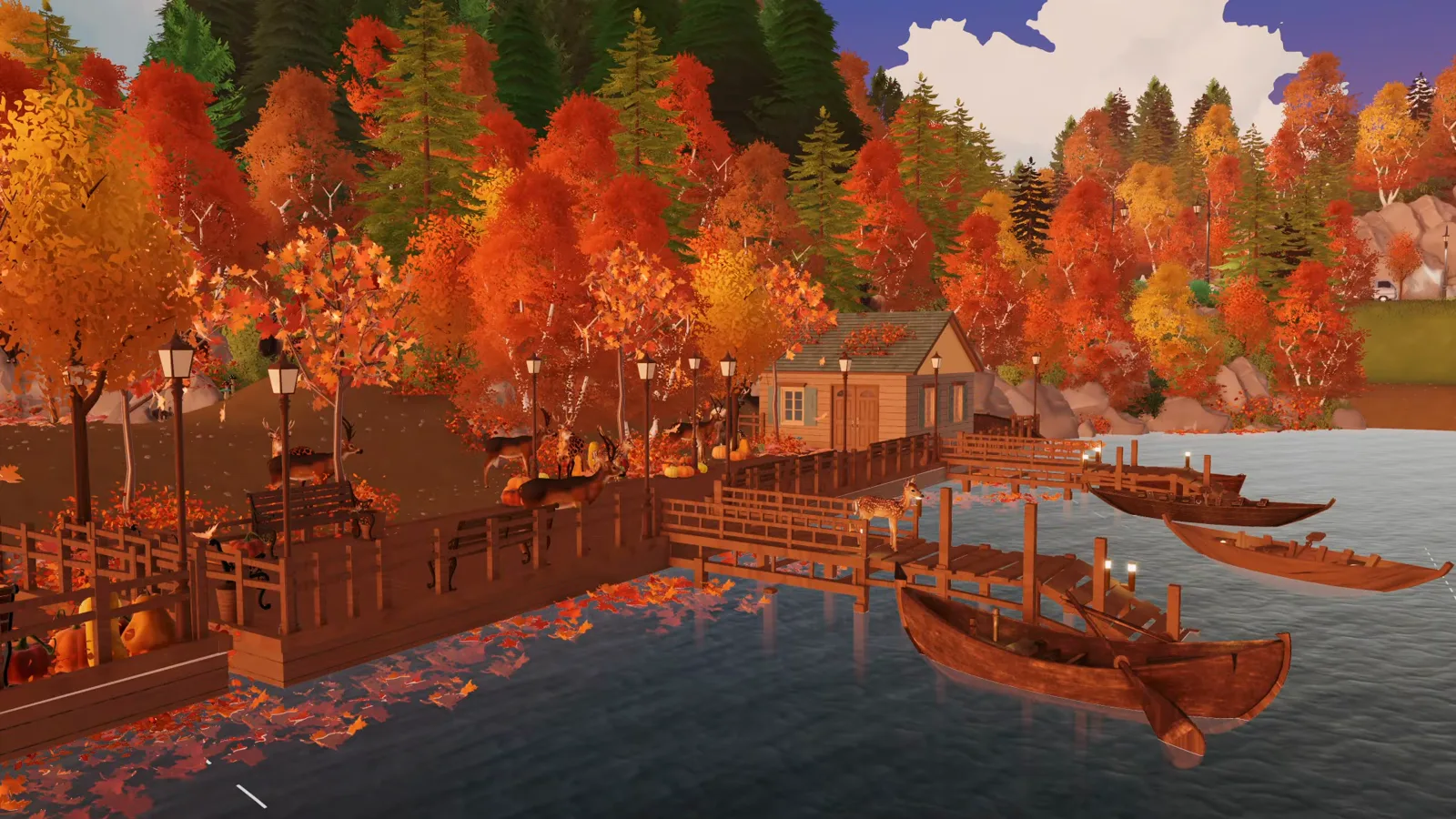
Season a self-built city for autumn: mix deciduous trees into the pines, lift tree lines with Shift, wall-and-paint a working dock with Para-tested stairs, buy the waterfront lot through city editing, then bridge, stock and light it — a 40-minute narrated build distilled to fifteen frame-verified steps.
Build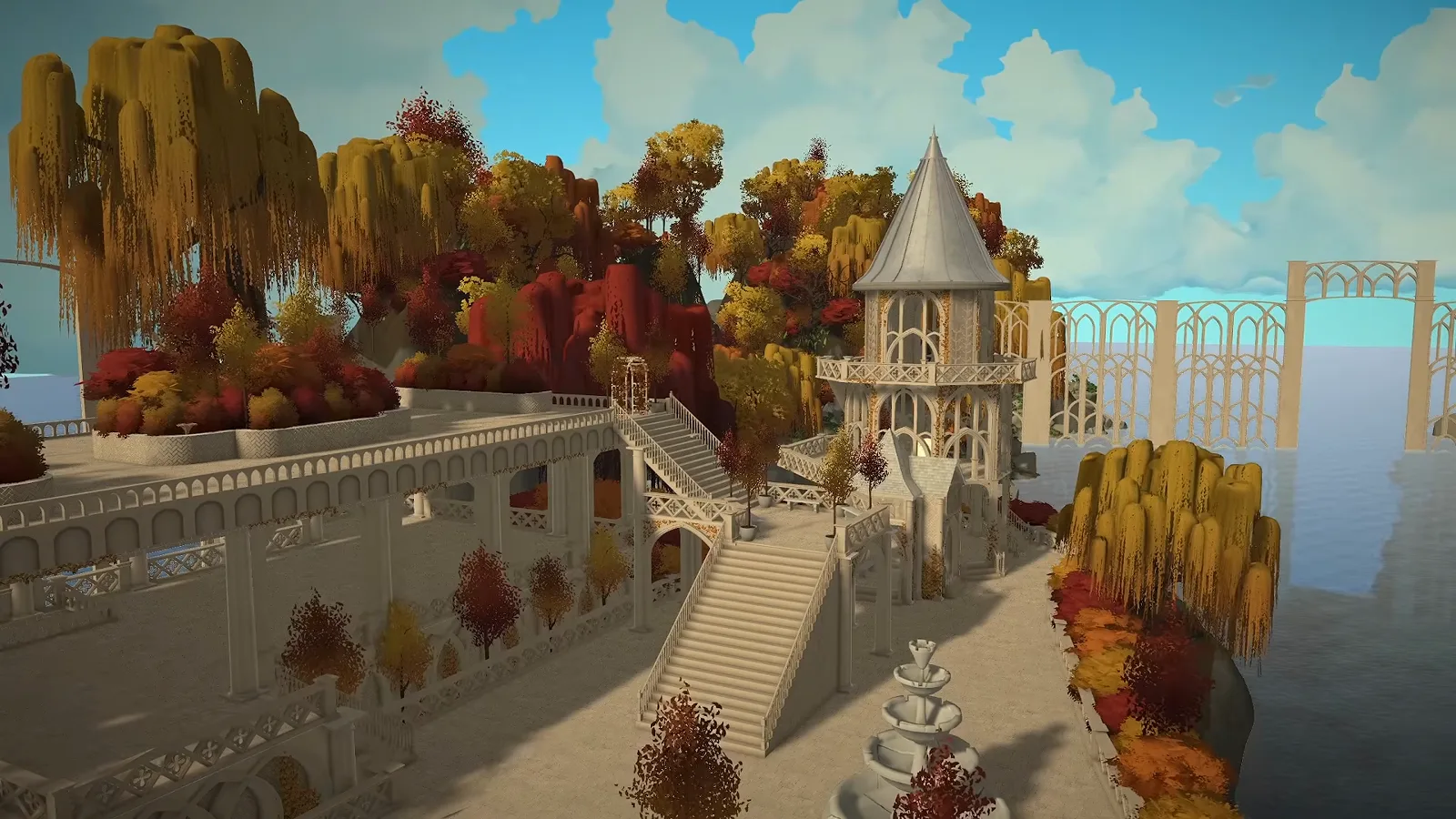
Raise an elven island city from a blank custom world — freehand platforms, one arch layered into every bridge and gate, rooftop planters and an autumn market.
Build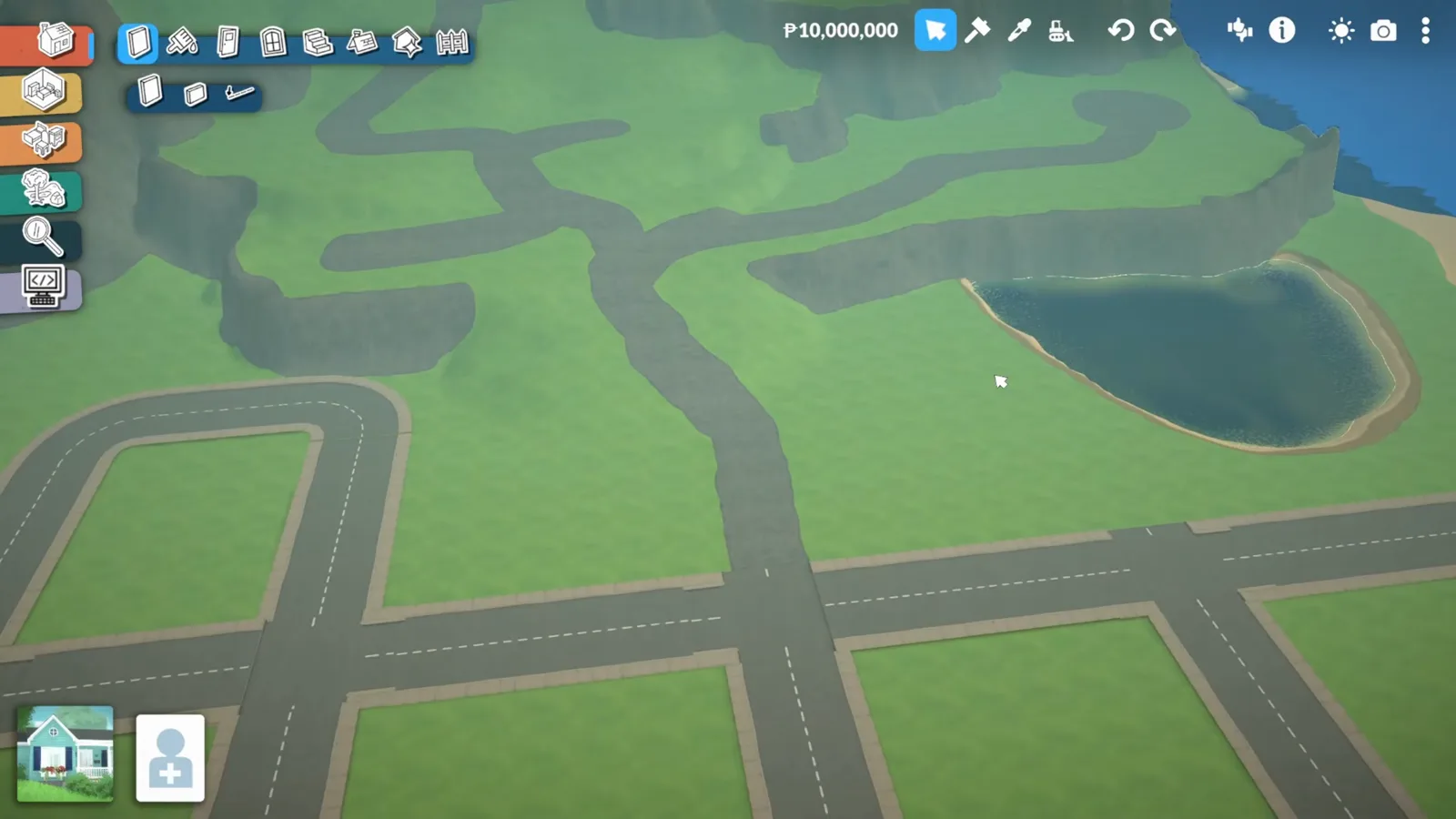
Start from the empty terrain map: water over the void, beaches and mountains layered, rock and sand painted, roads planned on screenshots.
Build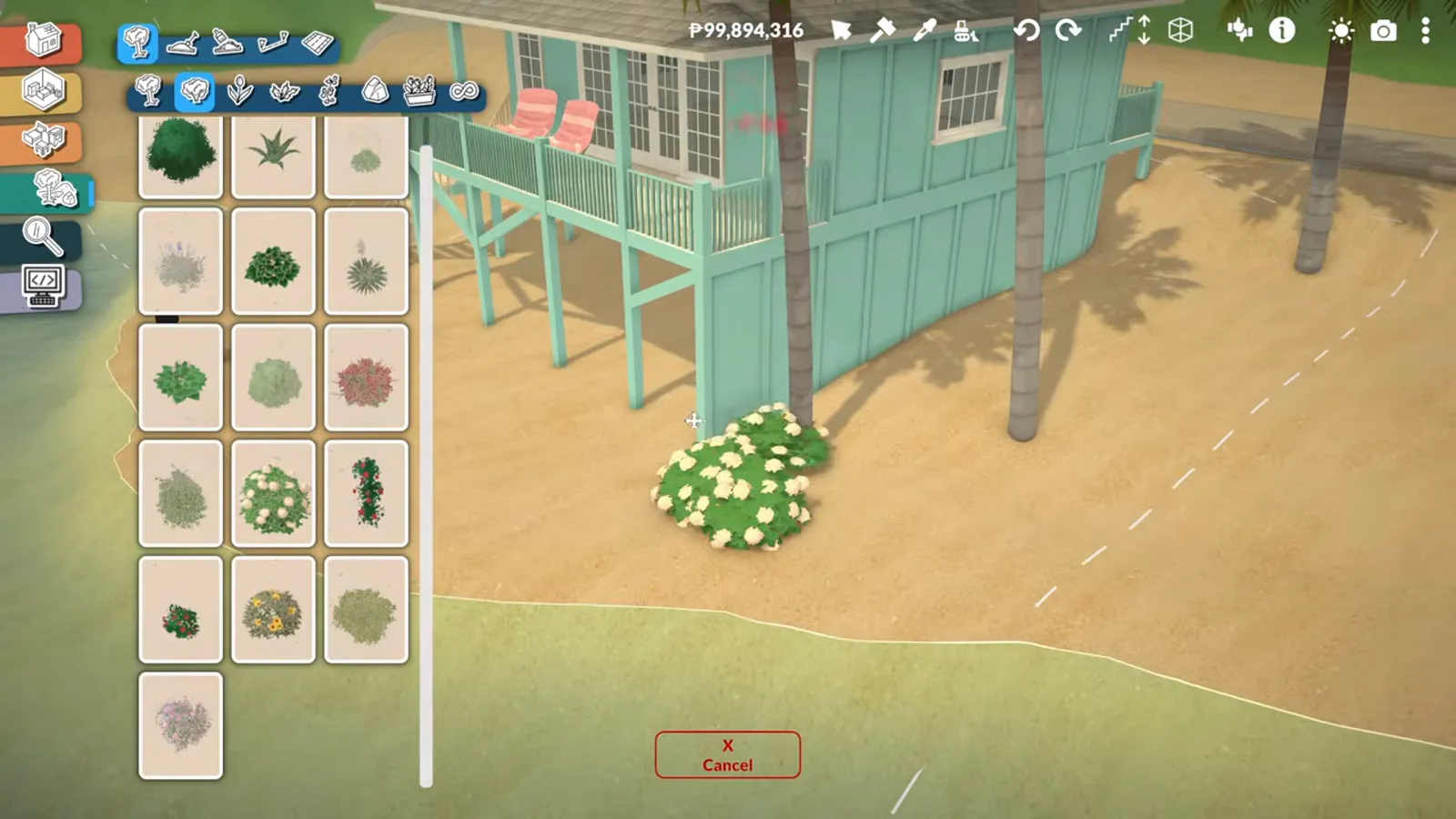
Platform roads where streets cannot go, a beach district drawn with the lot perimeter, a moved-in beach house and a mural facade.
Build
Two methods, curved walls, four variants. 9-step tutorial with common pitfalls.
Build
Draw arcs, round towers, and curved facades. 7-step walkthrough with precision tips.
Build
Phone-driven 7-step move workflow. Whole-family moves, Para split-offs and legacy-safe heirlooms.
Build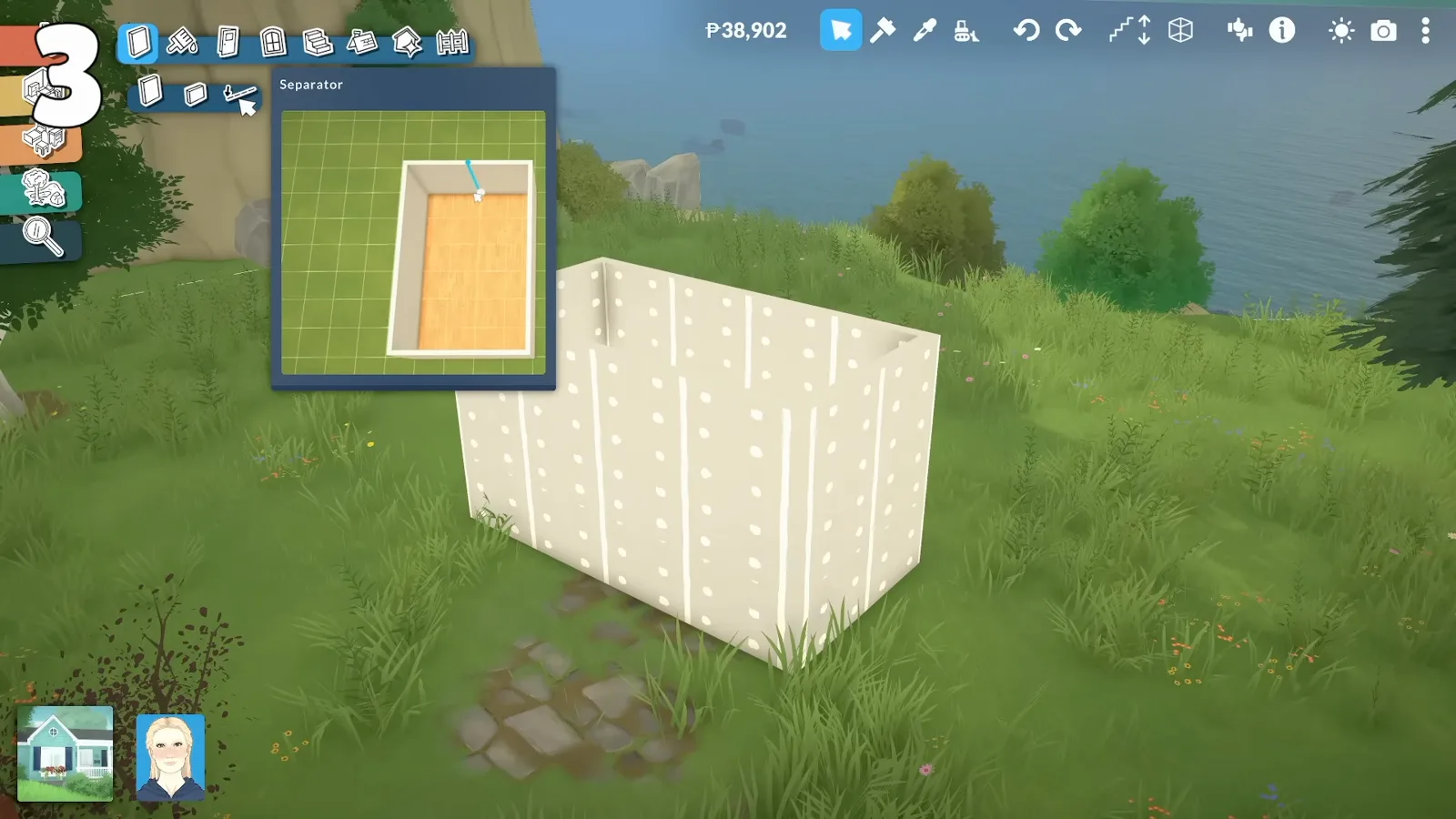
Raise and lower foundations, add half-levels, and fix the 'cannot raise platform' error. 6 steps.
Build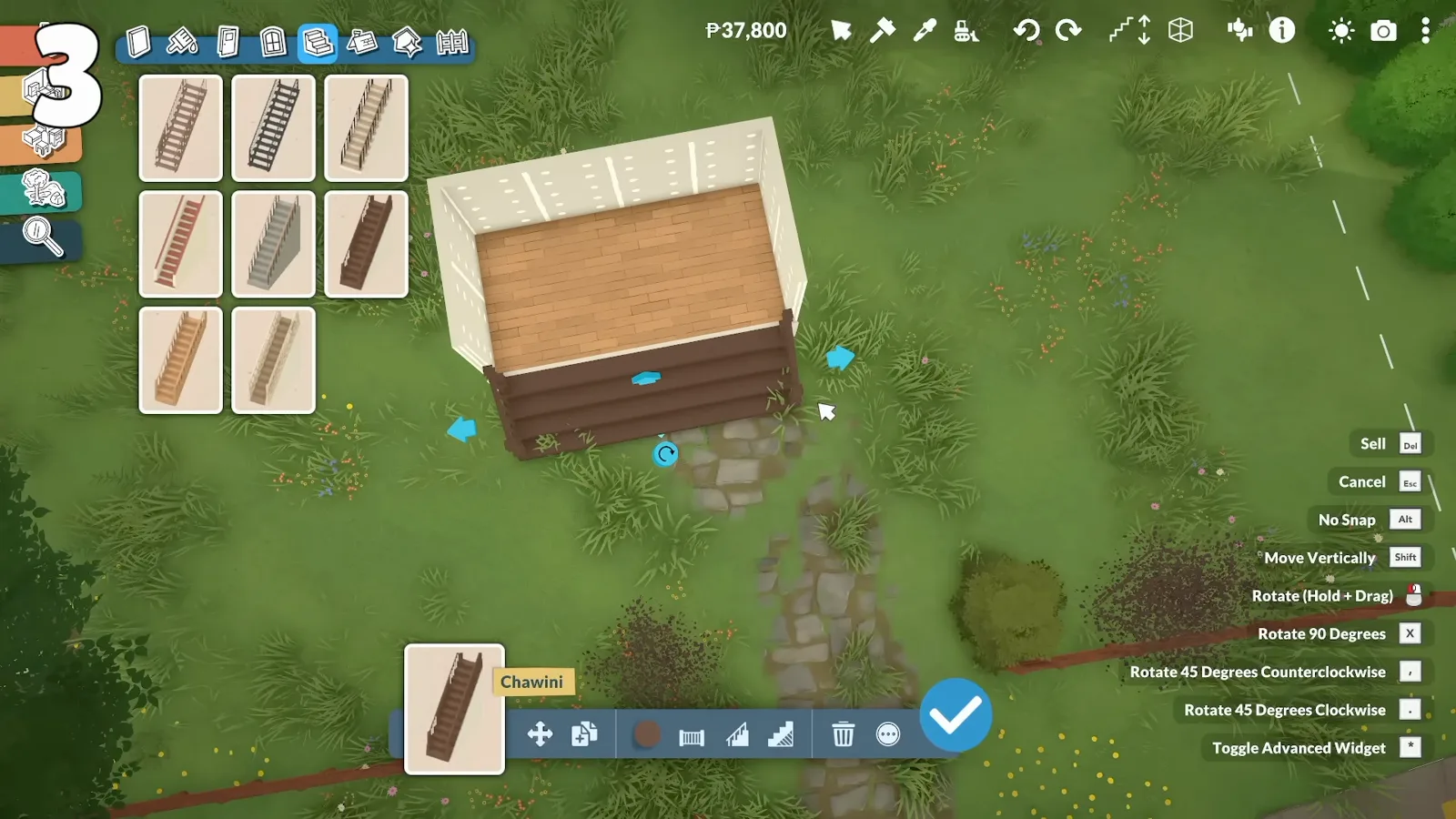
Straight, L-shaped, spiral and curved stairs. Connect half-levels without a floating step. 6 steps.
Build
Paralives has no native spiral or curved stairs yet — here's how to fake a winding, spiral-like look with short runs and landings.
Build
Lay a patio, raise a deck with railings, add an upstairs balcony. 6 steps with outdoor-floor fixes.
Build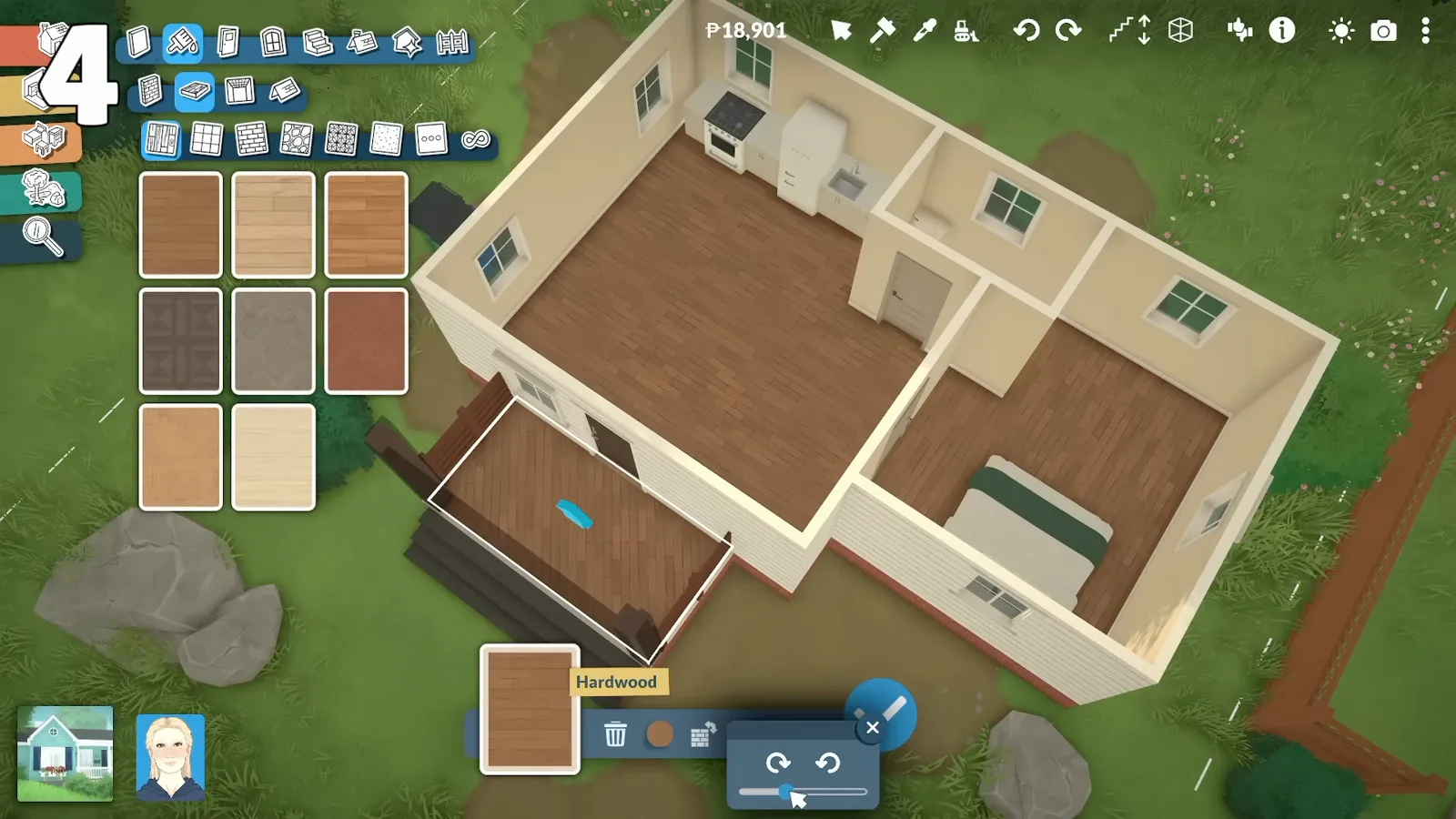
Paint interior floors, outdoor patios and split-level sections. 5-step HowTo with common mistakes.
Build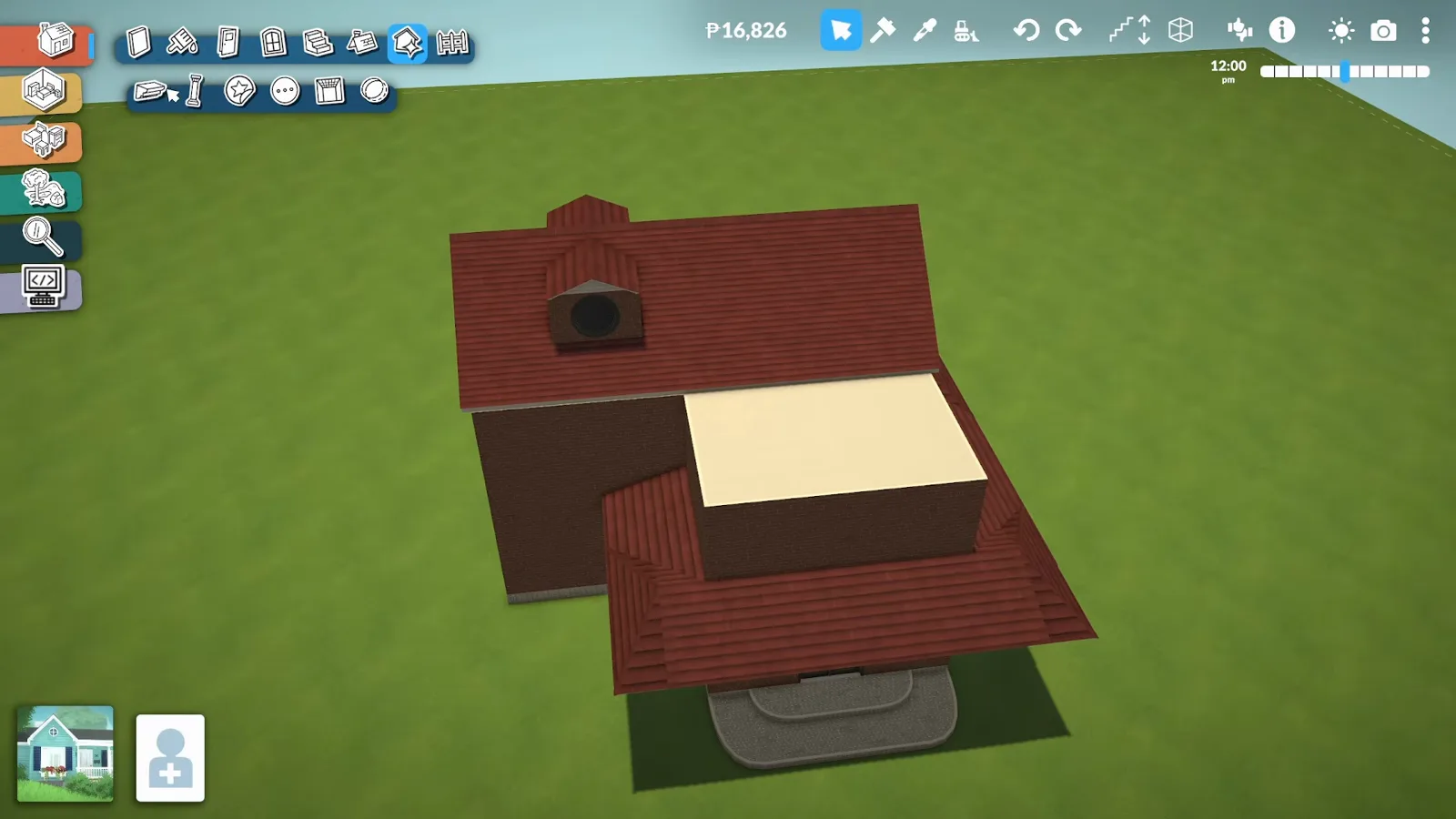
A step-by-step roof tutorial: colour every part, stop clipping, corner roofs, skylights and dormers — plus the classic fixes.
Build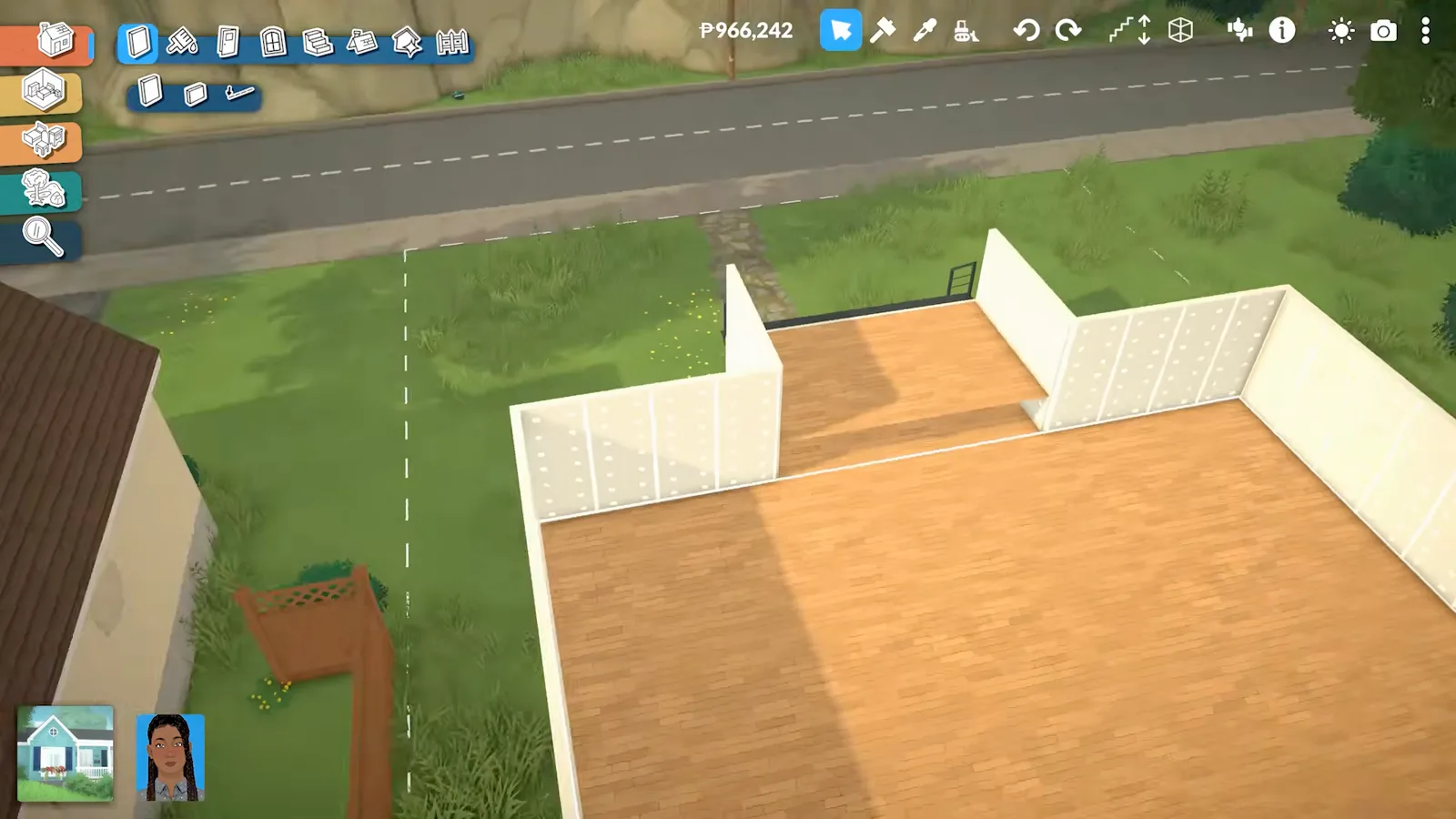
Fix walls that won't connect, the 'different heights' error, height and visibility.
Build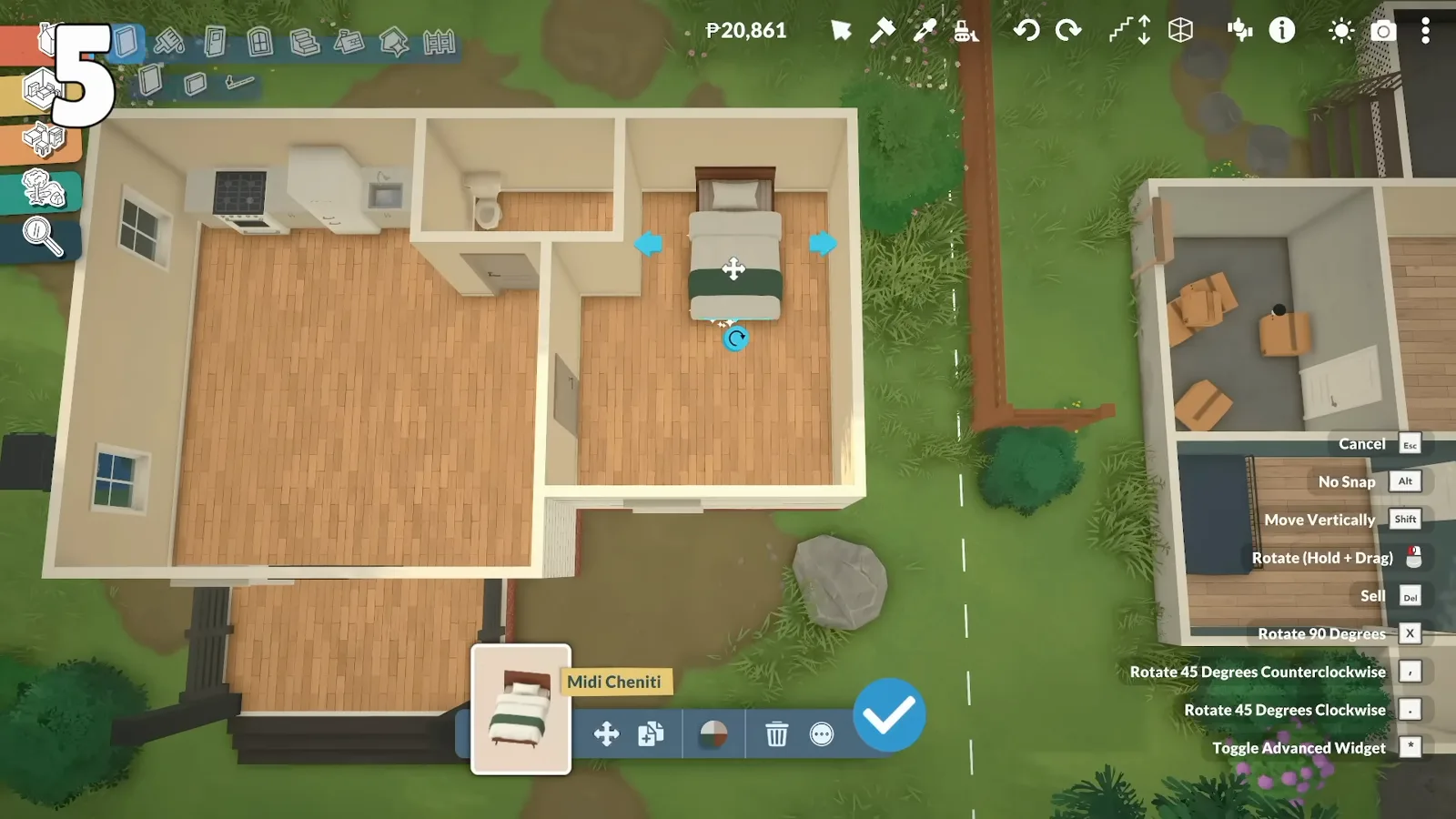
Resize, rotate and freely place objects, plus the moveobjects cheat.
BuildStreet-facing bay, wide openings and garage-door workarounds when EA has no shutter prop.
Build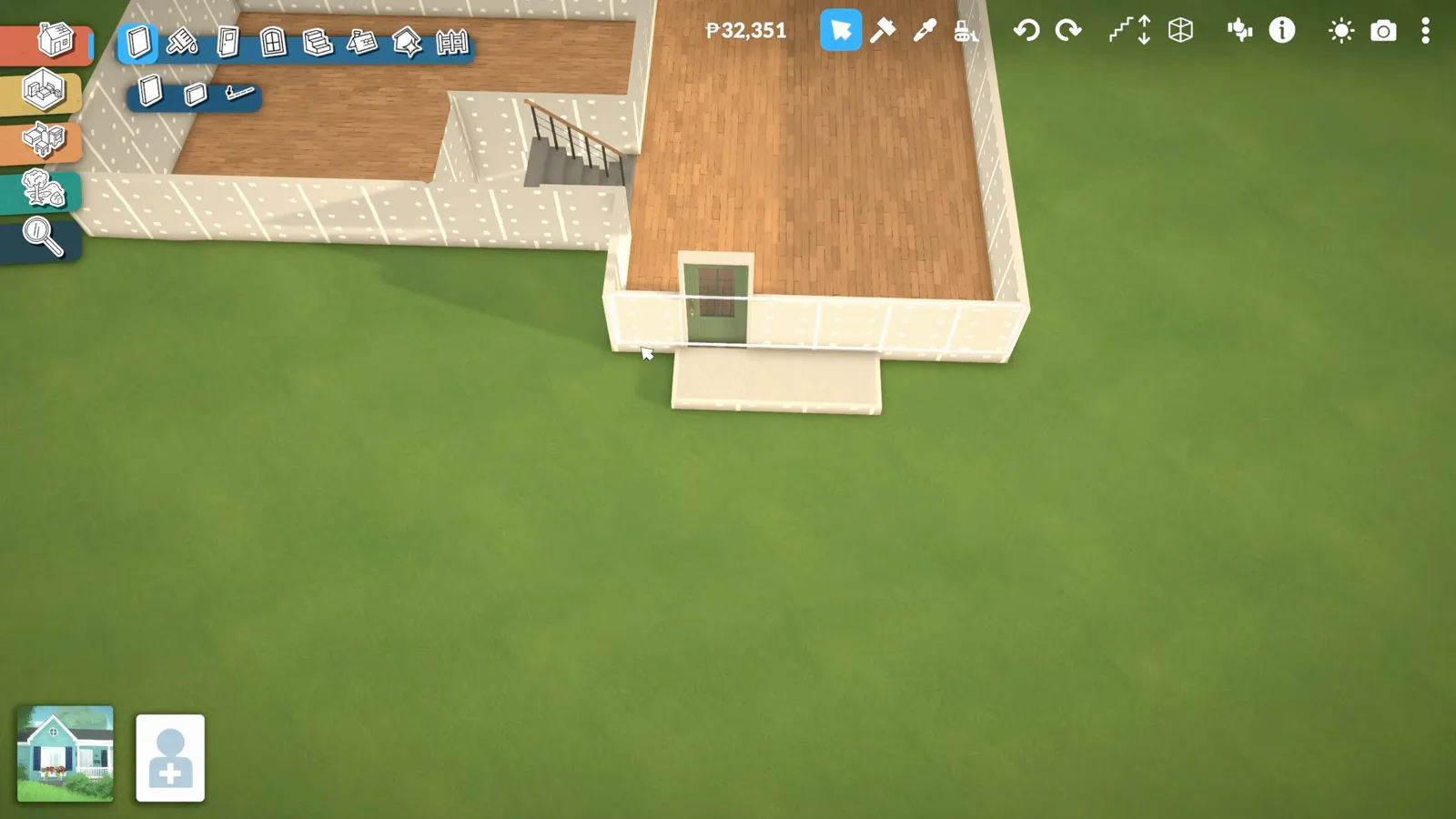
Lower the lot, cut wall height six clicks, delete half-floors and route stairs through a shaft. Eleven illustrated steps.
Build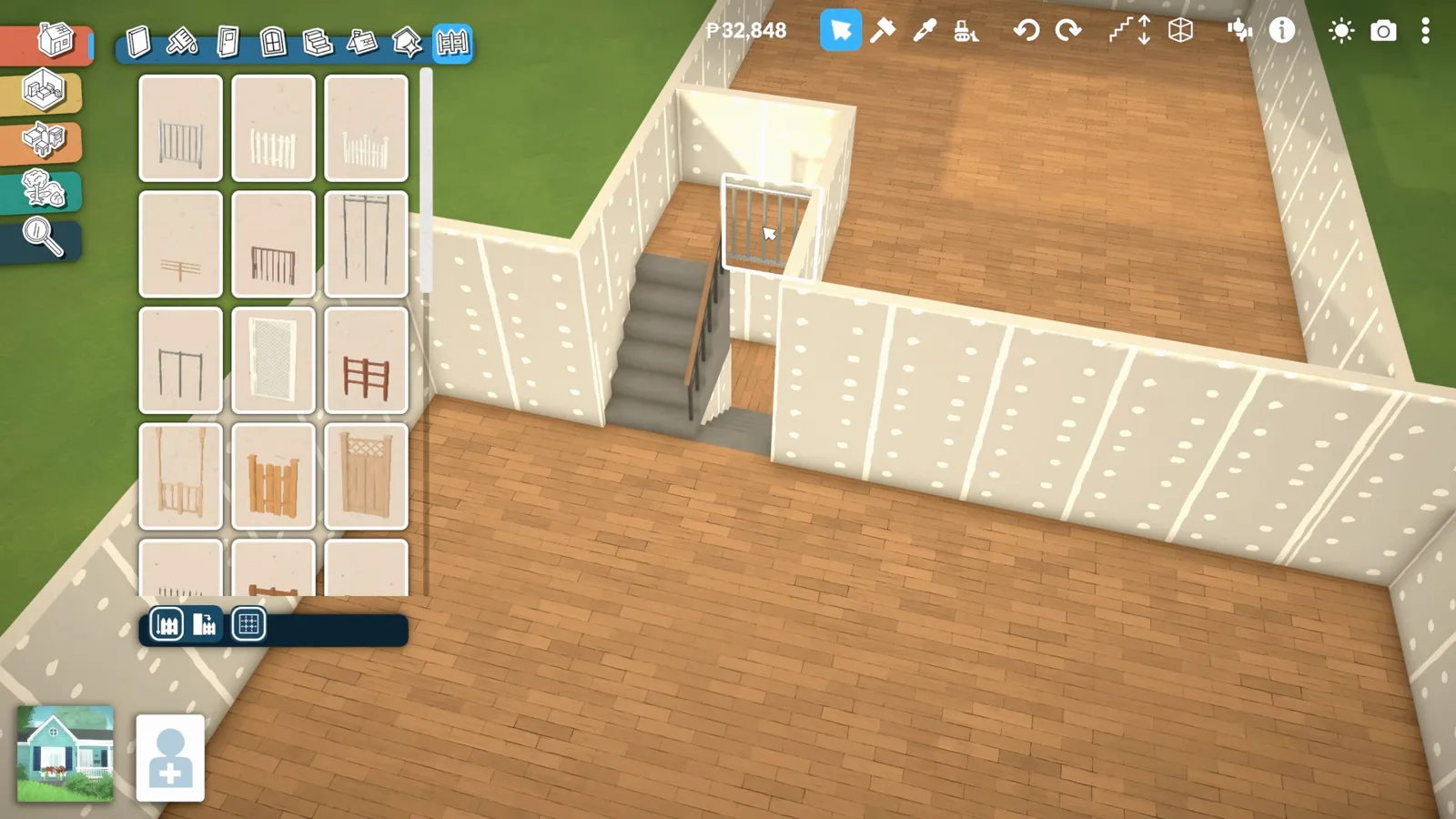
Pick a half-wall height before placing, ring sunken lounges, fence split-level gaps and build platform stairs. Nine illustrated steps.
Build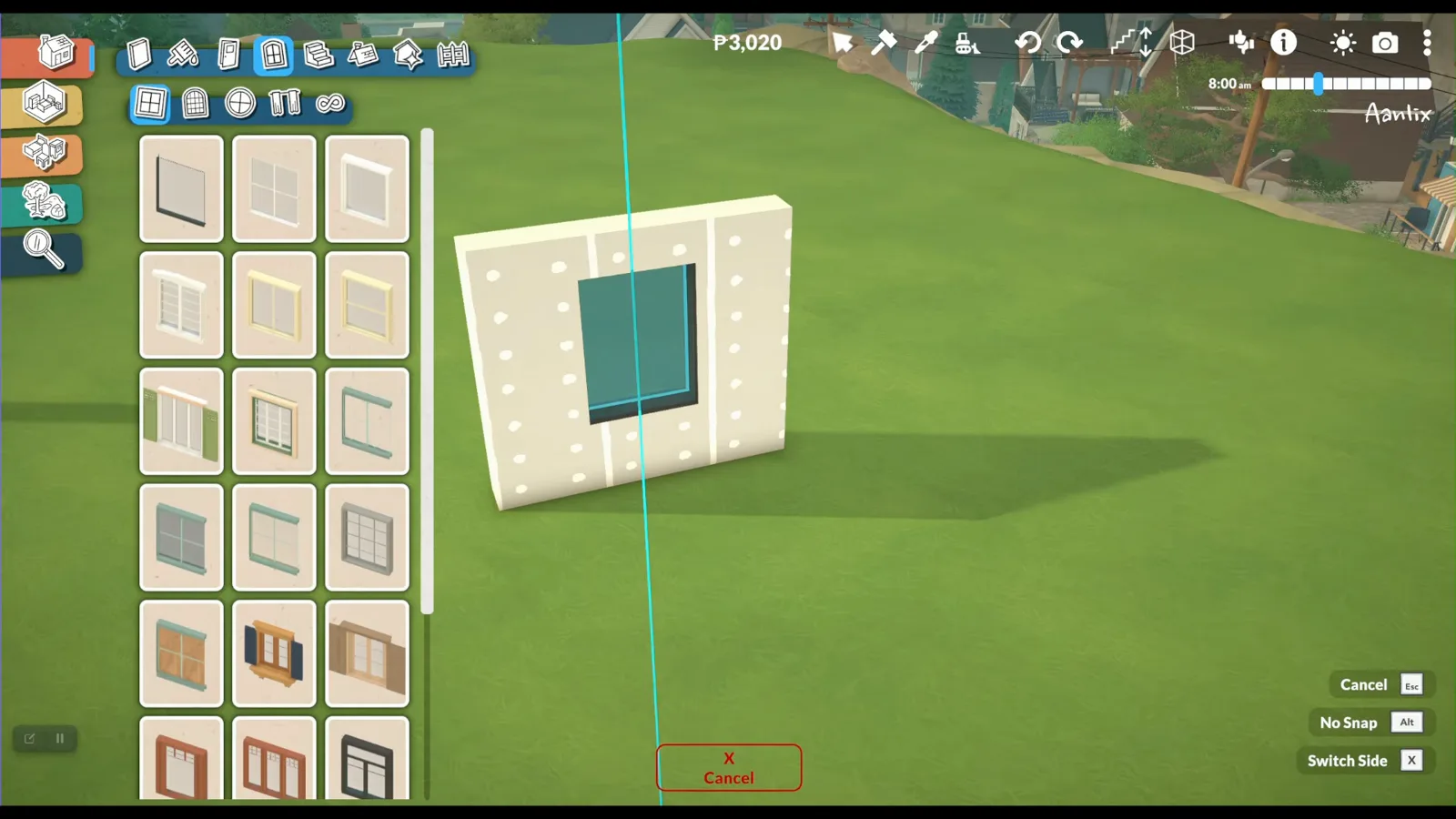
Catalogue placement, the curved-wall straight-segment fix, resize sliders, thick-wall nooks and Alt-paint trim. Ten illustrated steps.
Build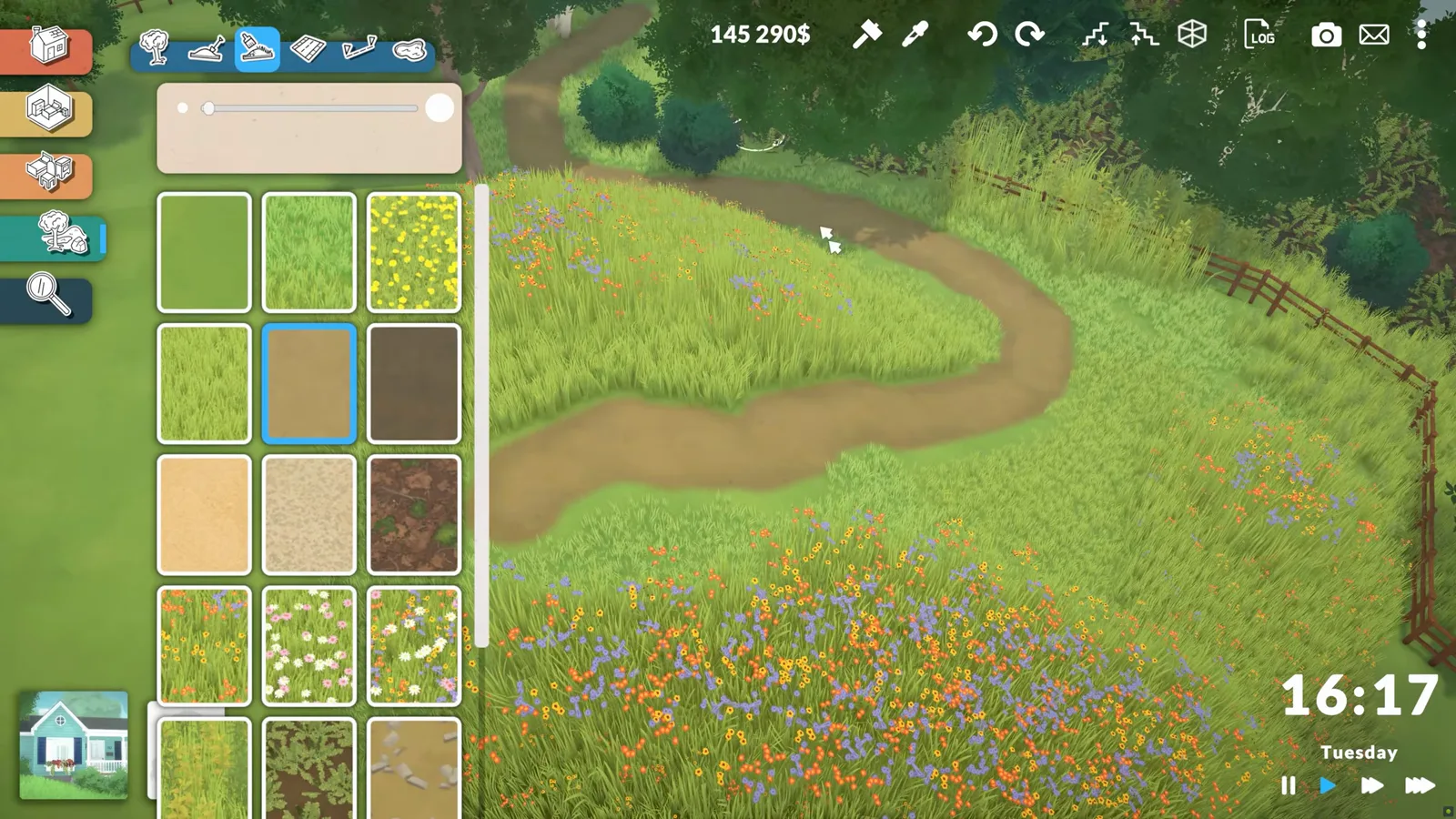
Sculpt hills, paint grass and gravel, brush wildflower paths and cluster shrubs. Nine illustrated steps.
Build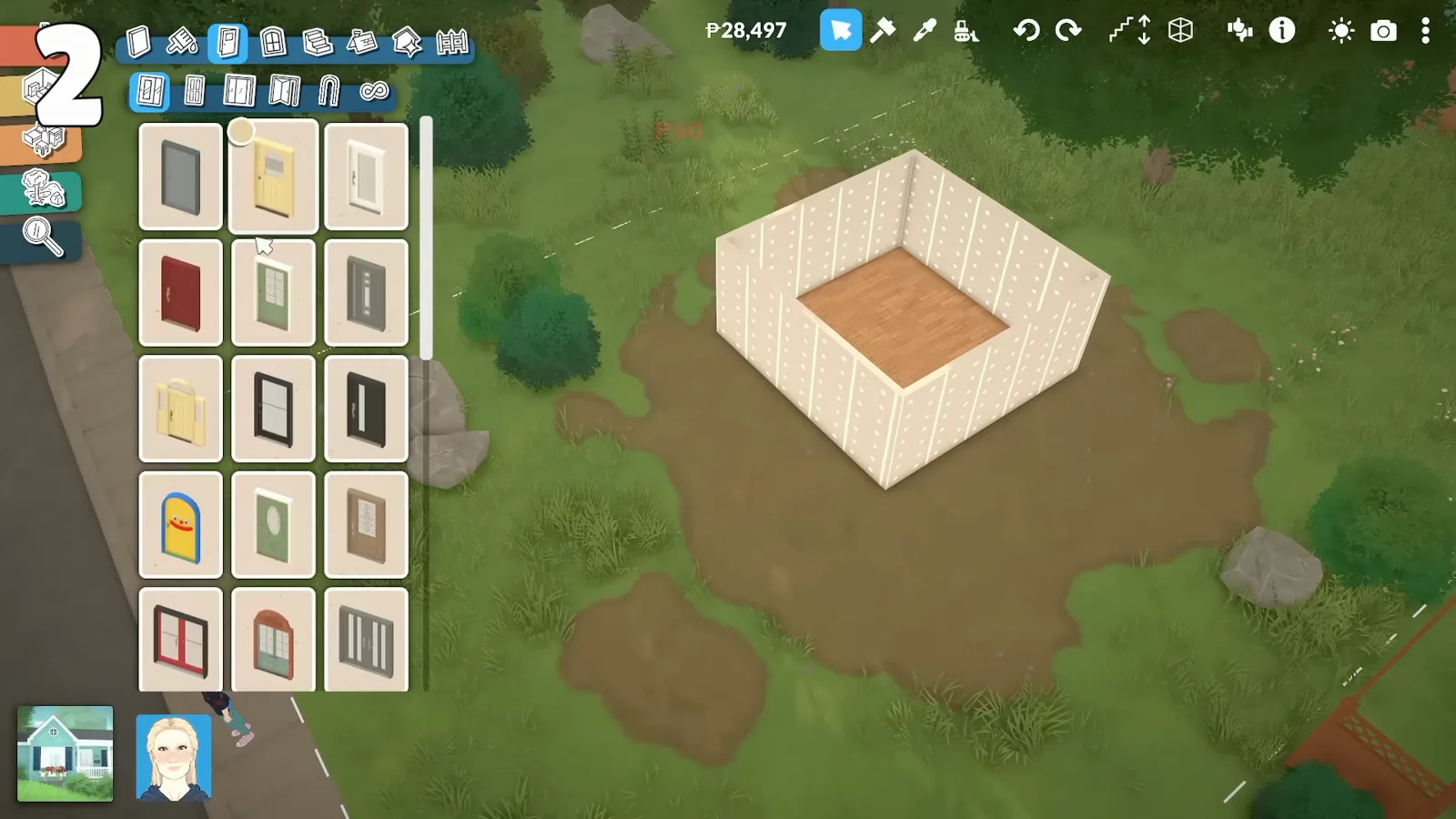
No foundation button, no room stamp — walls, height and paint in that order. Sims habits to unlearn.
Build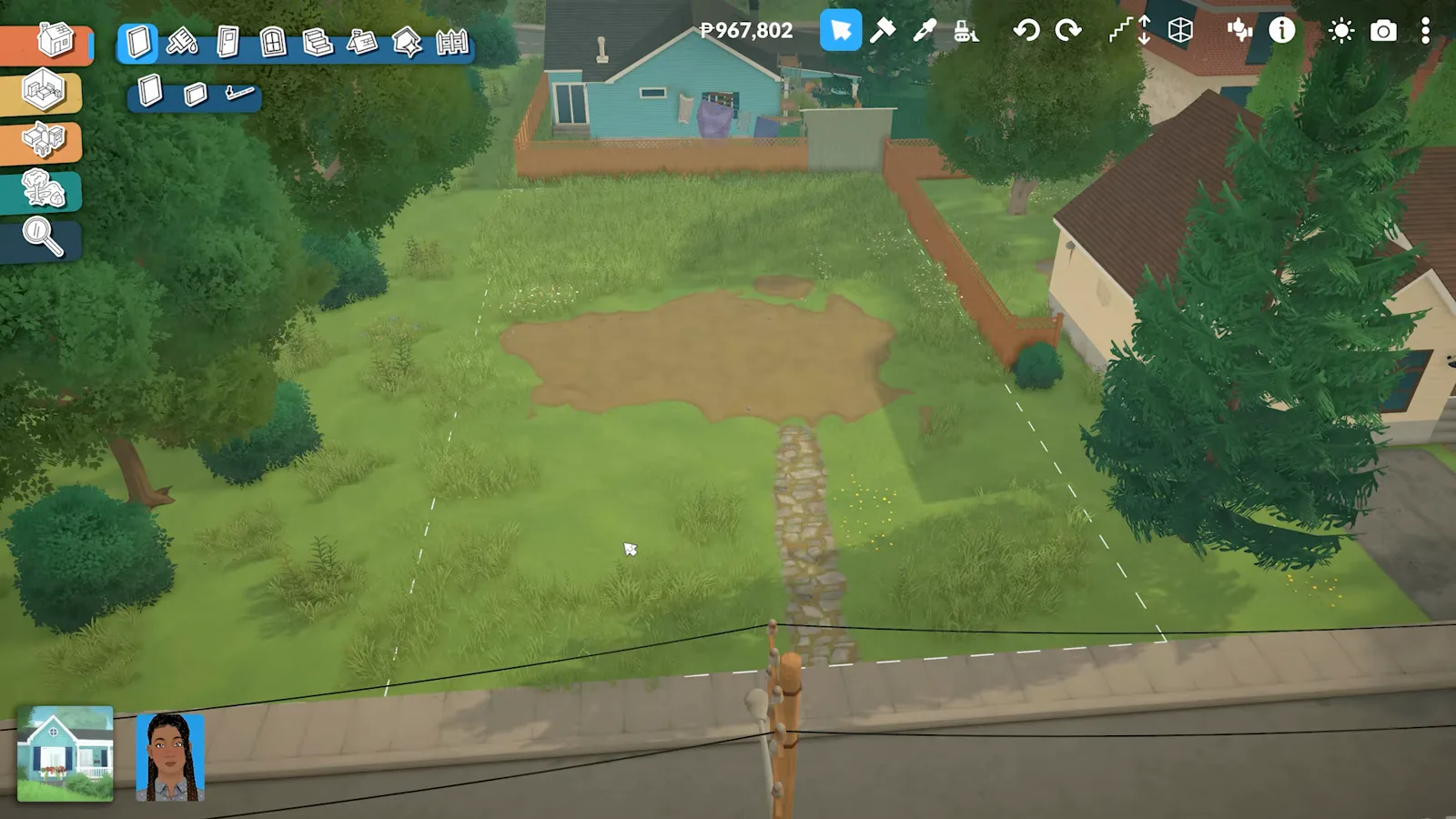
Split the empty terrain into lots with TOGGLEEDITTOWN. What works without a world editor.
Build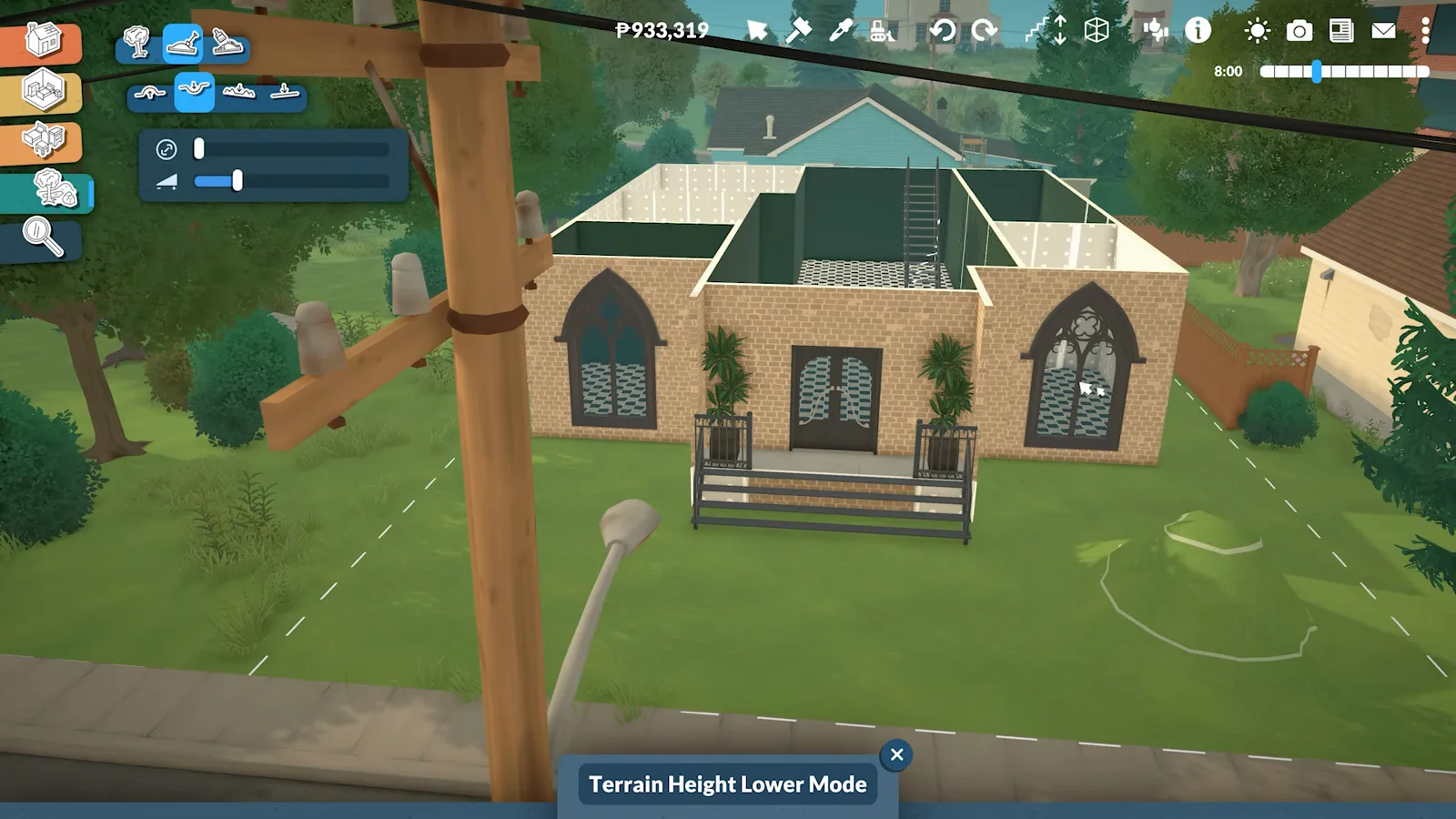
Carve the ground down with the terrain height tools, then light, furnish and walk the below-grade floor.
Build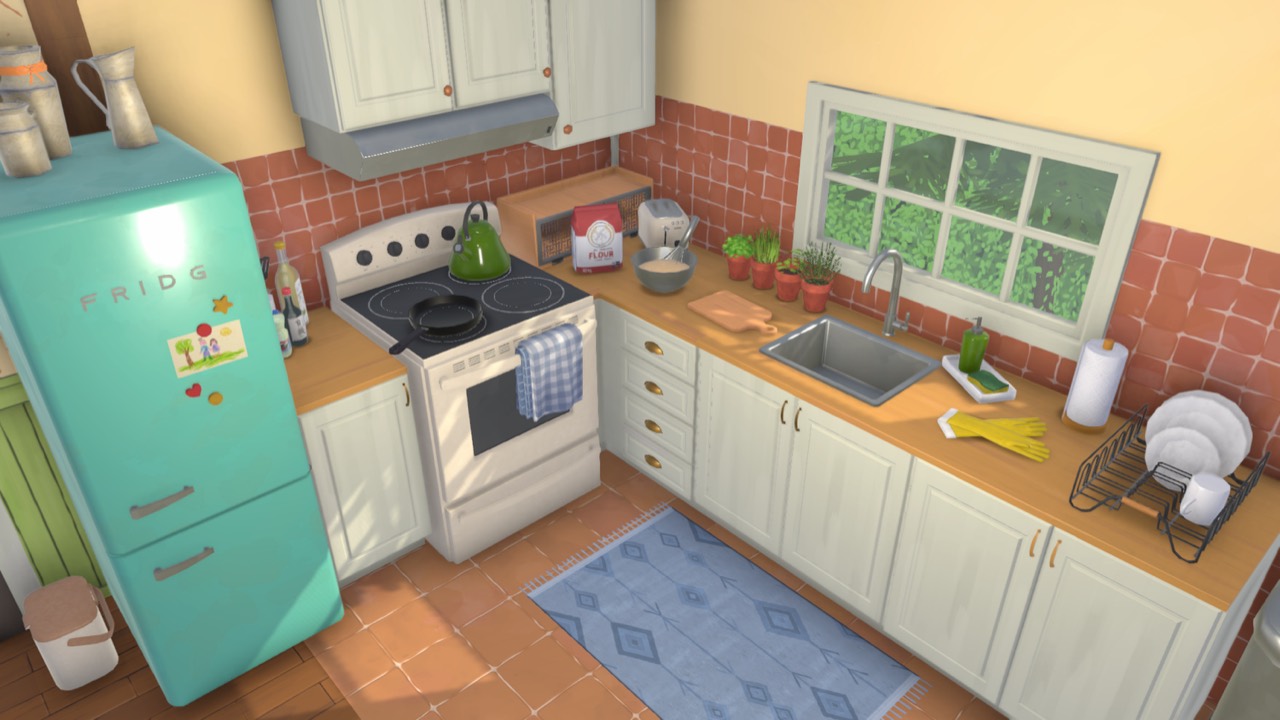
Every house type the site covers in one place — styles, layouts and the step-by-step build behind each one.
BuildBuild mode cheats
TOGGLEEDITTOWN, REPAIRALLITEMS and other console commands that help while you build.
Paralives build mode FAQ
- How do I enter build mode in Paralives?
- From live mode, press B or click the house icon in the bottom-left toolbar. The build toolbar opens across the top with Walls, Floors, Stairs and object tools. Press B again to return to playing.
- How do I rotate or turn objects in build mode?
- Select the object and press X to rotate it in 90-degree steps, or press , and . for 45-degree turns. Hold the rotate handle and drag for a free, off-grid angle — Paralives places objects at any rotation, not just the four cardinal directions.
- Is there a free build mode in Paralives?
- Yes — building is grid-free by design: walls draw at any angle, objects land where you drop them, and while moving an item you can hold Alt (Option on Mac) to disable snapping entirely. Resize almost anything by dragging its handles. There is no separate sandbox: you edit the active household's lot directly.
- Can I use Workshop content and mods while building?
- Yes. Builds and individual rooms upload to the in-game Workshop with one click, and you can download community content to drop straight into build mode. See the install-mods guide for Workshop and Nexus setup.
- Does Paralives use a grid for walls and floors?
- There is an optional grid overlay (toggle with G) to help align rooms, but you are never forced onto it. Curved walls, half-levels and free placement all work whether the grid is showing or hidden.