
The short version
Start with the sofa — it sets the wall everything else obeys. Snap it flush, extend it by seat modules, then balance the rectangles with one round piece and layer light, textiles and clutter before touching the walls.
- The build-bar clock previews nightfall — drag it before placing a single lamp to find the dark corners.
- Sofas snap flush to the wall and stretch in seat modules; size the couch to the wall you actually have.
- Every color, wood tone and grain pattern stays editable — right-click any item to reopen its style panel.
- Rugs cost almost nothing and take the full color wheel: recolor one to tie sofa and floor together.
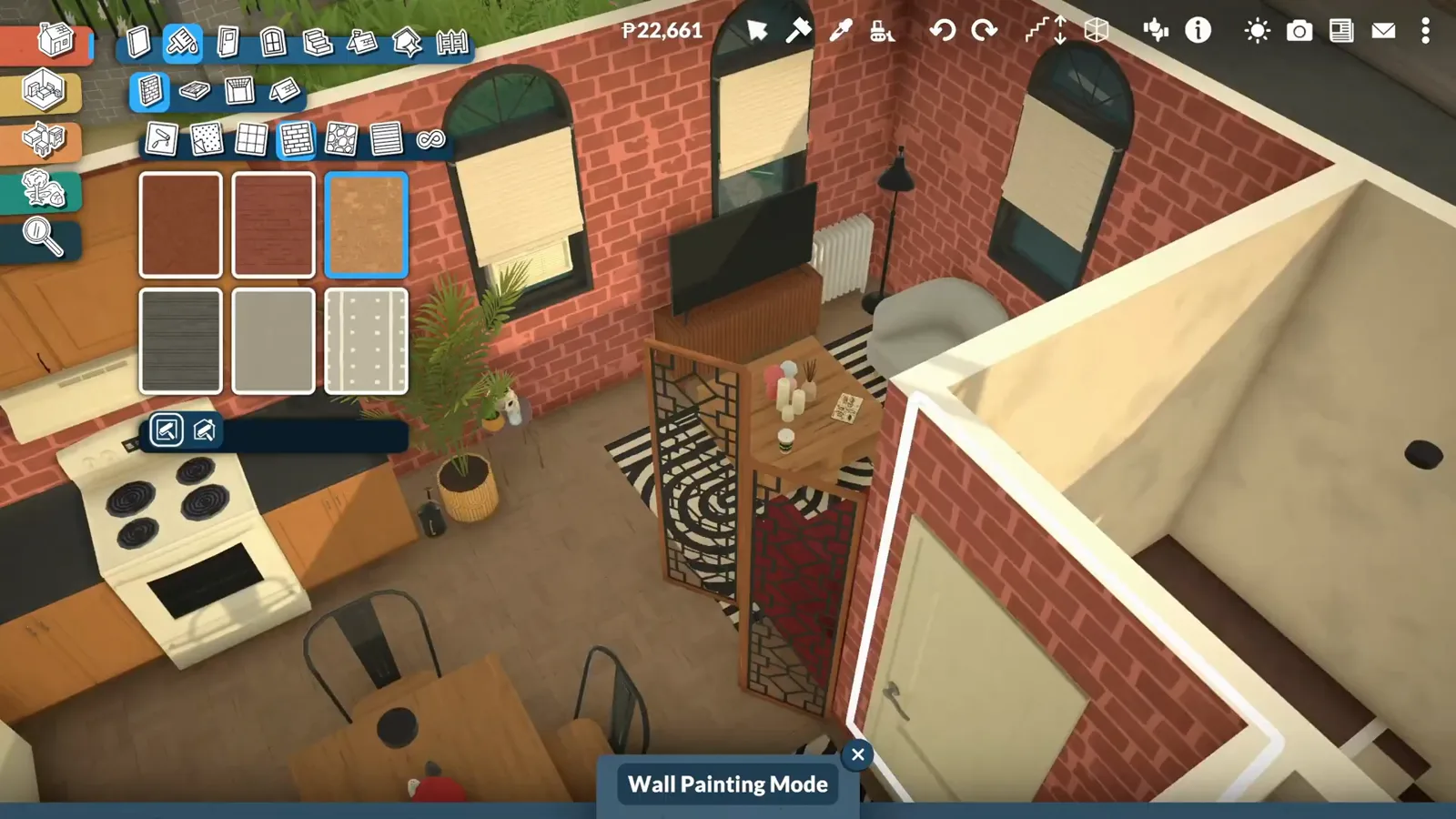
- Wall coverings come in six families, and the interior painter accepts facade brick — that's the loft trick.
- Style surfaces in small odd-numbered clusters and give plants one corner, not the whole room.
Know the toolbox
Three features most builds never touch
Before the furniture, three tools change how you decorate: the time-of-day preview, the room-sorted decor tabs, and the wall family that includes half walls and invisible separators.
- 1
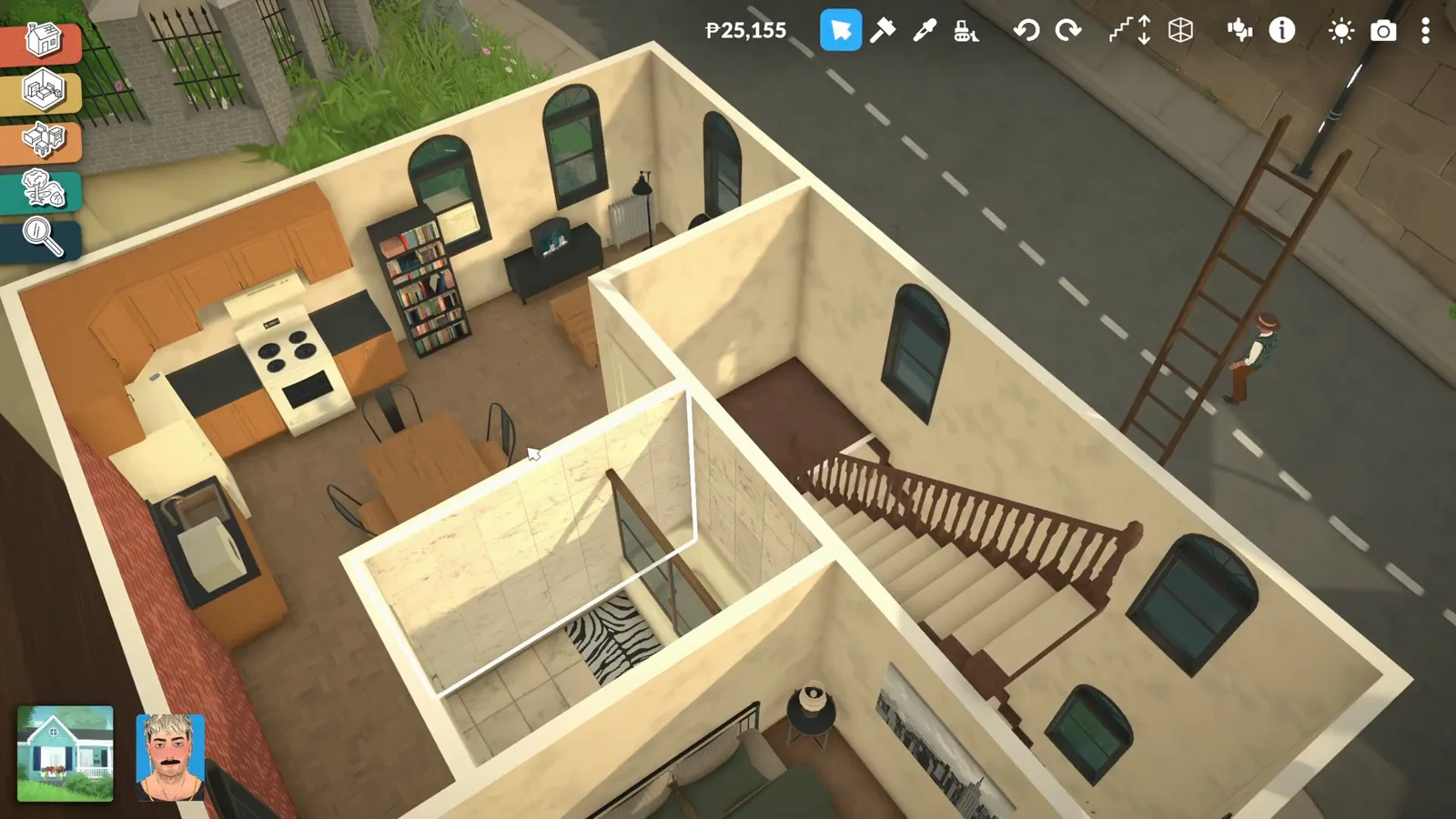
Preview the room at night before placing a single lamp
The clock in the build bar scrubs the time of day. Drag it to night and look at your floor plan: the dark corners are exactly where lamps will have to earn their keep. Ten seconds here saves re-lighting the whole room later.
Night preview first — dark corners tell you where light has to go.Watch at 1:45 - 2
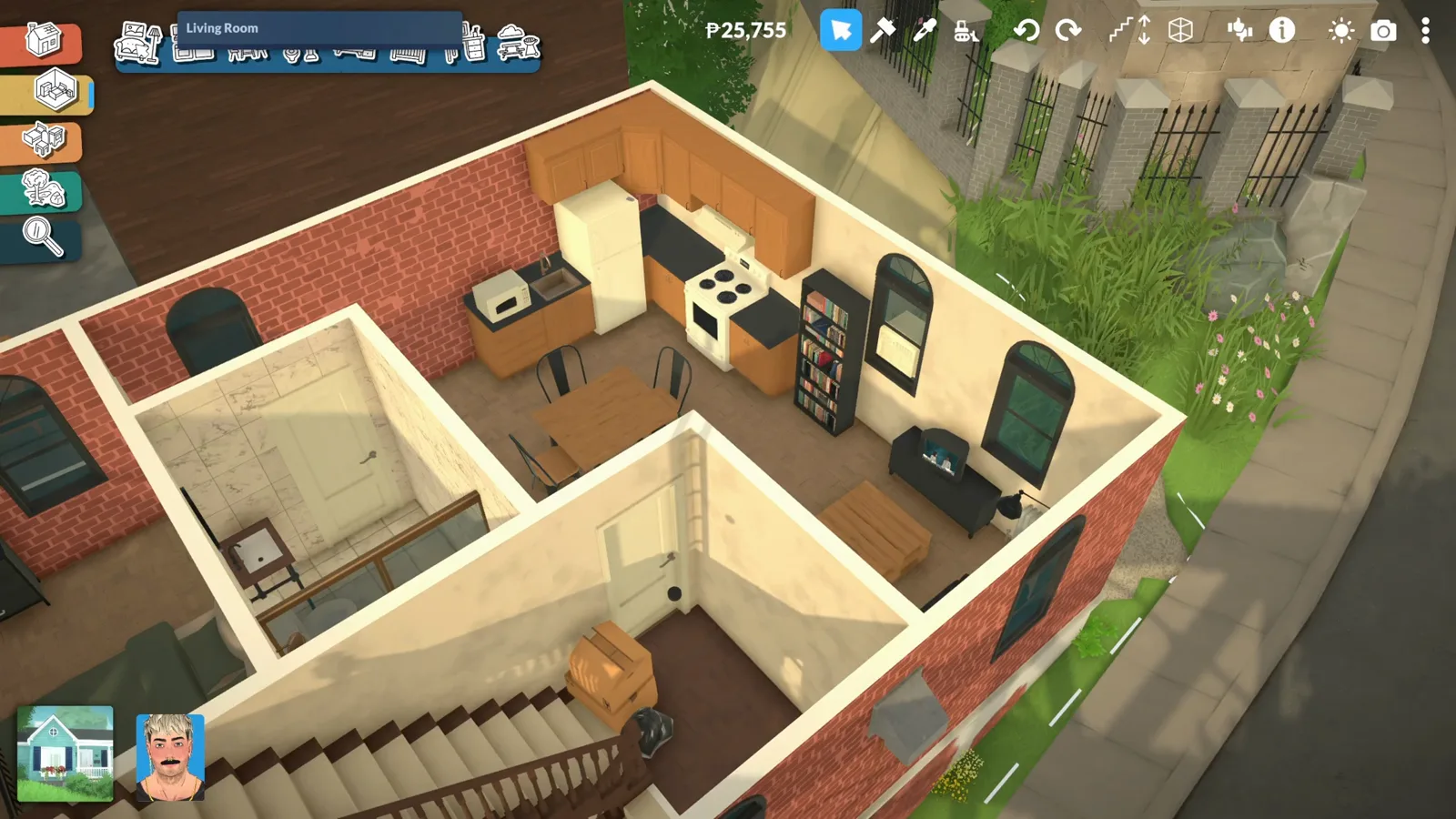
Decor is sorted by room — furnishings has everything
The Decor tabs curate items to the room's theme, and the label up top tells you which room you're browsing. For the complete catalogue with a search bar, switch to the Furnishings tab — that's where the real hunting happens.
Decor tabs curate; the Furnishings tab plus search finds everything.Watch at 3:42 - 3
Freehand walls, curves, half walls and separators
Walls don't have to snap to a grid: drag them freehand, bend them with the draw-curve tool, or split a space with half walls and invisible separators. The separator is the quiet hero — it zones a room, takes its own wallpaper, and never blocks a sightline.
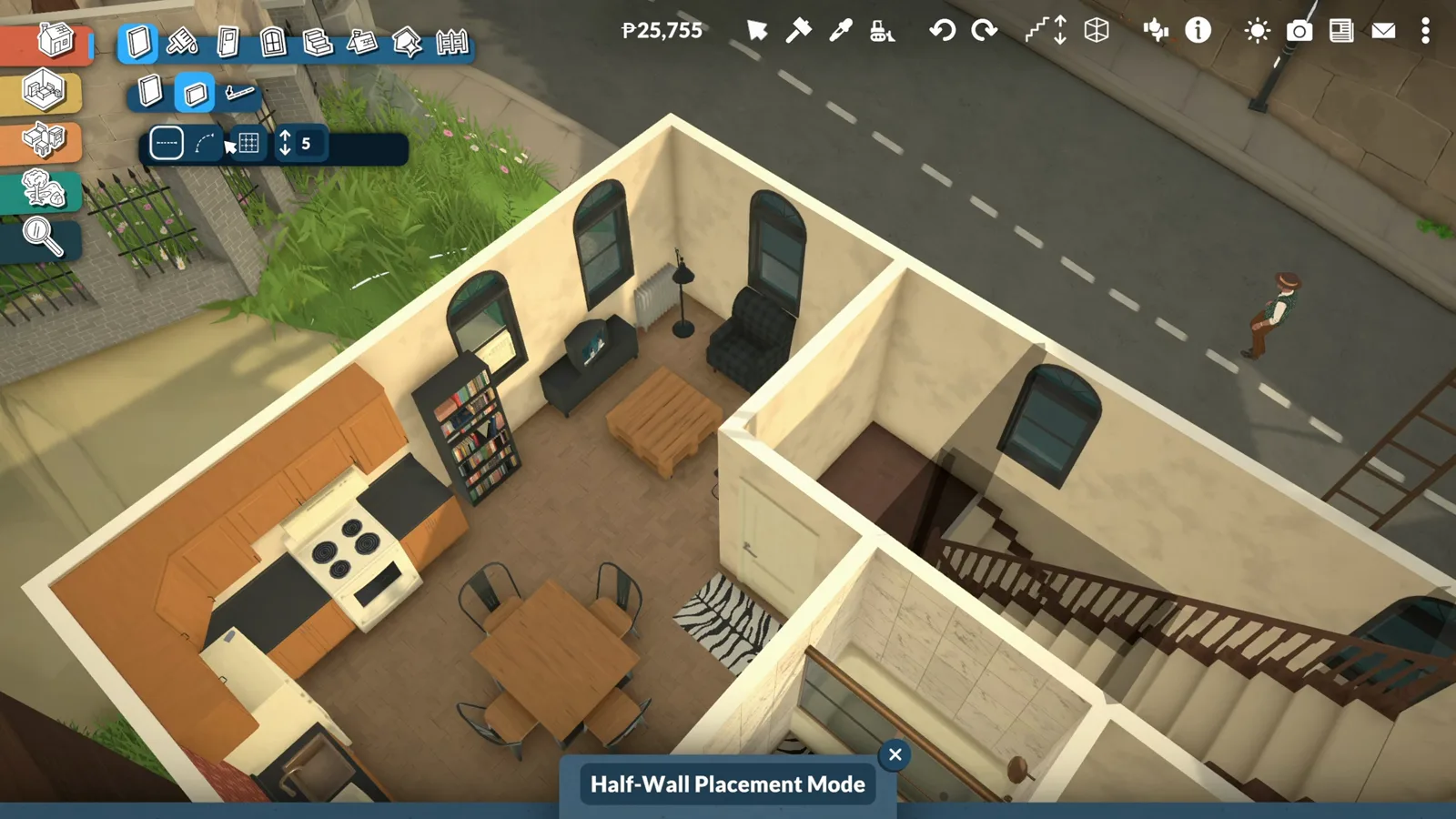
The zoning family: freehand walls, curves, half walls, separators.Watch at 5:00
Sofa first
Set the anchor, then balance around it
The sofa is the largest object in the room and the one every other piece negotiates with. Snap it, extend it, then mix wood tones and break the rectangles with a single round shape.
- 4
Let the sofa snap, then extend it
Sofas snap flush to the wall on placement and stretch in seat modules: grab the arrow and the couch grows another seat without seams or gaps. Size it to the wall you have, not the wall you wish you had.
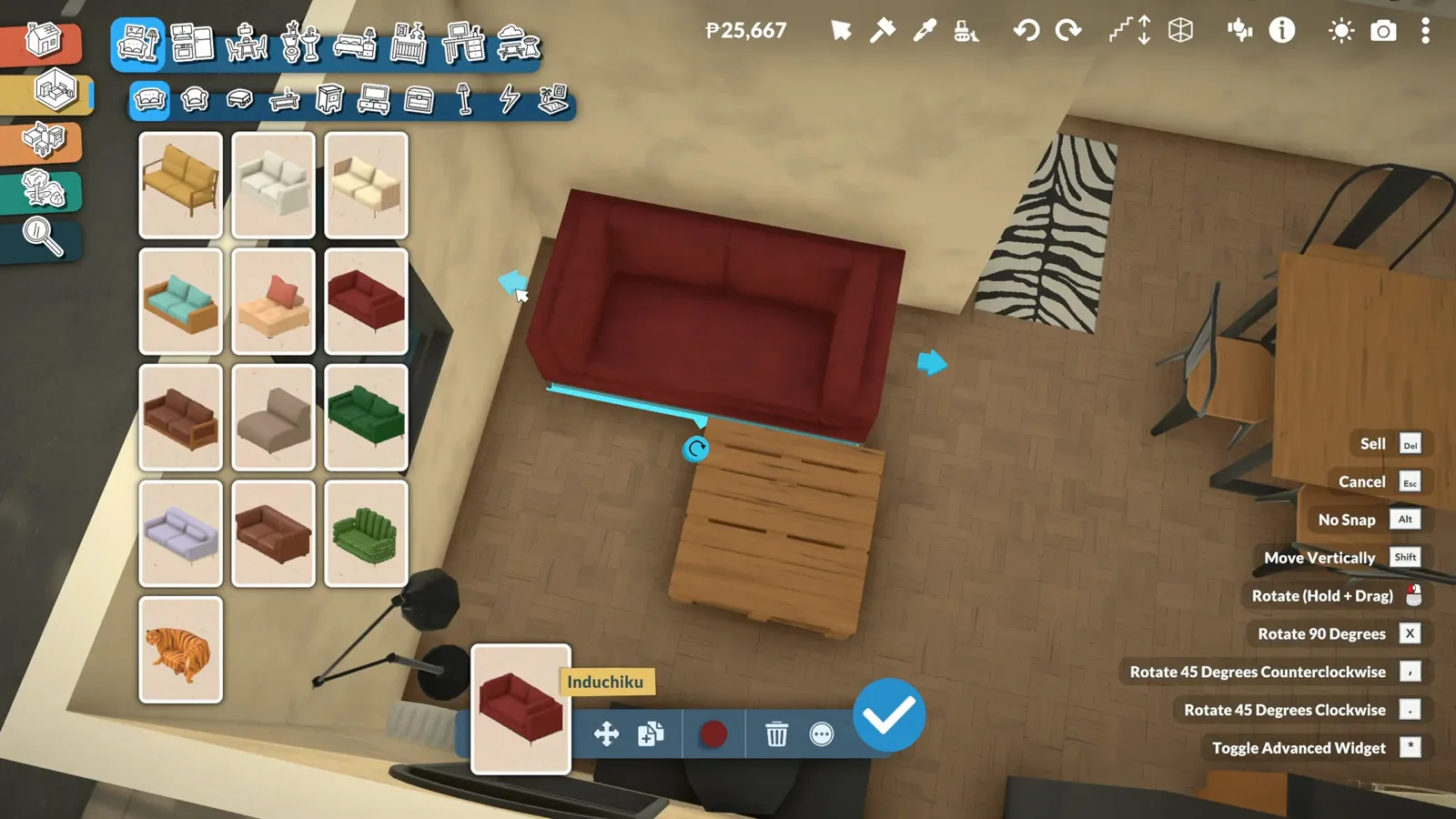
Snap flush, drag to extend — modules without seams.Watch at 11:40 - 5
Break square rooms with one round piece
If every silhouette in the room is a rectangle, add exactly one circular shape — a round side table is enough. The contrast reads as intentional design even when nothing else in the room changes.
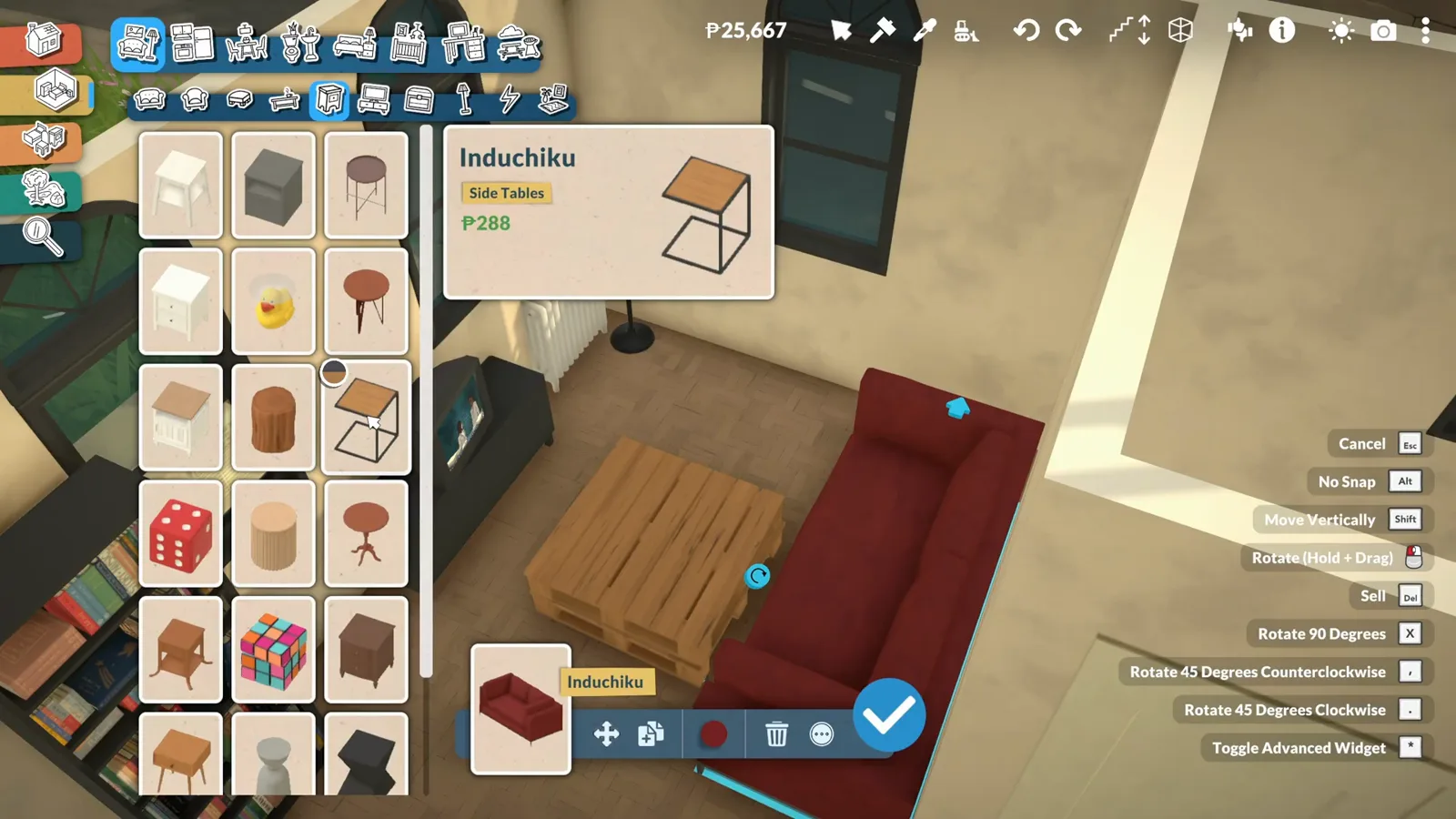
One round piece among rectangles reads as deliberate design.Watch at 12:35 - 6
Change the wood's pattern, not just its color
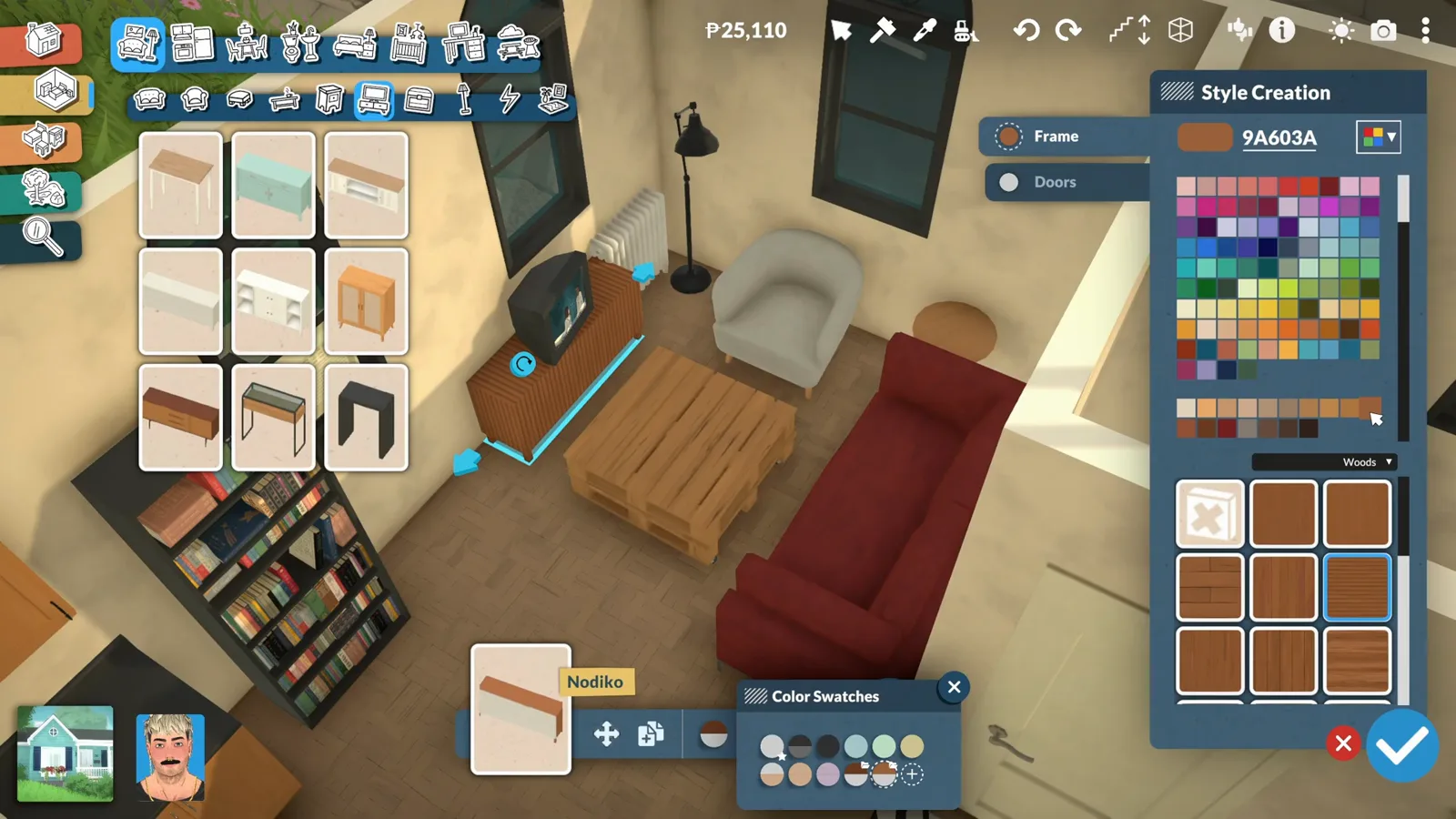
Open an item's style panel and the wood section offers grain patterns as well as tones — switching the pattern makes two different-looking pieces read as a set. It's the fastest way to mix furniture without buying any.
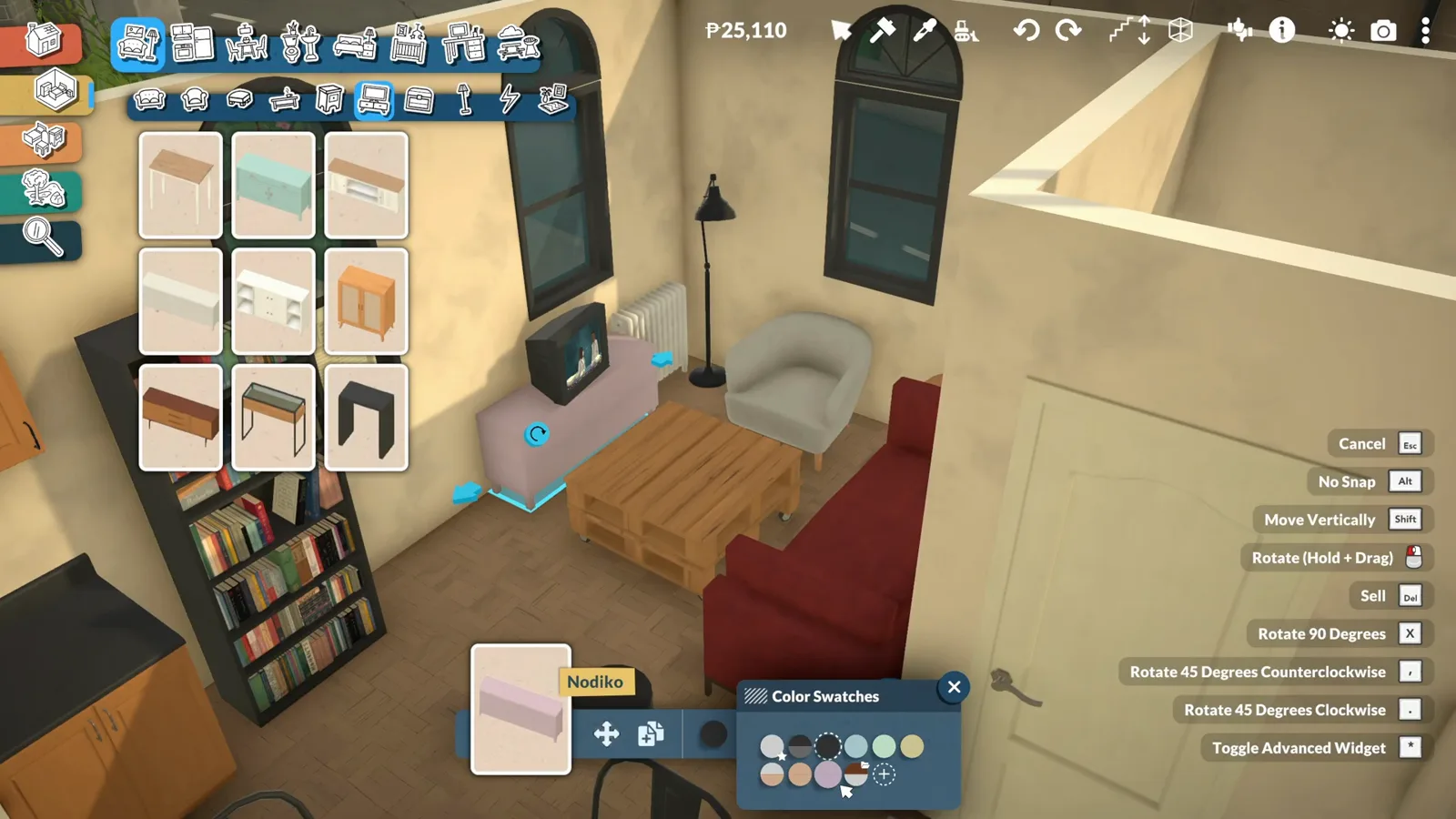
Grain patterns live next to colors in the style panel.Watch at 15:50 - 7
Right-click reopens any item's style panel
Changed your mind about a recolor? Right-click the item and its style panel comes straight back — no deleting, no re-buying. Every color decision in this guide is reversible in one click, so experiment freely.
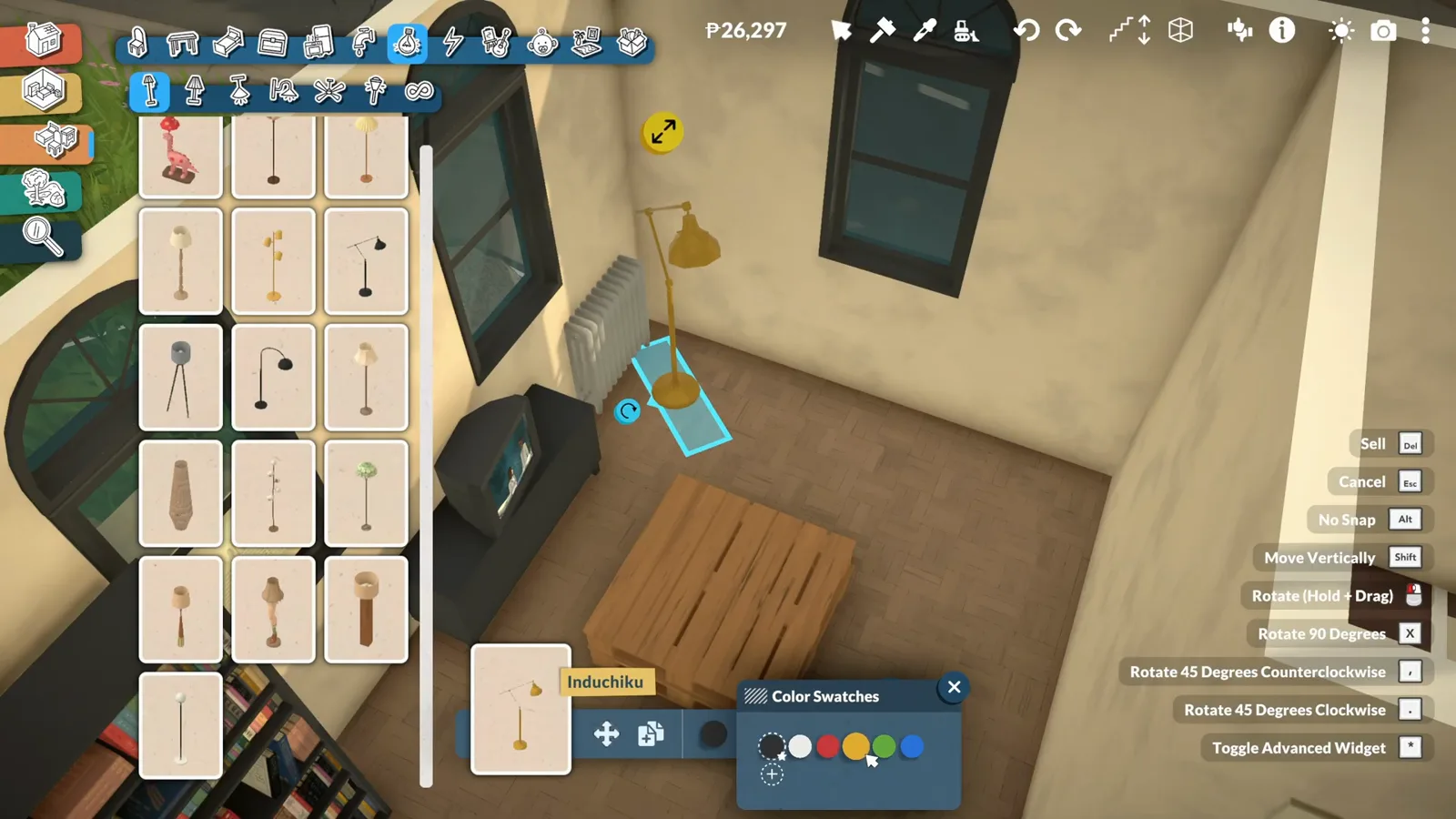
Right-click is the undo button of decorating.Watch at 10:20
Light, textiles & clutter
The layer that makes a room cozy
Lamps, curtains, rugs, plants and small props: none of them move walls, but together they decide whether the room reads as a showroom or a home. The rule of thumb: light at two heights, textiles soft, clutter in clusters.
- 8
Hunt one collection for a matching set
Catalogue names like Indochiku mark furniture families: a lamp, sofa and table from the same line share proportions and finish. When a floor lamp catches your eye, check its siblings before mixing in pieces from another era.
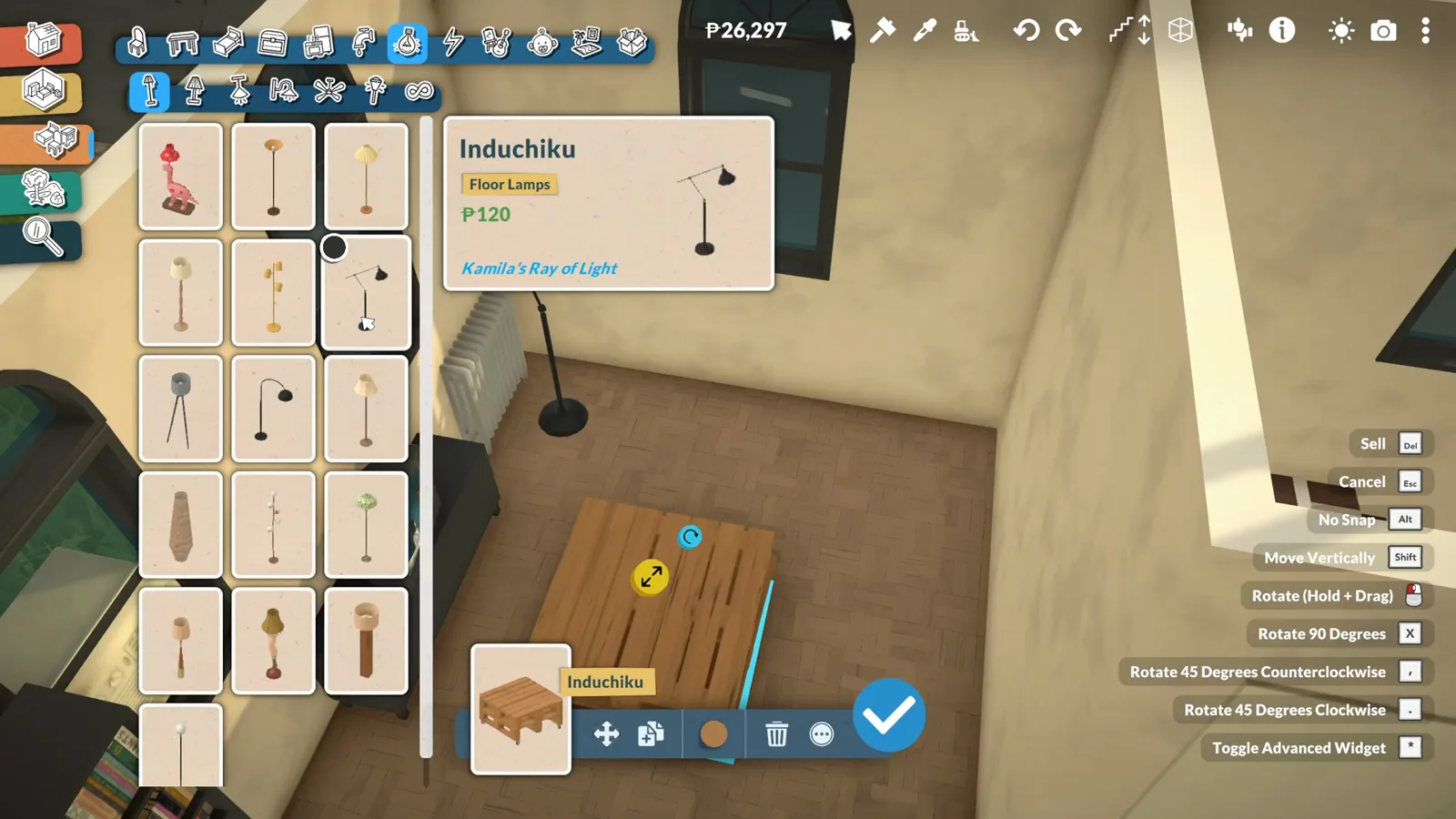
One name, one family — collections keep proportions honest.Watch at 7:05 - 9
Mount the TV, free the stand
Wall-mounted TVs sit at eye height and release a whole cabinet's worth of floor. Place one on the viewing wall, then let the console underneath stay low and quiet so the screen does the talking.
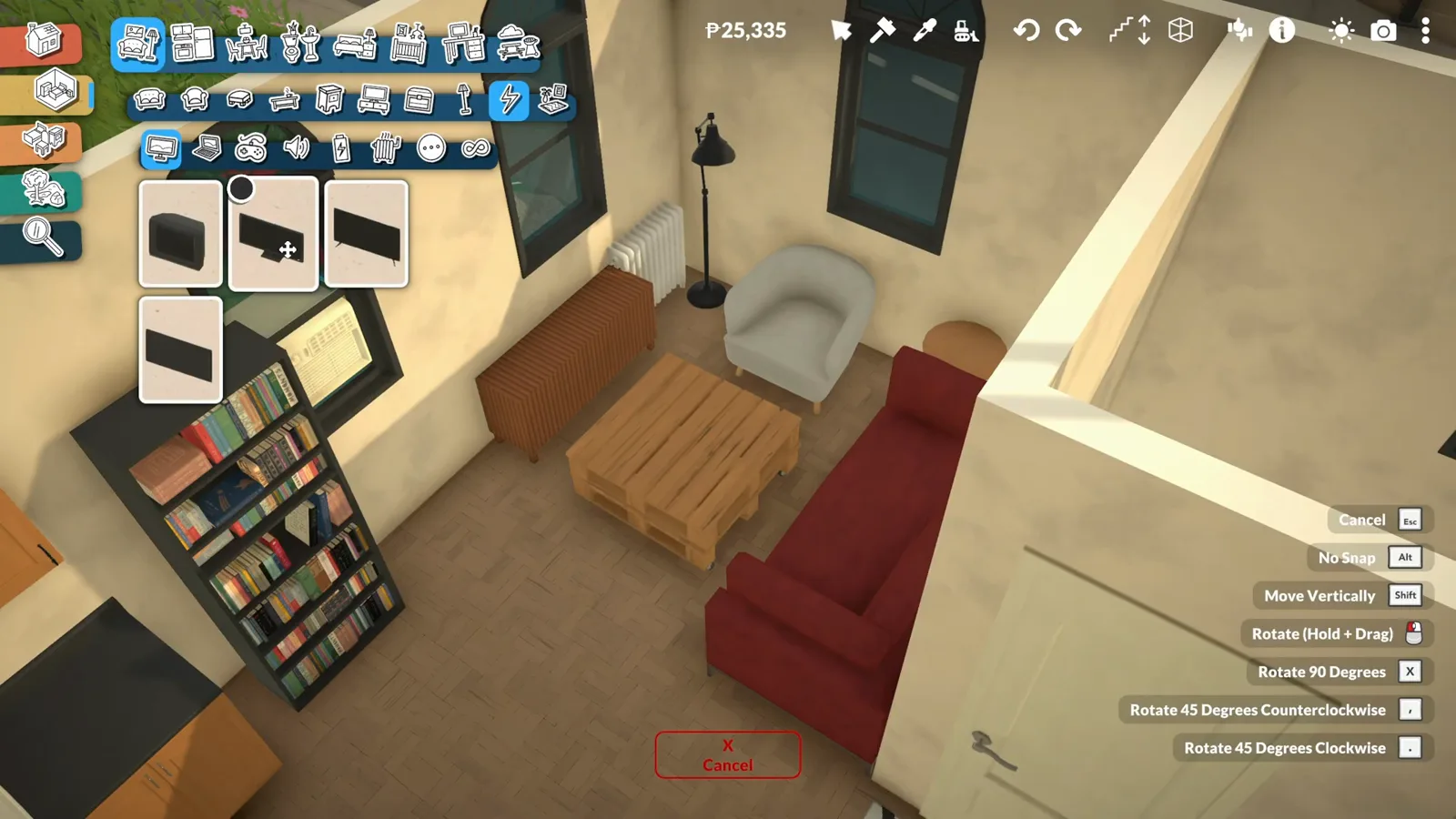
Wall TV: eye height, floor freed.Watch at 17:20 - 10
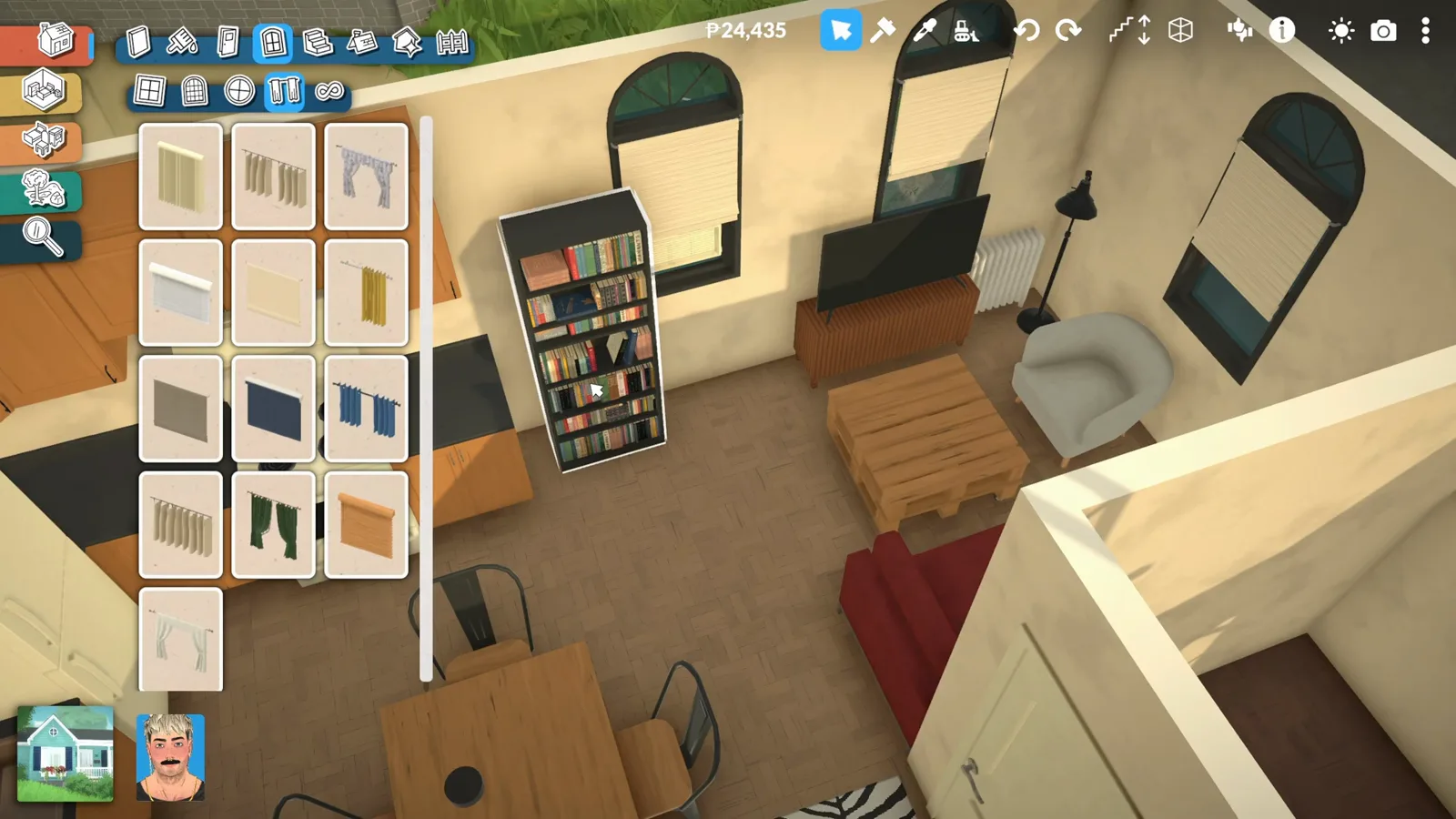
Hang curtains high — and half-drawn for light
Curtains resize to any window and can sit half-drawn: privacy at the bottom, daylight over the top of the glass. The rail position adjusts too, so hanging them near the ceiling fakes a taller window for free.
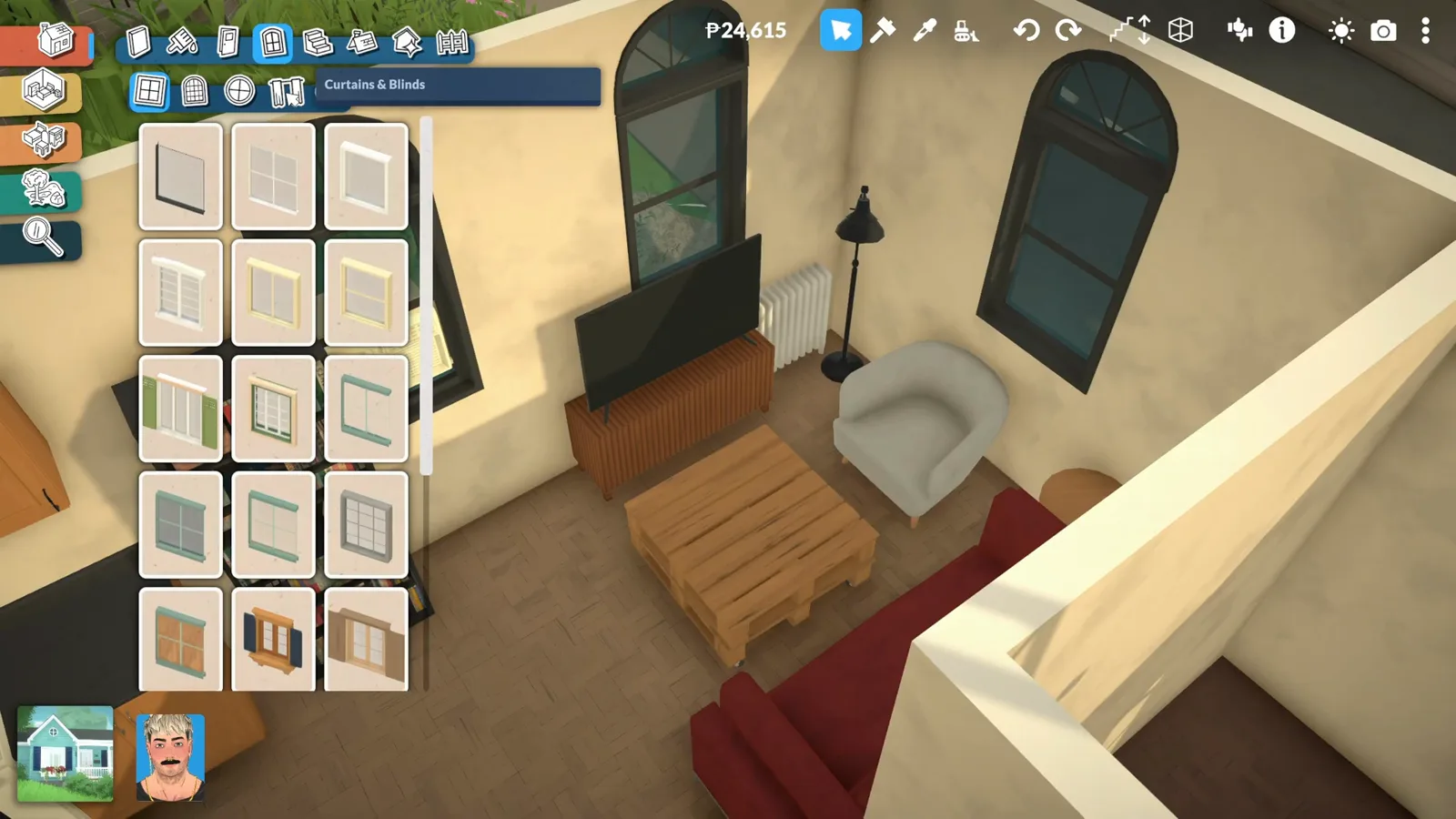
Half-drawn: privacy low, daylight high.Watch at 18:20 - 11
Rugs are cheap — recolor them to tie the room
Rugs cost almost nothing in-game and take the full color wheel. Pick the pattern you like, then pull its color toward the sofa and wood tones so the floor stops being an afterthought and starts being the anchor.
Cheap, patterned, recolorable — the room's anchor.Watch at 16:45 - 12
Style surfaces in clusters of odd numbers
Coffee tables come alive with small groups: a couple of candles, a book, a tiny sculpture — three to five items, never a grid. Cluster them toward one edge and leave the rest bare so the table keeps working as a table.
Three to five props, one edge, rest clear.Watch at 20:40 - 13
Give plants a corner, not a scatter
A tall plant beside the lamp, a trailer on the shelf: greenery reads best grouped into one corner instead of sprinkled everywhere. Plants also fill the dead space behind consoles and speakers for free.
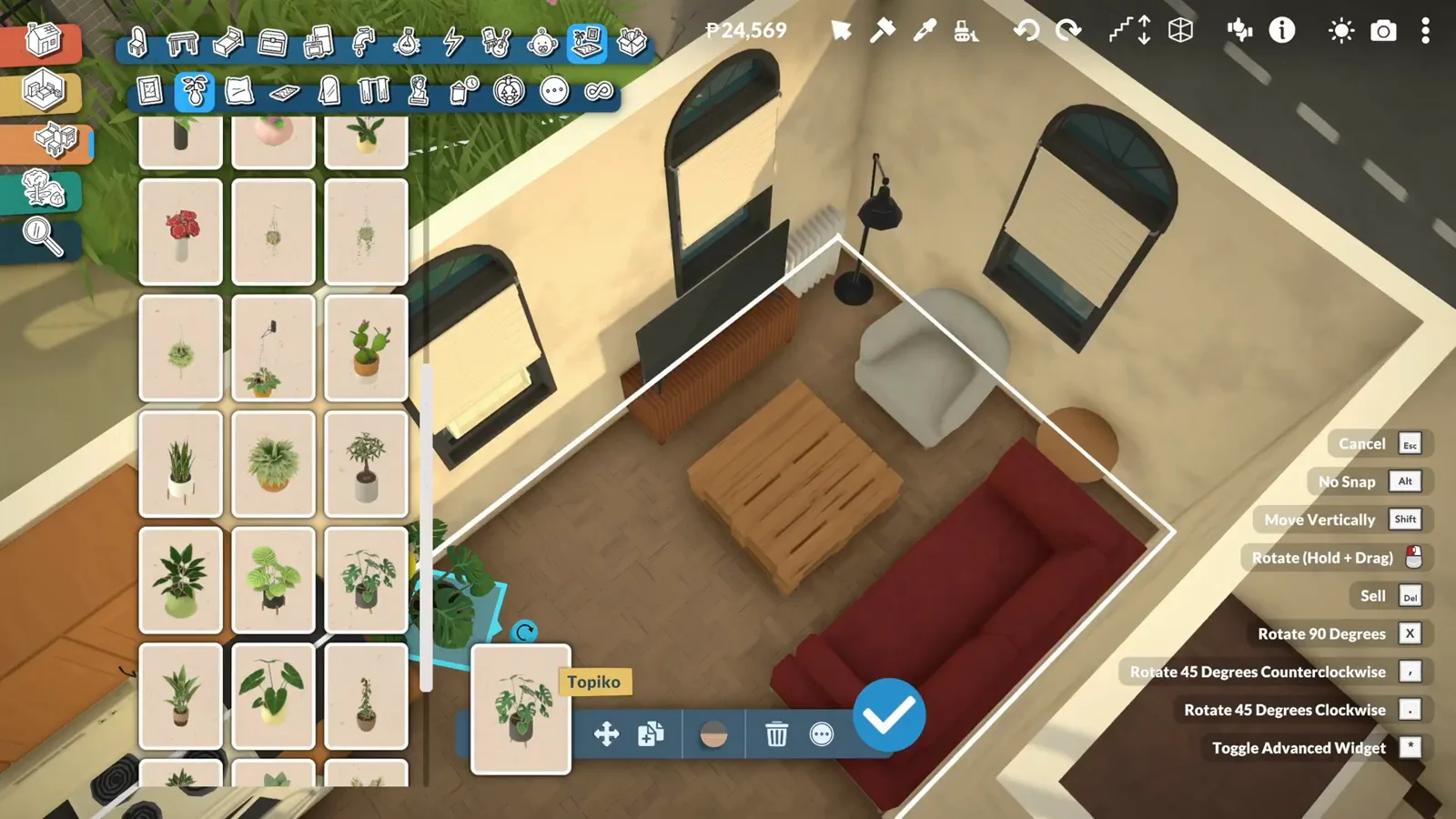
Group the green in one corner — scatter reads as noise.Watch at 21:40
Walls with character
Six finishes and the brick trick
Wall coverings split into paint, wallpaper, tiles, masonry, stones and paneling — and the interior painter happily takes facade brick. One brick wall turns a plain apartment into a converted loft.
- 14
Six wall finishes to choose from
Wall coverings split into paint, wallpaper, wall tiles, masonry, stones and paneling, each with its own swatch grid. Mixing one textured section into a painted room is the cheapest architecture a flat wall can get.
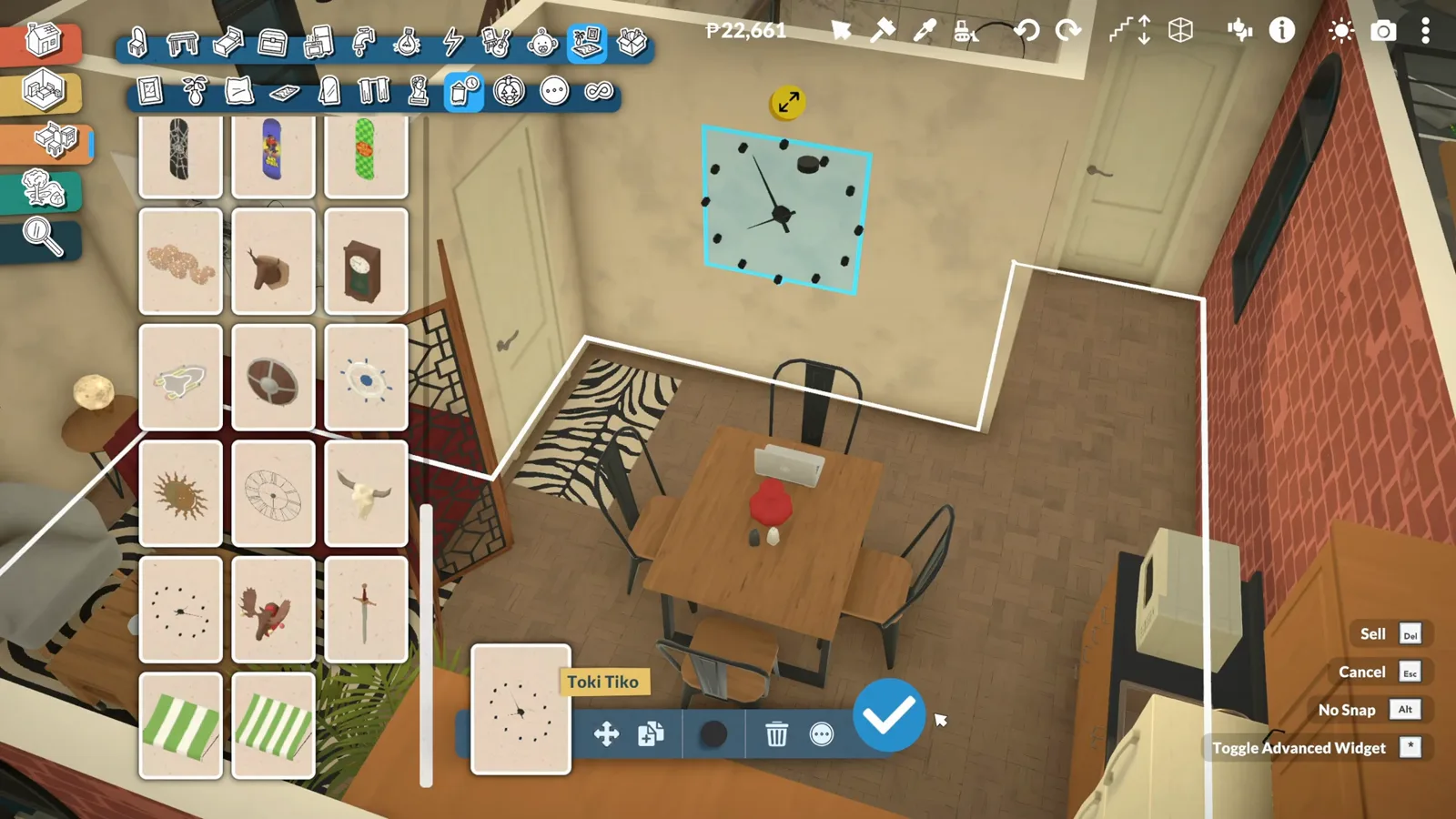
Paint to paneling — texture is one swatch away.Watch at 40:05 - 15
Bring the brick inside for instant loft
The interior wall painter takes the same brick as the facade. One brick wall behind the TV turns a plain apartment into a converted-loft story — and it plays beautifully with warm wood tones and a zebra rug.
Interior brick: the loft trick hiding in the facade paints.Watch at 41:25
Paralives living room FAQ
- How do you search for items in Paralives build mode?
- The Furnishings tab has a search bar at the top of the catalogue — type 'awning', 'monstera', whatever you need. The Decor tabs are curated per room, so Furnishings plus search is the complete catalogue.
- Why do placed items disappear when I zoom out?
- That's a known rendering quirk in Early Access, not a lost item: zoom back in and the piece reappears. If it bothers you while building, work at a mid zoom on small rooms.
- Can you recolor furniture after placing it?
- Yes — select the item to open its style panel, or right-click it later to reopen the same panel. Colors, wood tones and grain patterns all stay editable, and the custom color wheel accepts any shade.
- Do sofas snap to walls in Paralives?
- They snap flush on placement, and most sofas extend in seat modules when you drag the resize arrow — a two-seater becomes a three-seater without swapping the piece.
- What wall coverings does Paralives have?
- Six families: paint, wallpaper, wall tiles, wall masonry, wall stones and paneling. The interior painter also accepts facade materials like brick, which is how builders make interior accent walls.
- How do you make a cozy living room in Paralives?
- Layer three things: warm wood tones (change grain patterns, not just colors), textiles at two heights (rug below, curtains above) and clutter in small clusters. Then scrub the clock to night and add lamps wherever the preview went dark.
Keep building
Related guides
Apartment build
Turn a single-home lot into a family apartment with an open living zone.
Paralives house ideas
Whole-home inspiration, from floor plan to facade.
Build mode tips
The techniques that carry the rest of your build.
Move objects guide
Free placement, stacking and the Alt-drag fine moves.
Artist studio loft
Style Creator recolours and a gallery feature wall — the accent-colour thinking from the loft build.