
How the built-in fireplace works
There is no fireplace tool in Paralives build mode. Both demo builds get the flush look the same way: they shape the wall around the fireplace with walls and transform handles, drop the fireplace object into the recess, then use Style Creation so surround and wall read as one piece. Everything below is shown on screen in the two source videos — nothing here relies on mods.
- Fireplaces are real catalogue items — searching "fireplace" lists stoves, inserts and mantel pieces.
- The built-in look is faked with a drawn wall spur or a thickened wall segment behind the firebox.
- Style Creation recolours the fireplace's Chimney and Base parts independently of each other.
- Chimneys are separate objects you can stretch to size — one creator covers the roof's white line with them.
Group 1
Build the chimney breast
The built-in look starts with geometry, not furniture: a short piece of wall pushed into the room gives the fireplace something to sit inside. Panda Builds extends the whole wall inward around the chimney breast — a trick the narration credits to fellow creator Devon Bunky — and notes it only fits where the room has depth to spare: one of the three fireplaces in that build got the treatment, the other two had no room for it.
- 1
Draw a wall spur where the fireplace will sit
With Wall Placement Mode active, a short wall segment is drawn straight into the room, forming the sides of a recess. The on-screen readouts show the segment's angle (124°), its length (1.1 m) and its price as it is placed — the spur only needs to be as deep as the fireplace is.
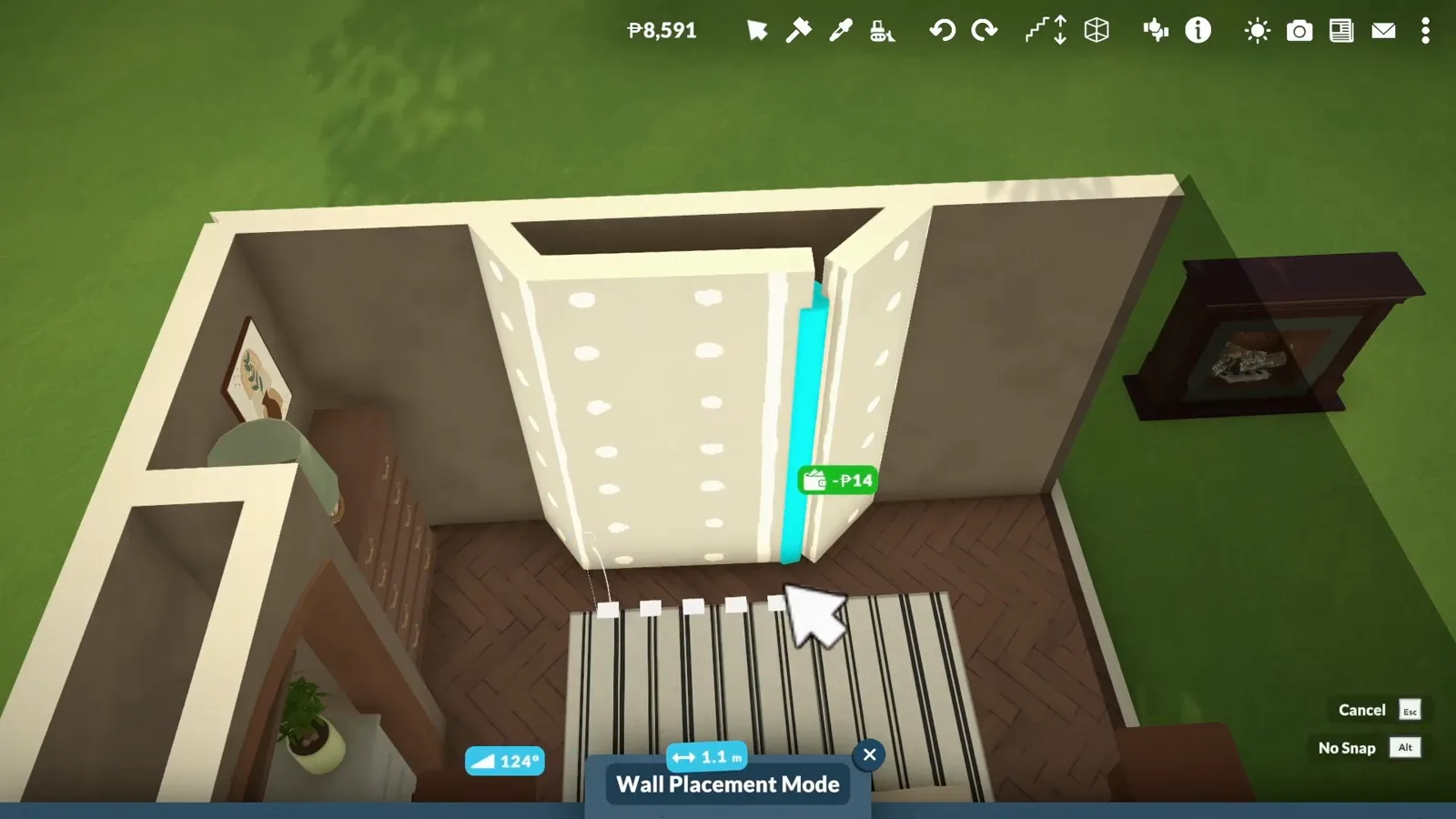
Wall Placement Mode shows the angle, length and price of every segment while the recess takes shape.Watch at 0:05 - 2
Or extend the whole wall inward
Panda Builds takes the same idea further and extends the room's wall inward around the chimney breast, so the brickwork becomes a solid protruding block instead of a flat wall. The narration credits the trick to creator Devon Bunky and points out the cost: it needs free depth, which is why only one fireplace in the house got it. The white outline in the frame marks the wall section being worked on.
The extended wall turns the fireplace wall into a protruding brick block — the room gains dimension instead of staying a rectangle.Watch at 13:00 - 3
Stretch a chimney to size outside
Chimneys are separate objects, and Panda Builds places one on the roof gable, then drags the vertical transform handle to stretch the brick stack to the right height. The same narration mentions a second use for resized chimneys outdoors: covering the white line the game draws along the top of a wall.
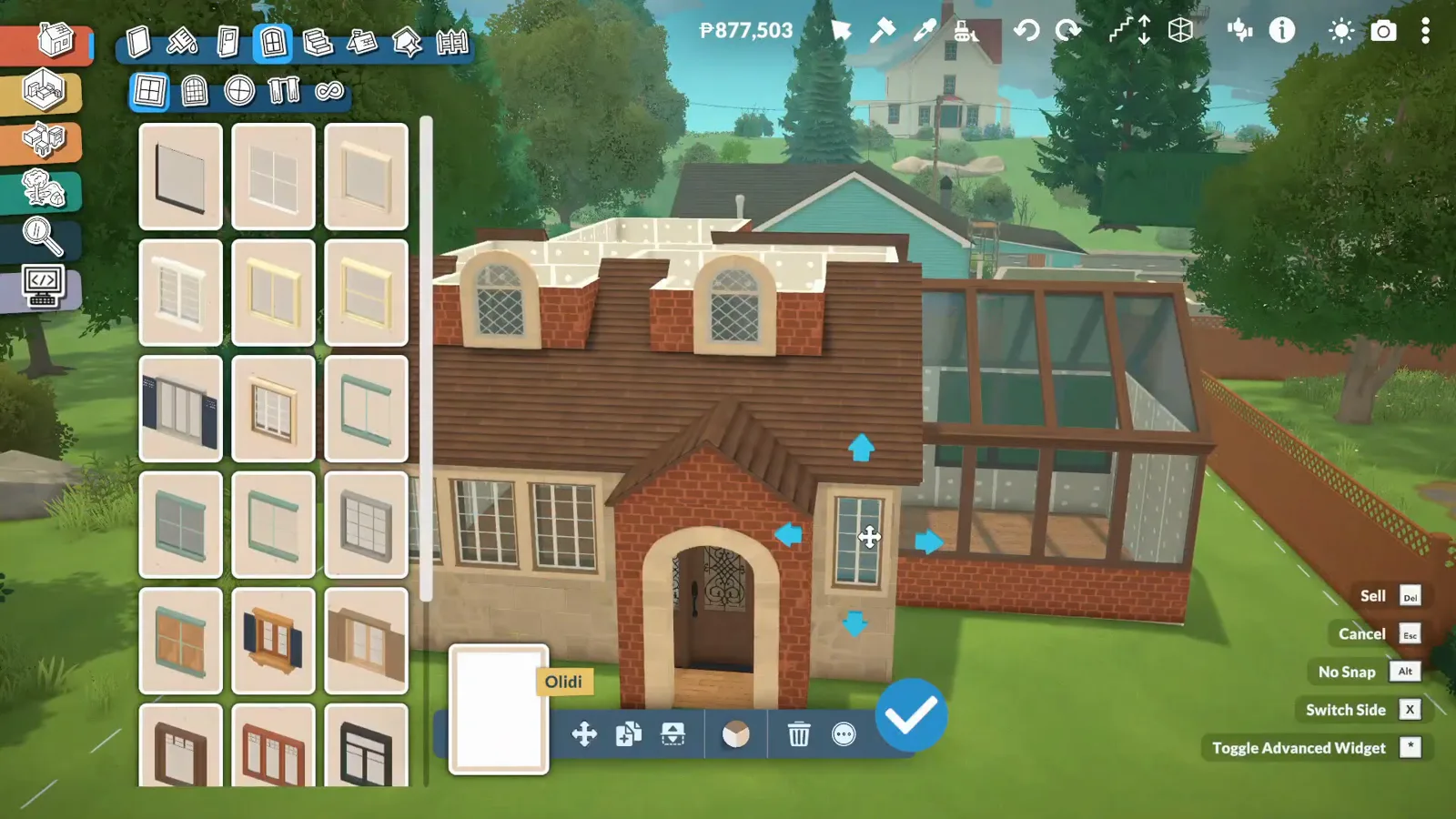
The blue handle stretches the chimney stack; no fireplace has to be attached for it to work.Watch at 2:56
Group 2
Seat the fireplace in the wall
The fireplace itself is a catalogue object, and it needs no chimney attached. Search the catalogue, place it against your new recess, then make surround and wall agree with each other in Style Creation — the panel treats the piece as separate Chimney and Base parts you can recolour independently.
- 4
Find the fireplace in the catalogue
Typing "fireplace" into the build catalogue's search box pulls up every option at once: freestanding stoves, simple firebox inserts and full mantel pieces. The frame catches the moment the chosen surround is being dragged into place, with the rotate and transform shortcut list open beside it.
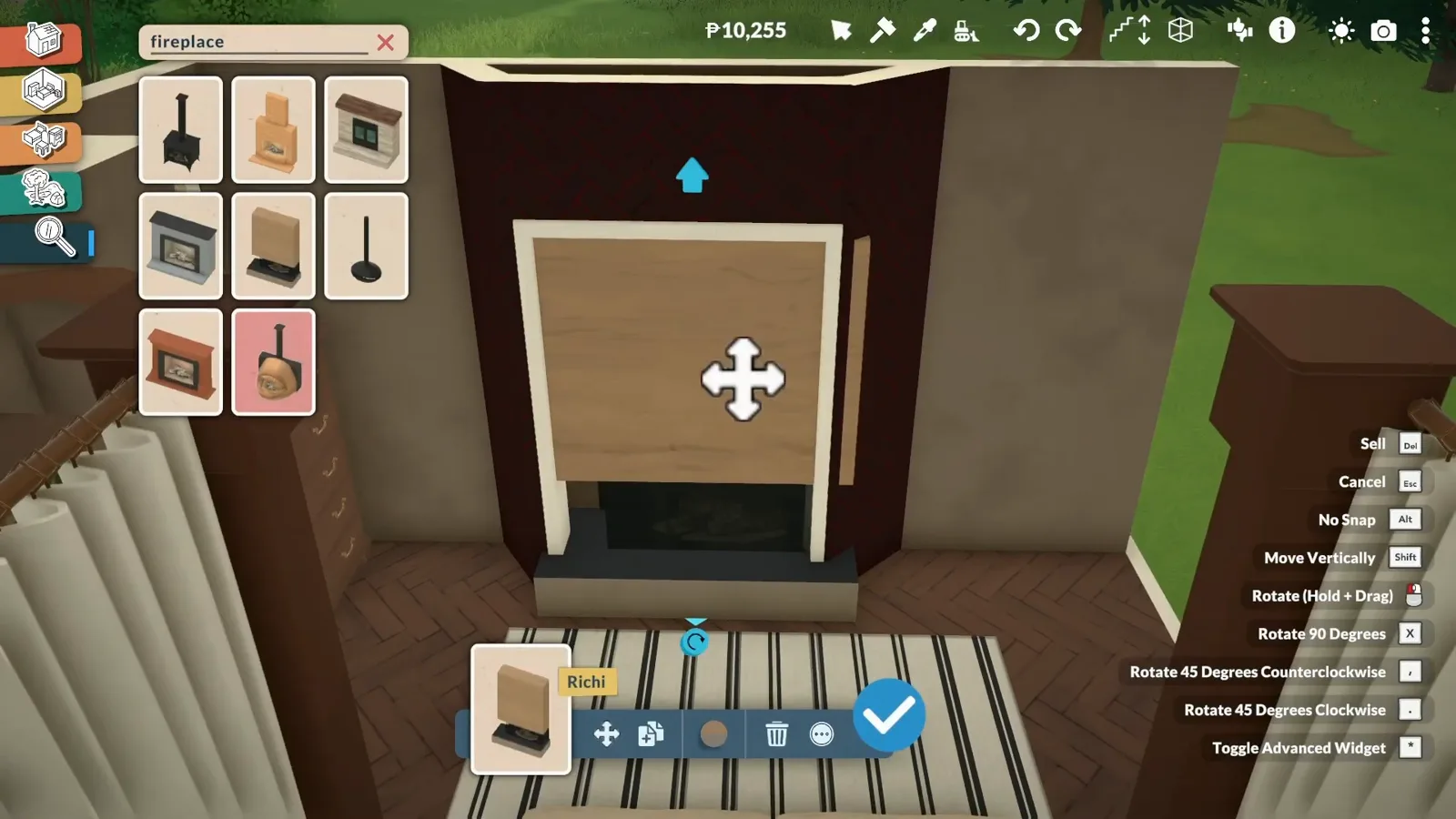
One search surfaces the whole fireplace family — the piece selected here is still in its default light wood.Watch at 0:20 - 5
Seat it against the wall
The dark surround sits flush against the room wall with the logs already visible inside the firebox, and the wall paint palette is open on the left — the next move in this build is making the wall behind the fireplace agree with the piece in front of it.
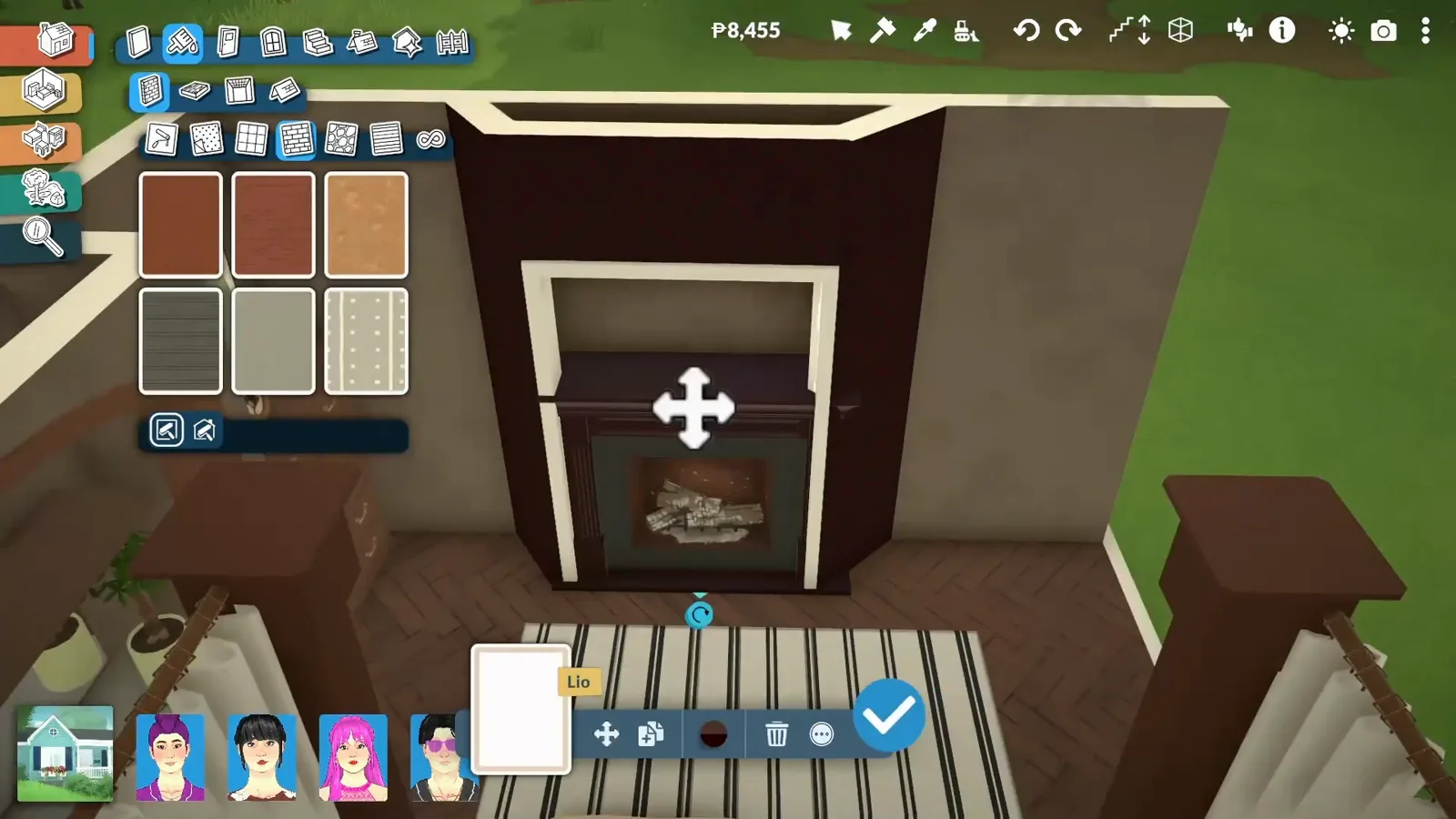
Logs come with the object; the recess behind it is plain wall, ready to be painted to match.Watch at 0:15 - 6
Recolour the parts in Style Creation
The Style Creation panel splits the fireplace into named parts — here Chimney and Base — each with its own colour: a wheel, a hex field and pattern categories like Rocks & Stones. A dark brick pattern is being applied to the Chimney part while the rotation gizmo stays live on the piece, so fit and finish happen in one pass.
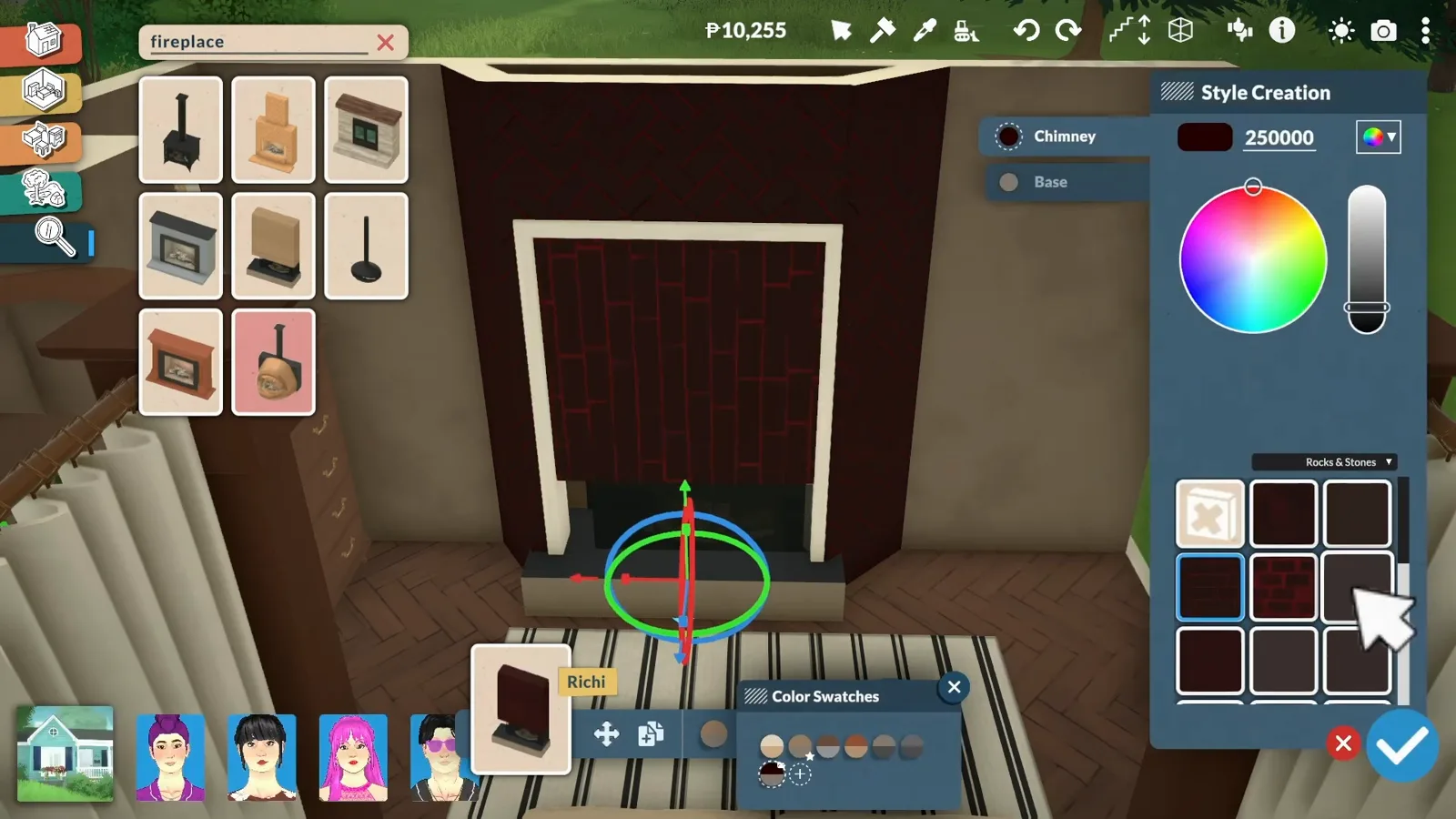
Chimney and Base recolour separately — this surround goes near-black brick without touching the hearth base.Watch at 0:25
Group 3
Dress the mantel wall
A flat firebox is only half the look. Both builds stack the wall above the opening: a TV mounted over the firebox, a stretched shelf as the mantel, then clutter on top until the breast reads as one designed piece.
- 7
Mount a TV over the opening
A flat screen fills the wall above the firebox, and the catalogue is open on the TVs category to swap it for a different model. Wall-mounted this way, the TV turns the breast into the room's focal wall before a single shelf goes up.
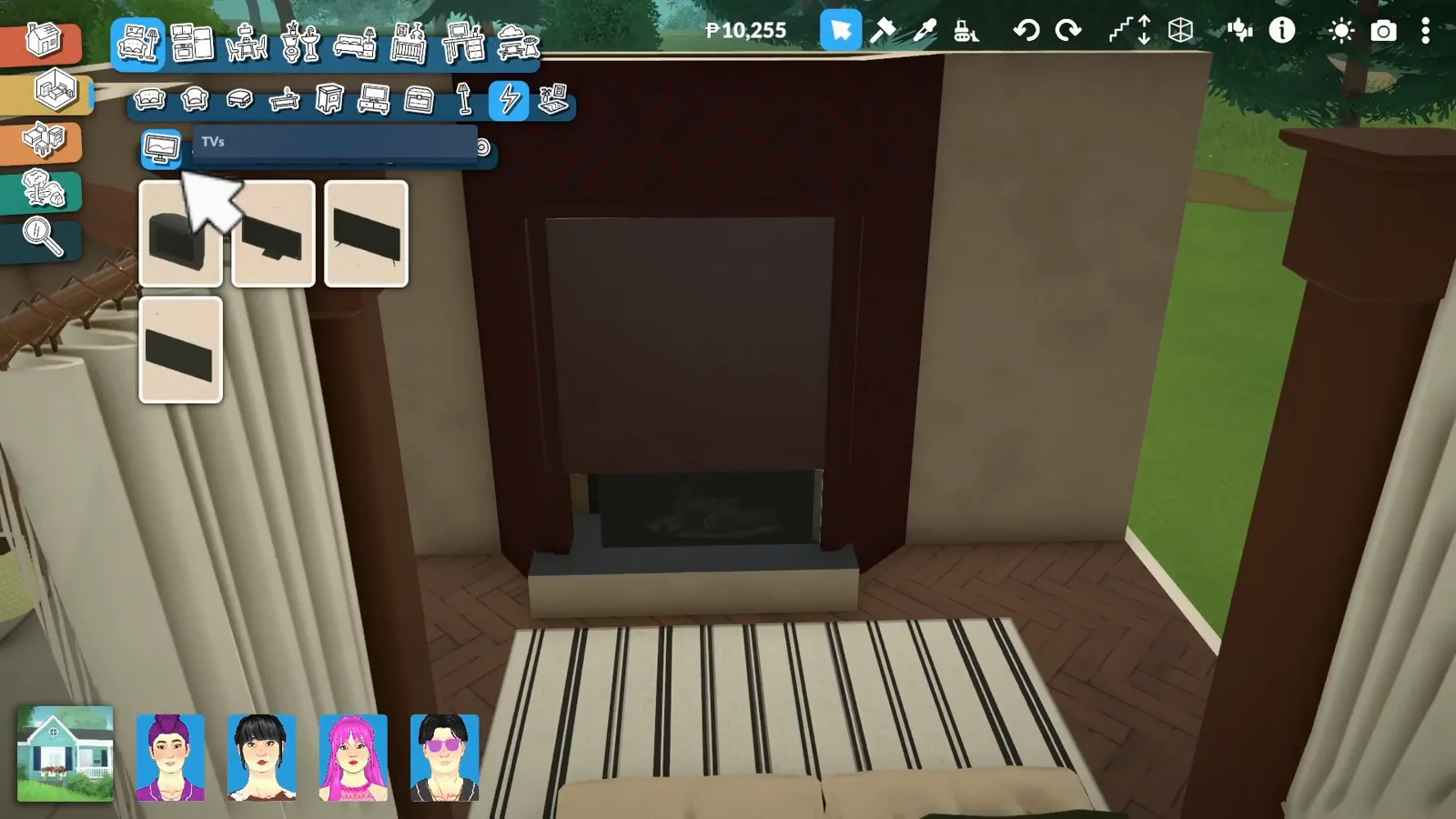
The TVs category is open, but the screen already hangs above the firebox — swap models without unmounting.Watch at 0:30 - 8
Stretch a shelf into a mantel
A plain light-wood shelf is dragged across the breast between firebox and TV, then pulled wider by its resize handle until it spans the opening as a mantel. The shelves catalogue on the left offers longer and shorter planks if the first pick doesn't reach.
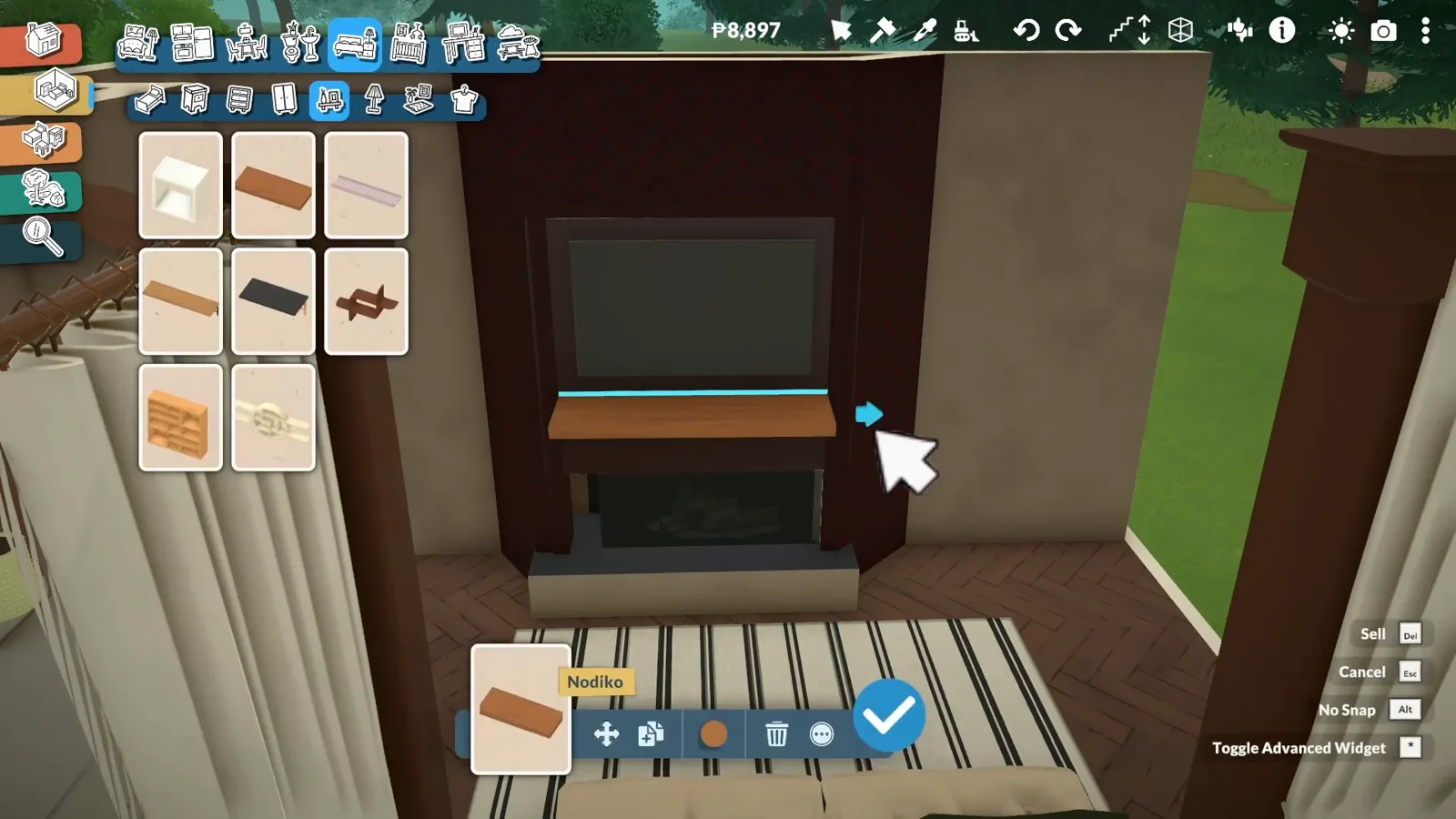
One shelf piece, stretched to span: the mantel is furniture, not part of the fireplace object.Watch at 0:35 - 9
Pile on the mantel clutter
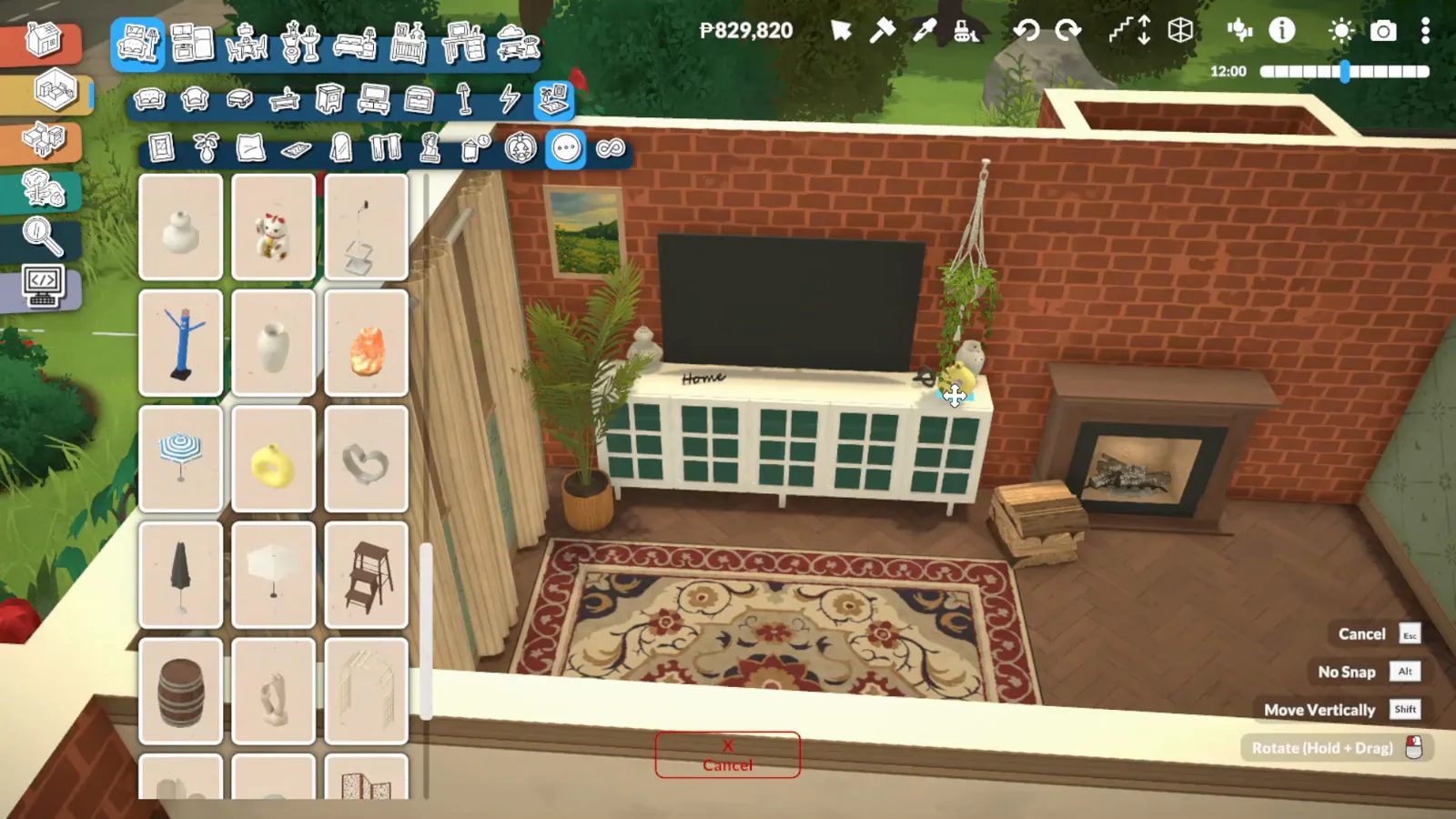
Panda Builds dresses the finished brick breast the traditional way: framed art above, plants, vases and small objects lined along the shelf. The catalogue of clutter pieces is open while each item is placed by hand along the mantel.
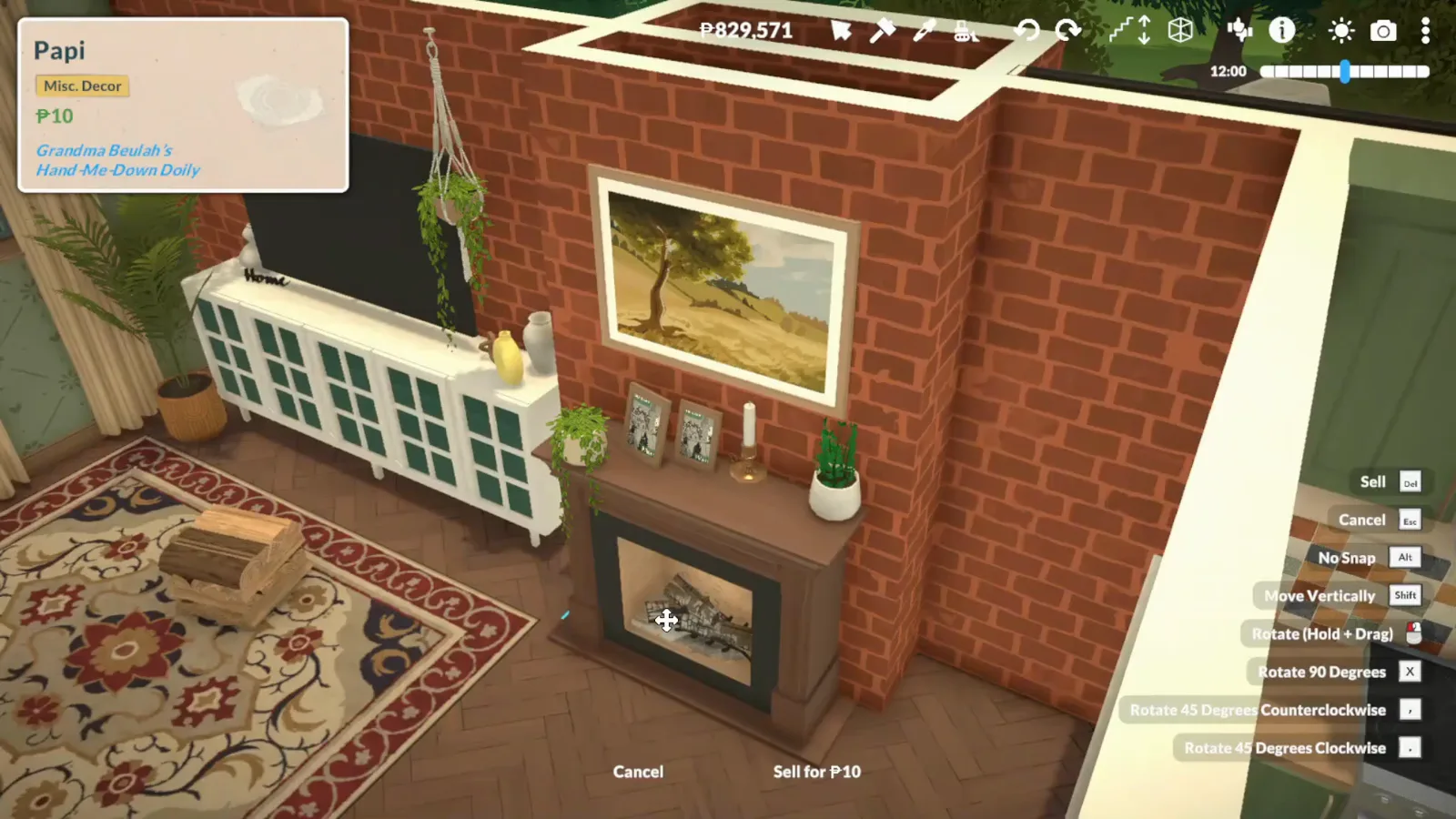
Art above, objects below — the clutter catalogue covers both rows of the mantel wall.Watch at 14:00
Group 4
Finished rooms
Three ways the demos end up: DeLeeCreations' dark TV fireplace at night, Panda Builds' brick breast with bookshelves built around it, and a freestanding wood stove for rooms where a full breast would be too much. In every shot the flames you can see are part of the build-mode demo — none of the source videos shows a Para lighting one.
- 10
The finished firebox shows real flames
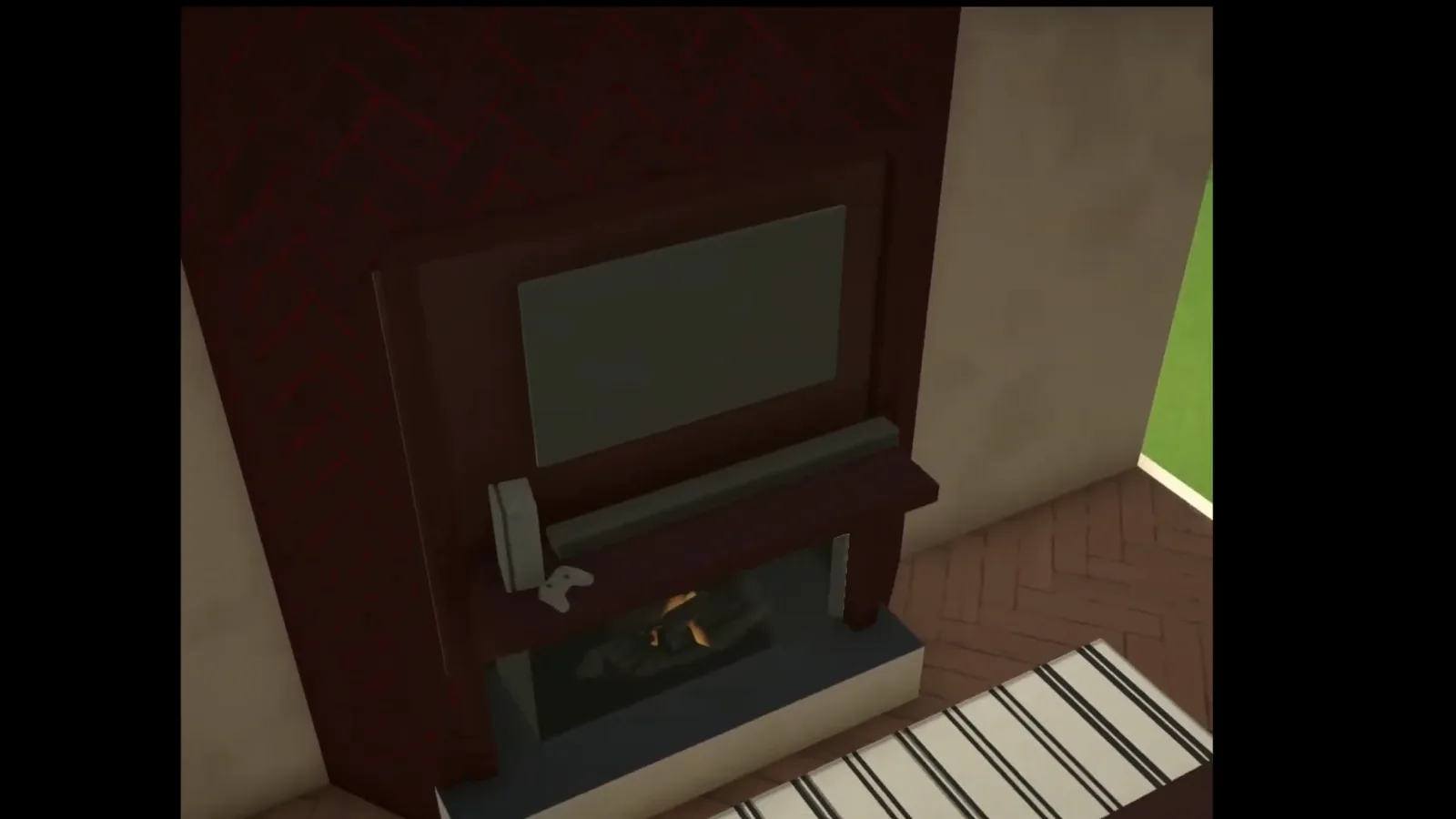
In the completed build the firebox renders with flames burning behind the glass, under the mounted TV and soundbar. Every shot of this fire is from build mode — the demo never shows a Para lighting it, so what triggers the flames in play is not covered by the sources.
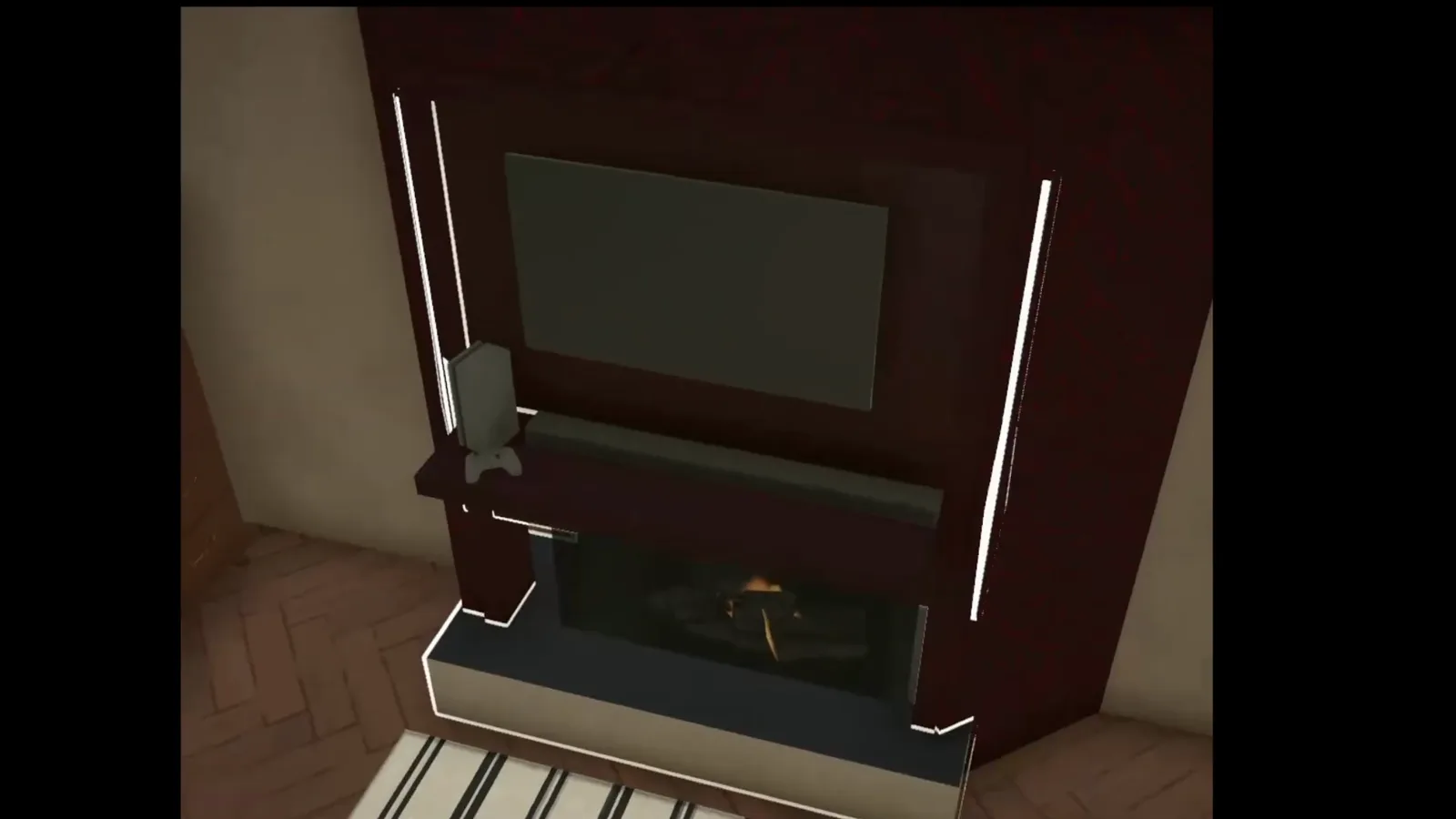
Flames glow behind the firebox glass in the finished surround — shown here in build mode.Watch at 0:52 - 11
The room around it
At night the same wall carries the whole room: the lit firebox under its TV, a dark dresser with a lamp and framed art beside it, a striped rug in front. Nothing in the scene is fireplace-specific — it is the ordinary catalogue arranged around the recess the walls created.
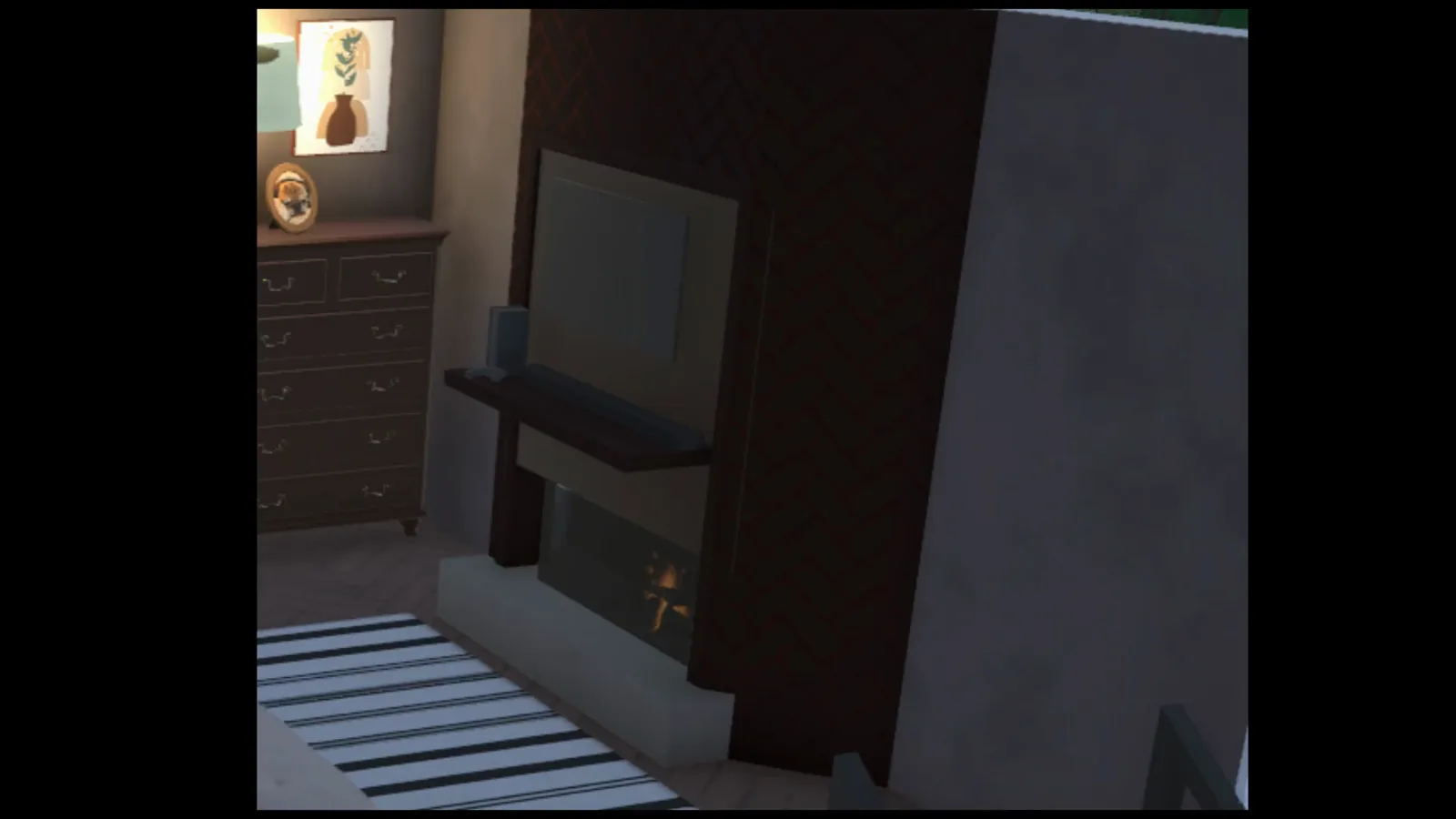
Dresser, lamp, rug: the built-in fireplace reads as architecture the rest of the room furnishes up to.Watch at 1:02 - 12
The extended breast, finished
Panda Builds' protruding brick block ends up reading like part of the house rather than an addition: mantel shelf across the opening, a landscape painting hung above it, a glass-front dresser beside it under the vaulted ceiling.
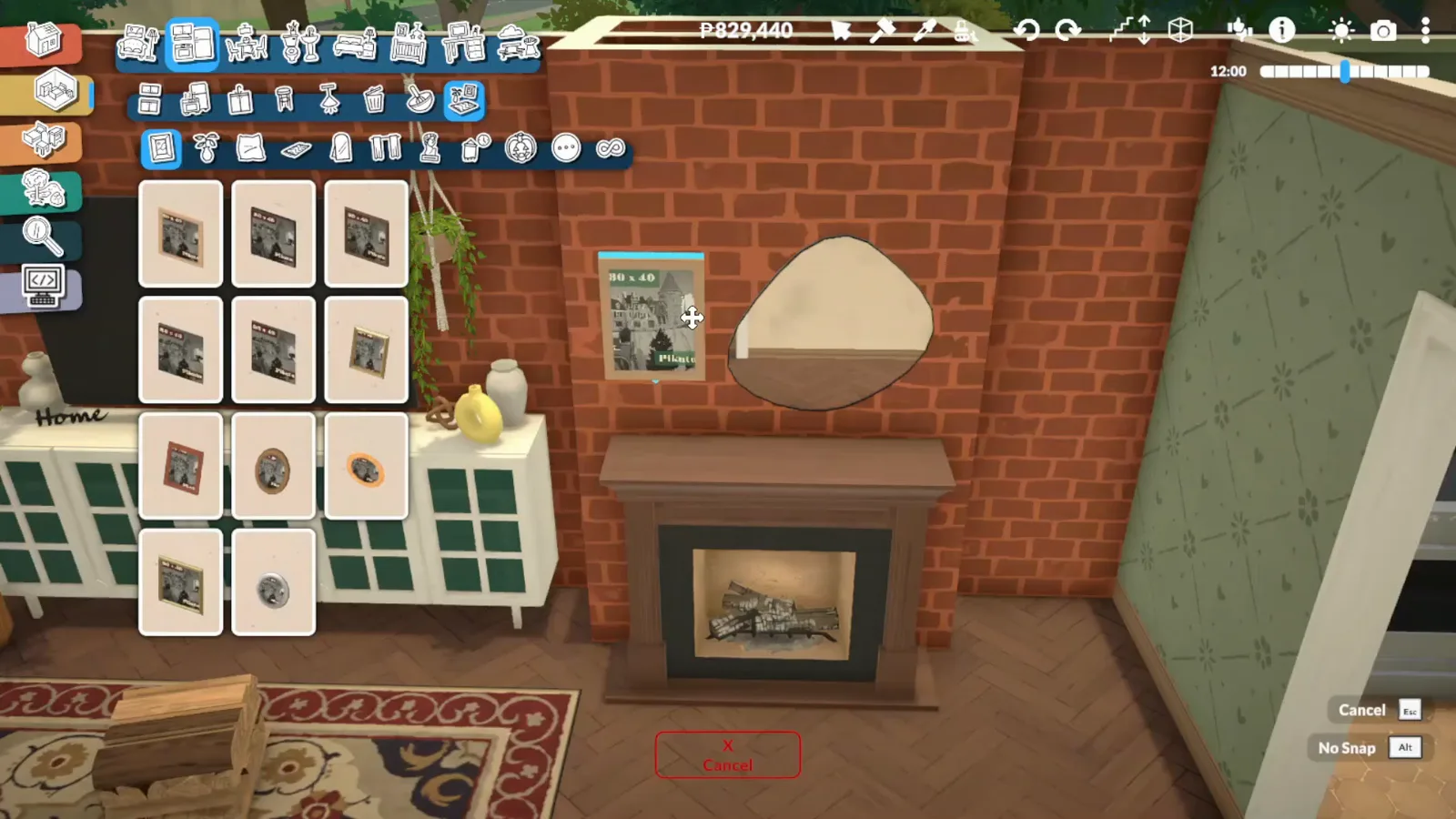
Painting, mantel, dresser: the extended wall furnishes like a built-in piece of the house.Watch at 13:30 - 13
Furnish up to the brickwork
The breast keeps its depth useful: a white bookshelf stands against the brick beside the fireplace with a glass dresser on its other side, so the protruding wall becomes the room's storage wall instead of dead space.
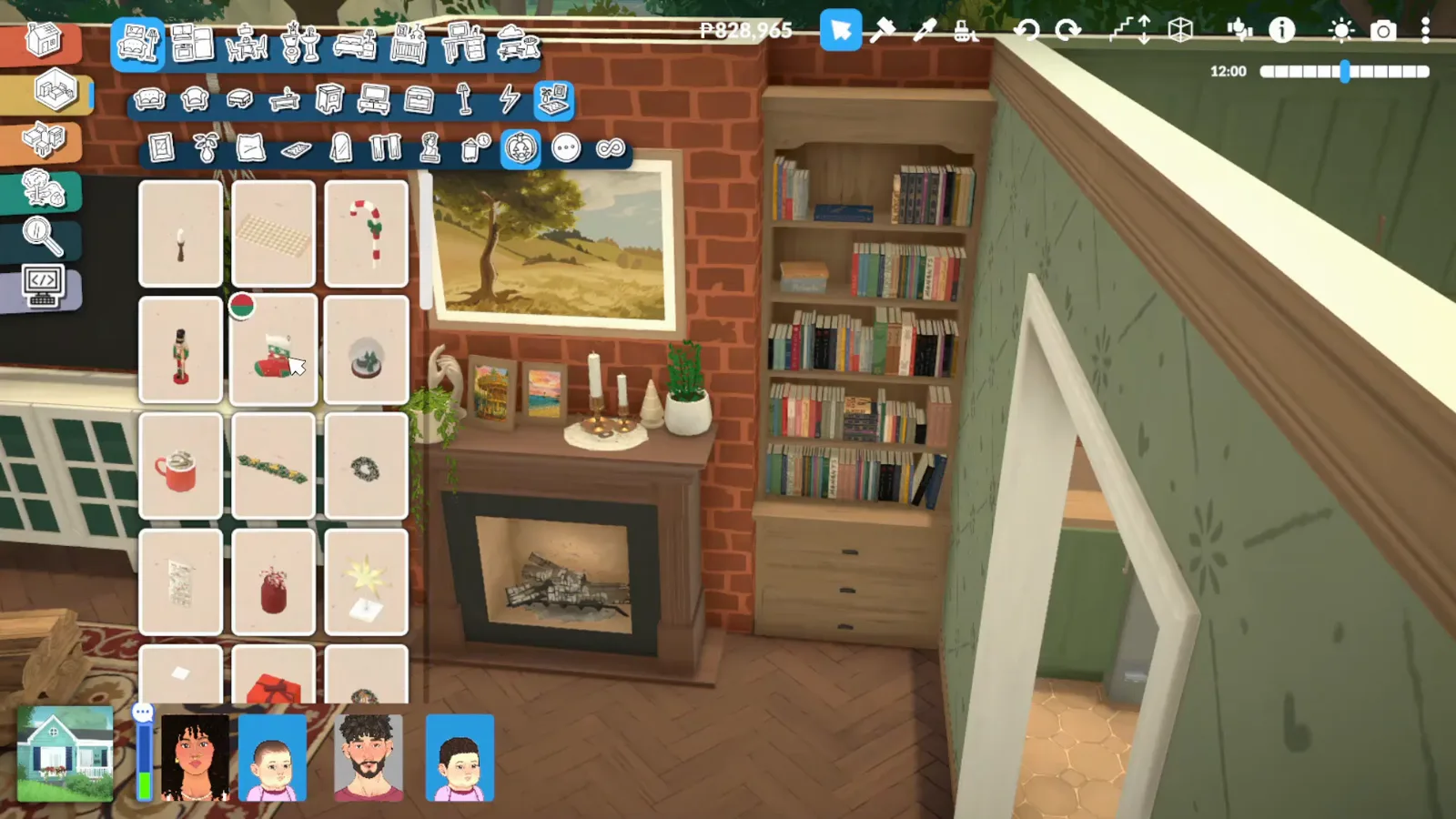
Bookshelf against brick: the extension's depth earns its keep as storage wall.Watch at 15:00 - 14
Variation: a freestanding wood stove
The same chimney breast also takes a stove: a black freestanding firebox with a flue pipe rising up the brickwork. Panda Builds counts three fireplaces in this house — this is the format for rooms too small for a full recessed surround.
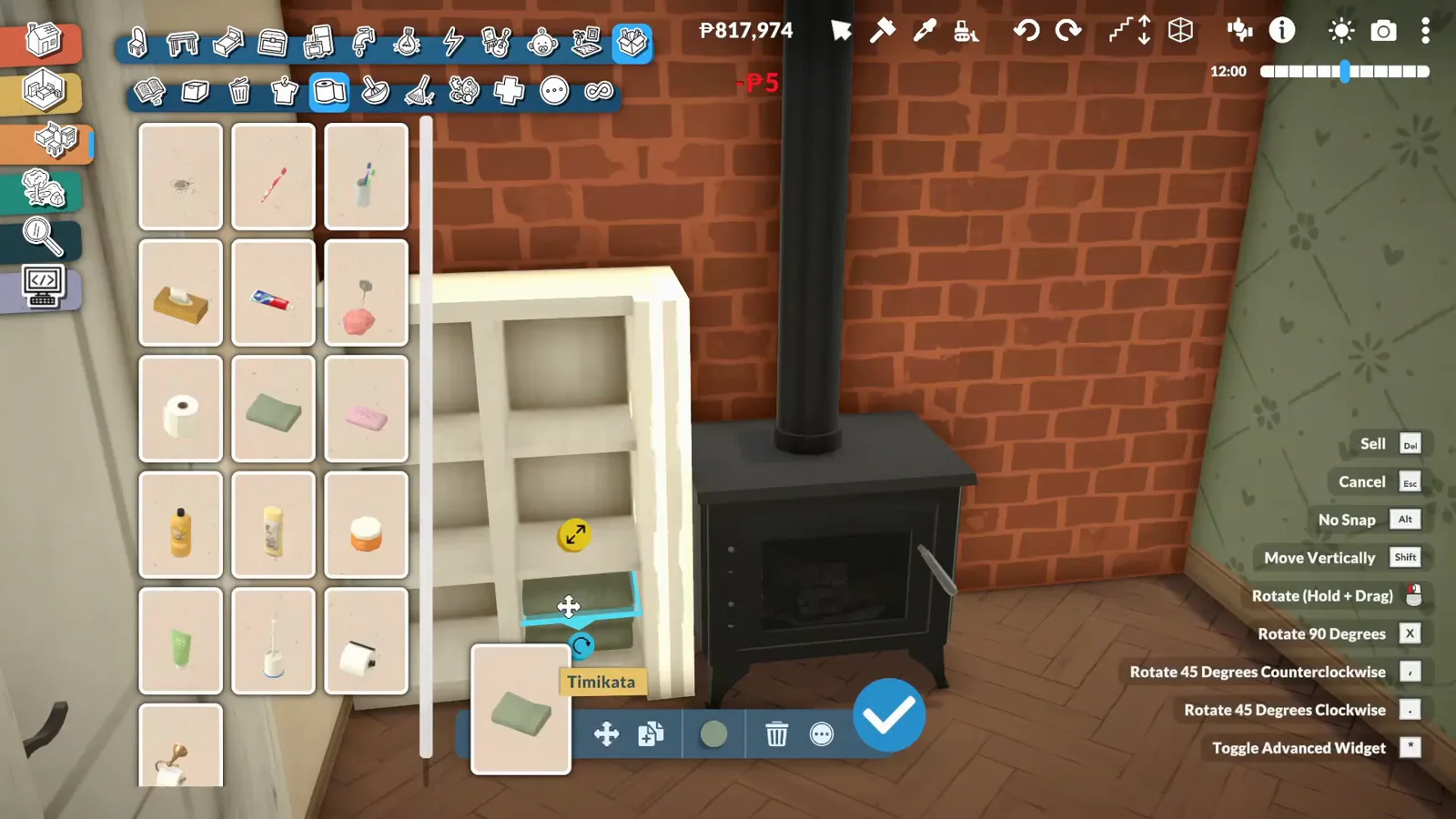
Stove plus flue against brick: the small-room version of the same chimney breast.Watch at 21:00
Paralives fireplace FAQ
- Does Paralives have fireplaces?
- Yes. Searching "fireplace" in the build catalogue turns up freestanding wood stoves, simple firebox inserts and full mantel fireplaces. Chimneys are separate placeable objects, not part of the fireplace piece.
- How do you make a built-in fireplace in Paralives?
- Both demo builds fake the flush look with ordinary wall tools, no mods: draw a short wall spur (or extend the wall inward, as Panda Builds does around its brick chimney breast), seat the fireplace object inside the recess, resize with the transform handles, then recolour the piece in Style Creation so surround and wall match. Heartchanted's no-mods tutorial follows the same sequence.
- Are fireplaces functional in Paralives?
- What the sources show: the finished firebox renders with visible flames in build mode. None of the three videos demonstrates a Para lighting or interacting with a fireplace in live mode, so its gameplay behaviour is unverified — treat these builds as decorative unless you test it yourself.
- Can you build a chimney in Paralives?
- Yes — chimneys are their own placeable pieces and can be stretched with the transform handles, as Panda Builds shows on a roof gable. The same creator also uses resized chimneys outside to cover the white line the game draws along the top of walls.
- Does a Paralives fireplace need a chimney?
- Not in these demos. DeLeeCreations' built-in sits against an interior wall with no chimney attached, while Panda Builds adds exterior brick chimneys as a separate decorative layer. Nothing in either video shows the game requiring one.
Keep building
Curved walls
Bend the wall instead of extending it — curved room edges with the same wall tools the fireplace recess uses.
Wall tools, thickness and heights
The full reference for the tools behind the trick: drawing, thickening and resizing wall segments.
Half walls
Another wall-tool illusion: railings, split levels and pony walls built from pieces the game never labelled for it.
Decorating guide
Clutter, gallery walls and colour — how to style the mantel wall once the fireplace sits flush.
Living room ideas
Whole-room layouts that give a focal wall like this something to anchor.
Fences
More fake-it-with-build-tools spirit: the fence foundation trick, gate-free fence planning and boundary fences drawn at any angle.