
The short version
Work in layers: water first to hide the void, then beaches at water level, flattened building ground above, painted rock and sand on top — and only then roads, planned from screenshots before the first piece is placed.
- Start a new game on the flat empty terrain map
- Place Town Water pieces below island level to hide the void
- Flatten the beach layer first, build the mountain above it
- Carve small erosion valleys so rock reads as natural
- Asphalt terrain paint is the best stand-in for bare rock
- Draw the road plan on screenshots before placing street pieces
Starting point
A blank map and a wall of water
A new game on the empty terrain gives you a flat, square island floating in the void. The first job is not terrain — it is water, placed lower than the land so the ugly edges disappear.
- 1
Start a new game on the empty terrain
The custom world begins on the flat starting map: one square of land, nothing else. Everything you see in this guide was built on top of it — no downloaded maps, no world editor.
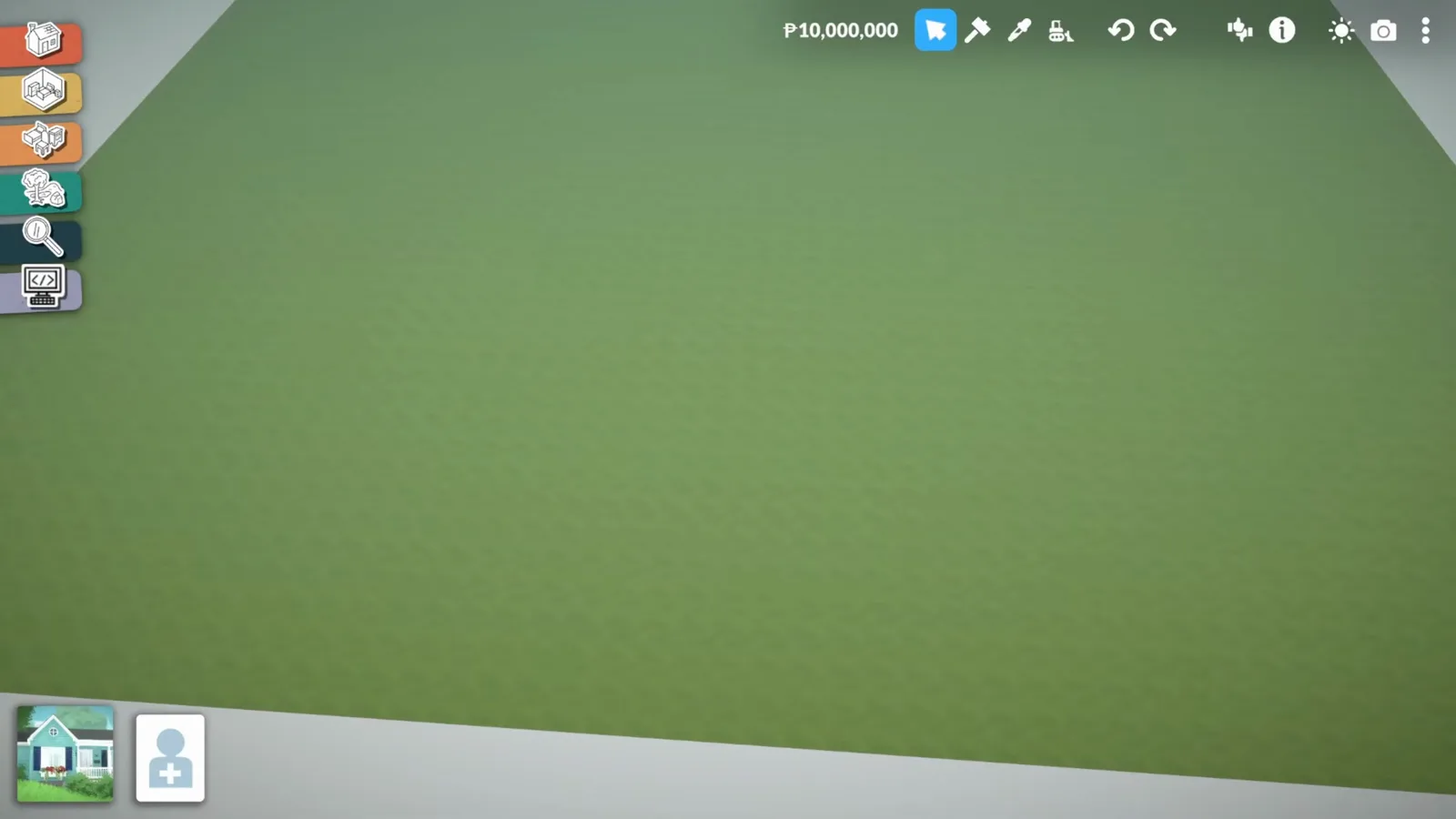
The blank canvas: one flat square and the void around it.Watch at 0:02 - 2
Hide the void with Town Water
Water pieces from the outdoor catalogue are placed around the island, slightly lower than the land, so the flat edge drops below the surface. The strip of terrain left floating is deliberate — terrain tools fix it later.
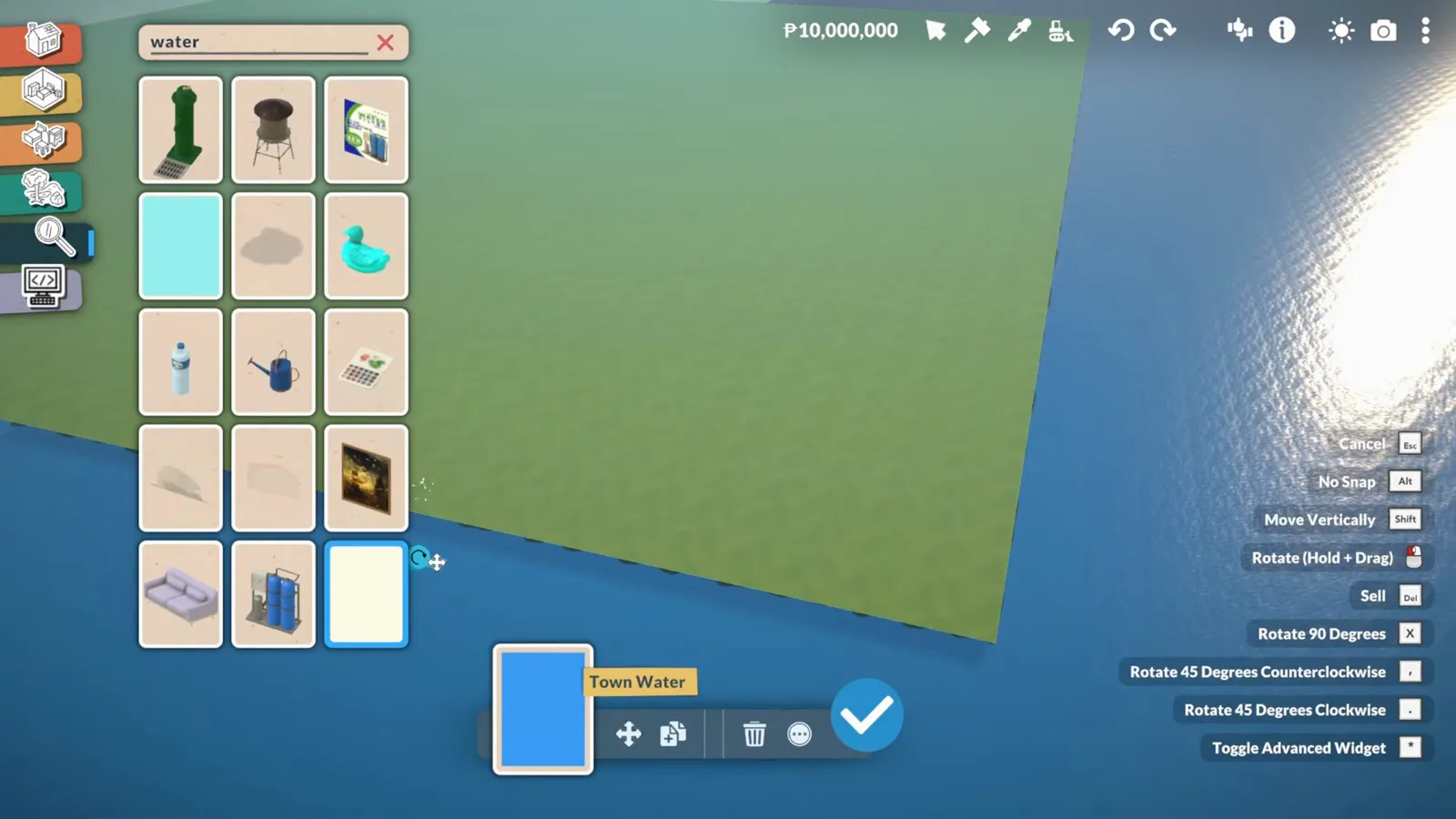
Water below land level turns the void into an ocean.Watch at 1:00
Terrain in layers
Beach, plateau, mountain — in that order
The island is built like a cake: beaches pinned at water level, everything else flattened above them, then the back range lifted in stair-steps with rock formations and jagged edges so it reads as nature, not a ramp.
- 3
Raise the back mountain
Terrain Height Elevate pulls the back of the island up into a hill range. The creator expected terrain tools to be hard and found them the opposite — the brush size and strength sliders do most of the work.
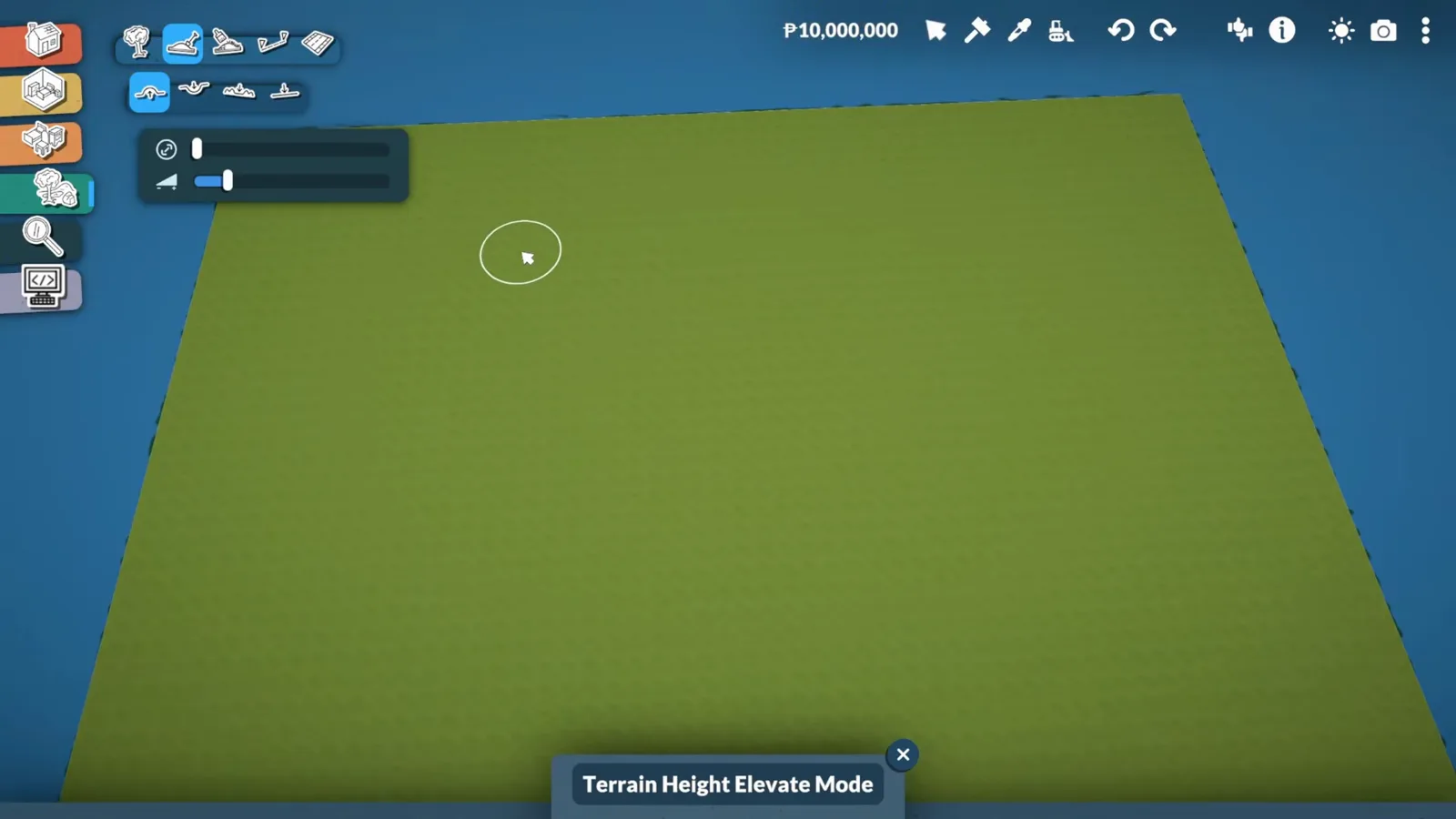
One brush, two sliders — the mountain is just repeated passes.Watch at 1:50 - 4
Flatten the beach layer first
Before building upward, the shoreline is pinned: Terrain Height Flatten sets the beach band at water level so every later layer has a reference. Beaches decided first is what keeps the island from becoming a ramp.
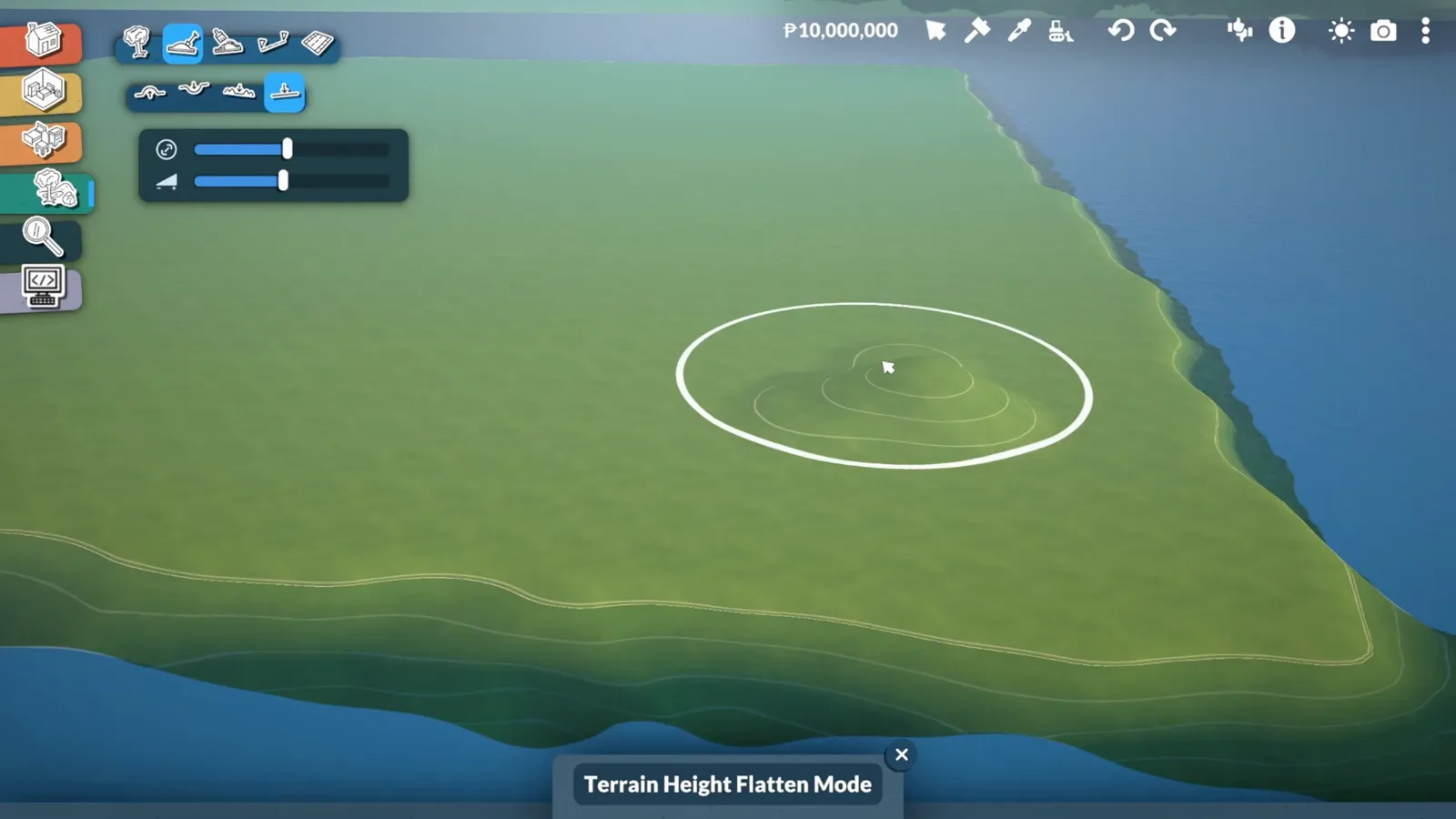
Flatten the beach edge before anything above it exists.Watch at 3:20 - 5
Carve erosion into the rock
The coastal rock outcrops get small lowered areas — valleys that read as erosion. It is the difference between a lump and a formation; the narration credits this trick with making the coast look real.
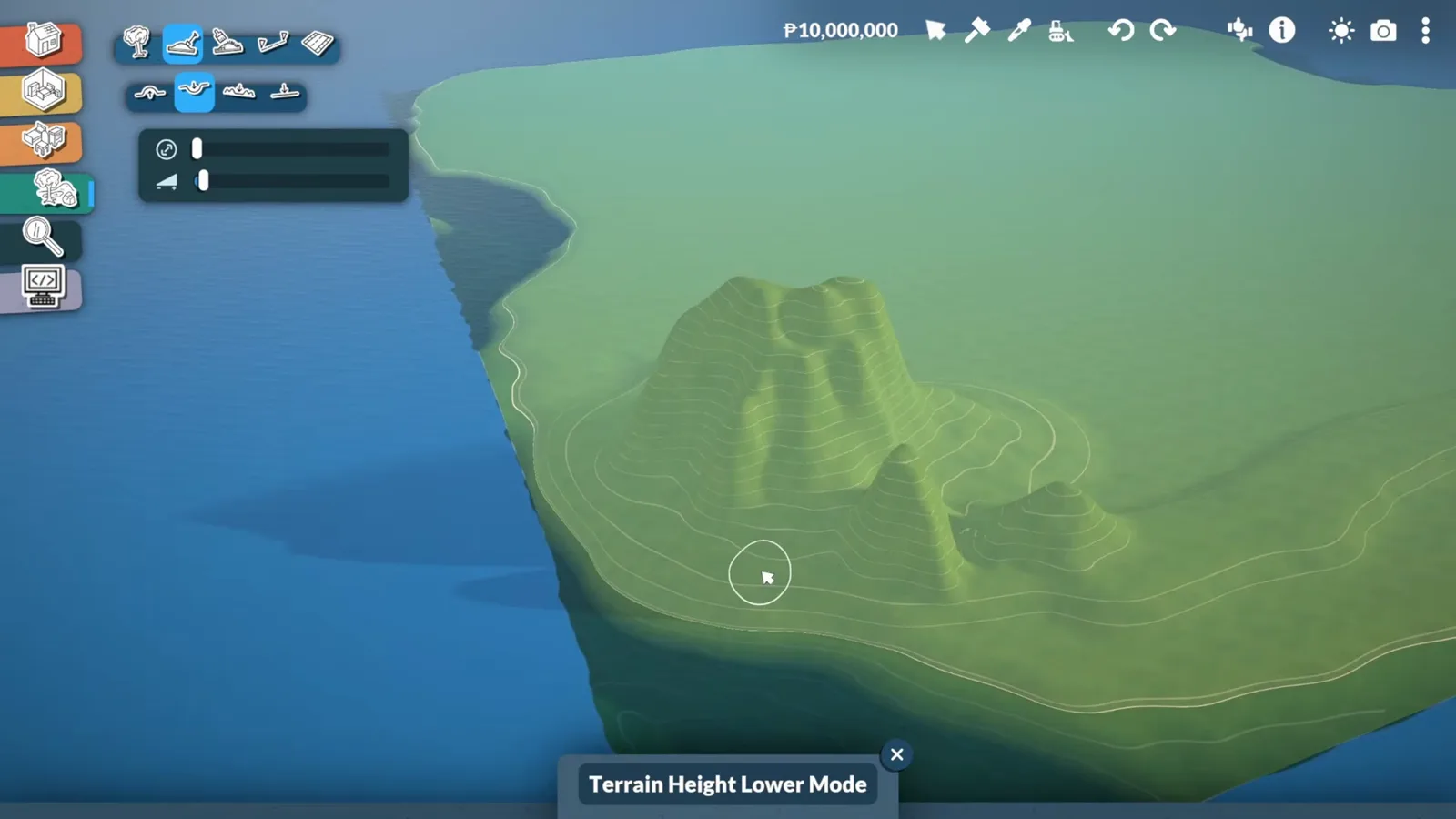
Small valleys in the rock fake years of weathering.Watch at 5:00 - 6
Step the mountain down in terraces
From the hill range, the terrain descends in stair-step terraces toward the town area. Each terrace is tested with a placed square — the creator fits a road and a house on one to prove the steps are big enough to build on.
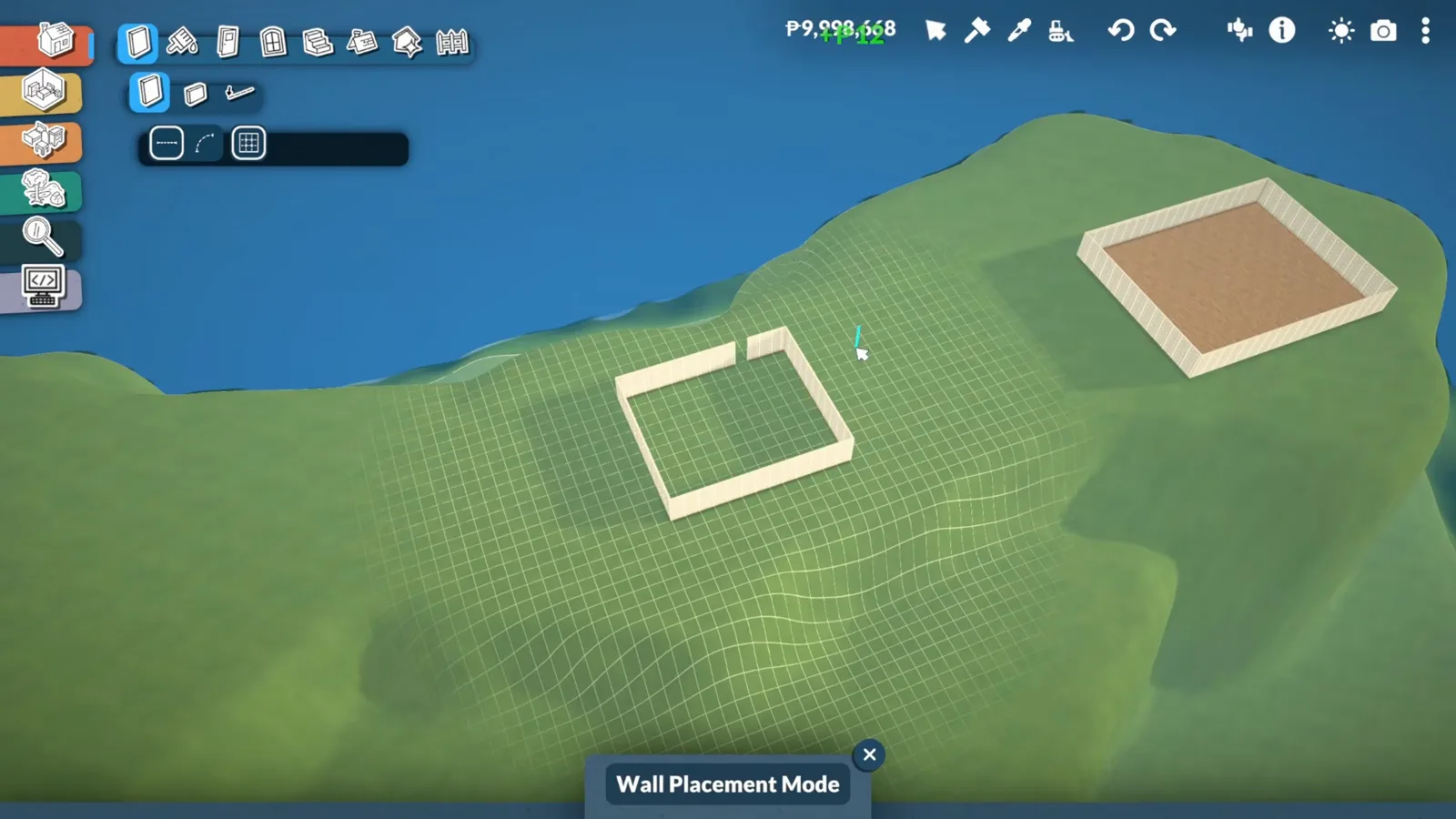
Test squares prove each terrace fits a buildable lot.Watch at 6:20 - 7
Jagged the ridge lines
Along the edges of the hill range, small sharp peaks are pulled up until the silhouette stops looking man-made. The creator calls it trusting the process — halfway through it looks wrong, finished it reads as natural terrain.
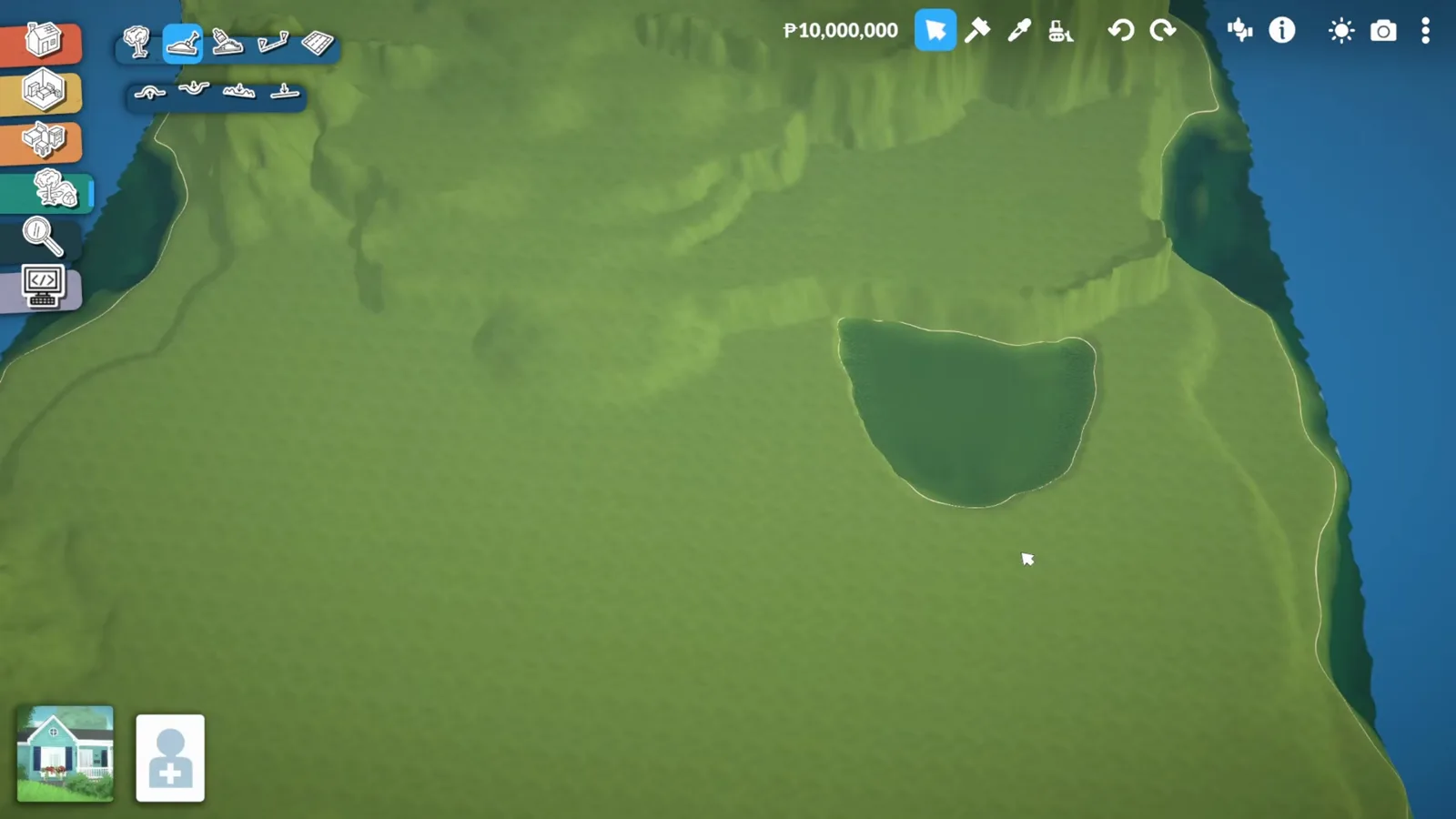
Sharp little peaks along the ridge sell the mountain.Watch at 9:50
Terrain paint
Sand, asphalt-as-rock, and honest lines
Painting sells the shape: sand straight onto the beaches, asphalt paint standing in for bare rock, and a dirt ring trimmed thin around the lake. There is no smoothness slider — hard edges are part of the look.
- 8
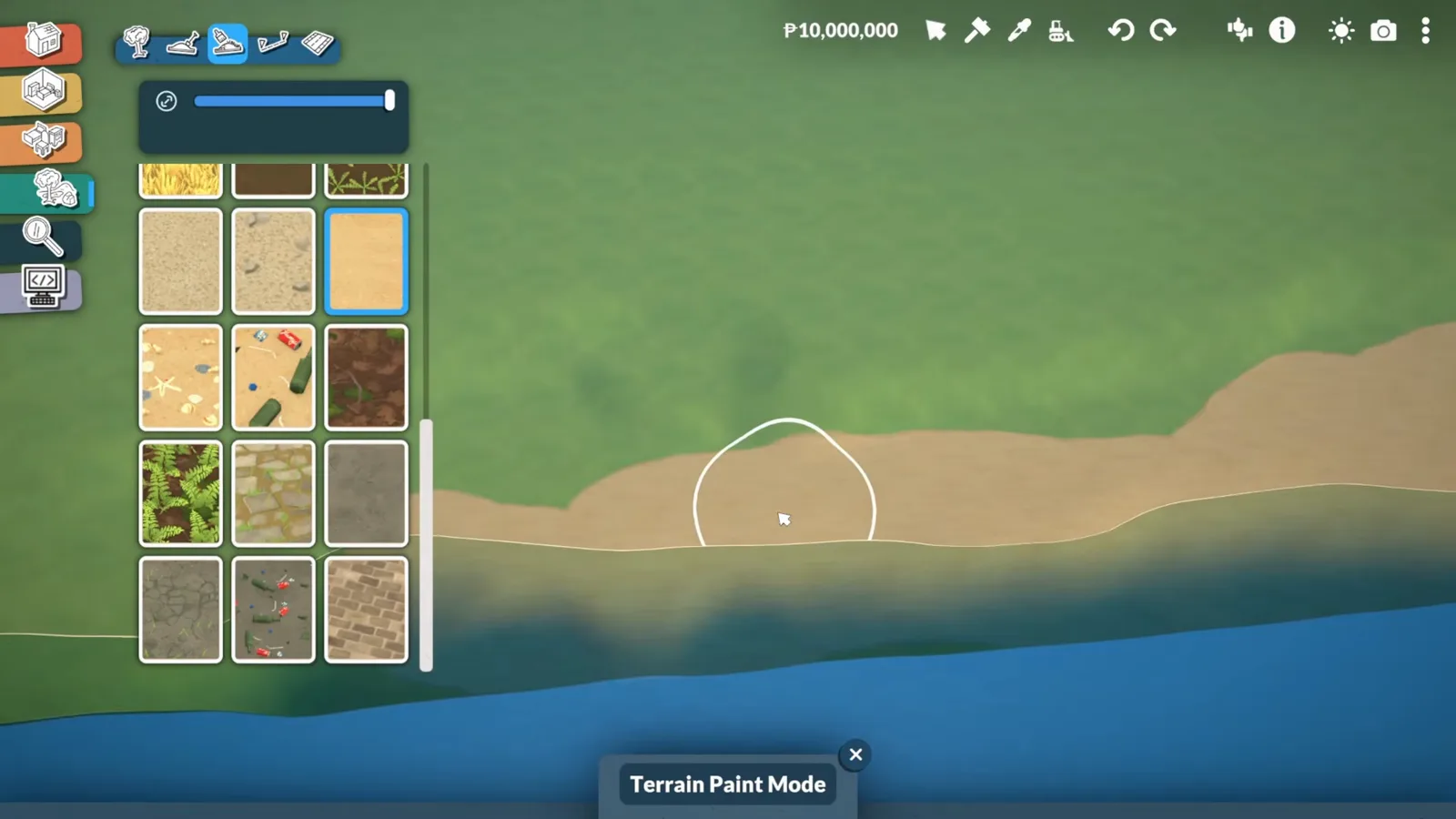
Paint the beaches in sand
Terrain Paint lays sand straight over the flattened beach band. The dirt-and-rocks divide the creator tried first read as too busy, so it was painted over — plain sand against grass won.
One paint, one pass — simple beats busy at the waterline.Watch at 10:45 - 9
Use asphalt paint as bare rock
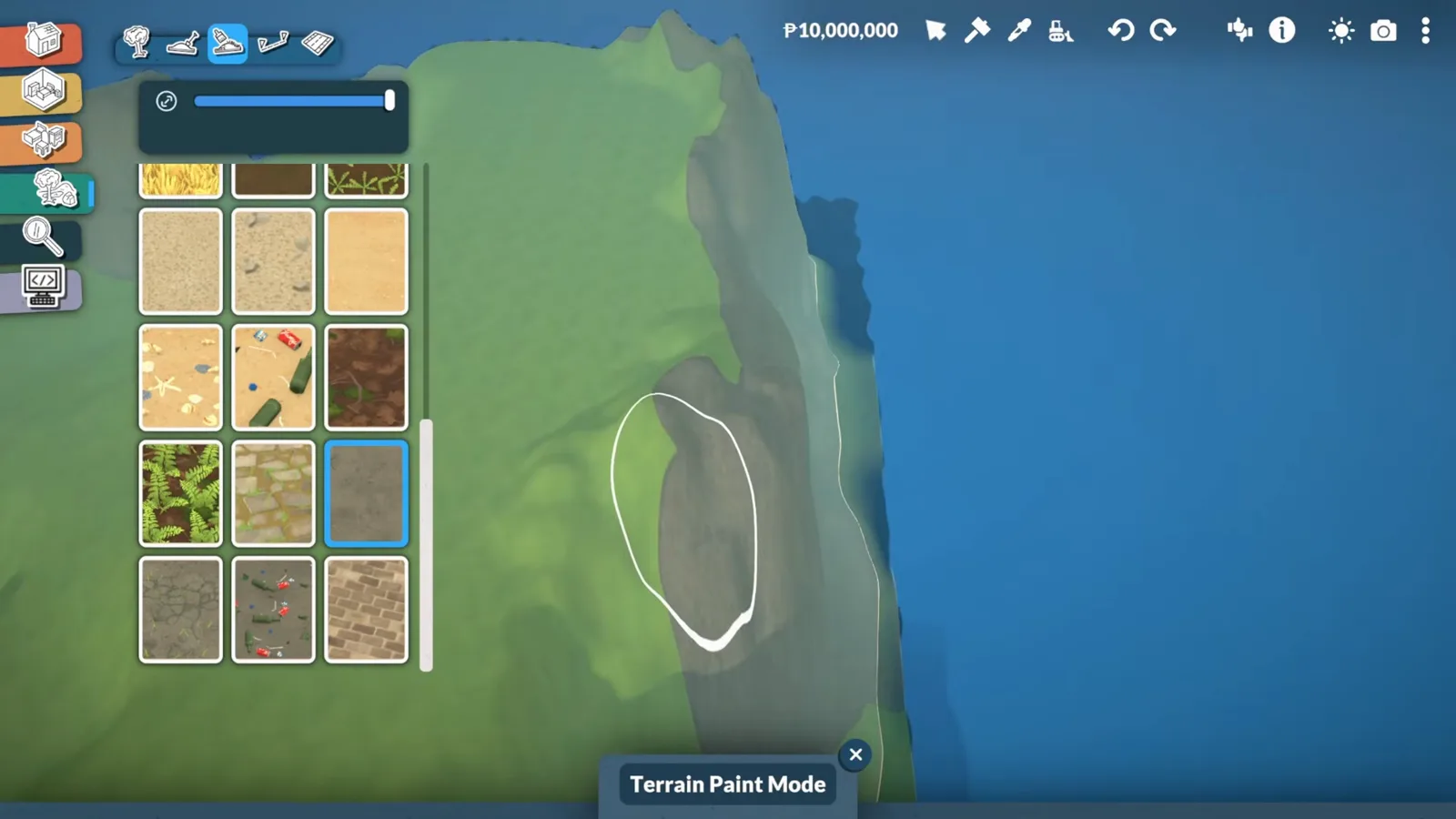
There is no rock paint, so the mountain's exposed faces get asphalt terrain paint — the closest match in the catalogue. The narration's verdict: you cannot tell it is asphalt once the shape is right.
Asphalt is the game's best fake rock.Watch at 10:20 - 10
Define every land zone
With paint down, the island stops being a green blob: sand beaches, dark rock faces and grass building ground get hard edges. Harsh paint lines are a known limitation — landscaping covers them later.
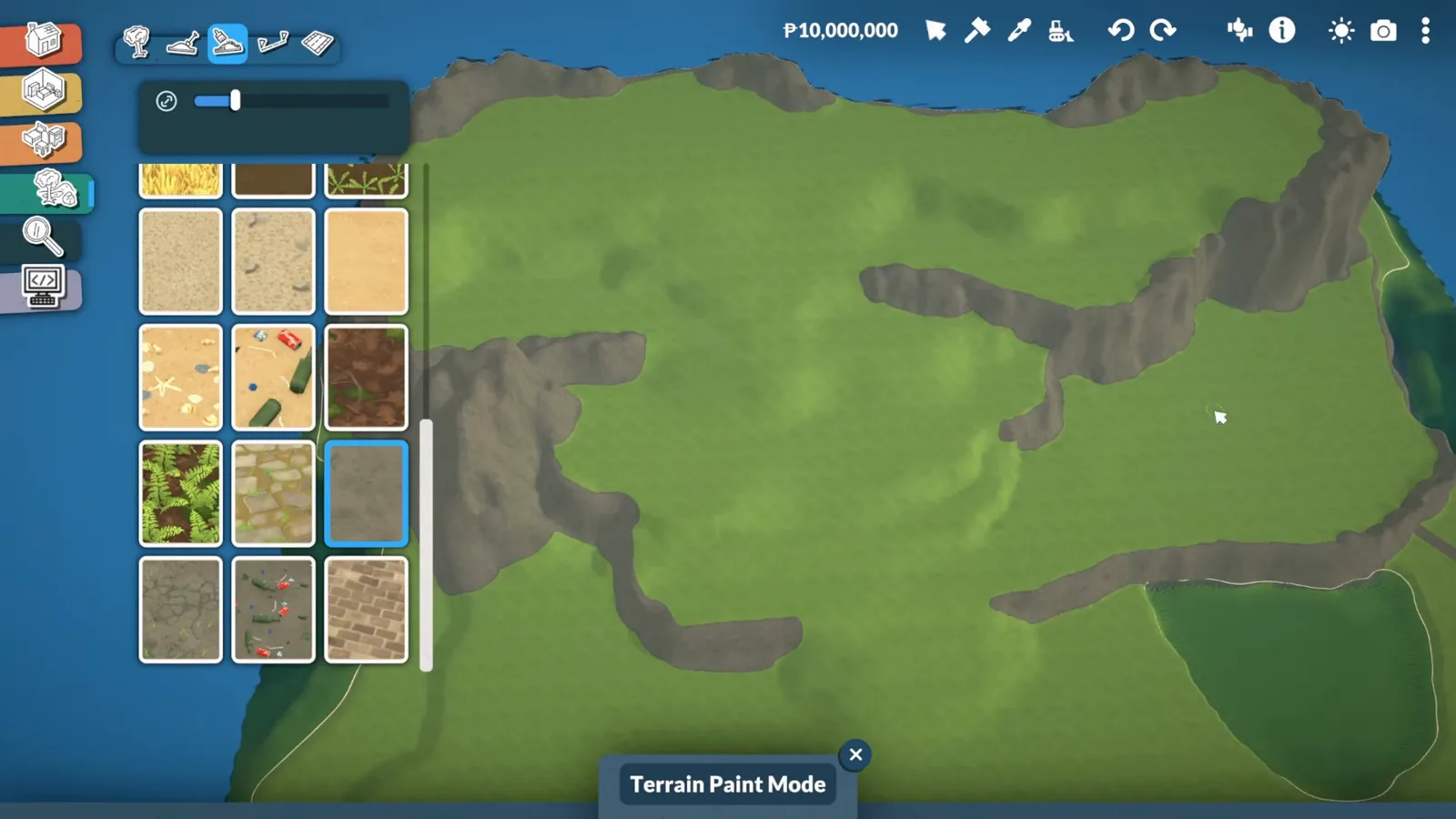
Hard-edged paint zones give the island its map.Watch at 11:13 - 11
Fit-test with a fake house
Before committing, a wall square the size of a house is drawn on the flattest terrace. The narration's test: a road and a house should fit — if they do, the whole upper area can hold neighborhoods.
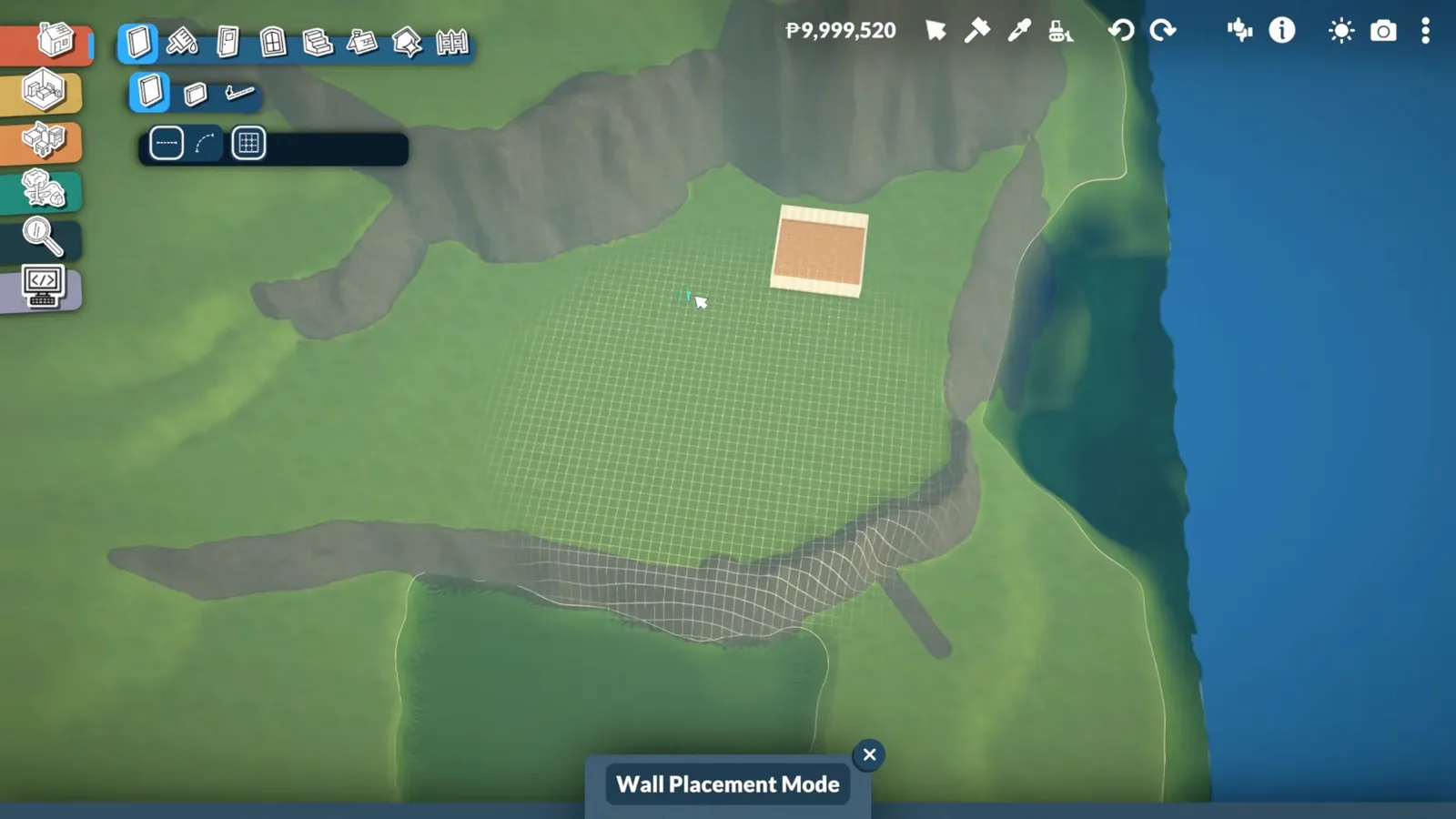
One wall square answers 'can I build here?'.Watch at 11:40 - 12
Ring the lake with trimmed dirt
The inland lake gets sand, then a dirt border — painted thick first, then trimmed back until it reads as a shore. Sand alone looked wrong inland, so the dirt ring stays as the buffer between grass and water.
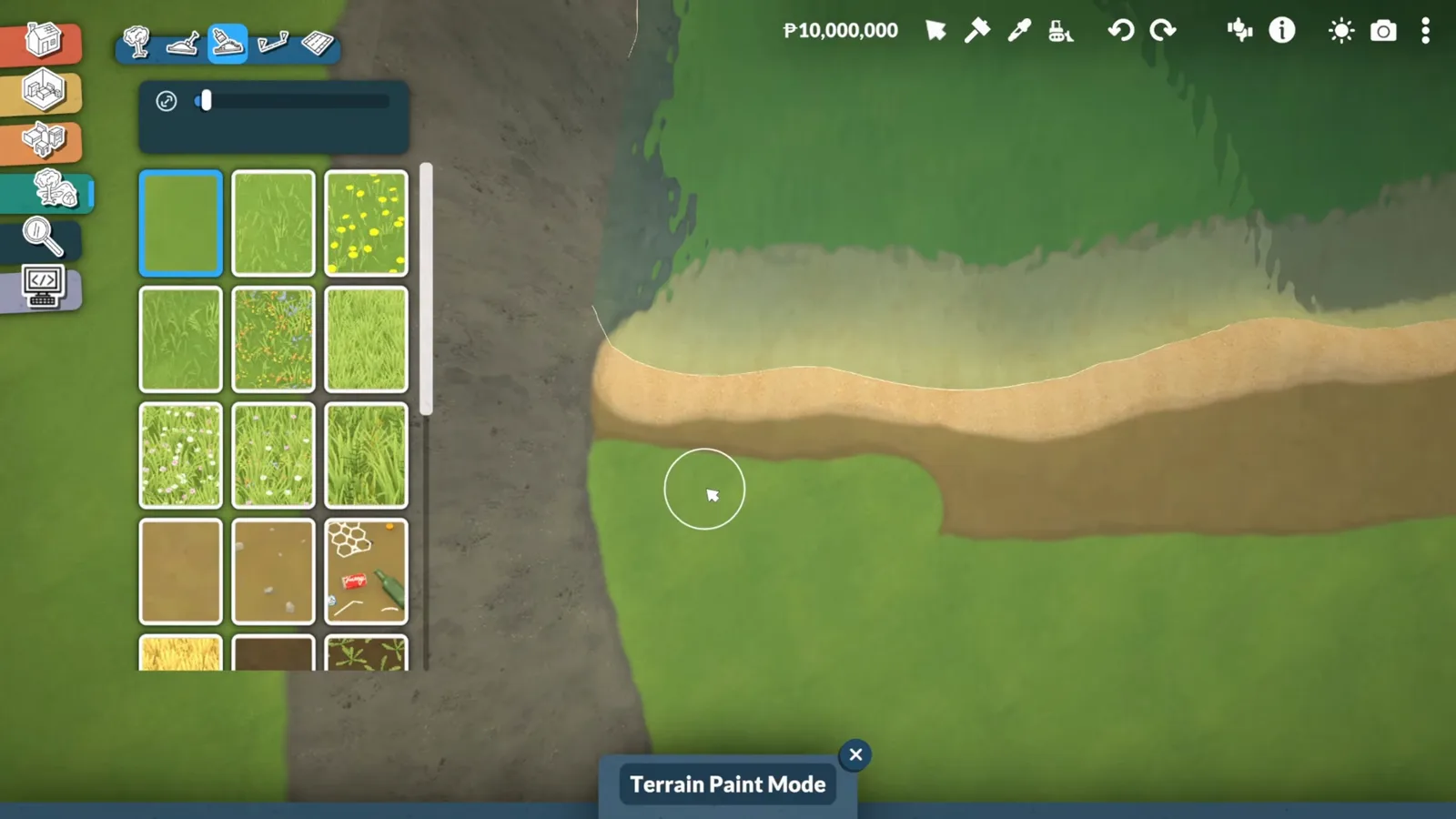
Trim the dirt ring thin — thick rings read as rims.Watch at 16:20
First roads
Plan on screenshots, then place
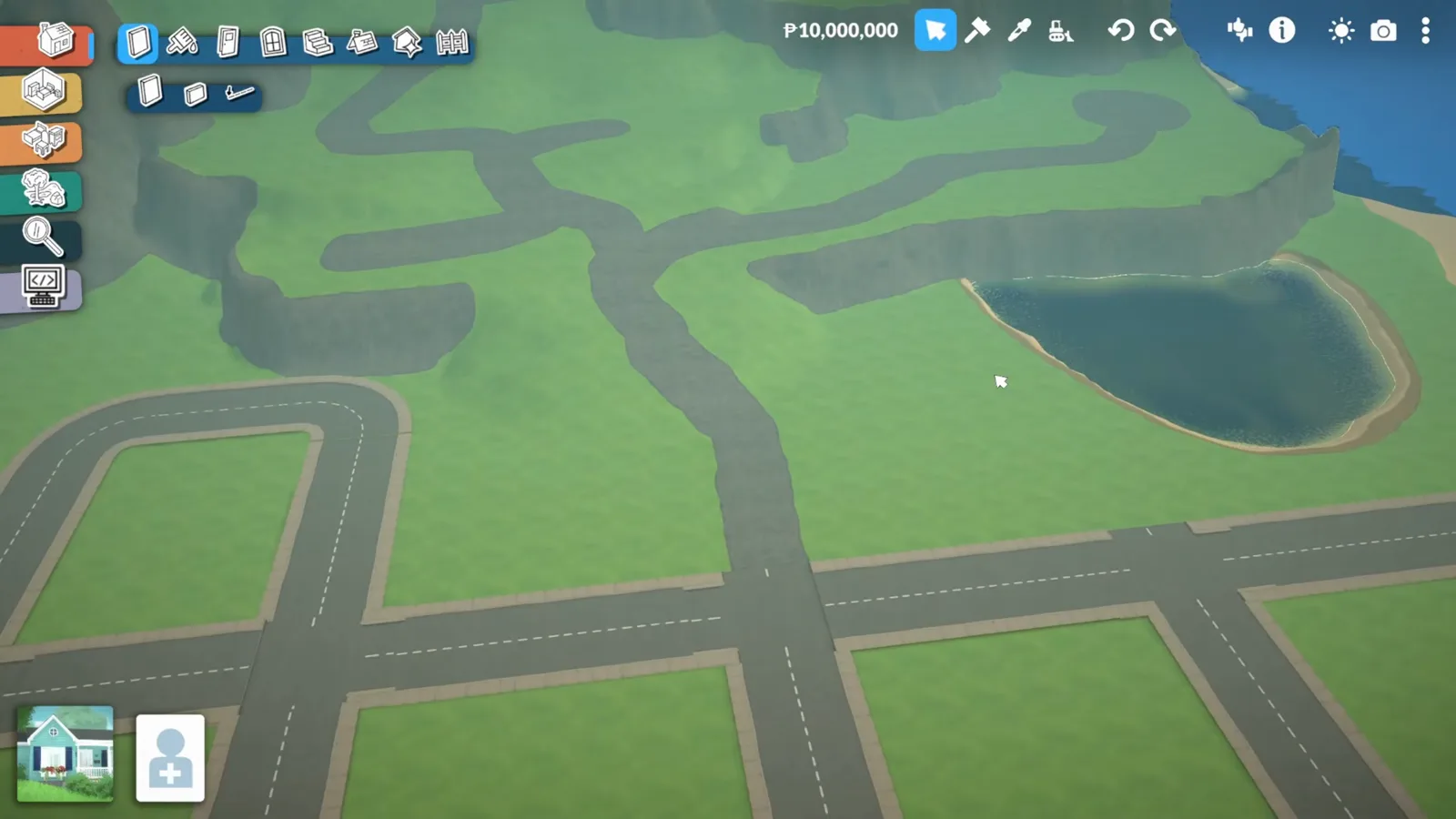
Roads come last and get planned like a floor plan: screenshots of the island, a drawn street grid, copy-pasted blocks — and painted asphalt where the mountain roads need curves no street piece can follow.
- 13
Plan roads on screenshots first
The road grid is drawn on island screenshots before anything is placed: downtown to the south, a park by the lake, nicer houses uphill. In-game, the street catalogue's straight and corner pieces snap into that plan.
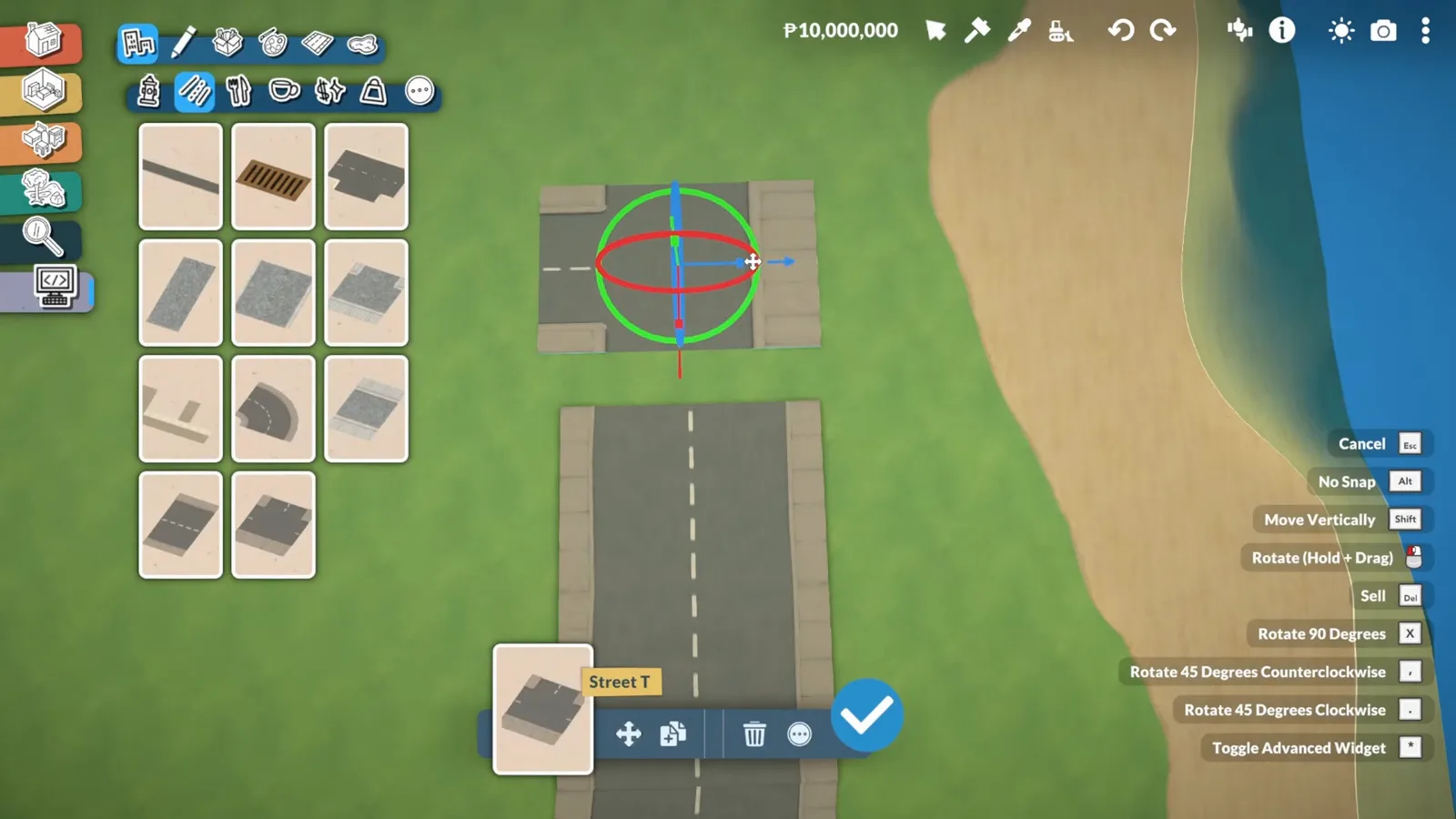
The street grid exists on paper before it exists in the world.Watch at 18:40 - 14
Copy-paste the street bones
Once one block of streets stands, it is selected and copied — the next district starts from the same bones, adjusted to fit. Rotation is where one quirk lives: a manipulated piece widens its sidewalk, which the creator accepts and hides with landscaping later.
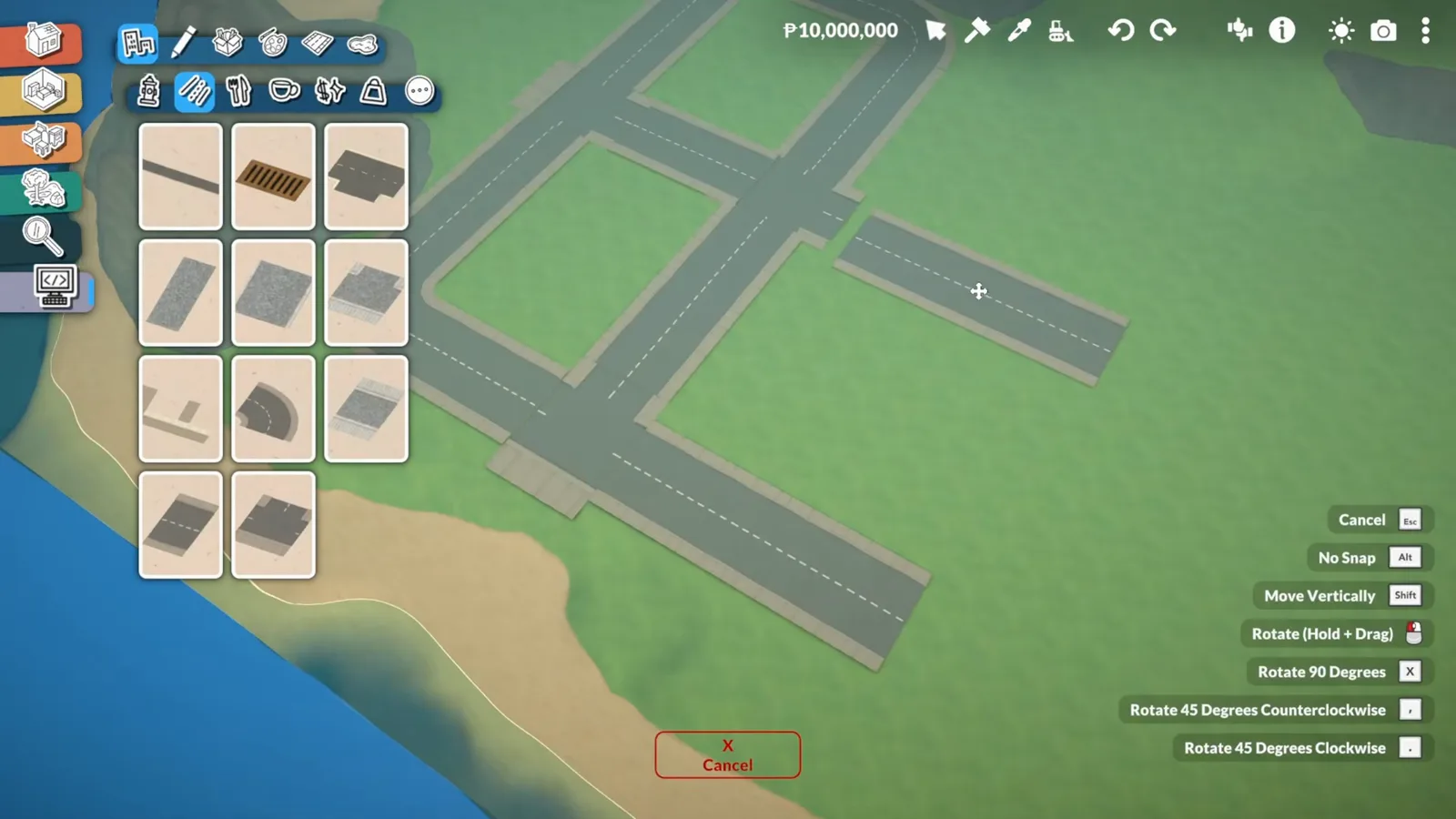
Copy the block, then bend it to the terrain.Watch at 19:20 - 15
Paint the hillside roads
Street pieces only come in fixed shapes, so the windy mountain roads are drawn freehand with the same asphalt paint used for rock. Whether Paras can walk them is left as a test for the next episode.
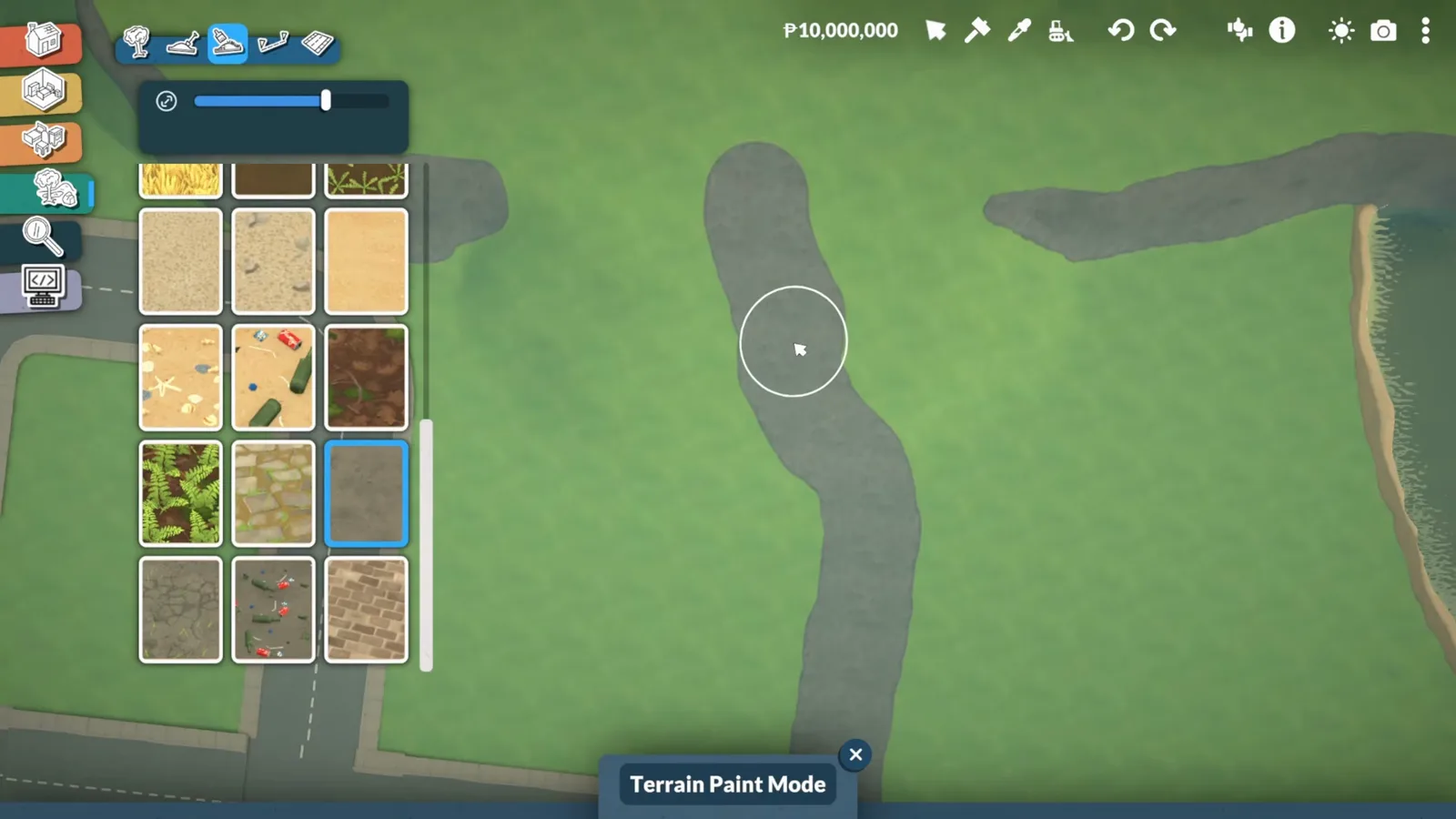
Where pieces end, paint continues the road.Watch at 21:20
Bugs and unknowns
A debug-tool hazard worth knowing: objects placed from the debug menu punched holes in the terrain that neither undo nor flattening could remove. The creator quit without saving to limit the damage — treat the debug tool as dangerous to your save in current builds — back up first.
Unverified on purpose: whether Paras can walk the painted hillside roads (the creator plans to test before drawing lots), whether the water pieces flood the beach when terrain shifts, and whether lot types can be changed without save editing. No source shows these, so the page does not guess.
Context from the narration: an official create-a-world or create-a-town feature is planned by the studio but not imminent, and the empty terrain cannot be enlarged without a mod. The create-a-world reference page keeps the current limits up to date.
Custom world FAQ
- How do I start a custom world in Paralives?
- Start a new game and pick the empty terrain starting map — one flat square with void around it. Everything else in this guide (water, terrain layers, paint, roads) is built with base-game tools on that map.
- Is there an official world editor in Paralives?
- Not yet. The narration notes the team has plans for a create-a-world or create-a-town feature, but it is not part of early access yet — this page is the workaround build on the empty starting map. The create-a-world page tracks the official tooling.
- How do I hide the void around the map edge?
- Place Town Water pieces from the outdoor catalogue around the island, set slightly lower than the land so the flat edge drops below the surface. The floating strip of terrain at the seam is normal — terrain tools tuck it in afterwards.
- Why do my terrain paint edges look so harsh?
- Terrain paint has no smoothness factor in the current build, so every edge is abrupt. The creator's answer is to keep paint zones simple — plain sand against grass — and let landscaping plants break the line later.
- Can roads go up hills in Paralives?
- Street pieces are fixed shapes and want flat ground. For slopes, the workaround on this page is painting the road with asphalt terrain paint instead — and testing whether Paras can walk it before zoning lots along it.
Keep building
Create a World reference
The world editor's limits, cheats and workarounds, tracked per patch.
Fantasy island build
An elven city raised on a custom world, step by step with frames.
Coastal town build
Beaches, bridges and a main street in another from-scratch world.
Custom city seasoning
Trees, docks and wildlife for a city that already exists.
Terrain tools reference
Every terrain height and paint mode explained in isolation.