
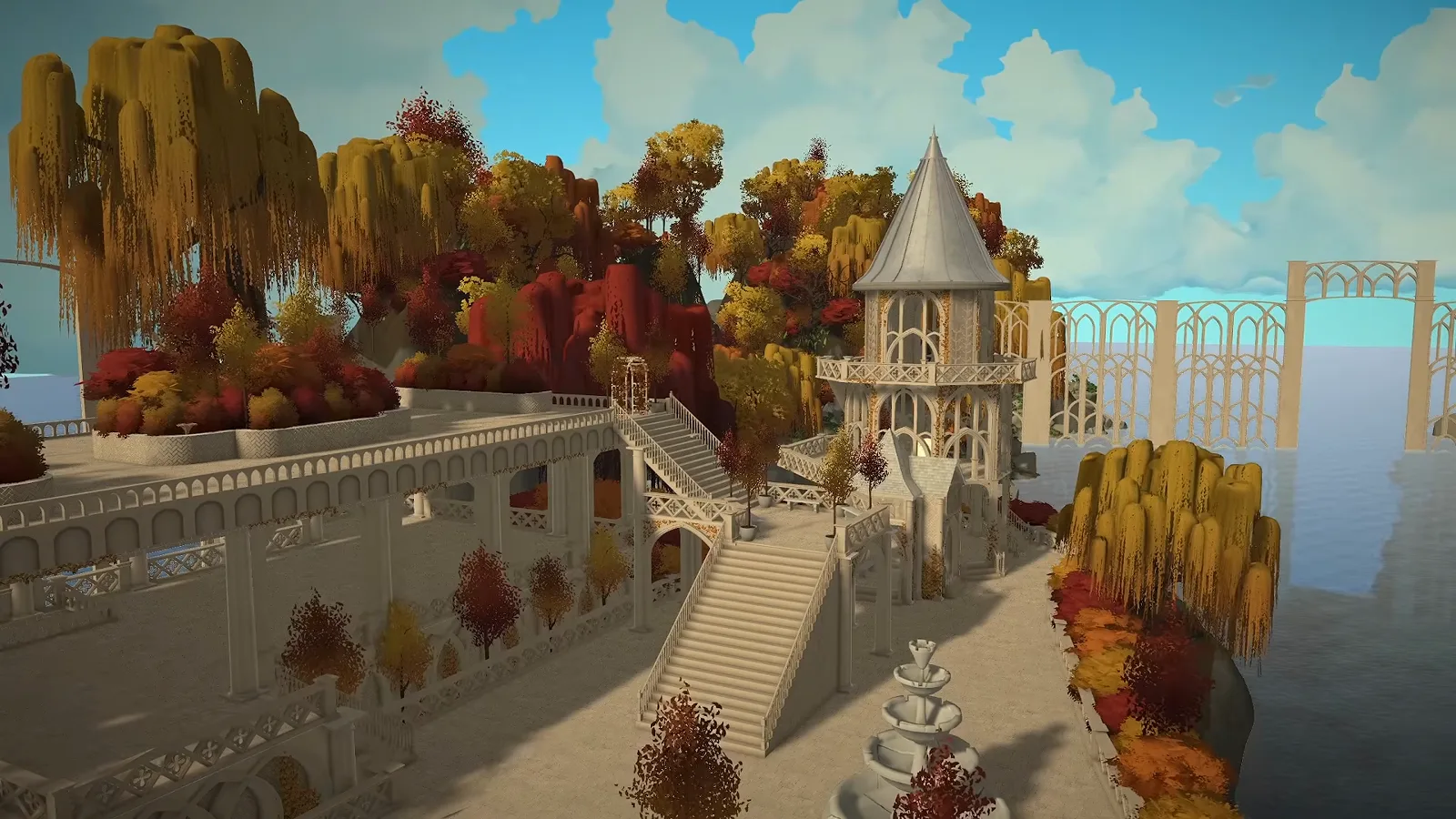
The short version
The elven look is one arch piece used everywhere: platforms laid without a grid because curved foundations fight the fence tool, arches layered into every wall face, and warm autumn planting to bind the islands together.
- Start from a large flat terrain and terraform before you build
- Draw platform foundations freehand — skip curved walls if you want fences on top
- Layer one arch piece into bridges, gates, gazebos and facades
- Keep the palette neutral first, recolor once every building stands
- Build rooftop planter boxes for an autumn garden
- Back up your saves often — this is early access
The setting
Terraformed mountains and layered gates
The episode opens on work done before the first wall: a Melino-sized flat terrain sculpted into autumn mountains, and giant gates built off camera by layering arches. They set the palette the whole city follows.
- 1
Sculpt the mountains before the city
The episode starts from a flat terrain the size of Melino. The creator terraformed the surrounding mountains off camera — the front range alone took longer than expected — so the first island could be built against a finished backdrop.
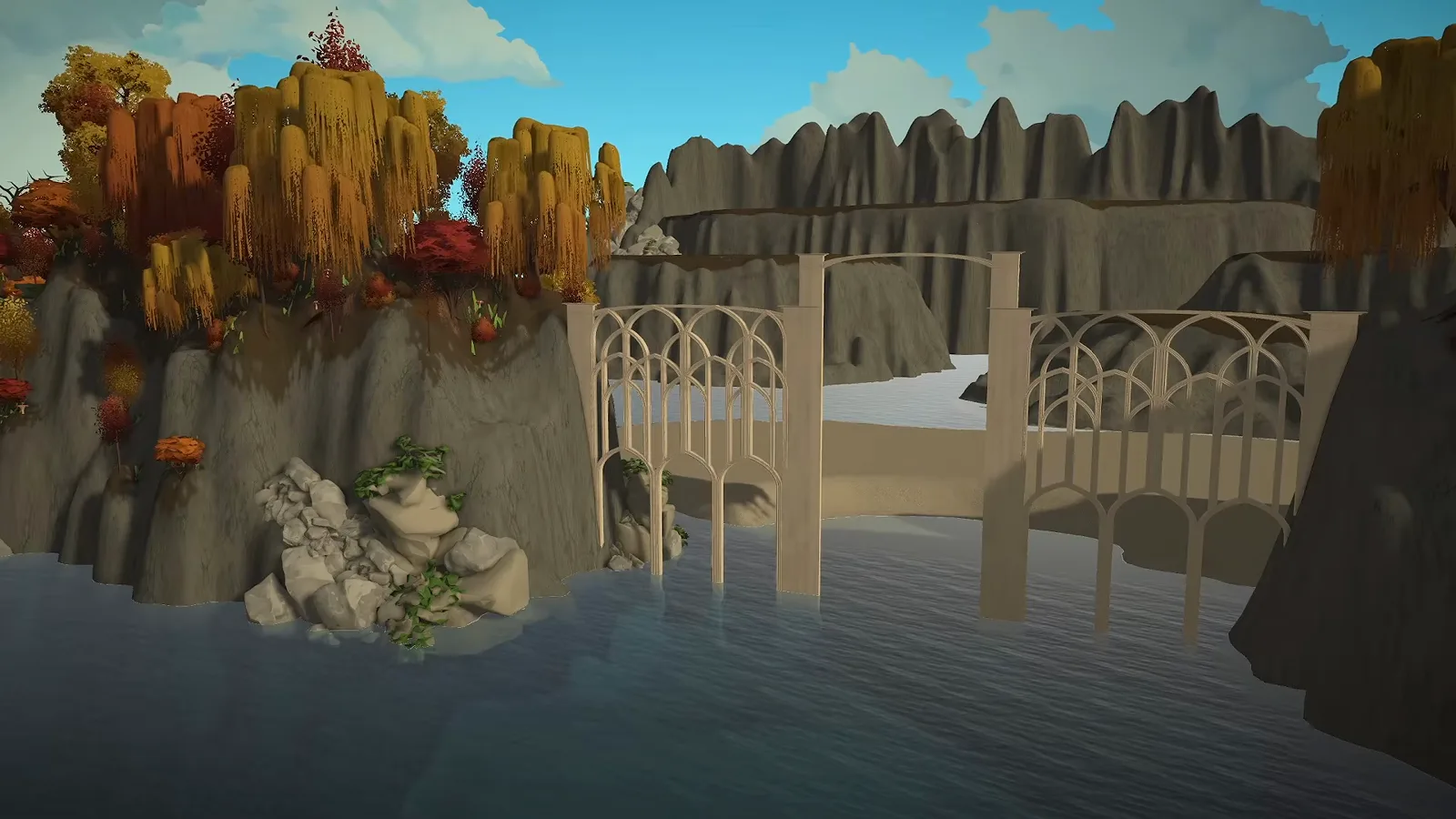
Terraform first: the island needs a backdrop before its first wall.Watch at 0:12 - 2
Build signature gates from layered arches
The giant elven gates at the map entrance were constructed off camera from many arches layered together — the same recipe the bridge uses later. If you want one signature move for a fantasy city, this is it.
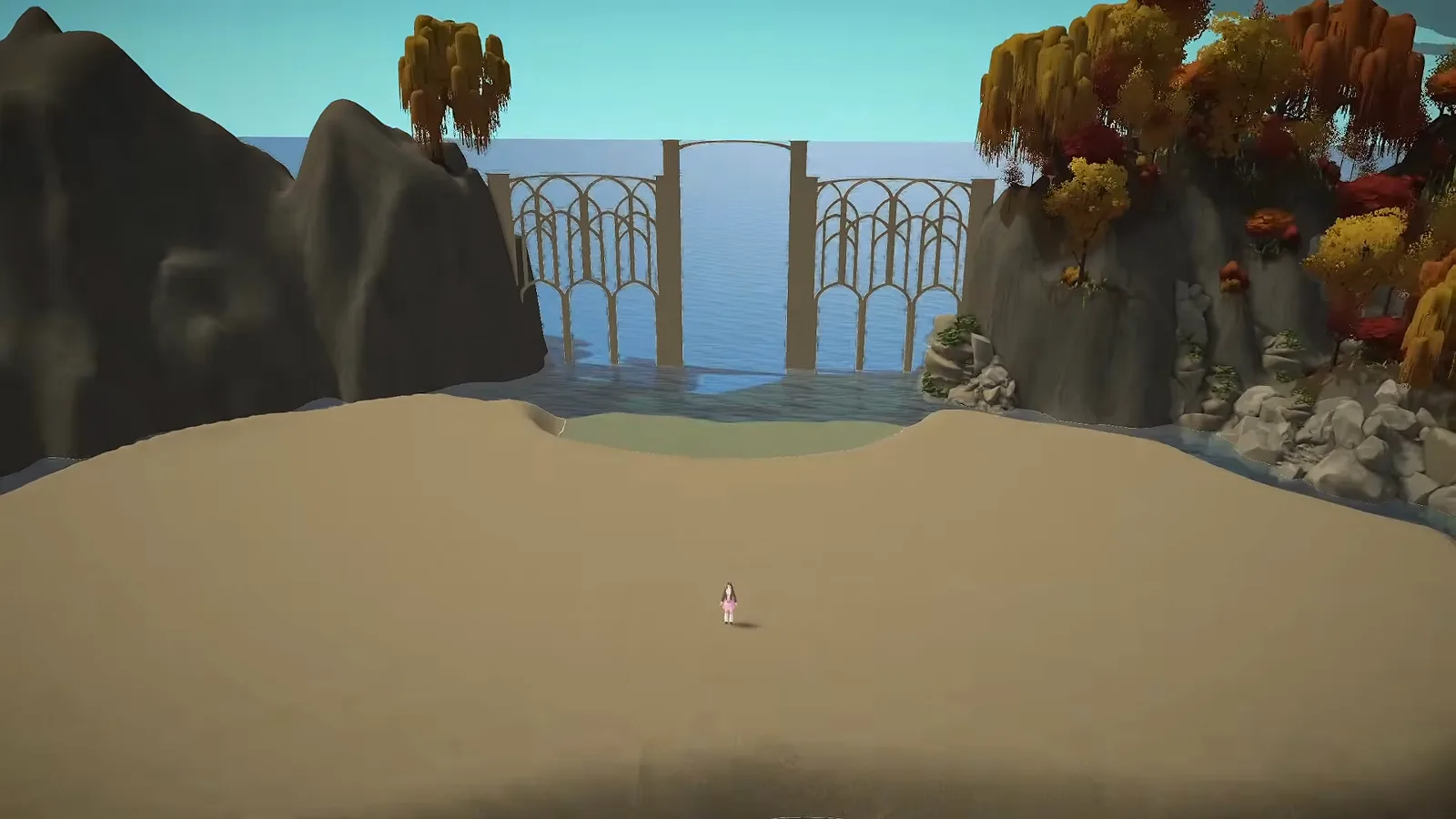
Gates first: visitors arrive through the city's signature piece.Watch at 0:50 - 3
Commit to an autumn palette
Willows, orange trees and deep reds frame the island. The narration calls the world enchanted — autumn all year round — and the warm palette is what makes white walls read elven instead of plain.
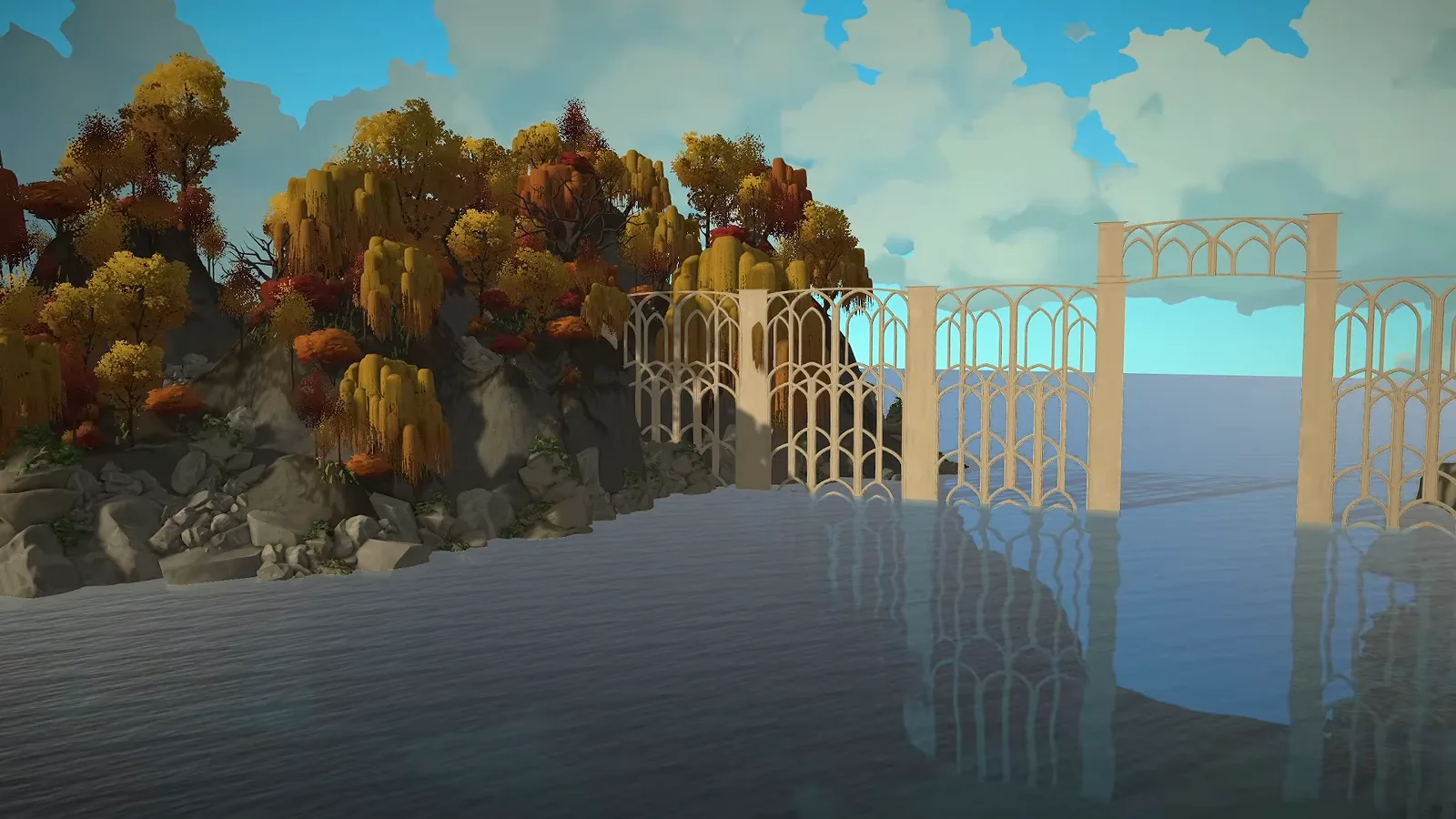
Warm trees do the theming so the architecture can stay simple.Watch at 0:21
Island base
Platforms first, walls second
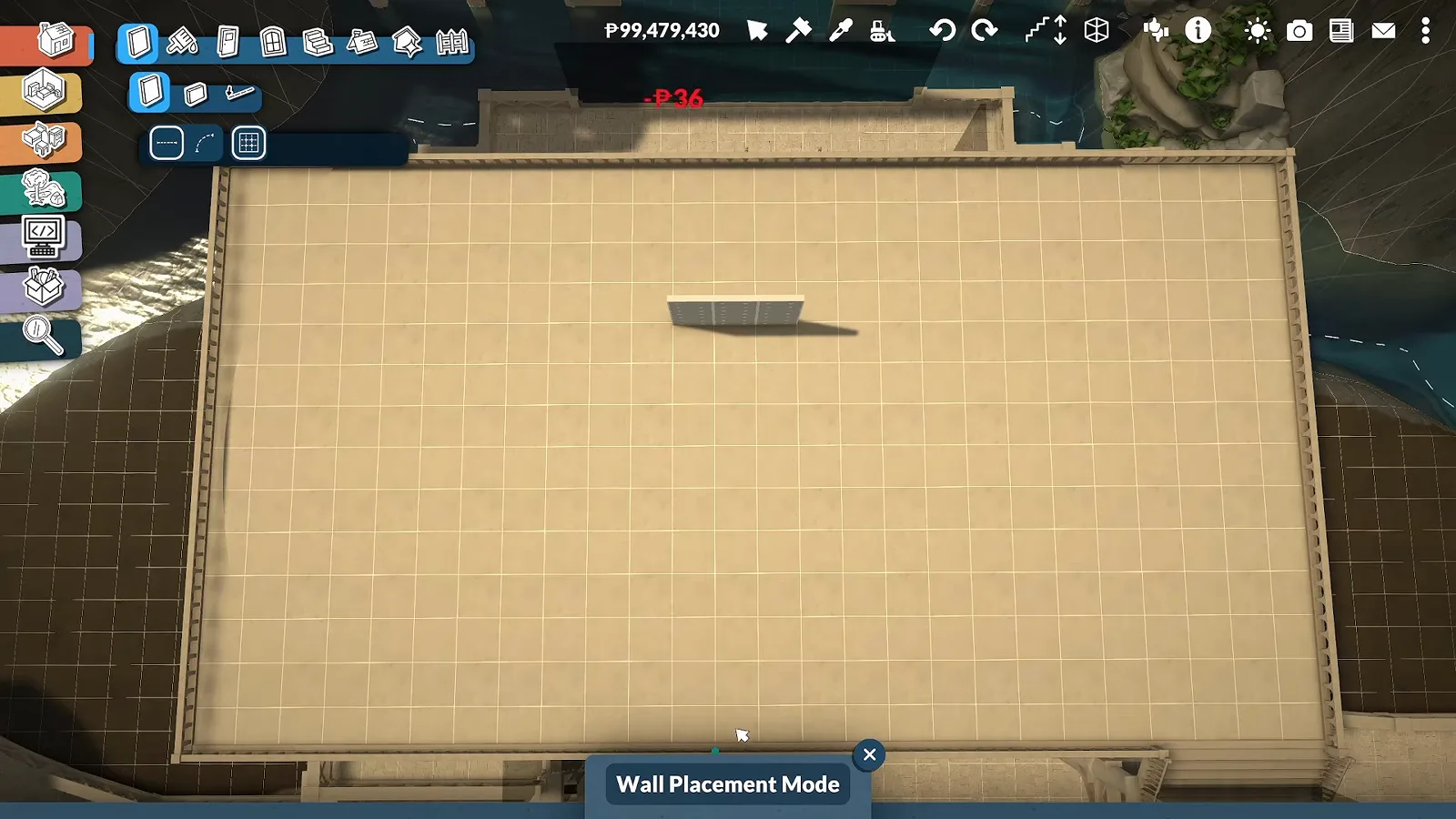
The first island is one merged platform laid without a grid. The creator avoids curved foundation walls because fences would not sit on them in her testing, so walls are drawn as straight runs on freehand platform shapes.
- 4
Lay the platform without a grid
The first island's foundation is drawn freehand with Wall Placement, letting the platform bulge around the shoreline. Working without a grid made the shape hard to get right — expect to redraw runs.
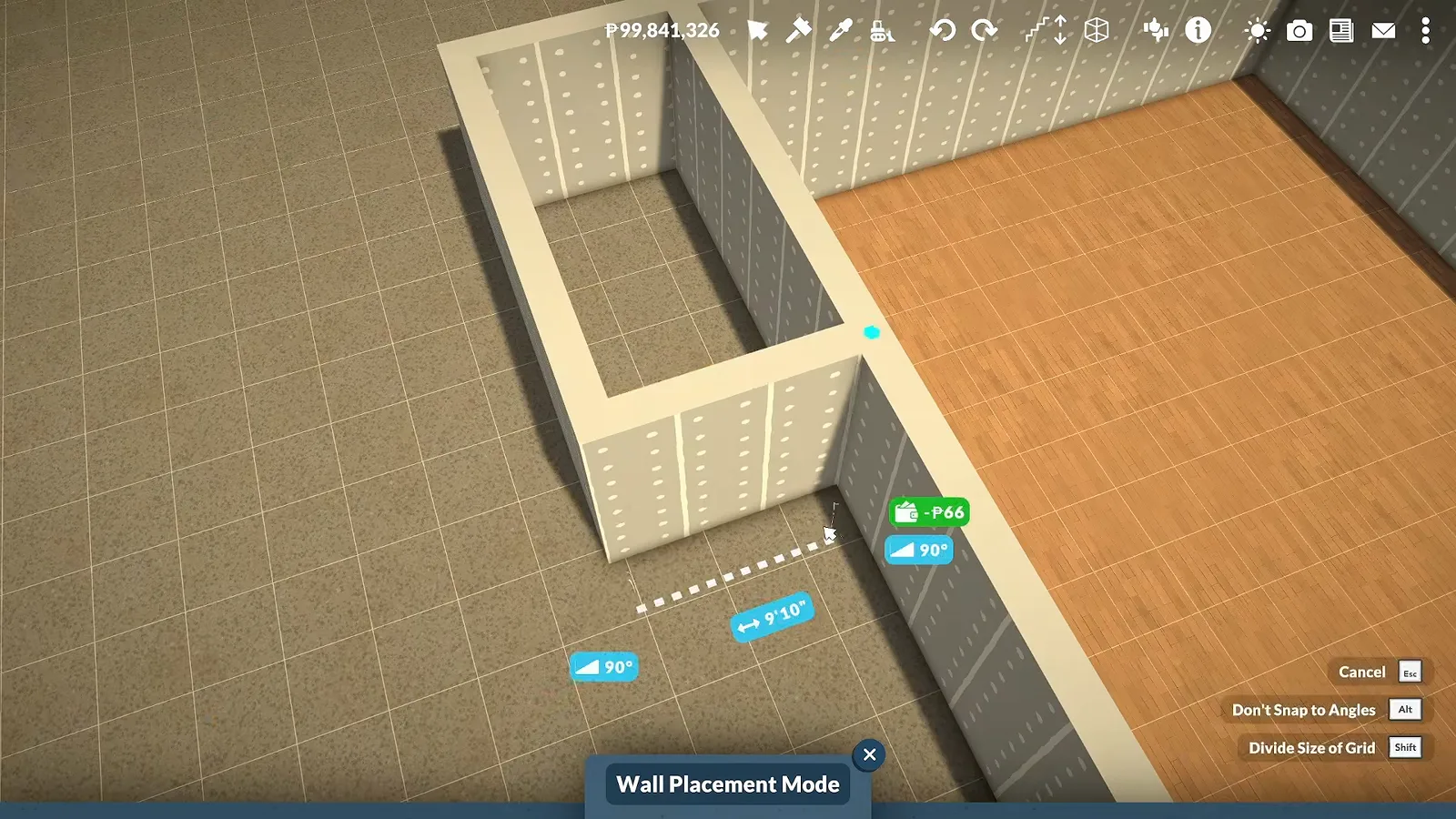
Straight wall runs trace a shape no grid would give you.Watch at 4:00 - 5
Floor the platform in one piece
A cloud-shaped platform gets a Hardwood floor laid over the whole shape at once. Flooring after the walls exist is what turns a drawing into a buildable lot.
One slab, one shape — floor the freehand outline in a single pass.Watch at 8:36 - 6
Raise the dock building shell
The building joined to the dock gets plain walls and an orange-wood floor first; decoration is deliberately postponed. The ground floor is planned as storage, the second floor as the walkway into the city with seating for waiting Paras.
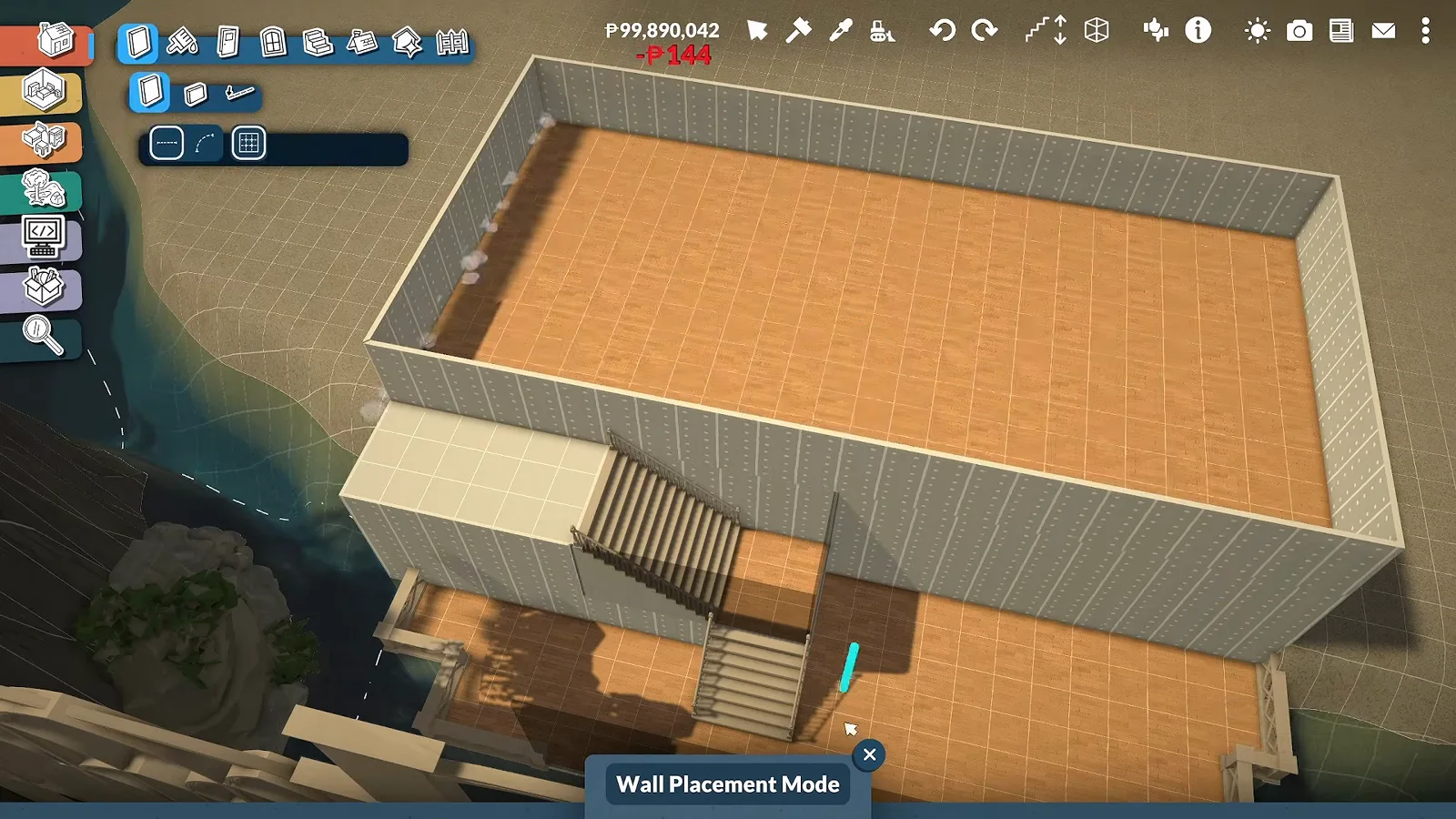
Shell first, furniture later — the whole city is built this way.Watch at 2:22 - 7
Try curved stairs, keep the fallback
Spiral stairs drawn with the separator tool would not cooperate on the big platform, so the stairs became a wide shaped flight instead. The stairs catalogue piece snaps to the platform edge and the rotation gizmo dials the angle.
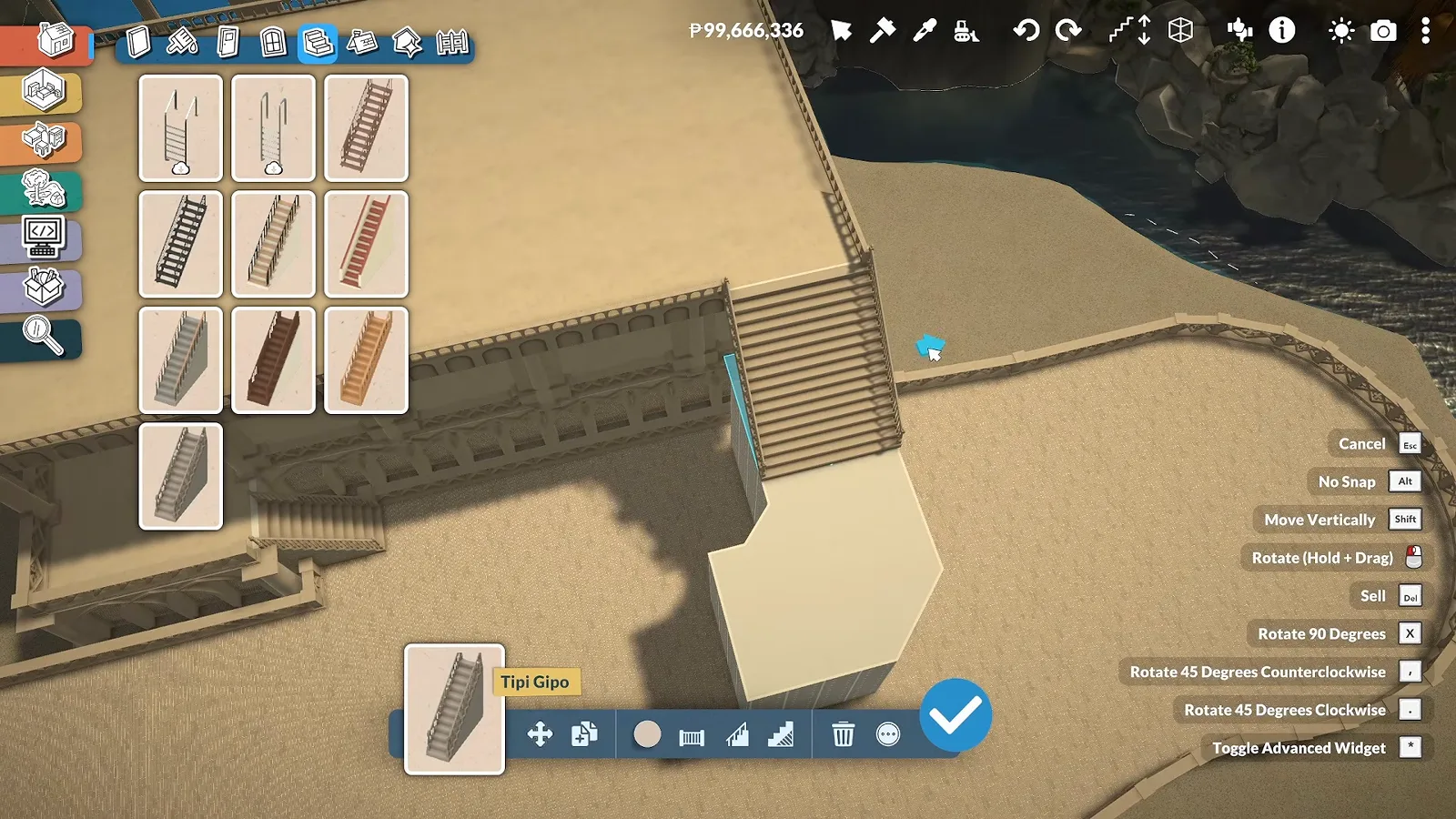
When the spiral fails, a wide shaped flight still reads elven.Watch at 10:44
The elven arch language
One arch piece, layered everywhere
Bridges, gates, the gazebo and the watchtower are all the same trick: smaller arches layered over wall faces. Big archways did not fit every wall, and the smaller ones leave room for extra detail.
- 8
Wrap the round platform in arches
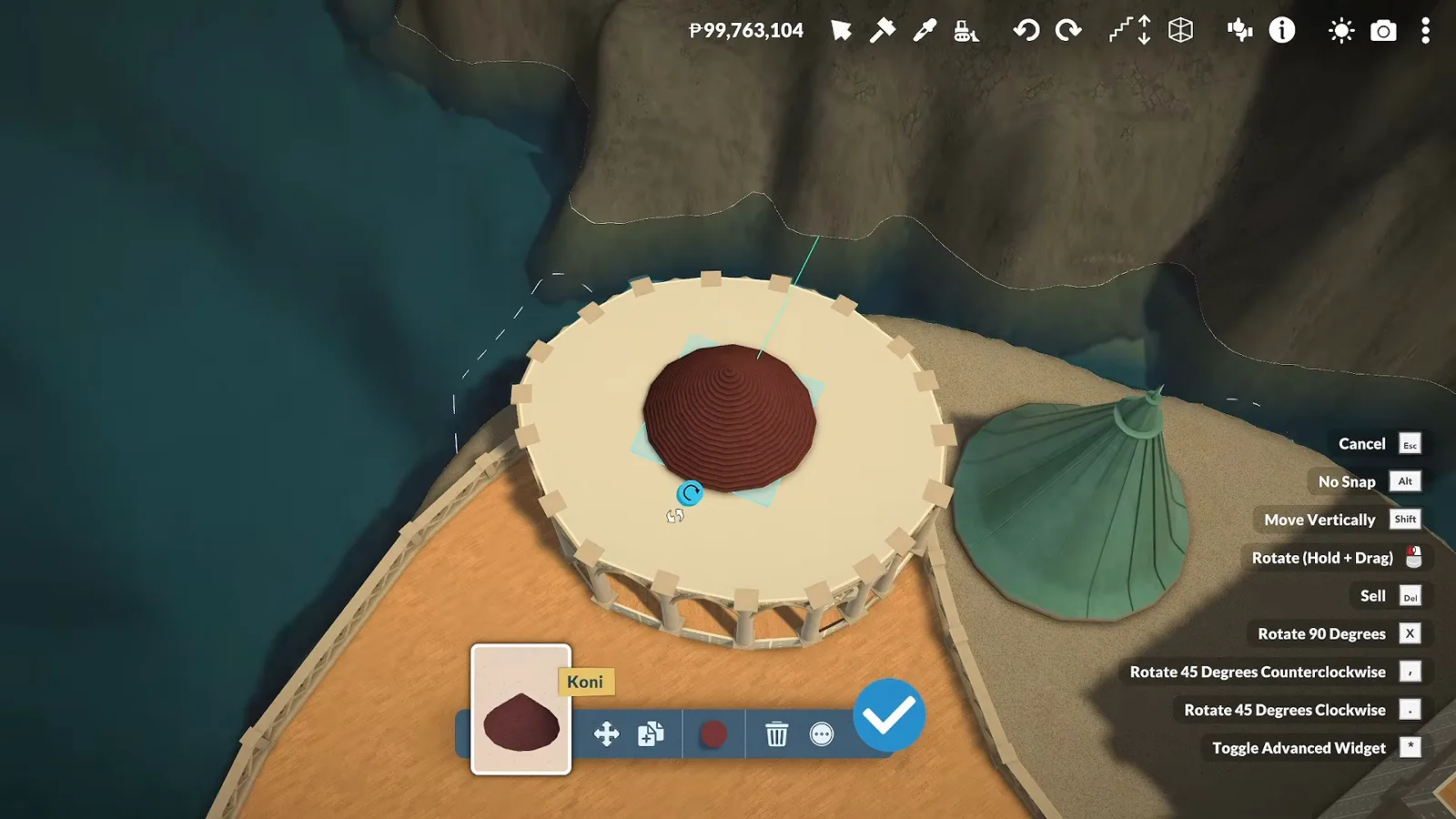
Columns and arches are placed around the circular platform edge one by one. The big archways were too tall for some wall runs, so smaller arches carry the rhythm and leave room for detail above.
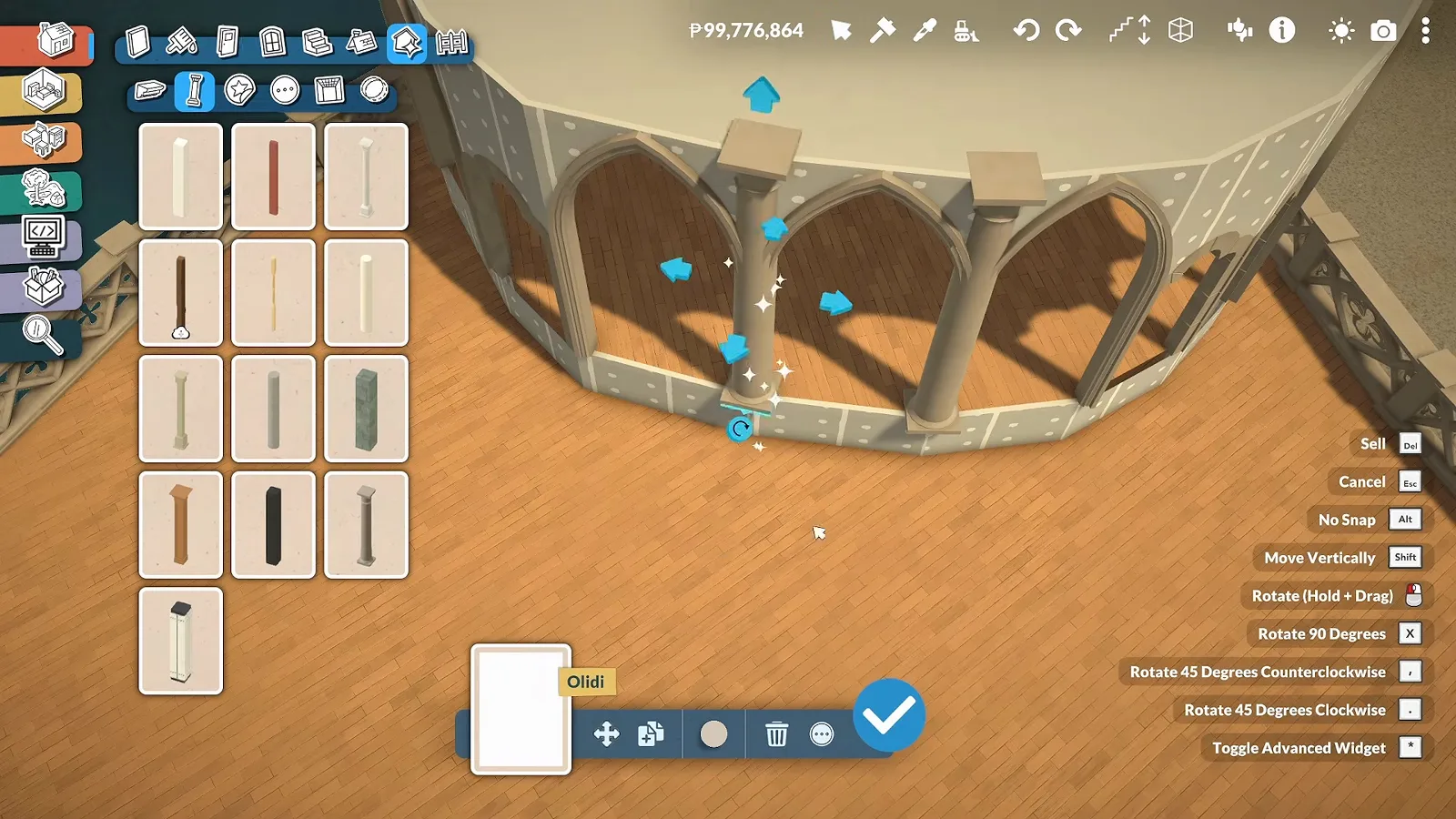
Smaller arches fit where the grand ones cannot.Watch at 8:00 - 9
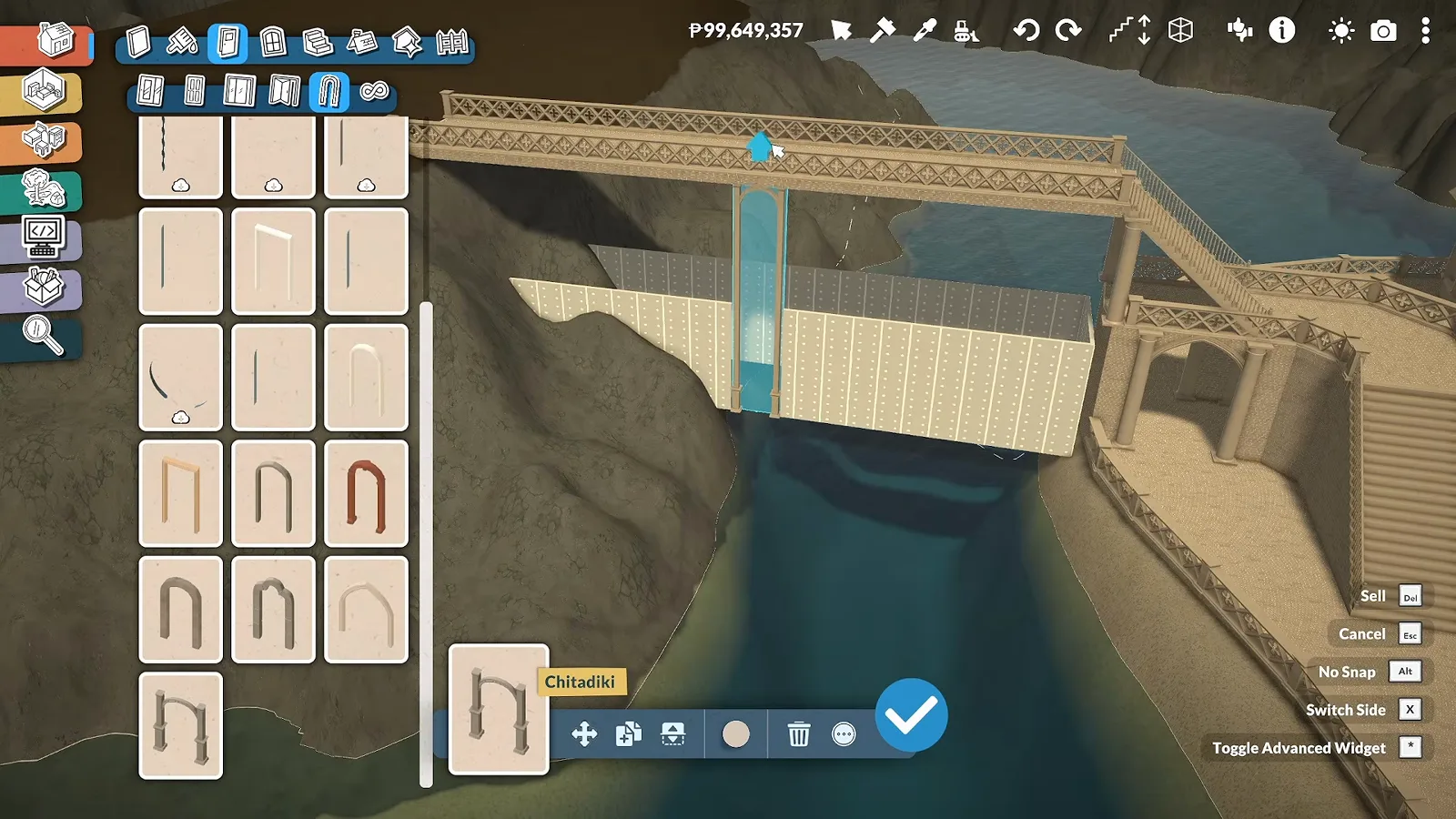
Make walls read as a bridge
The bridge between islands is white wall runs capped with a lattice parapet — and the arches catalogue supplies the arcade underneath. Layering arches along the supports is exactly how the off-camera gates were built.
One catalogue piece turns a wall run into a bridge.Watch at 0:45 - 10
Give the tower a colonnade
Around the round tower, columns are placed between arches to make an open gallery. Elven architecture in any media lives on this kind of repetition — the narration calls arches the most used item in the whole city.
Column, arch, column, arch — repetition is the whole style.Watch at 11:16 - 11
Add a watchtower for the view
On the side of the island facing open water, an octagonal watchtower rises from separator wall runs. The point is the vista: a high place to look across the ocean and up at the elevated islands.
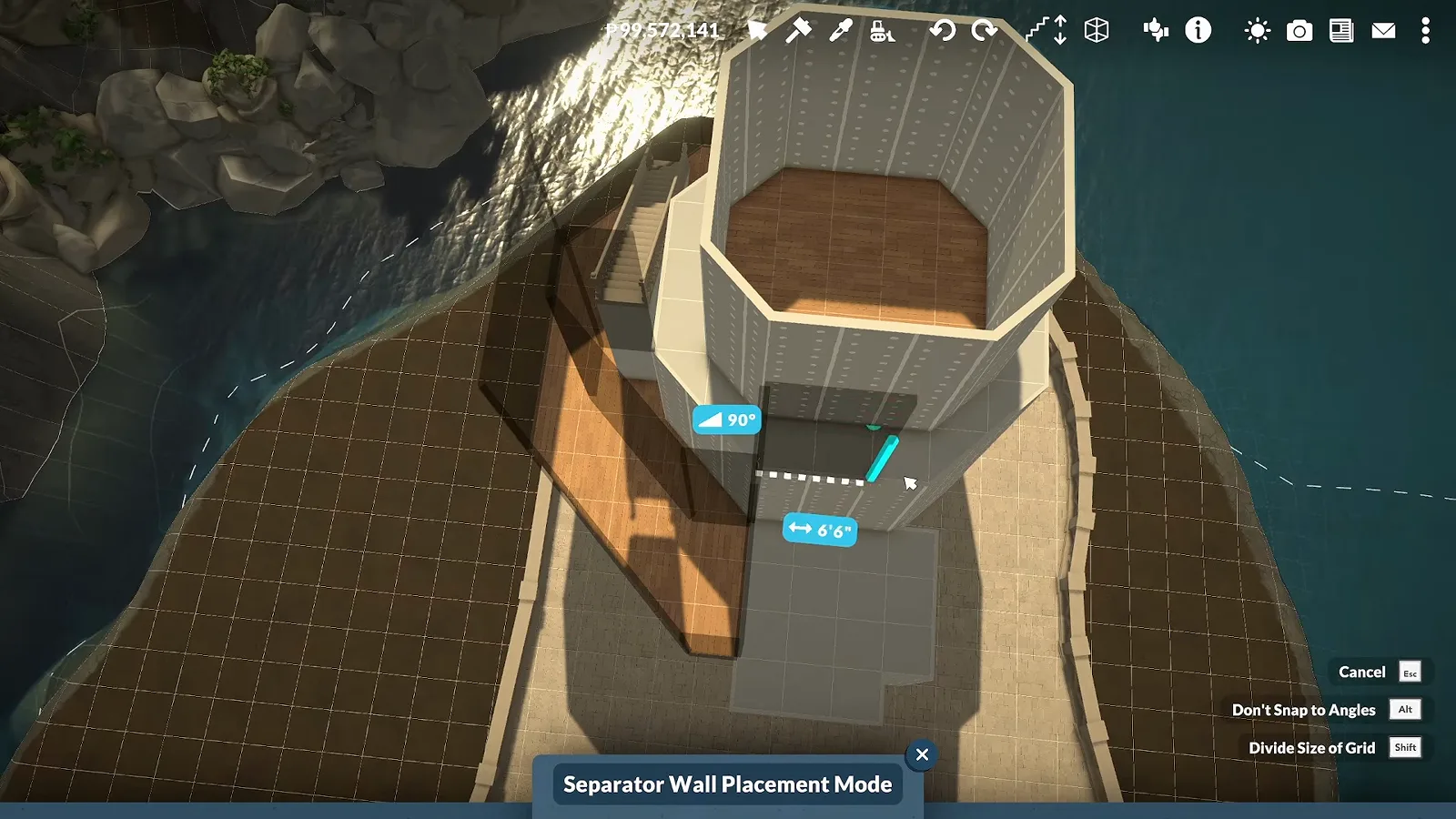
A tall point to see the ocean from — separator walls make the octagon easy.Watch at 13:30
Autumn finish
Planter roofs, market stalls and masonry paths
Planting comes last: custom planter boxes built into the main roof, then stalls dressed into little shops. Color stays neutral until the structures are placed, so nothing clashes.
- 12
Dress the market into little shops
Market stalls get crates, produce racks and themed decor until each one reads as its own shop. The decoration mods used here are mentioned but never named in the video — the stalls themselves are base game.
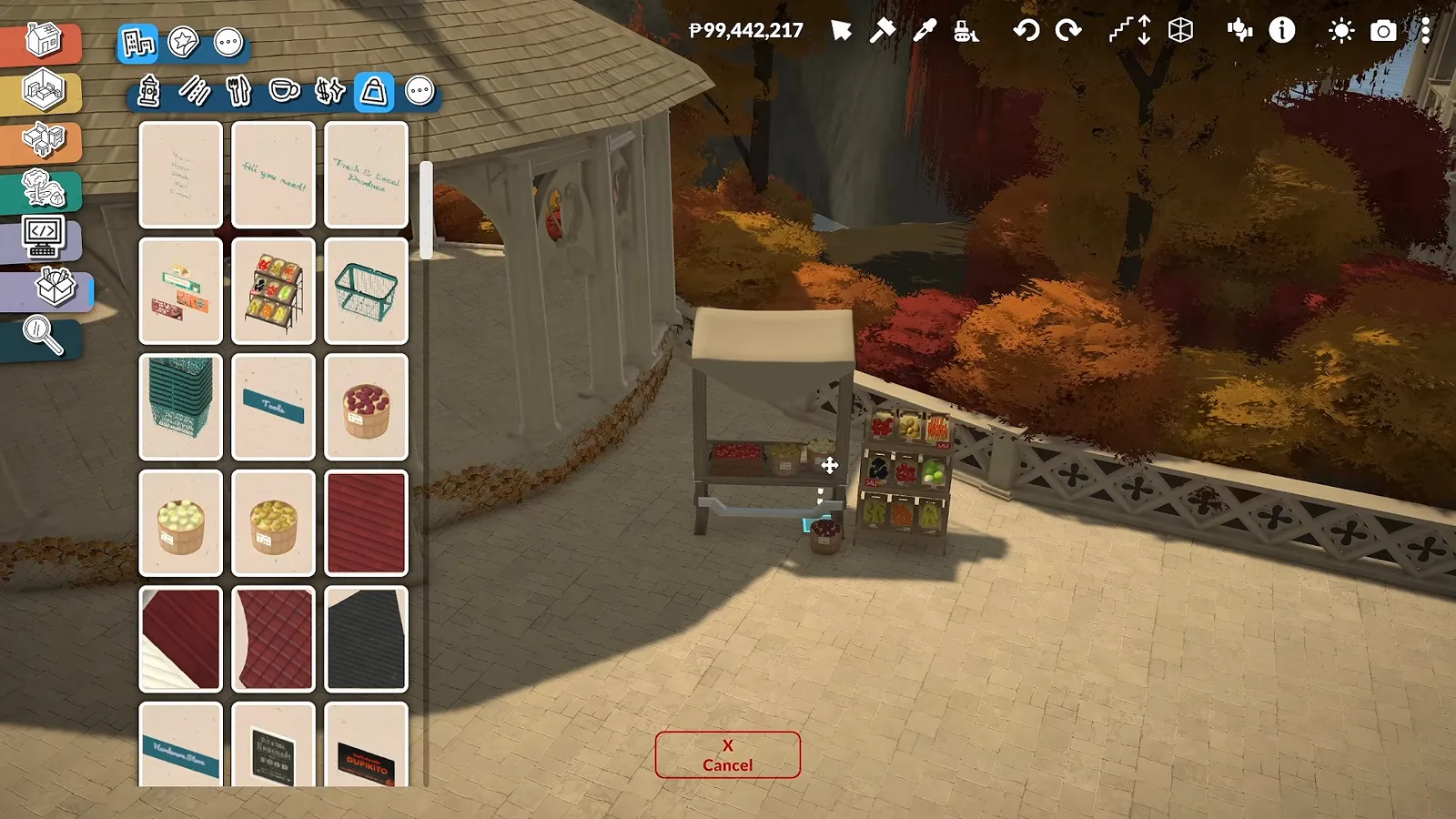
One stall, one theme — repeat until the street feels like a market.Watch at 20:22 - 13
Pave the paths in masonry
Wall masonry swatches recolor the promenade paths dark so the white buildings pop. Hardscape is what makes the merged platform read as streets rather than one big floor.
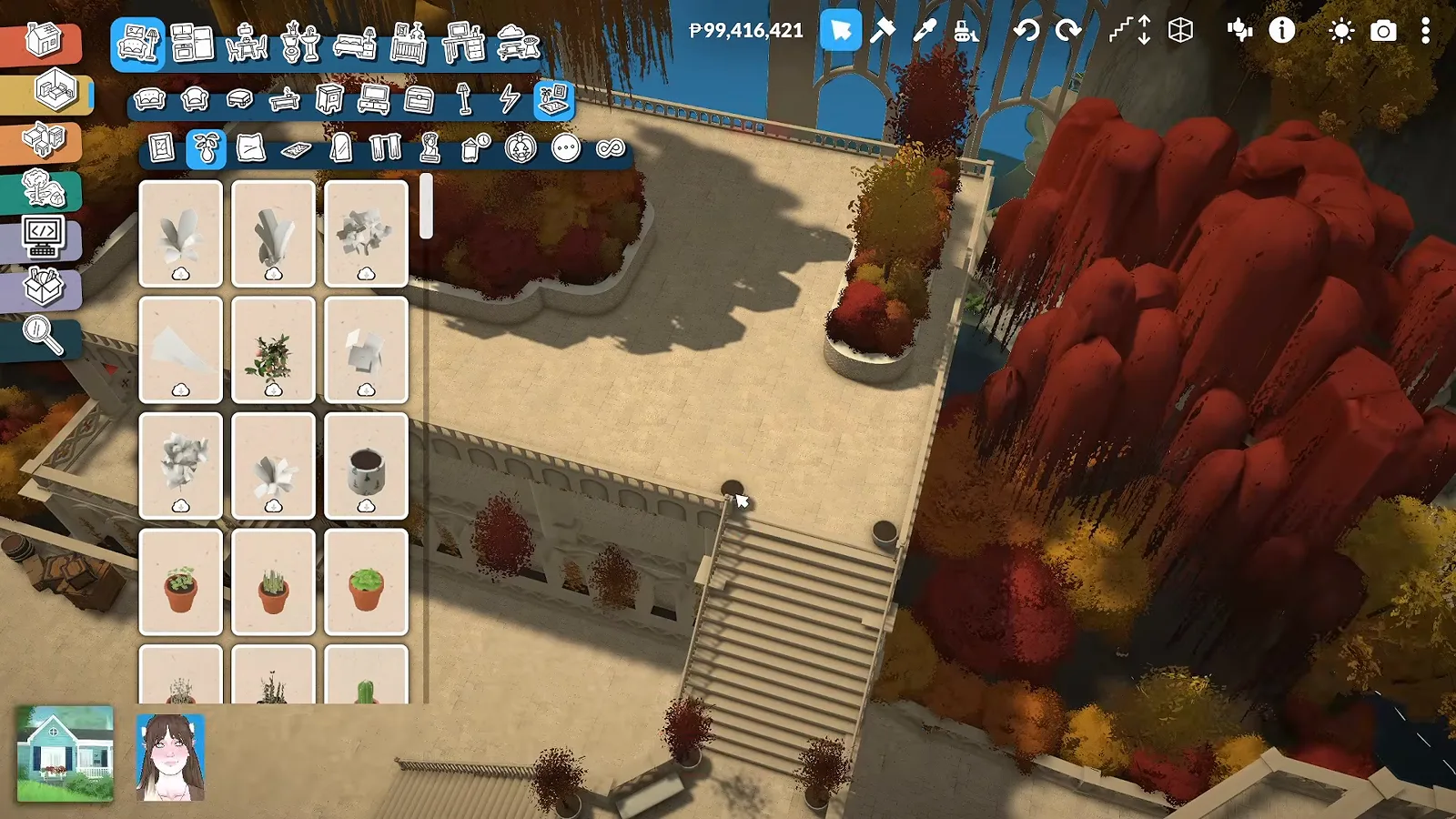
Dark paths, pale walls — contrast draws the walking line.Watch at 21:26 - 14
Frame the finish with the gates
The episode closes on the island from the water: arched gates standing on their own islets, willows overhanging the cliffs. Leave yourself one hero view before the episode ends — it will carry every thumbnail.
The hero shot: gates, cliffs and willows from a boat's eye view.Watch at 17:20
Limits and disclosure
Lots: the creator first tried mapping every building onto its own lot with an assigned type — residential, park — the way other world builders do. Connected pieces would not cooperate across separate lots, so the islands became one merged mega-lot. Whether that lot functions in live mode is never shown.
Mods: decoration mods are downloaded for the market stalls, but the video never names them. Every technique in the walkthrough above — platforms, arches, stairs, masonry — is base game.
Unverified: whether Paras can path between the islands, whether merged structures survive save and reload, and how the city changes in later episodes of the series. None of that is shown, so this page does not guess.
Fantasy island FAQ
- How do you make elven-style buildings in Paralives?
- Pick one arch piece and layer it relentlessly: arcades under bridges, colonnades around towers, layered arches over gate walls. AmityAlcove's gates and bridge use the same smaller-arch layering, and she calls arches the most used item in her whole city.
- Can you build a fantasy city without mods?
- Yes for everything shown in the walkthrough — platforms, arches, stairs and terrain tools are all base game. The only modded items in the source video are unnamed decoration pieces on the market stalls.
- Why not use curved walls for round buildings?
- In the creator's testing, fences would not place on top of curved foundation walls, and she wanted fencing around the whole platform. Straight wall runs on freehand platform shapes keep the curved look while fences keep working.
- Can each island be its own lot in a custom world?
- That was the original plan — separate lots with assigned types — but connected buildings kept breaking across lot borders, so the islands were merged into one big lot. Whether a merged lot works in live mode is unverified; the create-a-world reference page tracks the tool's current limits.
- How long does a build like this take?
- The first filming and building block alone took over thirty hours, per the narration — and that covers one island of a multi-island city. Scope your first fantasy build to a single district.
Keep building
Custom world from scratch
The blank-terrain workflow this island lives in — water, terrain layers, paint and roads.
Coastal town build
Bridges, beaches and a colorful main street in another custom world.
Create a World reference
Every world-editor limit, cheat and workaround in one page.
Witch house build
A smaller magic-themed build for when one house is enough.
Hobbit house build
Round doors and earthen roofs — cozy fantasy at house scale.