
The short version
Where the ground is not flat, platforms stand in for roads and stairs connect the levels; the beach is redrawn with the terrain tools and the lot perimeter; placed buildings need touch-up; and the water level moves, so build above the tide line.
- Road pieces need flat ground — fake roads with platforms on slopes
- Customize platform roads with stairs and brick trim
- Draw new beach lots with Lot Perimeter Placement
- Expect reconstruction on any building placed from elsewhere
- The water level rises and falls — keep floors above the tide
- Put a custom image on a wall for an instant mural house
The bridge problem
Roads where streets cannot go
The episode opens on the bridge between two districts. Street pieces want flat ground, so the elevated road is platforms all the way: a deck, stairs at the ends, and trim to make it read as a road.
- 1
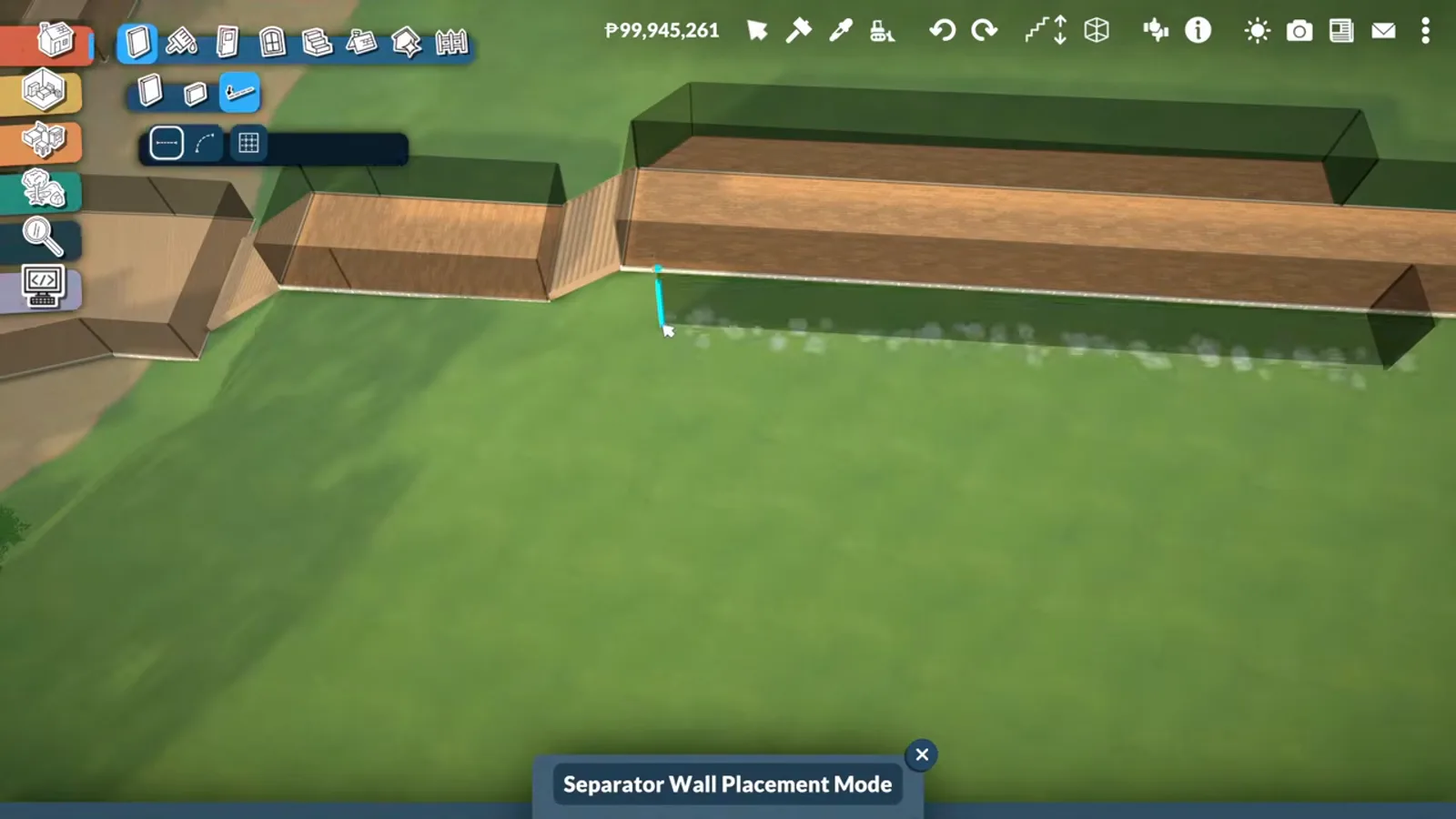
Deck the bridge with separator walls
The bridge deck is refined with Separator Wall Placement runs along its edges, squaring the parapets before any dressing. Separator walls edit existing runs without deleting them — the right tool for tightening a long structure.
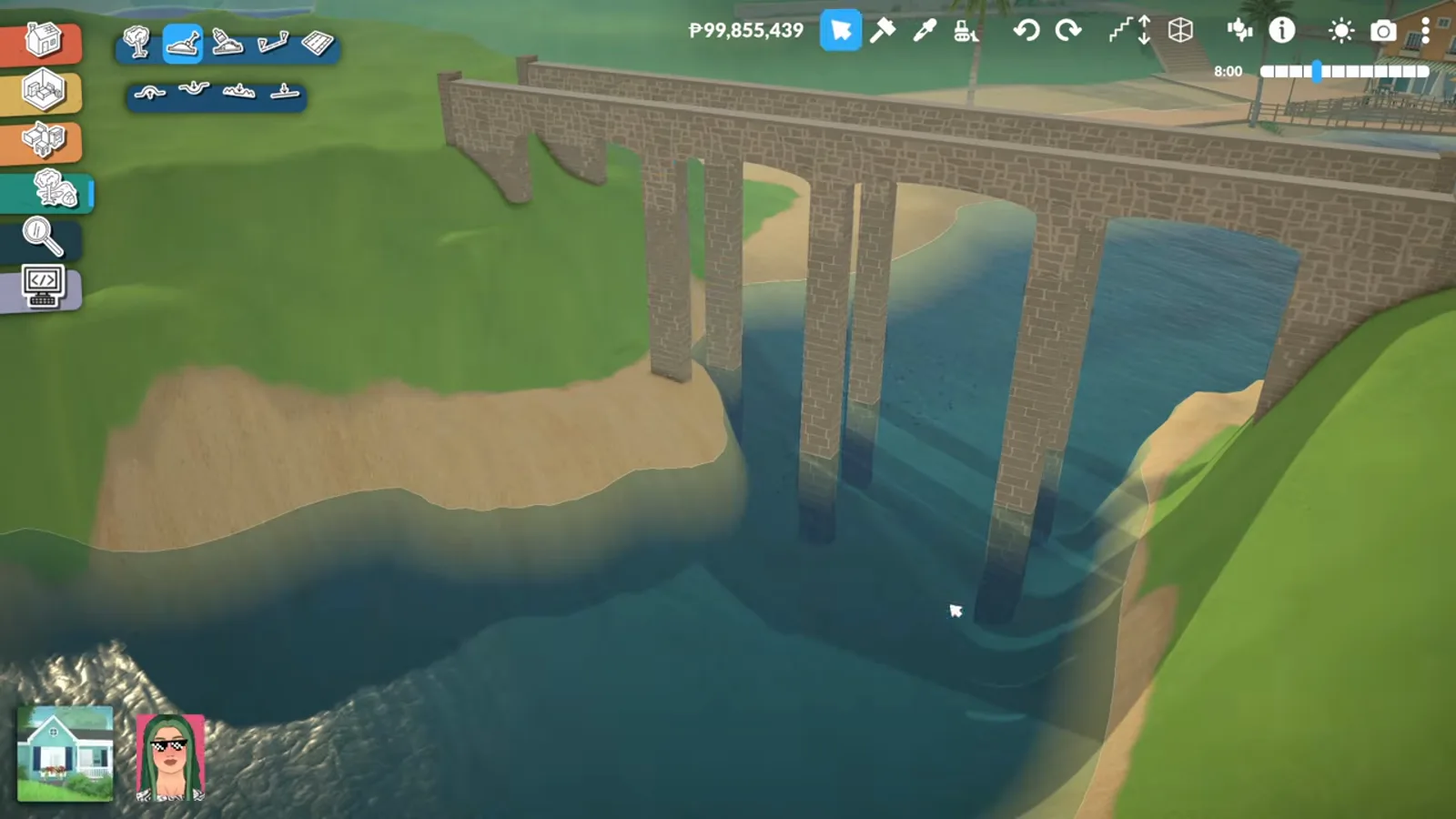
Tighten the deck edges before decorating the bridge.Watch at 0:30 - 2
Fake the road with a platform
Roads and highways are still hard on anything but flat ground, so the road up the slope is a platform built to road width. The creator says it outright: she does not know how to do it with street pieces yet — the platform is the workaround.
No flat ground, no street pieces — build the road from platform.Watch at 1:30 - 3
Add stairs where the slope drops
The stairs catalogue sits the connects onto the platform ends, and terraforming grades the ground into them. A Para walks the whole thing in the episode — the walk test is how a fake road proves it works.
Catalogue stairs + terrain grading = a climbable road.Watch at 4:20 - 4
Trim the platform edges in brick
Brick trim pieces line the platform edges so the fake road gets kerbs. The trim is the one modded piece on this page — a Workshop item the creator uses but never names; everything else is base game.
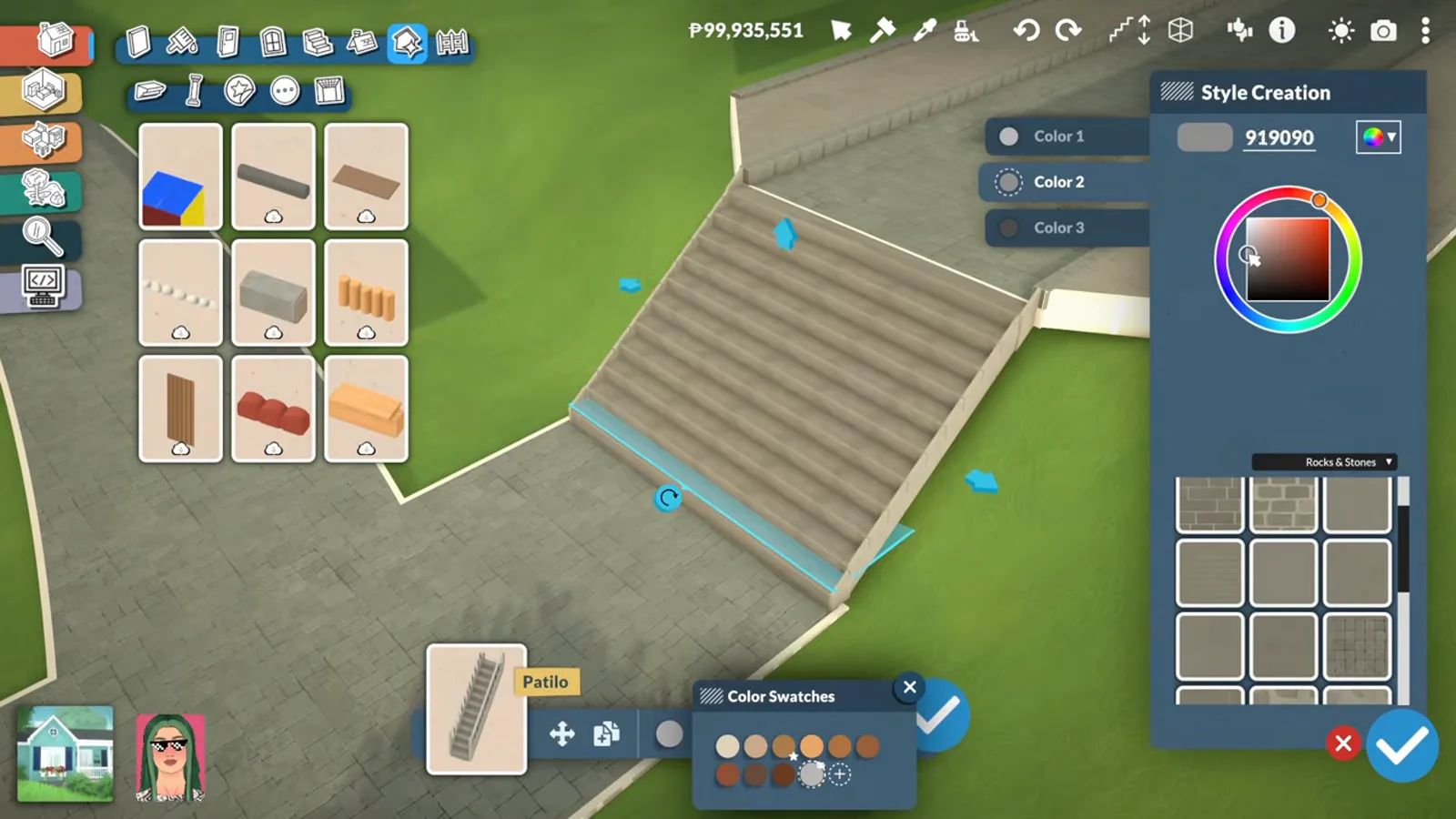
One trim piece turns a platform into a street.Watch at 5:30
The beach district
New sand, new lot, one moved-in house
The shoreline is reshaped for buildable space, a lot is drawn straight on the sand, and a beach house built in an earlier episode is placed into the world — then fixed up, planted, and raised above the tide.
- 5
Draw the new beach lot
Lot Perimeter Placement marks a buildable parcel straight onto the widened sand. Drawing the lot before placing anything is what keeps the later buildings honest to a street grid.
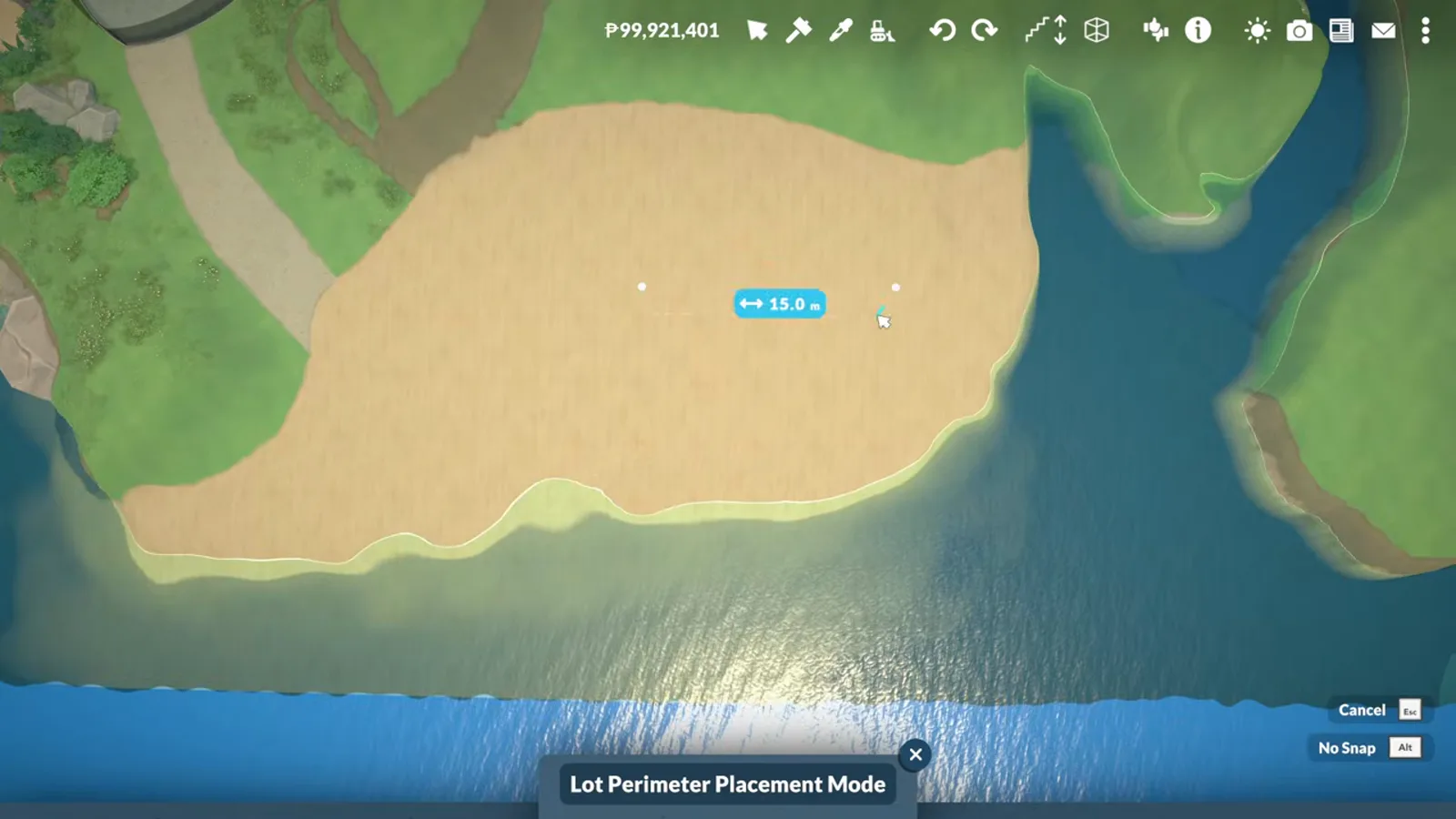
Sand first, lot second, buildings third.Watch at 10:08 - 6
Reshape the shoreline
The terrain tools push the beach out and soften the waterline so the district gains flat space. Fences marked along the new edge keep Paras honest while the ground settles.
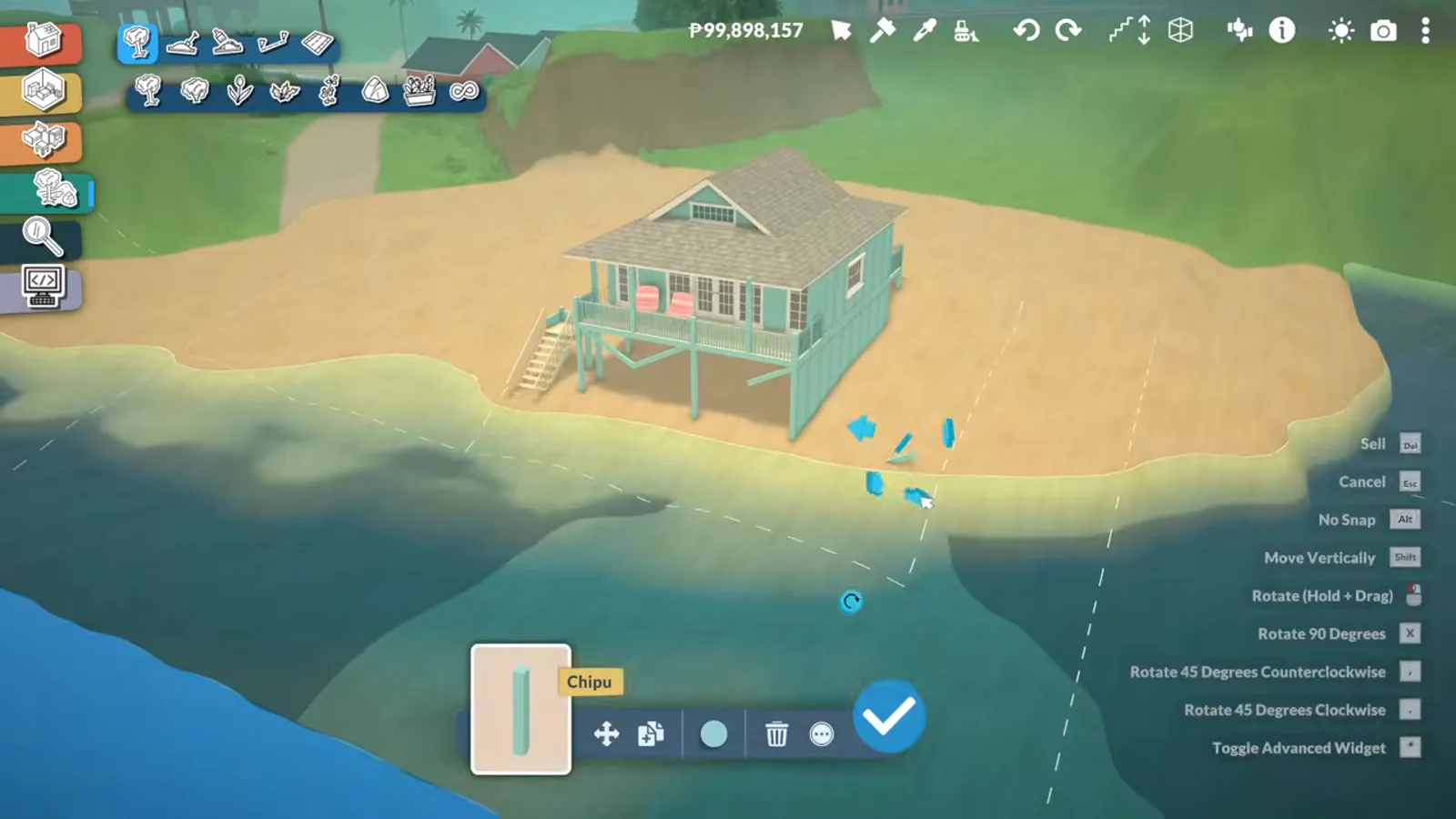
Push the sand out, fence the edge, gain a district.Watch at 10:40 - 7
Move in a pre-built house
The beach house was built in an earlier episode and is placed into the world as a finished lot. The catch, per the creator: every placed building needs reconstruction afterwards — walls and floors shift in transit.
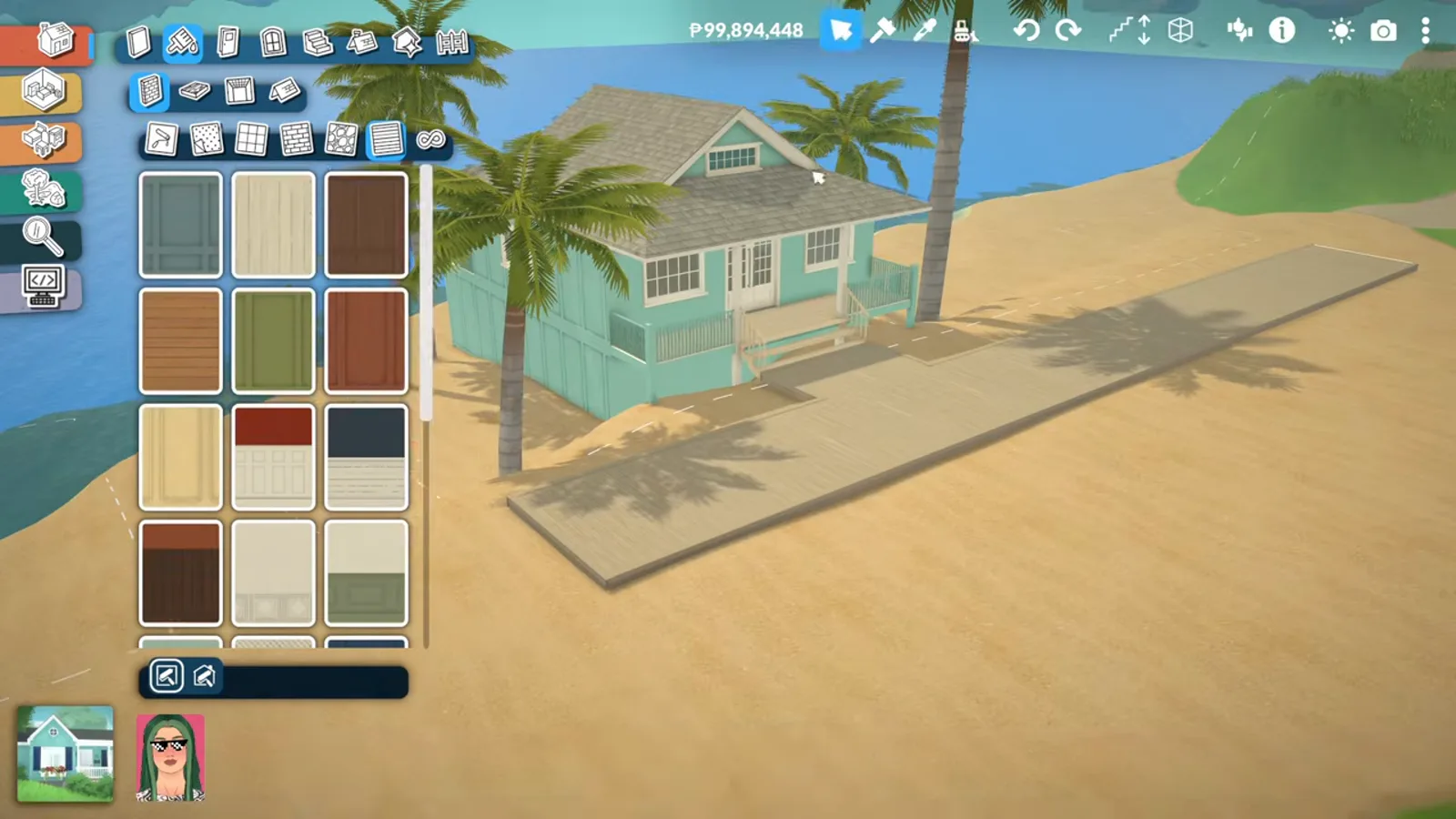
Placing is easy; the touch-up pass is mandatory.Watch at 12:35 - 8
Plant the dunes back
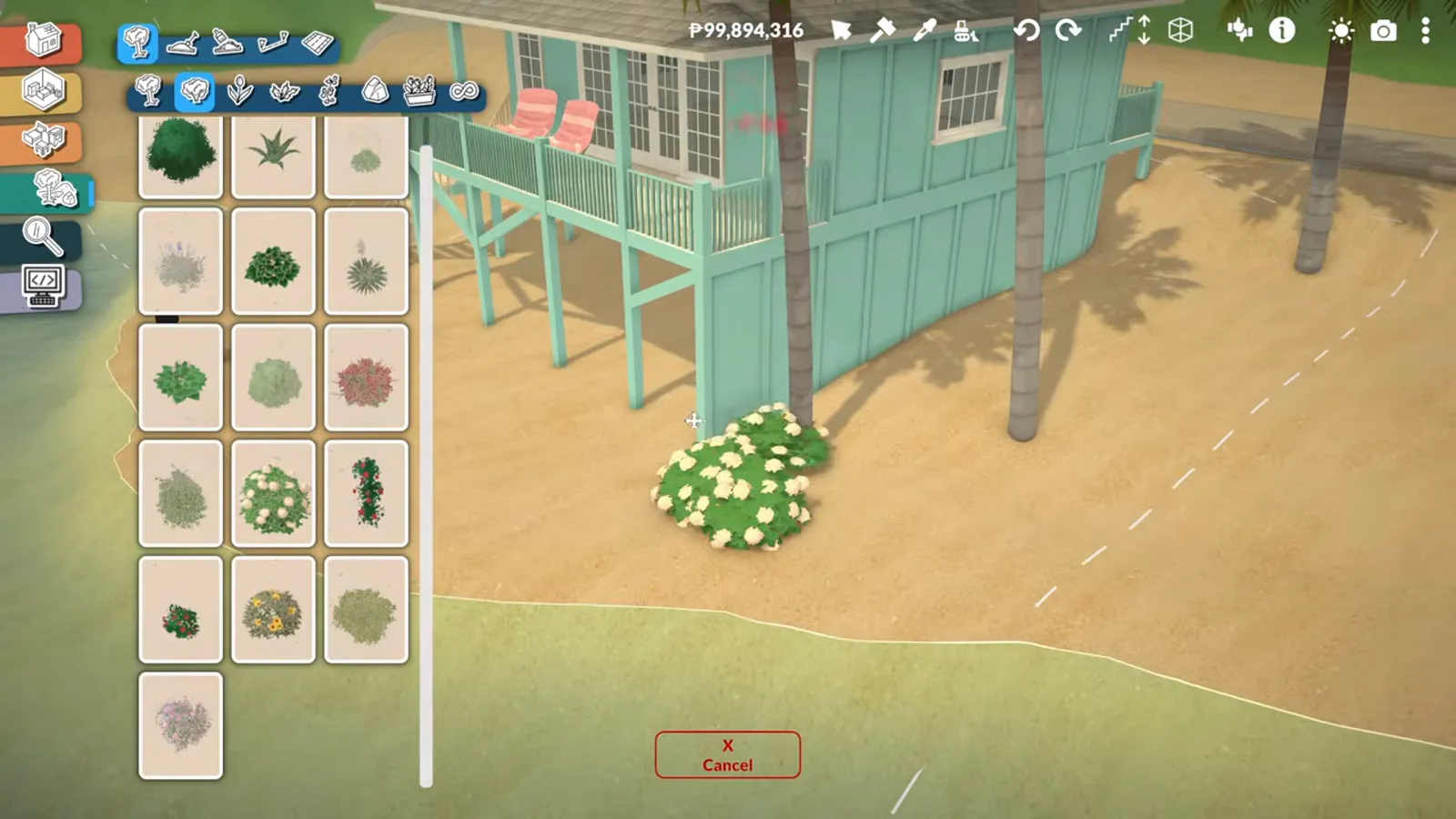
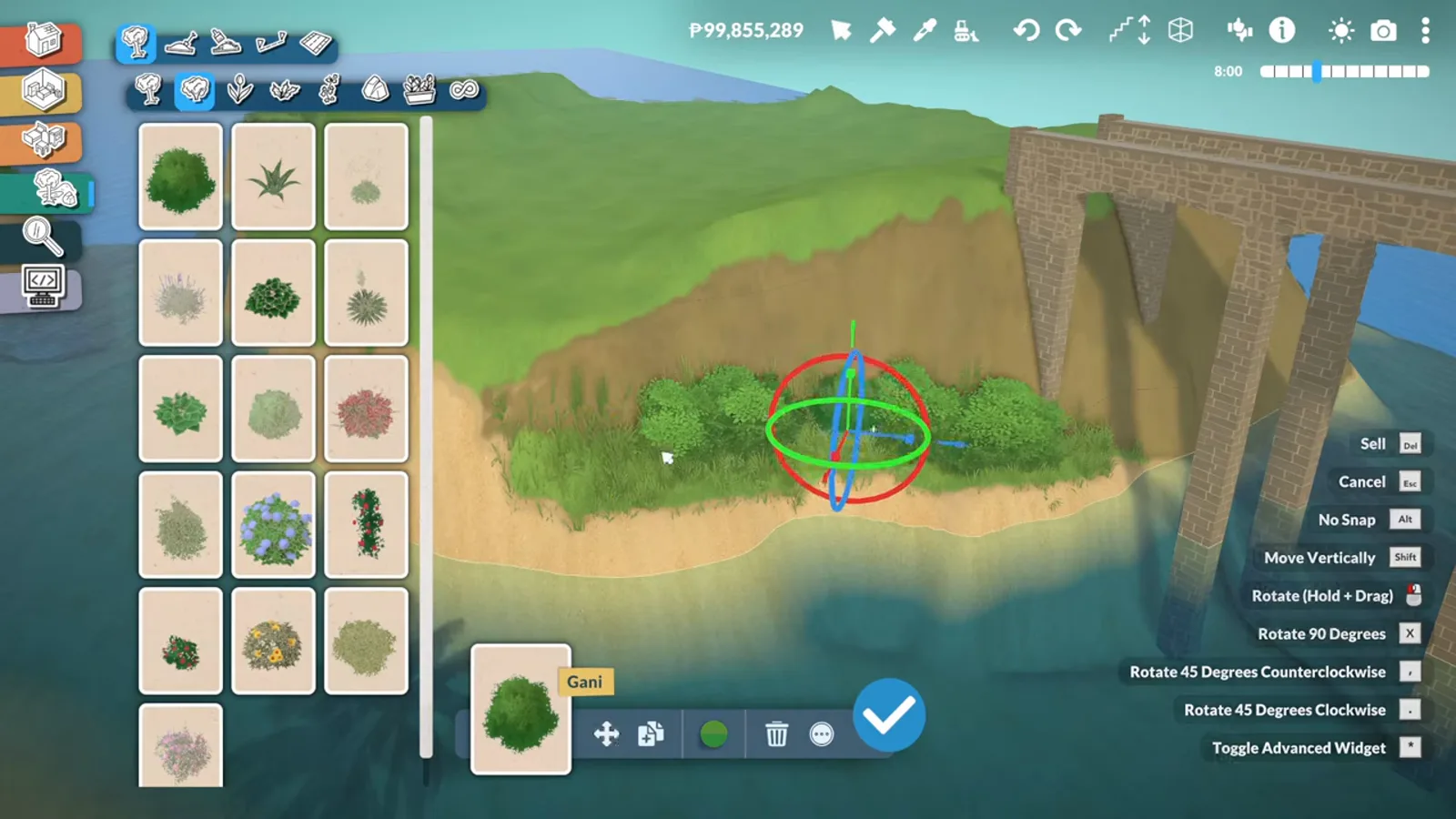
Bushes, flowers and grasses go in around the stilts so the house sits in a dune instead of on a slab. Coastal planting is also what hides the harsh terrain-paint edge at the waterline.
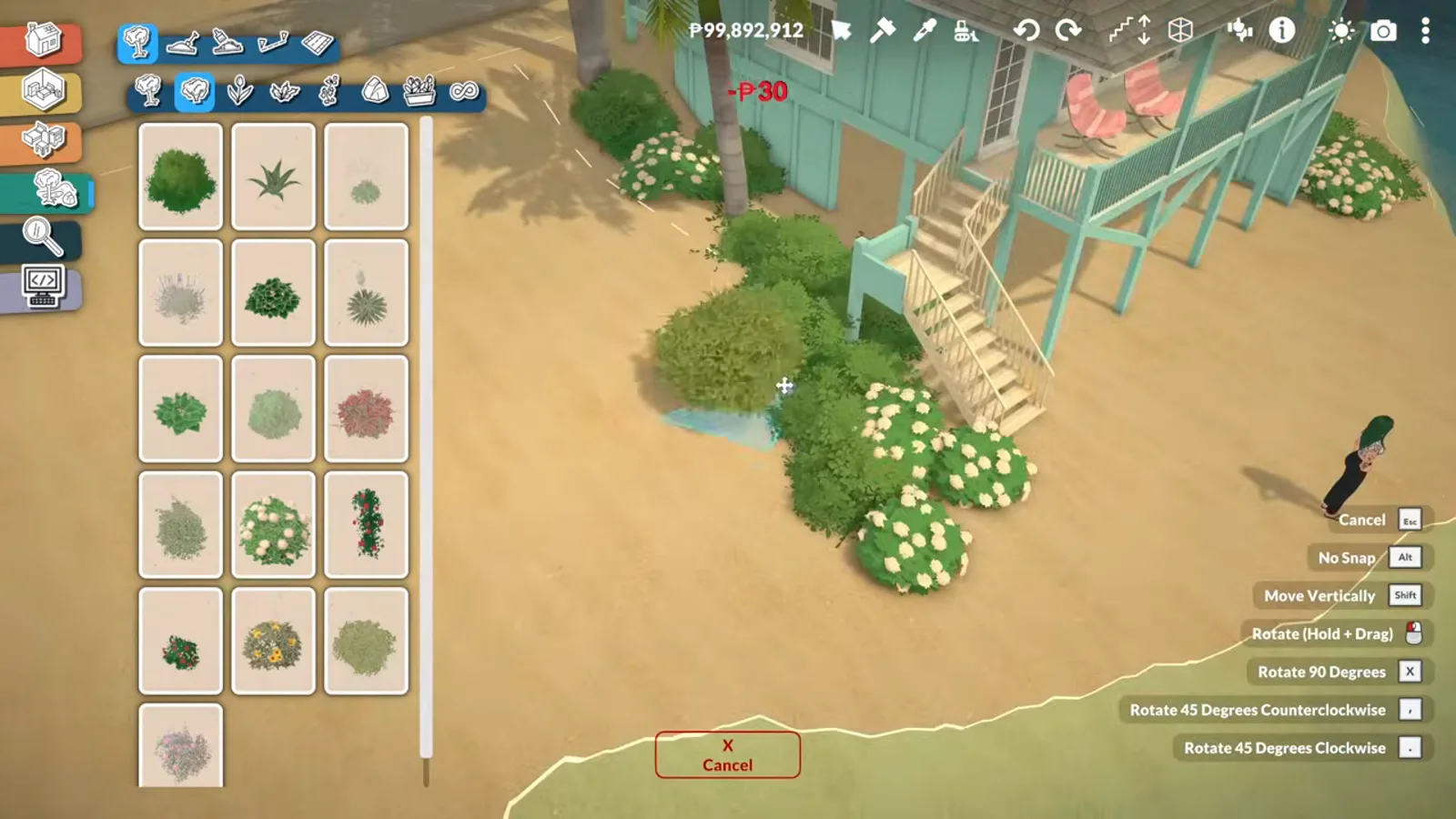
Dune planting hides every hard edge you left.Watch at 12:50 - 9
Build above the tide line
The discovery of the episode: the water level rises and falls, and the beach is often submerged. The house area is reshaped so water stays out — a Para's feet got wet at the shoreline, but no further.
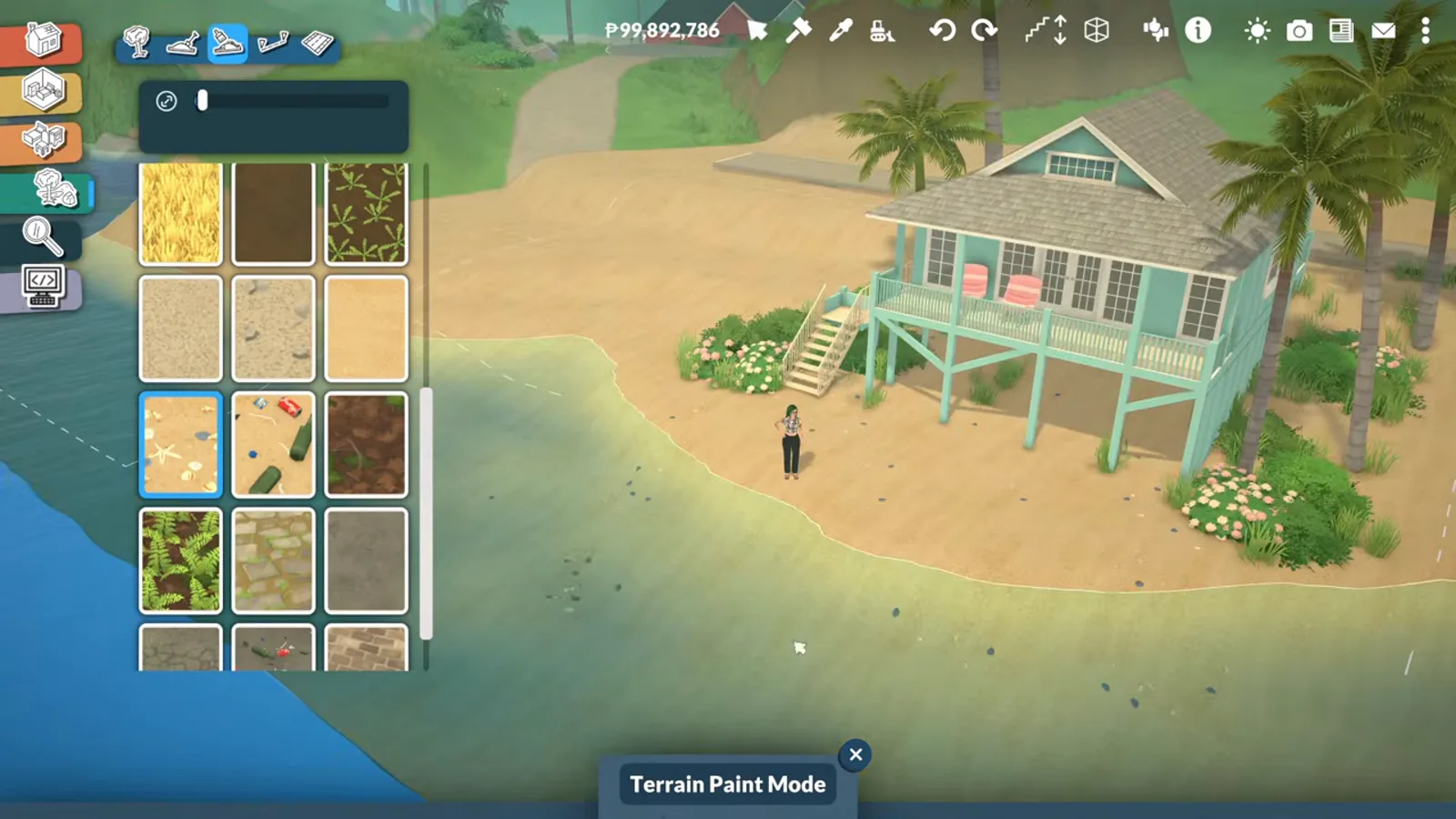
The tide is real — grade the lot above the high-water line.Watch at 13:20
Main street
Colorful facades and a mural house
The town's spine is a long street of yellow, blue and pink houses with lamps and planter boxes — and at the end, a house wearing a custom-image mural with vines over an abandoned-looking facade.
- 10
Line the main street in color
The town spine is a long street of houses painted yellow, blue and pink — a saved color style keeps the palette consistent while each house varies. Lamps and planter boxes come with the facades.
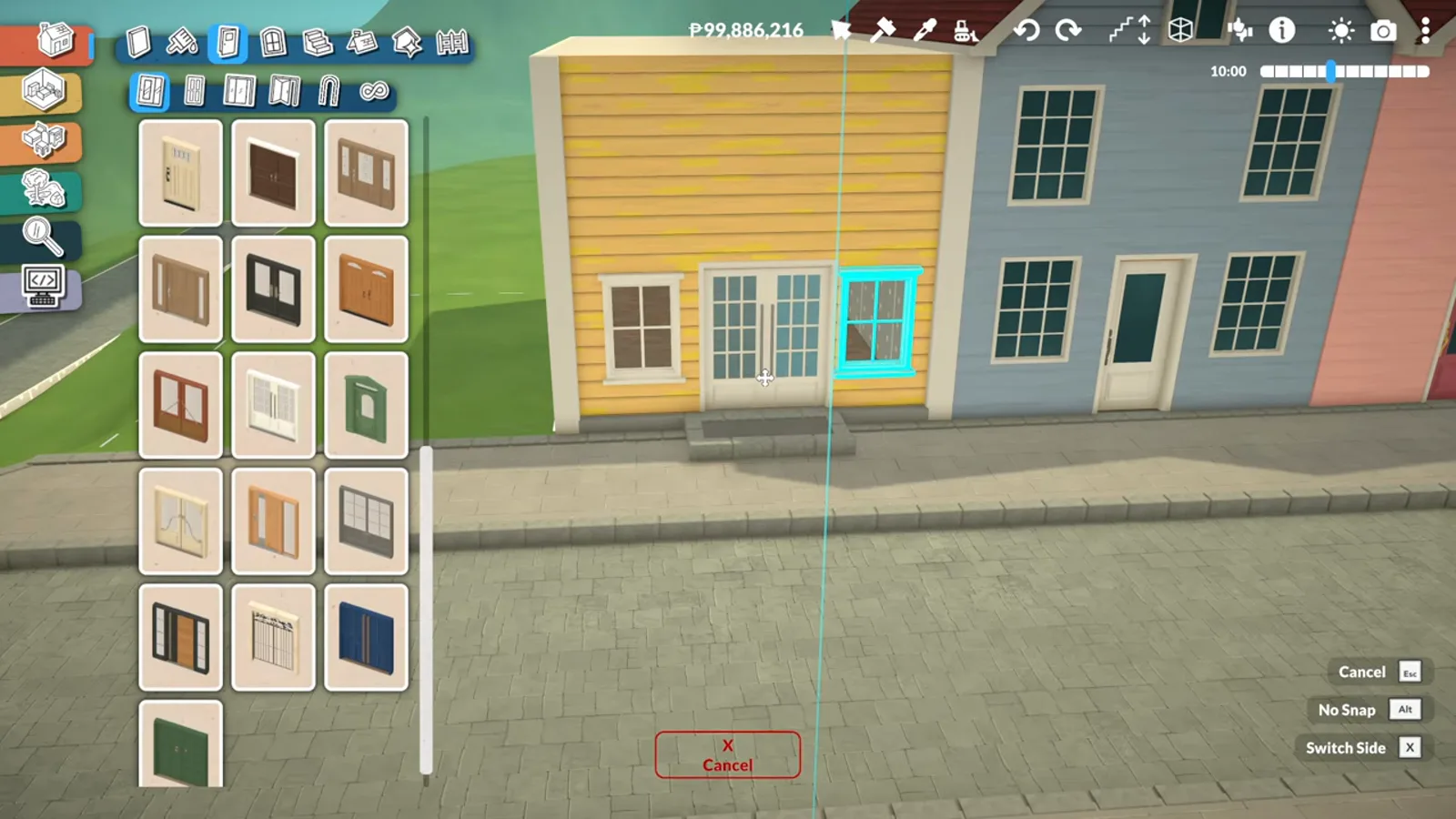
One palette, many houses — the street reads as a set.Watch at 16:25 - 11
Dress the street furniture
Windows, doors and lamp posts are swapped per house so the row varies at eye level. This is also where brick trim and planters land — the small items that make a street feel maintained.
Eye-level variation is what makes the row feel real.Watch at 22:30 - 12
Give one house a mural
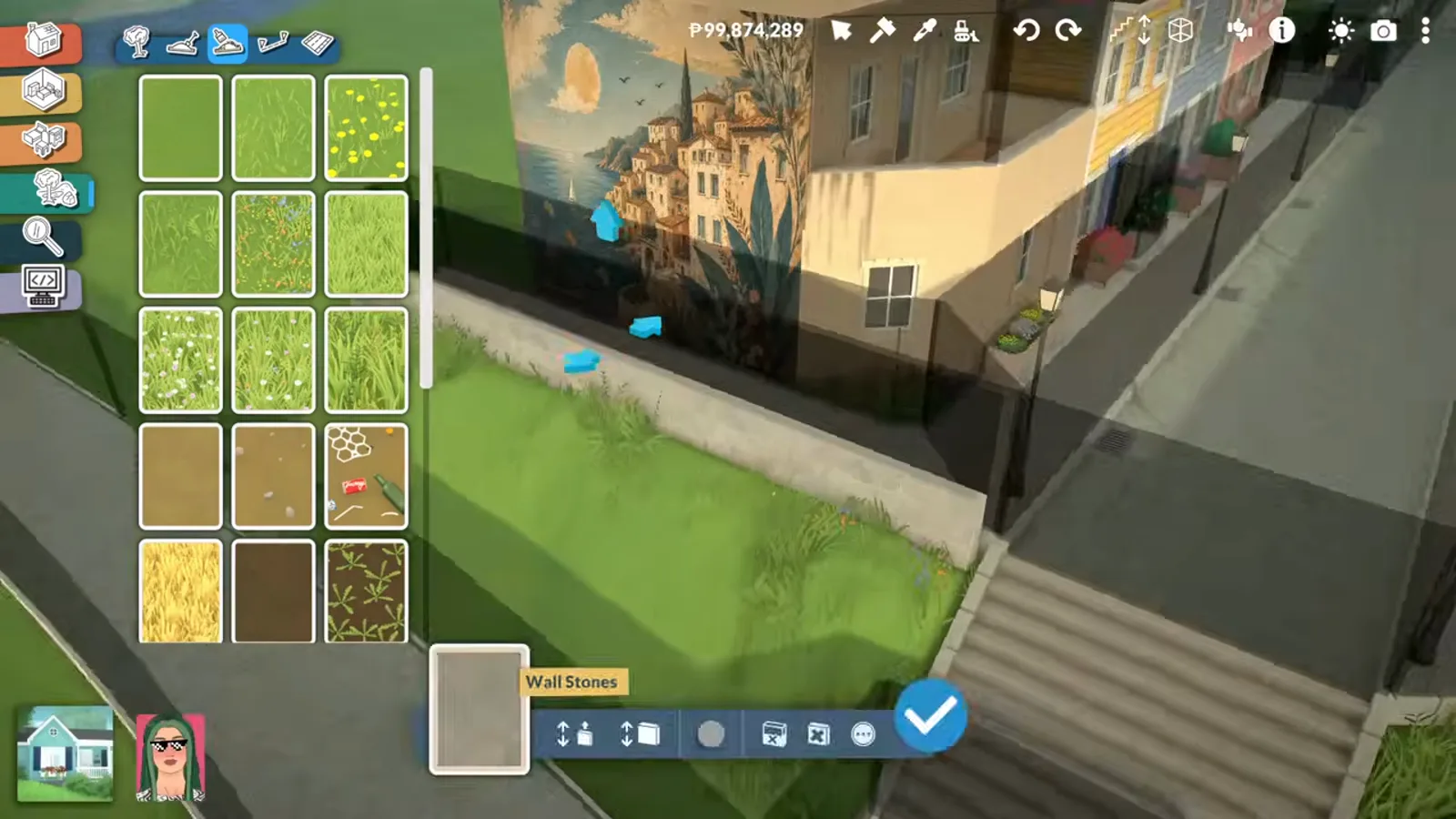
A custom image is stuck onto the street-facing wall through the picture frame customization, then blended with vines and muted trim until it reads as painted-on plaster — an old, unmaintained house by design.
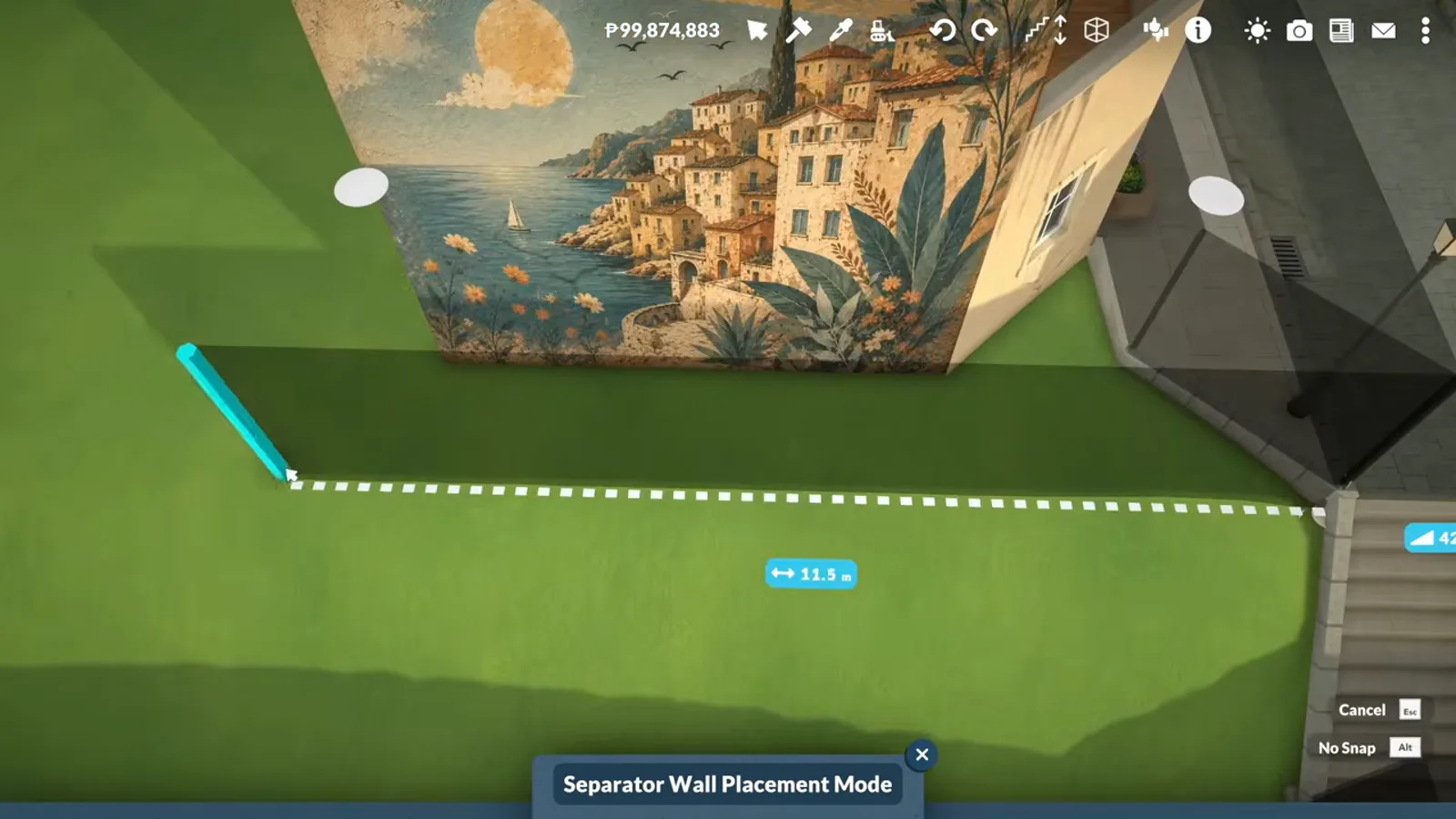
Custom image + vines = a mural the street gathers around.Watch at 21:45
Mods and disclosure
One mod appears on this page: the brick trim lining the platform road comes from a Workshop item the creator uses. Neither the video nor its description names it, so this page does not guess at the author — check her Workshop collection if you want the exact piece.
The mural is not a mod: custom images go on walls through the base-game picture frame customization. Platforms, stairs, terrain tools and the lot perimeter are all base game too.
Unverified: how far and how fast the tide moves (one episode, no measurements), and whether lots drawn on the sand work as residential in live mode — the episode tests walking, not occupancy.
Coastal town FAQ
- Can you build roads on a slope in Paralives?
- Street pieces need flat ground, so on slopes this page's workaround is a platform built to road width, stairs at the ends, and trim along the edges. The episode's creator walks a Para across hers to prove it works.
- Does the water level change in Paralives?
- In this custom world it does — the creator notices the beach is often submerged because the water rises and falls, then reshapes her lot so water stays out of the house. How far or fast the tide moves is not measured, so treat the range as unverified.
- Can I place a house I built earlier into my custom world?
- Yes — the beach house here was built in an earlier video and placed as a finished lot. Expect a reconstruction pass afterwards: the creator says walls and floors shift every time she places a building from elsewhere.
- How do you put a mural on a house in Paralives?
- Use the picture frame customization to put a custom image on the wall, then blend it in — the mural house here adds vines and muted trim so the image reads as painted plaster rather than a poster.
- Do you need mods for a coastal town?
- No for everything in the walkthrough except one cosmetic: the brick trim on the platform road is a Workshop mod the creator never names. Roads-by-platform, the beach, the street and the mural are all base game.
Keep building
Custom world from scratch
The blank-terrain workflow this town grows in.
Fantasy island build
The same custom-world energy with elven arches instead.
Custom city seasoning
Trees, docks and wildlife for a finished city.
Coastal house build
A single beach house, from empty lot to interior.
Terrain tools reference
Every terrain mode the shoreline work relies on.